
Introduction
Welcome to your Apple iPhone 16 user manual. This guide will walk you through the essential steps to set up, operate, maintain, and troubleshoot your renewed iPhone 16. Designed for optimal performance and user experience, your device combines advanced technology with intuitive design.
Video: Unboxing the Pink iPhone 16. This video demonstrates the unboxing process of the pink iPhone 16, highlighting its appearance and initial presentation.
Setup
Follow these steps to get your iPhone 16 ready for use:
- Power On: Press and hold the Side button until the Apple logo appears.
- Initial Configuration: Follow the on-screen instructions to select your language, region, and connect to a Wi-Fi network.
- Face ID & Passcode: Set up Face ID for secure facial recognition and create a strong passcode.
- Apple ID: Sign in with your Apple ID or create a new one to access iCloud, App Store, and other Apple services.
- Data Transfer: If you have a previous device, you can transfer your data during setup or later.
- SIM Card: Your iPhone 16 supports Dual eSIM. Follow your carrier's instructions to activate your eSIM. This device is unlocked and compatible with both GSM & CDMA carriers including AT&T, T-Mobile, Verizon, and Sprint.
Video: Unboxing a new iPhone. This video shows the unboxing experience of a new iPhone, including peeling off the protective film and revealing the device.
Operating Your iPhone 16
Display
Your iPhone 16 features a vibrant 6.1-inch Super Retina XDR OLED display with HDR10 and Dolby Vision. It offers typical brightness of 1000 nits and a peak brightness of 2000 nits (HBM), ensuring excellent visibility even in bright conditions. The display resolution is 2556x1179 pixels at 460ppi, providing sharp and clear visuals. It operates at a 60 Hz refresh rate.
Performance
Equipped with the powerful Apple A18 (3nm) chip, your iPhone 16 delivers exceptional performance. It features a Hexa-core CPU (2x4.04 GHz + 4x2.20 GHz), an Apple GPU 5-core, and a 16-core Neural Engine for advanced AI capabilities. With 8GB of RAM, multitasking and demanding applications run smoothly.
Camera System
Capture stunning photos and videos with the advanced camera system:
- Rear Camera: 48MP wide (f/1.6) + 12MP ultrawide (f/2.2).
- Front Camera: 12MP wide (f/1.9).
- Video Recording: Supports 1080p and 4K video capture at 25 fps, 30 fps, and 60 fps.

Image: Pink Apple iPhone 16. This image displays the back of the pink Apple iPhone 16, showcasing its dual camera system and the Apple logo.
Action Button
The new Action Button provides quick access to various functions. You can customize it to perform actions like activating the camera, flashlight, voice memos, or accessibility features. Press and hold to activate the assigned function.
Video: Check out my Apple iPhone 16! This video provides a personal review and demonstration of the Apple iPhone 16, highlighting its features and user experience.
Maintenance
Battery Care
Your iPhone 16 is equipped with a 3561 mAh battery, offering an average life of 22 hours. To prolong battery lifespan:
- Avoid extreme temperatures.
- Optimize Battery Charging feature helps reduce battery aging.
- Use Wireless Charging for convenience.
Water Resistance
The iPhone 16 is water resistant. While it can withstand splashes and brief immersion, it is not waterproof. Avoid prolonged exposure to water or liquids.
General Care
- Clean your device regularly with a soft, lint-free cloth.
- Avoid using abrasive materials or harsh chemicals.
- Protect the screen with a screen protector and use a case to prevent physical damage.
Troubleshooting
If you encounter issues with your iPhone 16, try the following common solutions:
- Restart Device: A simple restart can resolve many minor software glitches.
- Check Settings: Verify all relevant settings for the feature you are having trouble with.
- Software Update: Ensure your iOS is up to date (iOS 18, upgradable to iOS 18.5).
- Factory Reset: As a last resort, you may perform a factory reset (ensure you back up your data first).
For hardware-related issues or persistent problems, refer to the Warranty and Support section.
Specifications
| Feature | Detail |
|---|---|
| Brand | Apple |
| Model Name | Apple iPhone 16 |
| Operating System | iOS 18 (upgradable to iOS 18.5) |
| CPU Model | Apple A18 (3nm), Hexa-core |
| RAM Memory | 8 GB |
| Memory Storage Capacity | 128 GB |
| Screen Size | 6.1 Inches Super Retina XDR OLED |
| Resolution | 2556 x 1179 pixels (460 ppi) |
| Refresh Rate | 60 Hz |
| Rear Camera | 48MP (f/1.6, wide) + 12MP (f/2.2, ultrawide) |
| Front Camera | 12MP (f/1.9, wide) |
| Battery Capacity | 3561 mAh (Average Life: 22 Hours) |
| Connectivity | 5G, Dual eSIM, USB Type C, Wi-Fi, Bluetooth, Infrared |
| Wireless Provider | Unlocked for All Carriers |
| Water Resistance Level | Water Resistant |
| Item Dimensions | 5.81 x 2.82 x 0.31 inches |
| Item Weight | 0.37 Pounds |
| Built-In Media | Apple iPhone 16, USB Cable |
Warranty and Support
Your Apple iPhone 16 (Renewed) is covered by a 90-Day Amazon Renewed Guarantee. This warranty ensures that your device is fully functional and comes with generic or original accessories and packaging. For any issues or support, please contact Amazon Renewed customer service.
For more information about Amazon Renewed products, visit the Amazon Renewed Store.

Image: Amazon Renewed Conditions. This image illustrates the different cosmetic conditions (Excellent, Good, Acceptable) for Amazon Renewed products, detailing criteria for body damage and battery life.
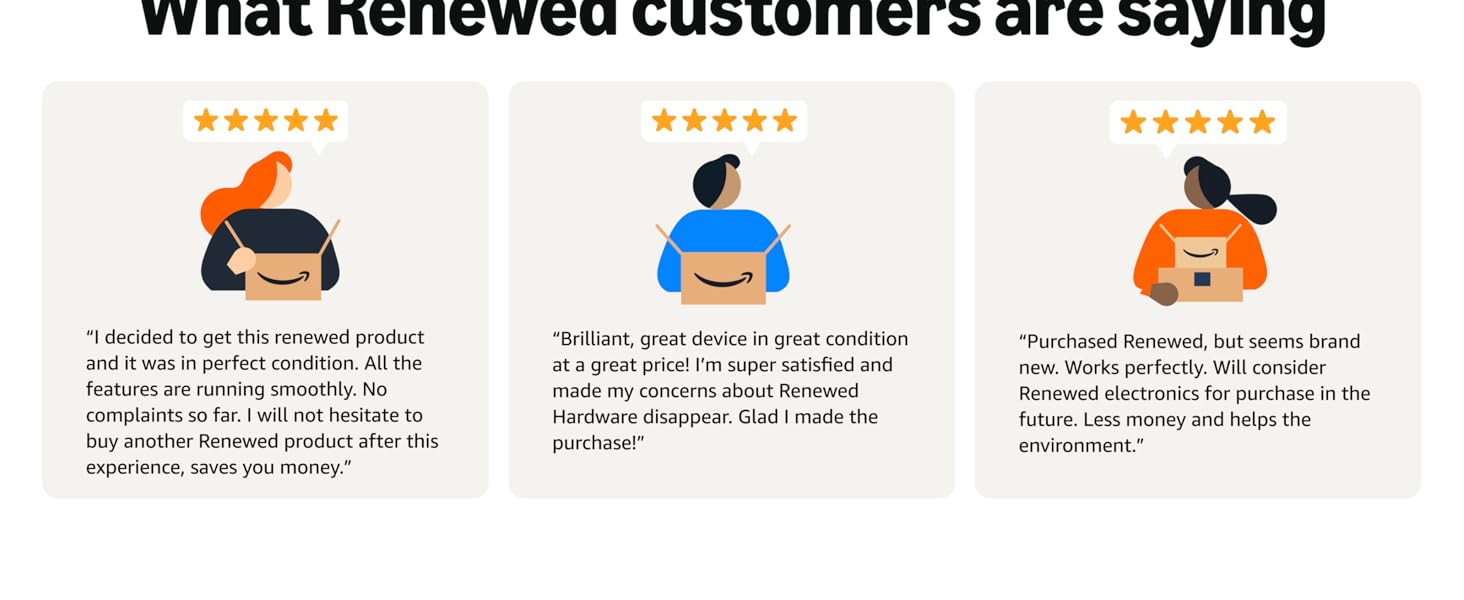
Image: What Renewed Customers Are Saying. This image presents testimonials from satisfied Amazon Renewed customers, emphasizing product quality and value.


