
1. Introduction
Thank you for purchasing the Monster Portable Bluetooth Speaker. This speaker is designed to deliver a powerful and immersive audio experience with its 40W loud stereo sound. Featuring a compact and portable design with a handle, it is ideal for both indoor and outdoor use. This manual provides detailed instructions on how to set up, operate, and maintain your speaker to ensure optimal performance.
2. Product Features
- Pure Monster Sound: Equipped with Monster's unique Pure Sound technology, fine-tuned for impactful music. Features a built-in coaxial horn for loud, undistorted treble and delicate sound control.
- Multiple Connectivity Options: Supports AUX input, TF card slot, USB drive playback, and FM radio.
- Compact and Portable Design: Features a removable silicone strap and adjustable shoulder strap for easy transport, making it perfect for on-the-go use.
- Long Battery Life: Powered by a high-capacity lithium-ion battery, providing up to 12 hours of continuous playback on a single charge.
- Easy Bluetooth Pairing: Advanced Bluetooth 5.3 technology ensures seamless music streaming with stable connection, delivering crisp and clear sound without distortion.
3. Package Contents
Please check the package for the following items:
- Monster Portable Bluetooth Speaker
- Quick Start Guide
- Charging Cable (USB-C)
- Shoulder Strap
4. Product Overview
4.1 Speaker Design and Portability

Figure 1: Front view of the Monster Portable Bluetooth Speaker, showcasing its black body, red handle, and speaker grille.

Figure 2: The speaker's versatile design allows for easy carrying by hand using the integrated handle or over the shoulder with the detachable strap.
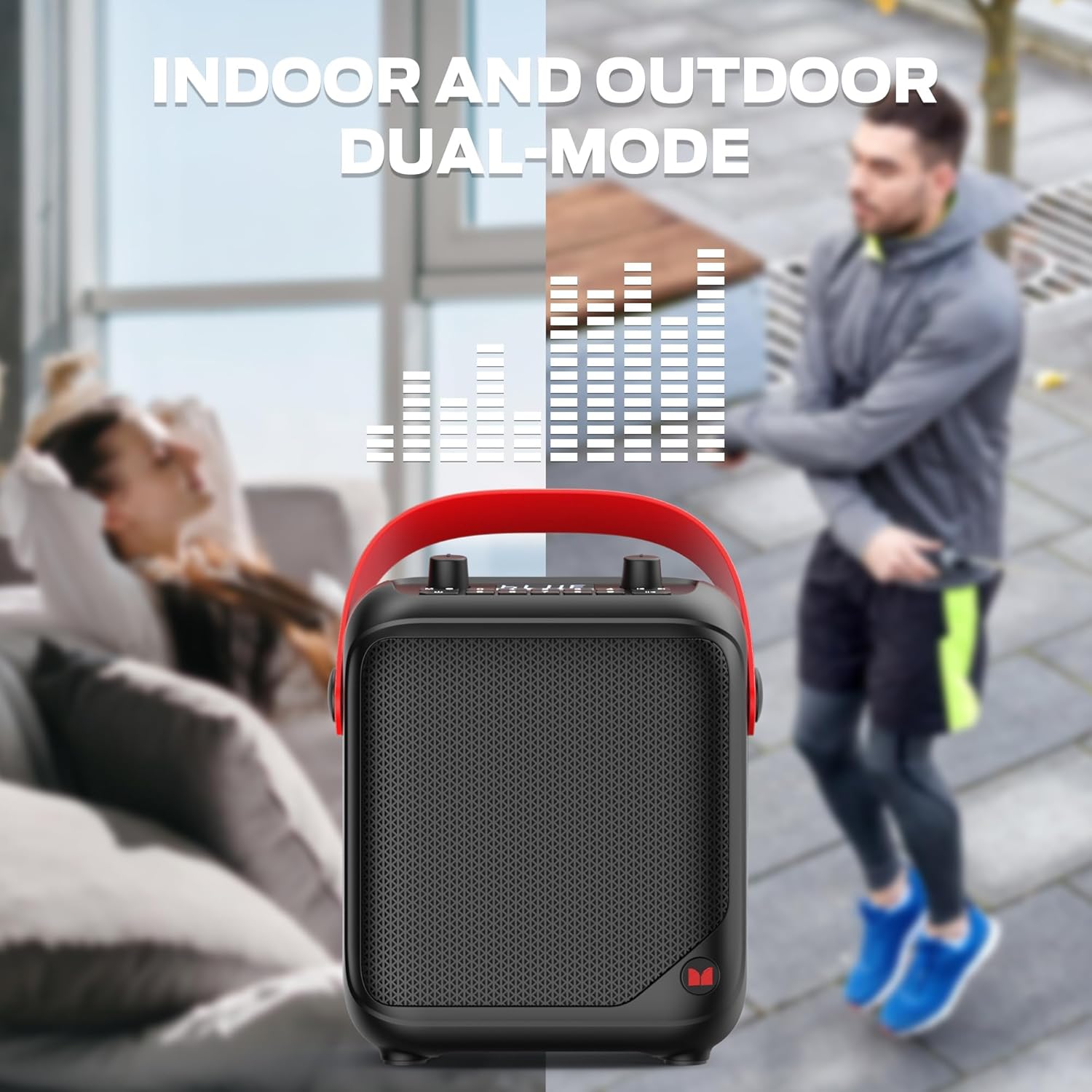
Figure 3: Designed for both indoor relaxation and outdoor activities, providing versatile audio enjoyment.
4.2 Control Panel

Figure 4: Close-up of the speaker's top panel, showing the display, volume knobs, and playback control buttons.
- Power Button: Press and hold to turn the speaker on or off.
- Mode Button (M): Press to cycle through input modes (Bluetooth, AUX, TF Card, USB, FM Radio).
- Master Volume Knob: Adjusts the overall volume level of the speaker.
- MIC Volume Knob: Adjusts the volume of the connected microphone.
- Playback Controls: Buttons for Play/Pause, Next Track/Station, Previous Track/Station.
- Numeric Buttons (0-9): For direct input or FM station selection.
4.3 Input Ports

Figure 5: Side view illustrating the various input ports for versatile connectivity.
- MIC IN: 6.35mm jack for connecting an external microphone.
- AUX IN: 3.5mm audio input for wired connections to external audio sources.
- USB Port: Standard USB-A port for playing music directly from a USB flash drive.
- TF Card Slot: Slot for inserting a TF (microSD) card to play stored audio files.
- USB-C Port: Used for charging the speaker's internal battery.
5. Setup
5.1 Initial Charging
Before first use, fully charge the speaker. Connect the provided USB-C charging cable to the speaker's USB-C port and the other end to a compatible USB power adapter (not included). The charging indicator will show the charging status and turn off when fully charged.
5.2 Powering On/Off
- To Power On: Press and hold the Power button (usually marked with a power symbol) on the control panel until the display lights up.
- To Power Off: Press and hold the Power button again until the display turns off.
6. Operating Instructions
6.1 Bluetooth Mode
- Ensure the speaker is powered on. It will automatically enter Bluetooth pairing mode, indicated by a flashing "BLUE" on the display.
- On your device (smartphone, tablet, etc.), enable Bluetooth and search for available devices.
- Select "Monster MS22139" (or similar name) from the list of devices.
- Once paired, the speaker will emit a confirmation sound, and "BLUE" on the display will stop flashing.
- You can now play audio from your device through the speaker.
6.2 AUX Input Mode
- Connect one end of a 3.5mm audio cable (not included) to the AUX IN port on the speaker.
- Connect the other end of the cable to the audio output jack of your external device (e.g., MP3 player, computer).
- The speaker should automatically switch to AUX mode. If not, press the Mode button (M) to cycle through modes until AUX is selected.
- Control playback and volume from your connected device or the speaker's master volume knob.
6.3 TF Card / USB Playback Mode
- Insert a TF (microSD) card or USB flash drive into the respective slot on the speaker. Ensure the card/drive contains compatible audio files (e.g., MP3).
- The speaker will automatically detect the storage device and begin playing audio. If not, press the Mode button (M) to switch to TF or USB mode.
- Use the playback control buttons (Play/Pause, Next, Previous) on the speaker to manage your music.
6.4 FM Radio Mode
- Press the Mode button (M) to switch to FM Radio mode.
- Press and hold the Play/Pause button to initiate an automatic station scan. The speaker will scan and save available FM stations.
- Use the Next/Previous buttons to navigate between saved stations.
7. Battery and Charging

Figure 6: The speaker is designed for extended use, offering up to 12 hours of continuous playback on a full charge.
The speaker is equipped with a high-capacity lithium-ion battery, providing up to 12 hours of continuous playback depending on volume level and usage. When the battery is low, the speaker may indicate this visually or audibly. Connect the speaker to a USB power source using the USB-C cable to recharge. Charging time may vary.
8. Maintenance and Care
- Keep the speaker away from extreme temperatures, direct sunlight, and moisture.
- Clean the speaker with a soft, dry cloth. Do not use abrasive cleaners or solvents.
- Avoid dropping the speaker or subjecting it to strong impacts.
- When not in use for extended periods, store the speaker in a cool, dry place and charge it periodically to maintain battery health.
9. Troubleshooting
| Problem | Possible Cause | Solution |
|---|---|---|
| Speaker does not power on. | Battery is depleted. | Charge the speaker fully. |
| No sound from speaker. | Volume is too low; incorrect mode selected; device not connected properly. | Increase speaker and device volume; ensure correct input mode (Bluetooth, AUX, TF, USB) is selected; re-pair Bluetooth or re-connect cable. |
| Bluetooth connection unstable or fails. | Device too far from speaker; interference; speaker not in pairing mode. | Move device closer to speaker; avoid obstacles; ensure speaker is in Bluetooth pairing mode. Try forgetting the device on your phone and re-pairing. |
| FM radio reception is poor. | Weak signal; environmental interference. | Relocate the speaker to an area with better reception. |
10. Specifications
| Feature | Detail |
|---|---|
| Brand | Monster |
| Model Number | MS22139 |
| Connectivity Technology | Bluetooth |
| Audio Input Options | AUX, TF Card, USB, FM Radio |
| Power Source | Battery Powered |
| Battery Life | Up to 12 hours |
| Product Dimensions (L x W x H) | 9.13 x 4.64 x 10.59 inches |
| Material | Plastic, Rubber |
| Color | Black |
| UPC | 810079702725 |
11. Warranty and Support
Monster products are designed and manufactured to the highest quality standards. For specific warranty information and customer support, please refer to the warranty card included with your product or visit the official Monster website. Keep your purchase receipt as proof of purchase for warranty claims.
For further assistance, please contact Monster customer support.


