
1. Introduction
This manual provides essential information for the safe and efficient installation, operation, and maintenance of your Bromic Affinity Smart Heat Dimmer Controller, Model BH3130062. This 2-channel controller is designed to manage Bromic Platinum and Tungsten electric heaters, offering precise heat output adjustments and smart connectivity via Wi-Fi and Bluetooth.
Please read this manual thoroughly before installation and use, and retain it for future reference. Proper installation and adherence to these instructions are crucial for optimal performance and safety.
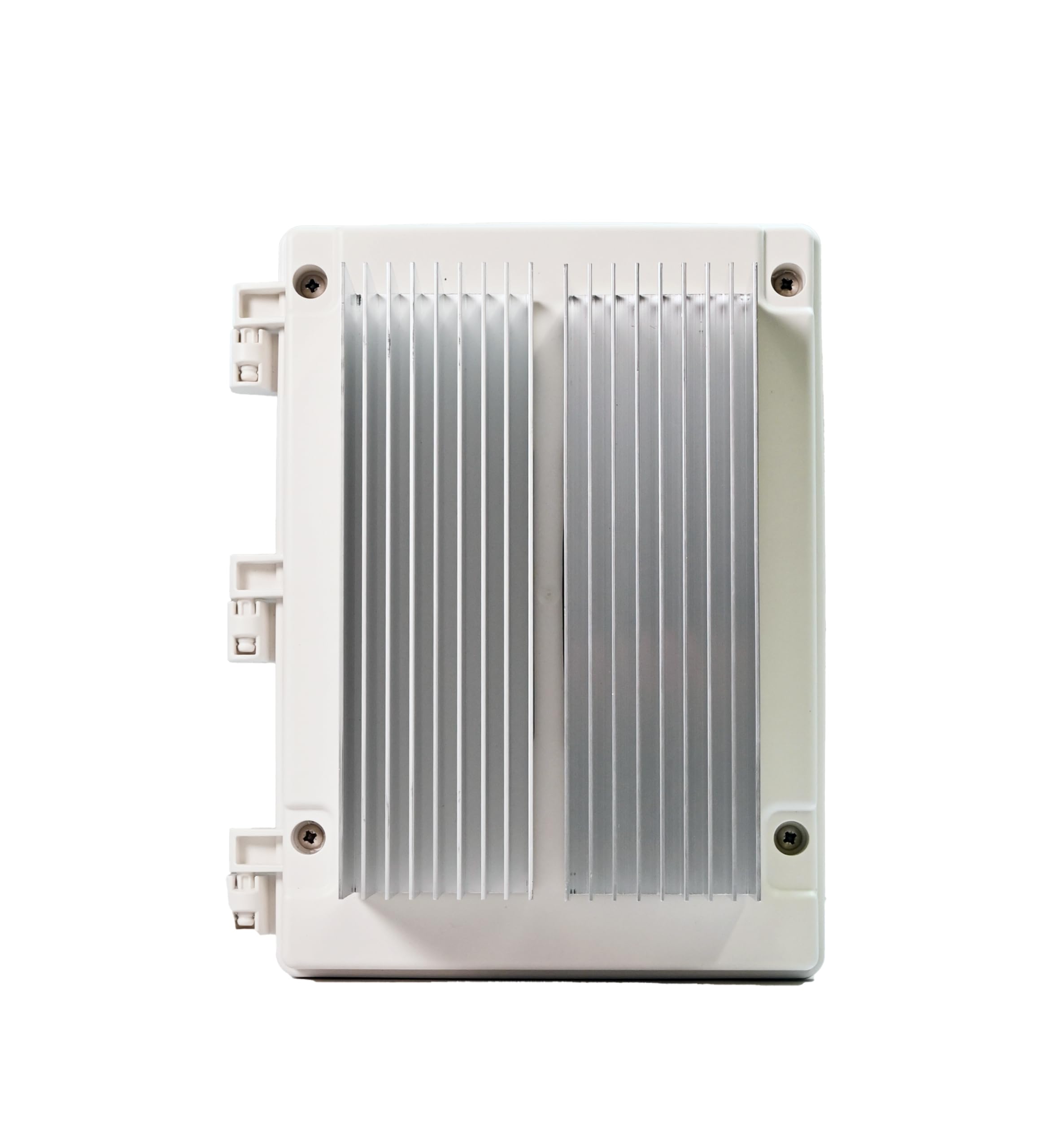
Figure 1: Front view of the Bromic Affinity Smart Heat Dimmer Controller.
2. Safety Information
WARNING: Failure to follow these safety instructions could result in fire, electric shock, or other injury or damage.
- Installation must be performed by a qualified and licensed electrician in accordance with all local and national electrical codes.
- Disconnect power at the circuit breaker before installing or servicing the controller.
- Do not operate the controller if it appears damaged.
- Ensure the power supply matches the specifications of the controller (208-277V).
- This device is designed for outdoor use with an IP54 rating, but avoid direct water spray or submersion.
- Keep children and pets away from the installation area during setup and operation.
- Do not attempt to modify or repair the controller yourself. Contact qualified service personnel.
3. Product Features
The Bromic Affinity Smart Heat Dimmer Controller offers advanced functionality for managing your electric heating system:
- High Power Capacity: Supports up to 12,000 watts (6kW per channel) at 208–277 volts two-phase.
- Electric Heater Compatibility: Designed for seamless integration with Bromic Platinum and Tungsten Series electric heaters.
- Smart Connectivity: Integrated Wi-Fi (2.4GHz) and Bluetooth for remote control via the Bromic Heating App.
- App Control: Manage heaters, adjust settings, create zones, set timers, and enable multi-site control from your smartphone.
- Voice Integration: Compatible with Amazon Alexa and Google Home for convenient voice control.
- Precise Dimming: Fine-tune heat output with adjustments down to 1% increments.
- Durable Design: IP54 weather-resistant rating for outdoor use, operating in temperatures from -4°F to 86°F.
- Optional Expansion: Supports an optional Expansion Board for Ethernet connectivity and 0–10V compatibility for smart home integration.
4. Installation and Setup
IMPORTANT: Installation must be performed by a qualified and licensed electrician.
4.1 Mounting the Controller
- Choose a suitable outdoor location that is protected from direct heavy rain and sunlight, yet accessible for wiring and maintenance.
- Ensure the mounting surface is stable and can support the weight of the controller.
- Mount the controller securely using appropriate fasteners. Refer to the included mounting template for hole placement.

Figure 2: Example of the controller mounted on an exterior wall with conduit connections.
4.2 Electrical Wiring
- Ensure all power is disconnected at the main circuit breaker before beginning any wiring.
- Connect the incoming power supply (208-277V, two-phase) to the designated terminals within the controller.
- Connect the Bromic electric heaters to the output channels of the controller. This 2-channel model supports two independent heater circuits.
- Follow the wiring diagram provided in the full installation guide (not included in this manual) for precise connections.
- Ensure all connections are tight and secure, and that proper grounding is established.
- Close and seal the enclosure securely after wiring to maintain its IP54 rating.
4.3 App and Network Setup
- Download the Bromic Heating App from your device's app store (iOS or Android).
- Create an account or log in.
- Follow the in-app instructions to add your new Affinity Smart Heat Dimmer Controller. This typically involves connecting to the controller's temporary Bluetooth network or Wi-Fi hotspot, then configuring it to join your home/business 2.4GHz Wi-Fi network.
- Once connected, you can name your controller and assign heaters to specific zones.
5. Operating Instructions
The Bromic Affinity Controller is primarily operated through the Bromic Heating App.
5.1 Basic On/Off and Dimming
- Open the Bromic Heating App on your smartphone or tablet.
- Select the desired controller or zone.
- Tap the On/Off button to power the connected heaters.
- Use the slider or percentage input to adjust the heat output from 1% to 100%.
5.2 Advanced App Features
- Zone Creation: Group multiple heaters or channels into custom zones for simultaneous control.
- Timers: Schedule specific on/off times and heat levels for different zones or individual heaters.
- Multi-Site Control: Manage multiple Bromic Affinity controllers located at different properties from a single app.
- Voice Control: Integrate with Amazon Alexa or Google Home by linking your Bromic Heating account in their respective apps. Use commands like "Alexa, turn on patio heater" or "Hey Google, set lounge heat to 75%."
6. Maintenance
The Bromic Affinity Smart Heat Dimmer Controller requires minimal maintenance to ensure long-term performance.
- Cleaning: Periodically wipe the exterior of the controller with a soft, damp cloth. Do not use abrasive cleaners or solvents. Ensure the power is off before cleaning.
- Inspection: Annually inspect the wiring connections and the enclosure for any signs of wear, damage, or loose connections. If any issues are found, contact a qualified electrician for inspection and repair.
- Firmware Updates: The Bromic Heating App will notify you of any available firmware updates for your controller. It is recommended to install these updates to ensure optimal performance and access to new features.
7. Troubleshooting
| Problem | Possible Cause | Solution |
|---|---|---|
| Controller not powering on. | No power supply; tripped circuit breaker; faulty wiring. | Check circuit breaker. Verify power connections. Contact electrician if problem persists. |
| Heaters not responding. | Heaters not connected; controller not powered; app issue; heater fault. | Ensure heaters are properly wired. Check controller power. Restart app. Consult heater manual. |
| Cannot connect to Wi-Fi/Bluetooth. | Incorrect Wi-Fi password; out of range; 2.4GHz network not used; interference. | Verify Wi-Fi password. Move closer to controller/router. Ensure 2.4GHz network is selected. Reduce interference. |
| Dimming not working correctly. | Heater incompatibility; wiring issue; controller fault. | Ensure heaters are compatible Bromic models. Check wiring. Contact support. |
If you encounter issues not listed here or if the suggested solutions do not resolve the problem, please contact Bromic Heating customer support.
8. Specifications
| Model Number | BH3130062 |
| Brand | Bromic Heating |
| Channels | 2 |
| Power Capacity | 12,000W (6kW per channel) |
| Voltage | 208-277V (Two-Phase) |
| Connectivity | Wi-Fi (2.4GHz), Bluetooth |
| Enclosure Rating | IP54 (Weather-resistant) |
| Operating Temperature | -4°F to 86°F (-20°C to 30°C) |
| Product Dimensions (L x W x H) | 11.4" x 8" x 6.4" |
| Item Weight | 5.3 Pounds |
| Color | Metal (Gray Finish) |
9. Warranty and Support
9.1 Warranty Information
This Bromic Affinity Smart Heat Dimmer Controller (Model BH3130062) comes with a 1-Year Manufacturer's Warranty from the date of purchase. This warranty covers defects in materials and workmanship under normal use. It does not cover damage resulting from improper installation, misuse, abuse, accident, or unauthorized repairs.
Please retain your proof of purchase for warranty claims.
9.2 Customer Support
For technical assistance, troubleshooting, or warranty inquiries, please contact Bromic Heating customer support. Refer to the Bromic Heating website for the most current contact information.
Online Resources: Visit the official Bromic Heating website for FAQs, additional documentation, and support resources.


