Introduction
Thank you for purchasing the SHARK HN175 Rocket Pro Corded Stick Vacuum. This manual provides essential information for the safe and efficient operation, maintenance, and troubleshooting of your new vacuum cleaner. Please read it thoroughly before first use and keep it for future reference.
Product Overview
The Shark HN175 Rocket Pro is a versatile corded stick vacuum designed for powerful deep cleaning on various surfaces, including carpets and hard floors. It features Odor Neutralizer Technology, a removable hand vacuum, advanced swivel steering, and LED headlights for enhanced cleaning performance.

Figure 1: Full view of the Shark HN175 Rocket Pro Corded Stick Vacuum.
Setup Guide
Follow these steps to assemble your Shark Rocket Pro vacuum:
- Insert the wand into the floor nozzle until it clicks securely into place.
- Insert the hand vacuum into the top of the wand until it clicks securely into place.
- Ensure all connections are firm before operating the vacuum.

Figure 2: The vacuum can be stored upright by detaching the hand vacuum and clipping it to the base of the wand.
Operating Instructions
Using as a Stick Vacuum
Plug the power cord into an electrical outlet. Press the power button located on the hand vacuum to turn on the unit. The LED headlights on the nozzle will illuminate. Guide the vacuum across your floor surfaces. The advanced swivel steering allows for easy maneuverability around furniture.
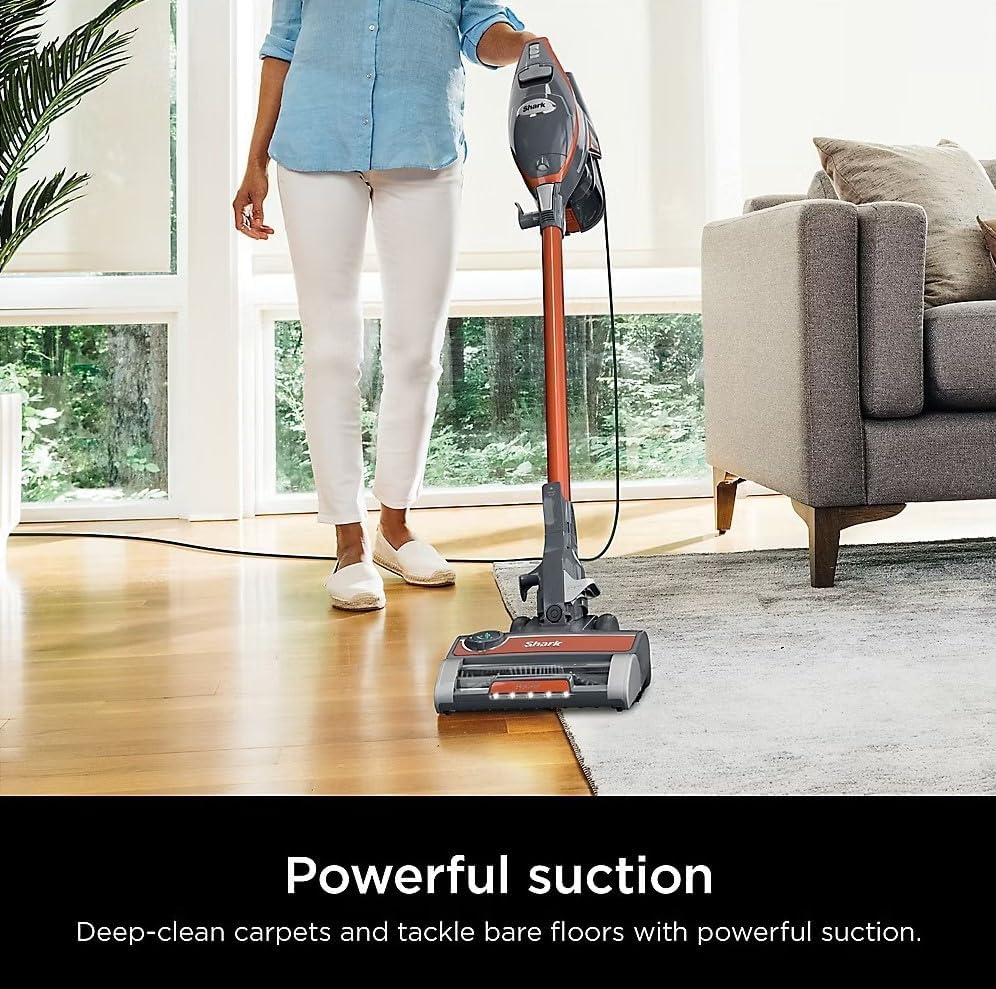
Figure 3: The Shark Rocket Pro provides powerful suction for deep cleaning carpets and bare floors.

Figure 4: The low-profile design and swivel steering allow for easy cleaning under furniture.
Using as a Hand Vacuum
To convert to a hand vacuum, press the easy-release foot pedal to detach the wand from the nozzle. Then, press the wand release button on the hand vacuum to separate it from the wand. Attach desired accessories (Crevice Tool, Upholstery Tool, Precision Dusting Brush) directly to the hand vacuum for versatile cleaning of upholstery, stairs, and tight spaces.
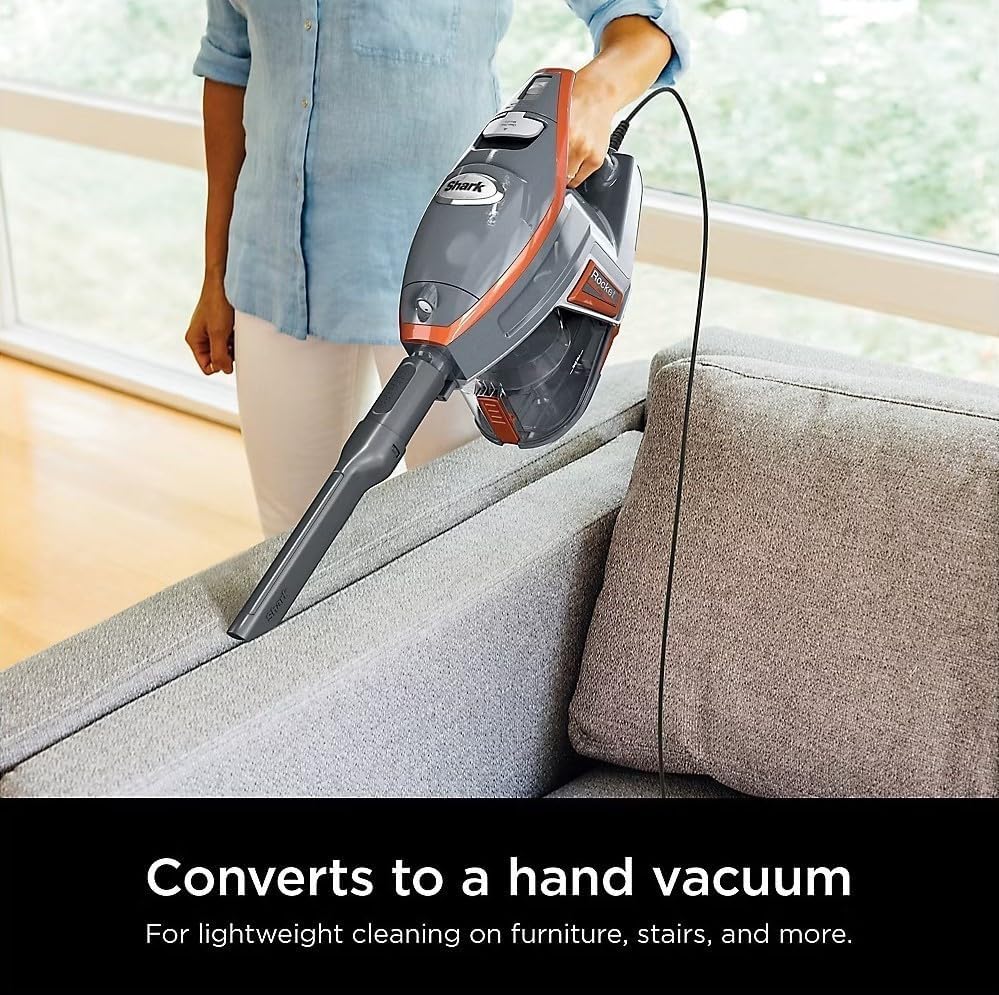
Figure 5: The vacuum easily converts to a lightweight hand vacuum for versatile cleaning.
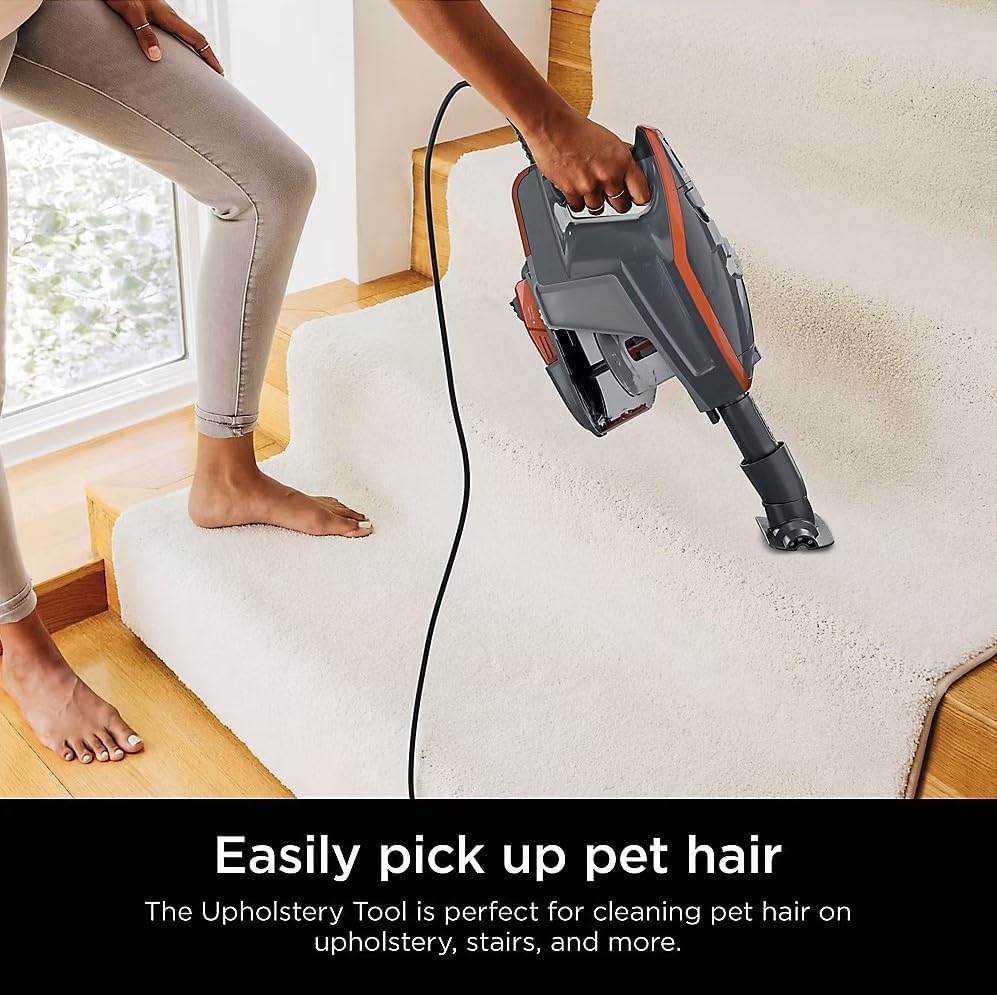
Figure 6: The Upholstery Tool is effective for picking up pet hair on various surfaces.
Maintenance
Emptying the Dust Cup
The XL dust cup has a 0.8-quart capacity. To empty, hold the dust cup over a trash bin and press the release latch. The bottom flap will open, allowing debris to fall out. Close the flap securely after emptying.

Figure 7: The easy-empty dust cup allows for quick and mess-free debris disposal.
Filter Maintenance
Regularly clean the foam filter to maintain optimal suction. Refer to the full product manual for detailed instructions on filter removal and cleaning frequency. Allow filters to air dry completely before reinserting.
Odor Neutralizer Technology
The vacuum features Odor Neutralizer Technology to guard against bad odors. Replace the odor neutralizer cartridge as needed to maintain a fresher-smelling home. Instructions for replacement are provided in the full product manual.

Figure 8: The Odor Neutralizer Technology helps maintain a fresh scent in your home.
Troubleshooting
| Problem | Possible Cause | Solution |
|---|---|---|
| Vacuum not picking up debris or no suction. | Dust cup is full; Filters need cleaning; Hose or nozzle is clogged. | Empty dust cup; Clean filters; Check for and clear blockages. |
| Brushroll not spinning. | Brushroll is jammed; Power is off or not properly connected. | Remove any obstructions from the brushroll; Ensure vacuum is powered on and connected. |
| Vacuum turns off on its own. | Overheating due to clogged filters or blockages. | Turn off and unplug the vacuum. Clear any blockages and clean filters. Allow unit to cool for at least 60 minutes before restarting. |
Product Specifications
| Feature | Detail |
|---|---|
| Brand | Shark |
| Model Name | Shark HN175 |
| Special Feature | Lightweight, Odor Neutralizer Technology, XL Cup, LED Headlights |
| Filter Type | Foam |
| Included Components | Shark Rocket Pro Corded Stick Vacuum, (1) Crevice Tool, (1) Upholstery Tool, (1) Precision Dusting Brush |
| Is Cordless? | No |
| Capacity | 0.8 Quarts |
| Wattage | 500 watts |
| Item Weight | 8.58 pounds |
| Product Dimensions | 10.2 x 13.1 x 47.6 inches |
Warranty & Support
This product comes with a 90-day limited warranty. For warranty claims or technical support, please refer to the contact information provided with your purchase documentation or visit the official SharkNinja website.


