
Introduction
The PISEN 2-in-1 Mag-Safe Charger Stand (Model TP-C30) is a versatile wireless charging station designed to charge multiple devices simultaneously. It features magnetic wireless charging for compatible smartphones and a dedicated pad for wireless earbuds. The stand offers adjustable viewing angles and incorporates multiple safety protections for reliable operation.
This manual provides essential information for setting up, operating, and maintaining your charger stand.
What's in the Box
- PISEN 2-in-1 Wireless Charger Stand
- 4FT USB-C to USB-C Cable
Note: A compatible power adapter (not included) is required for operation.
Setup
- Connect Power: Insert the provided USB-C to USB-C cable into the charging port on the back of the PISEN charger stand. Connect the other end of the cable to a suitable USB power adapter (not included).
- Placement: Place the charger stand on a stable, flat surface. Ensure there is adequate ventilation around the device.
- Initial Indicator: Upon connecting power, the LED indicator on the base will briefly illuminate blue, then turn off, indicating standby mode.
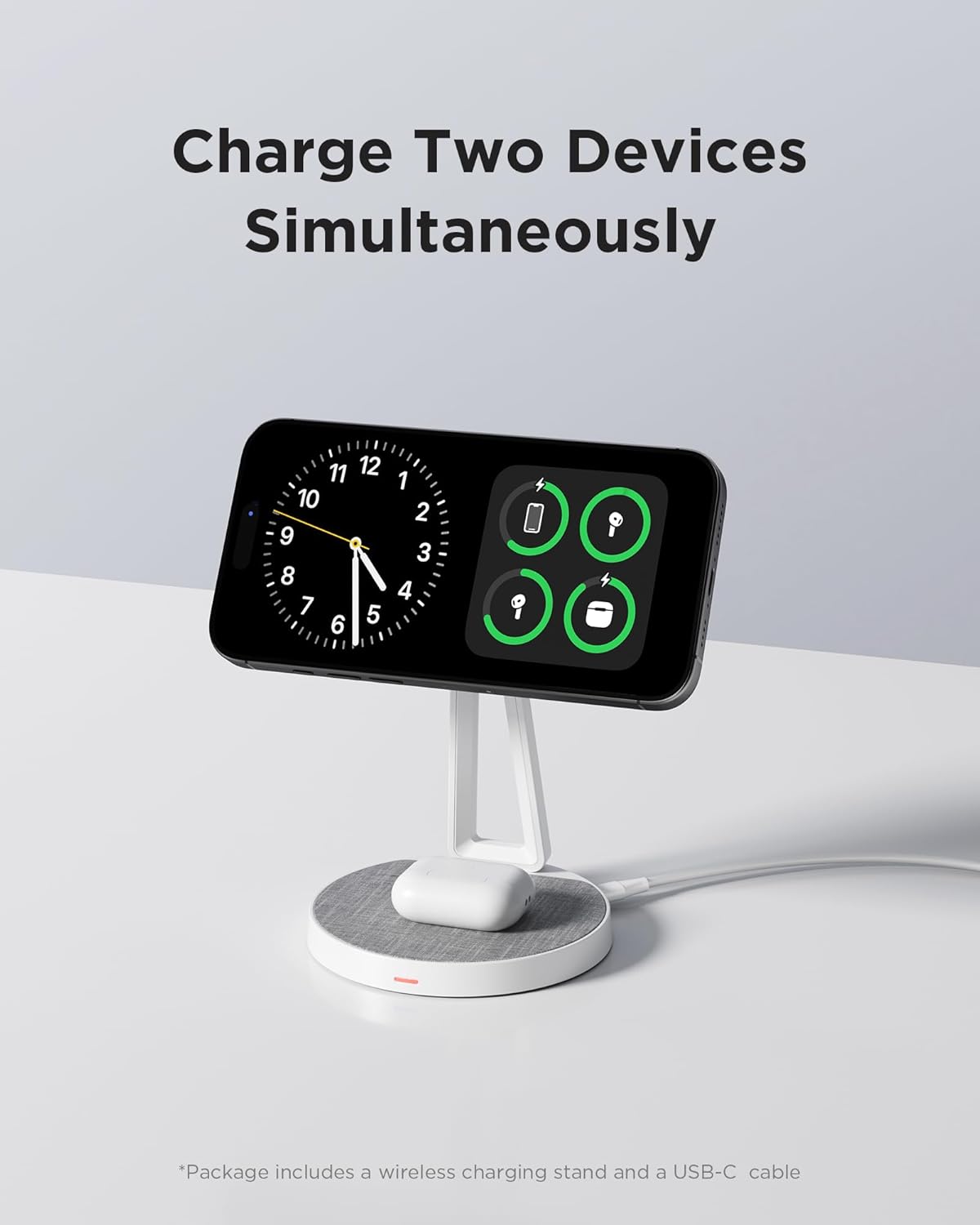
Image: The PISEN 2-in-1 Mag-Safe Charger Stand with a smartphone magnetically attached and earbuds on the base charging pad.
Operating Instructions
Charging a Smartphone
- Magnetic Attachment: Place your Mag-Safe compatible smartphone onto the magnetic charging pad. The phone will securely attach and begin charging.
- Adjust Viewing Angle: The magnetic charging pad can be adjusted by 40 degrees vertically and rotated 360 degrees horizontally to achieve your preferred viewing angle.

Image: Illustration demonstrating the 40-degree vertical tilt and 360-degree horizontal rotation capabilities of the magnetic charging pad.
Video: Demonstrates placing a phone on the magnetic charger and adjusting its orientation.
Charging Earbuds
- Place your wireless charging compatible earbuds case onto the charging pad at the base of the stand.

Image: The PISEN charger stand with a pair of earbuds charging on its base.
LED Charging Signal
The LED indicator on the base provides visual feedback on the charging status:
- Blue Light: Standby mode (no device charging or foreign object detected).
- Red Light: Normal charging in progress.
- Green Light: Foreign object detected (charging will stop).

Image: Visual guide to the LED indicator colors and their corresponding charging statuses.
Charging Output
The charger stand supports various power outputs depending on the device:
- 15W Max: For LG and Google phones.
- 10W: For Samsung phones.
- 7.5W: For iPhone 12-16 series.
- 5W: For AirPods.

Image: A chart detailing the compatible devices and their respective maximum wireless charging outputs.
Important Notes on Phone Cases
- For optimal wireless charging, use the charger without a phone case or with a Mag-Safe compatible phone case.
- Avoid cases thicker than 2.5 mm and non-magnetic cases, as they may reduce charging efficiency.

Image: Visual guidance on using the charger with different types of phone cases, highlighting Mag-Safe compatibility.
Maintenance
- Cleaning: Gently wipe the fiber surface and the stand with a soft, dry cloth to remove dust and debris. Avoid using harsh chemicals or abrasive materials.
- Storage: When not in use, store the charger stand in a cool, dry place away from direct sunlight and extreme temperatures.
- Cable Care: Avoid bending or twisting the charging cable excessively to prevent damage.

Image: A close-up view of the charger stand's premium fiber textile surface, designed to protect devices from scratches.
Troubleshooting
- Device Not Charging:
- Ensure the charger stand is properly connected to a working power adapter.
- Check the LED indicator: if it's green, a foreign object might be present. Remove any objects between the device and the charging pad.
- Verify your phone case is Mag-Safe compatible and not thicker than 2.5 mm.
- Ensure your device supports wireless charging.
- Slow Charging:
- Confirm your power adapter provides sufficient output (e.g., a 20W or higher USB-C PD adapter for optimal speed).
- Remove any non-magnetic phone cases or cases thicker than 2.5 mm.
- Charger is Warm:
- It is normal for the charger to feel slightly warm during wireless charging. If it becomes excessively hot, disconnect it immediately and contact support.

Image: An overview of the 8-point safety protection features integrated into the charger stand, including overcurrent, overvoltage, and temperature control.
Specifications
| Feature | Detail |
|---|---|
| Brand | PISEN |
| Model Number | TP-C30 |
| Color | White |
| Form Factor | Stand |
| Compatible Devices | iPhone 12-16 series, Samsung S8-S24, Note 8-10 series, Pixel 3XL-8 series, LG V30-V60/G8/G8X, AirPods |
| Mounting Type | Tabletop |
| Special Features | 2-in-1 Wireless Charger, Mag-Safe Compatible, Magnetic, Adjustable Angle |
| Fastening Type | Magnetic |
| Item Weight | 299 Grams |
| Enclosure Material | Fiber Composite |
| Output for Phones | 5W/7.5W/10W/15W (Max 15W) |
| Output for Earbuds | 5W |
Warranty and Support
The PISEN 2-in-1 Mag-Safe Charger Stand comes with a 1-Year Warranty from the date of purchase.
For any concerns or support needs, PISEN offers 7/24 online support. Please refer to the product packaging or the official PISEN website for contact details.
PISEN is committed to customer satisfaction, offering a 30-day refund and 12-month replacement policy for eligible products.

