
Introduction
The iDance BEATMAKER Starpads 20 is a revolutionary 8-in-1 party system designed for creative mixing and endless musical enjoyment. This portable system features 16 sound pads, 2 Beat players, and a unique Drop The Mix function, allowing you to combine loops, rhythms, vocals, and sound effects across four distinct music styles: ROCK, HOUSE, LATIN, and ELECTRONIC. With its rechargeable Bluetooth soundbar and integrated disco lighting, the Starpads 20 is ideal for spontaneous parties and dynamic DJ sessions.
Safety Information
- Read all instructions before operating the device.
- Keep the device away from water and moisture.
- Do not expose to extreme temperatures or direct sunlight.
- Use only the provided charging cable and adapter.
- Do not attempt to disassemble or repair the device yourself. Refer all servicing to qualified personnel.
- Ensure proper ventilation when in use.
- Keep out of reach of small children.
Package Contents
Please check that all items are present in the package:
- iDance BEATMAKER Starpads 20 Main Unit (Control Pad)
- 2 x Rechargeable Bluetooth Soundbars
- USB Charging Cable
- User Manual (this document)
Product Overview
Familiarize yourself with the components of your iDance BEATMAKER Starpads 20 system.

Image: The iDance BEATMAKER Starpads 20 system, showing the central control pad with 16 colorful sound pads and two detachable soundbars with integrated disco lights.
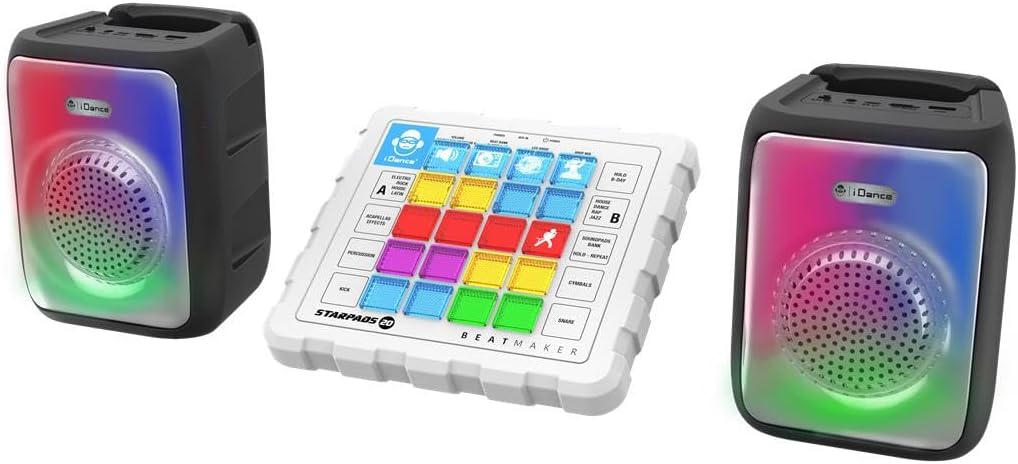
Image: Rear view of the Starpads 20 main unit, highlighting the various input/output ports such as USB, headphone jack, and auxiliary input.
Main Control Pad:
- 16 Sound Pads: Multi-colored pads for triggering various sounds, loops, and effects.
- Beat Players (A & B): Dedicated controls for managing two separate beat tracks.
- Audio Mixer: Controls for adjusting volume and blending different audio elements.
- Drop The Mix Function: Unique button for dynamic transitions and effects.
- Headphone Jack: For private monitoring of your mix.
- USB/TF Card Slots: For playing audio from external storage.
Soundbars:
- Integrated Speakers: Deliver powerful sound output.
- Disco Lights: LED lights that synchronize with your music.
- Bluetooth Connectivity: For wireless audio streaming.
- Rechargeable Battery: Provides portable power for 2-4 hours of use.
Setup
1. Charging the Soundbars:
- Connect the provided USB charging cable to the charging port on each soundbar.
- Plug the other end of the USB cable into a compatible USB power adapter (not included) or a computer USB port.
- The charging indicator light will illuminate. Once fully charged (approximately 2-3 hours), the light will change or turn off.
- A full charge provides 2 to 4 hours of playback time.
2. Powering On:
- Press and hold the Power button on the main control pad until the unit powers on.
- Ensure the soundbars are also powered on.
3. Connecting Soundbars to Main Unit:
The soundbars should automatically connect to the main control pad when both are powered on and within range. If not, refer to the Bluetooth pairing section.
Operating Instructions
1. Selecting Music Styles:
The Starpads 20 offers four distinct music styles:
- ROCK
- HOUSE
- LATIN
- ELECTRONIC SESSION
Use the dedicated buttons on the control pad to switch between these styles. Each style will load a unique set of loops, rhythms, and effects onto the sound pads.
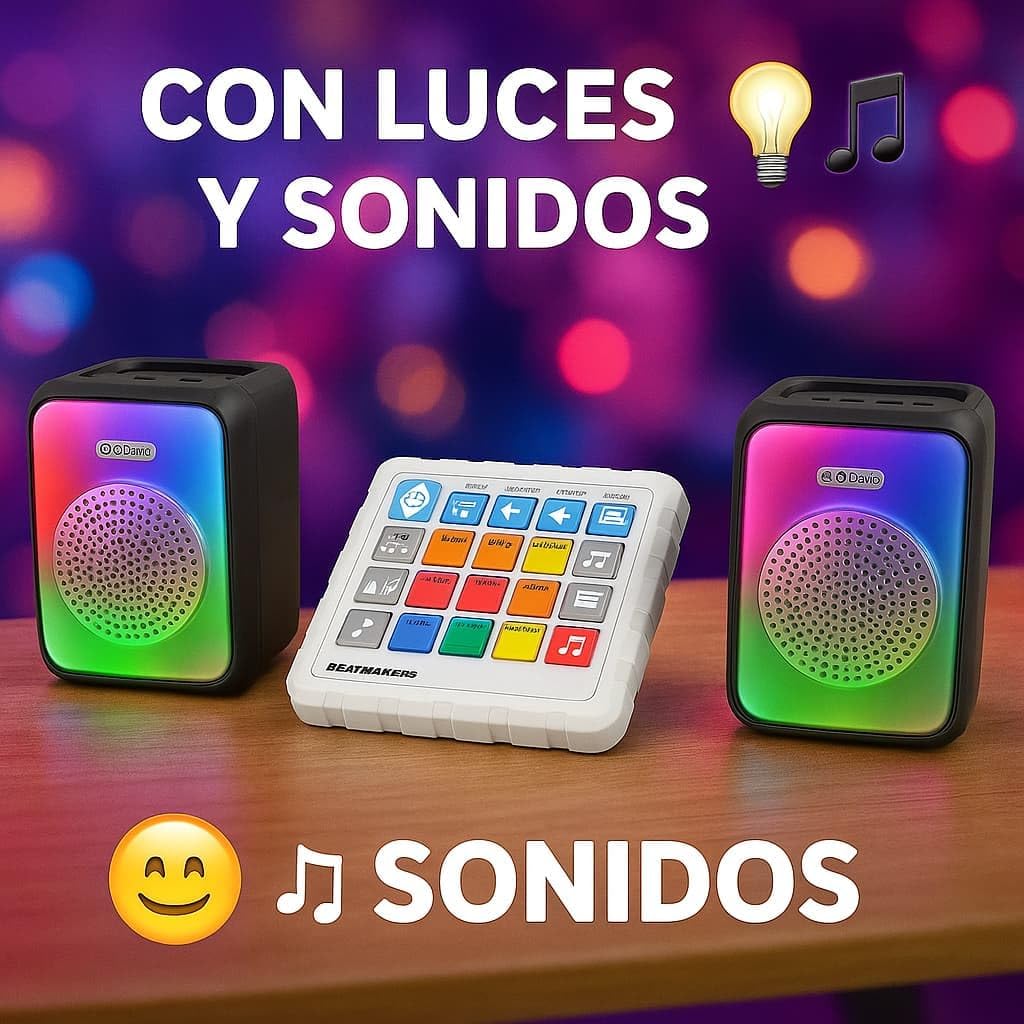
Image: A child engaging with the iDance BEATMAKER Starpads 20, demonstrating its user-friendly interface and interactive playability.
2. Using the Sound Pads:
The 16 sound pads are your primary interface for creating music. Each pad triggers a specific sound, loop, or effect relevant to the selected music style. Press a pad to activate its sound; press again to stop or toggle.
3. Beat Players (A & B):
Utilize Beat Player A and Beat Player B to introduce and manage rhythmic elements. These players allow you to layer different beats and control their playback independently.
4. Drop The Mix Function:
Activate the "Drop The Mix" function for dynamic transitions and exciting sound effects, adding a professional touch to your mixes.
5. Audio Mixer:
Adjust the volume levels of different elements using the integrated audio mixer controls to achieve a balanced sound.
6. Bluetooth Connectivity:
- Ensure the Starpads 20 main unit and soundbars are powered on.
- Enable Bluetooth on your smartphone, tablet, or other audio device.
- Search for "iDance Starpads 20" (or similar name) in your device's Bluetooth settings.
- Select the device to pair. Once paired, you can stream audio wirelessly through the Starpads 20 system.
The system also supports audio playback from USB drives and TF cards. Insert the storage device into the corresponding slot on the main unit.
7. Disco Lighting:
The 16 LED sound strips on the soundbars will automatically synchronize with your music, creating a vibrant light show. There may be controls on the main unit to adjust light patterns or turn them off.
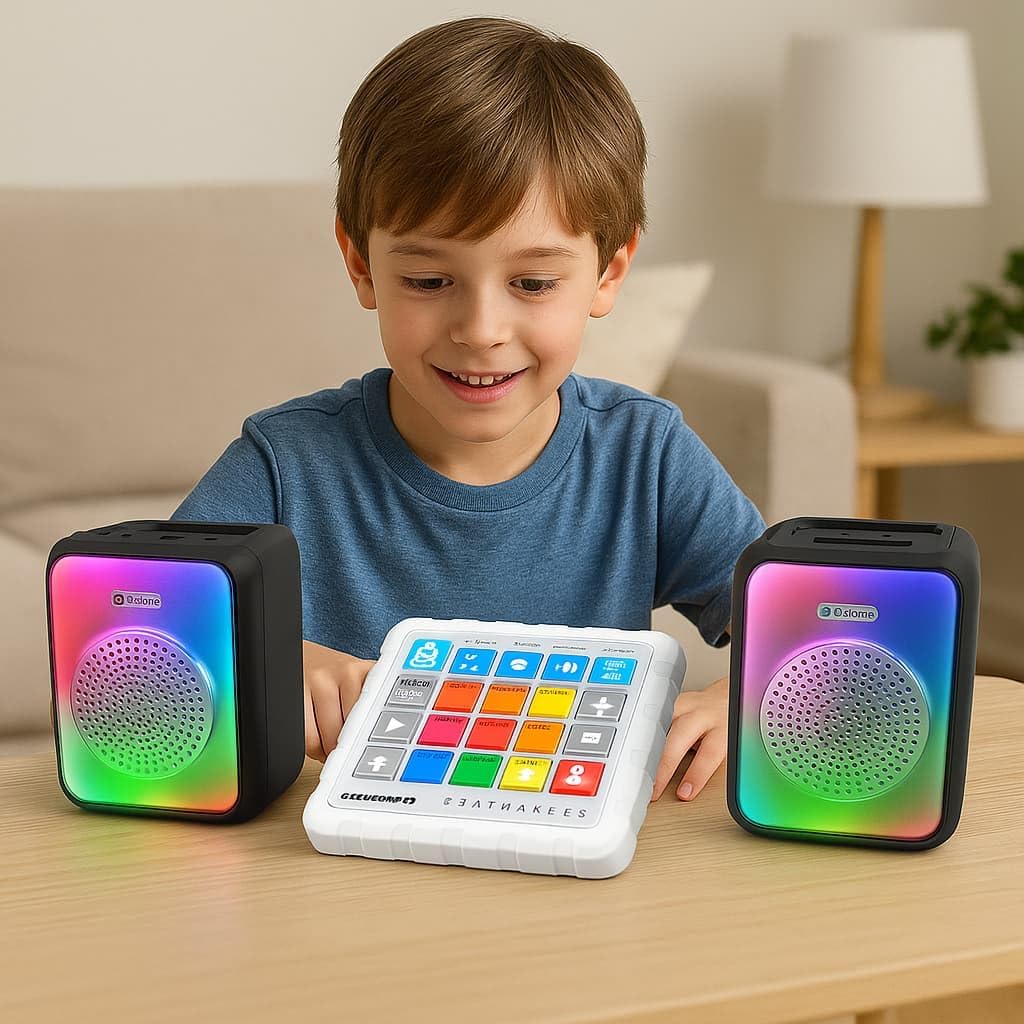
Image: The iDance BEATMAKER Starpads 20 system illuminated with its integrated disco lights, set against a backdrop of a lively party atmosphere, showcasing its visual appeal.
Maintenance
- Cleaning: Use a soft, dry cloth to clean the surfaces of the device. Do not use abrasive cleaners or solvents.
- Storage: When not in use, store the device in a cool, dry place, away from direct sunlight and extreme temperatures.
- Battery Care: To prolong battery life, avoid fully discharging the soundbars frequently. Charge them regularly, even if not in constant use.
Troubleshooting
| Problem | Possible Cause | Solution |
|---|---|---|
| Device does not power on. | Low battery; Power button not pressed correctly. | Charge the soundbars. Press and hold the Power button firmly. |
| No sound from soundbars. | Soundbars not connected; Volume too low; Bluetooth not paired. | Ensure soundbars are powered on and connected. Increase volume. Re-pair Bluetooth. |
| Bluetooth connection unstable. | Device too far; Interference; Low battery. | Move devices closer. Avoid obstacles. Charge soundbars. |
| Sound pads not responding. | Software glitch; Unit frozen. | Turn the unit off and on again. |
Specifications
- Model: Starpads 20
- Brand: iDance
- Dimensions (Main Unit): Approximately 22 x 15 x 56 cm (L x W x H)
- Weight: Approximately 800 grams
- Connectivity: Bluetooth, USB, TF Card, Headphone Out
- Battery Life: 2-4 hours (Soundbars, depending on usage)
- Music Styles: ROCK, HOUSE, LATIN, ELECTRONIC SESSION
- Features: 16 Sound Pads, 2 Beat Players, Audio Mixer, Drop The Mix Function, Disco Lights
Warranty and Support
For warranty information and technical support, please refer to the warranty card included in your product packaging or visit the official iDance website. Keep your proof of purchase for any warranty claims.
Manufacturer: iDance International Limited


