
1. Introduction
Thank you for choosing the Hotdot Rechargeable Hand Warmers, Model HW-06. This device is designed to provide portable warmth with advanced temperature control and a user-friendly interface. Please read this manual thoroughly before use to ensure proper operation and safety.
2. What's in the Box
- 2 x Hotdot Rechargeable Hand Warmers (Model HW-06)
- 1 x Charging Cable
- 1 x User Manual
- 1 x Greeting Card (with thermochromic feature)

3. Setup and Charging
Before first use, fully charge both hand warmers. The device features a 3200 mAh battery capacity and takes approximately 3.5 hours to fully charge.
- Connect the provided charging cable to the charging port on the hand warmer.
- Connect the other end of the cable to a compatible USB power adapter (not included).
- The LED display will indicate charging status. Once fully charged, the display will show 100%.

4. Operation
The Hotdot hand warmer features a single button for power and temperature control, along with an LED display for real-time information.
4.1 Power On/Off
- To turn on: Press and hold the power button for approximately 3 seconds. The LED display will illuminate, showing the current battery percentage and temperature.
- To turn off: Press and hold the power button for approximately 3 seconds. The LED display will turn off.
4.2 Temperature Adjustment
Once the device is powered on, single-click the power button to cycle through the three available heat levels:
- First Setting: Approximately 104°F (40°C)
- Second Setting: Approximately 122°F (50°C)
- Third Setting: Approximately 131°F (55°C)
The LED display will show the selected temperature in real-time.


5. Features
- NTC Smart Temperature Control: Equipped with advanced NTC technology, the hand warmer heats up rapidly (within 1 second) and maintains a stable temperature, preventing overheating.
- Visible Temperature and Battery Screen: The integrated LED screen displays both the current temperature and the remaining battery level, allowing for easy monitoring.
- Extended Runtime: Provides warmth for up to 20 hours on a single charge, depending on the selected heat level.
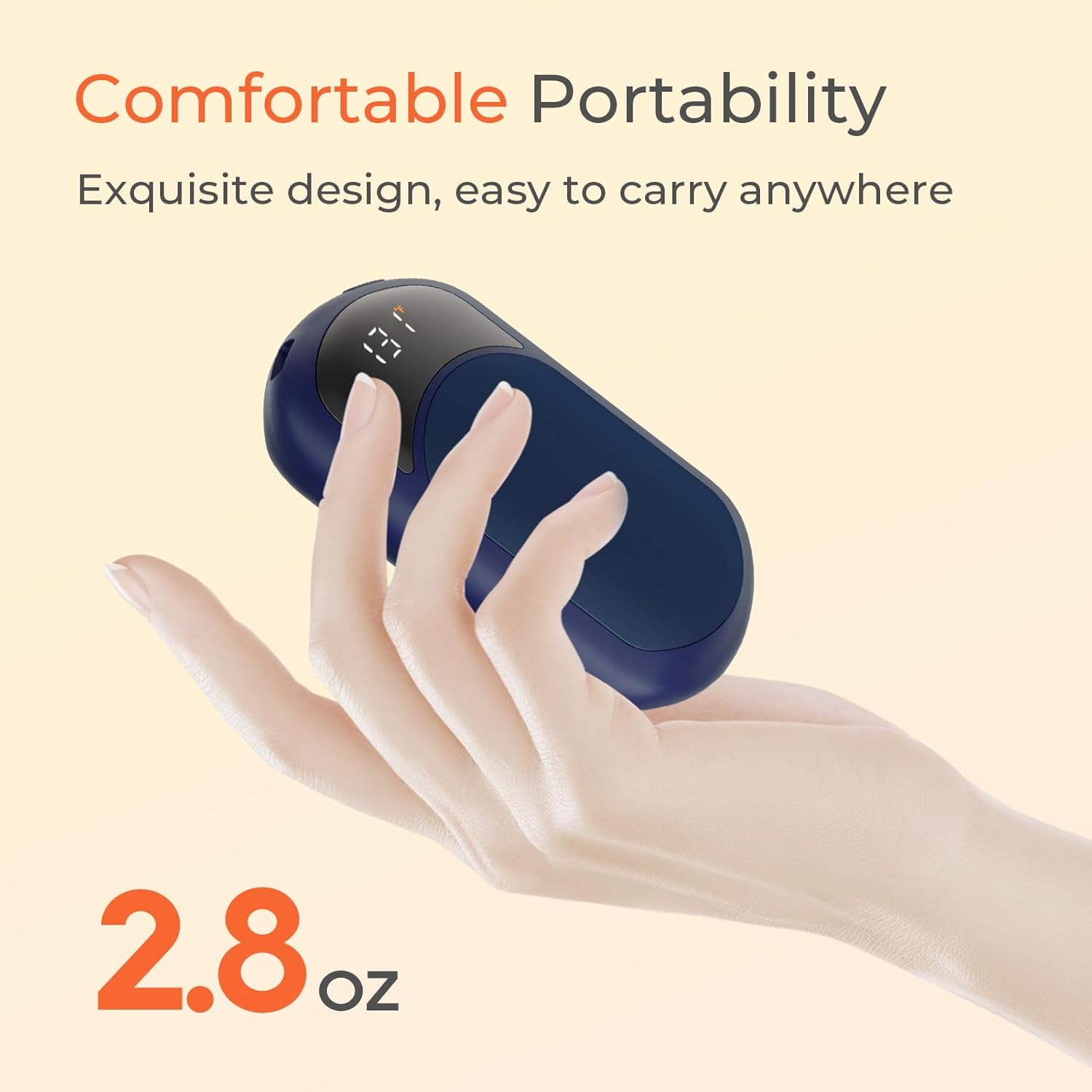
- Stylish & Portable Design: Features a smooth surface and ergonomic design, making it comfortable to hold and easy to carry for various outdoor activities.



6. Safety Information
The Hotdot hand warmers are designed with multiple safety features and are FCC certified to ensure safe operation.
- Overcharge Protection: Prevents damage to the battery from excessive charging.
- Explosion-Proofing: Enhanced design to minimize risks.
- Leak-Proofing: Constructed with materials and design to prevent internal leaks.
- Do not expose the device to extreme temperatures or direct sunlight for prolonged periods.
- Do not attempt to disassemble or modify the device.
- Keep out of reach of children and pets.
- If the device shows signs of damage or malfunction, discontinue use immediately.
7. Maintenance
- Cleaning: Wipe the surface of the hand warmer with a soft, dry cloth. Do not use abrasive cleaners or immerse in water.
- Storage: Store the hand warmers in a cool, dry place when not in use. Ensure they are fully charged before long-term storage to preserve battery life.
8. Troubleshooting
- Device not turning on: Ensure the device is fully charged. Press and hold the power button for 3 seconds.
- Device not heating: Check if the device is powered on and a temperature level is selected. Ensure the battery has sufficient charge.
- Device not charging: Verify the charging cable is securely connected to both the hand warmer and the power source. Try a different USB port or power adapter.
- Inconsistent temperature: Ensure the device is not covered or obstructed, which can affect heat dissipation.
9. Specifications
| Feature | Specification |
|---|---|
| Model | HW-06 |
| Brand | Hotdot |
| Material | Aluminum, Plastic |
| Battery Capacity | 3200 mAh |
| Battery Charge Time | 3.5 Hours |
| Lower Temperature Rating | 104°F (40°C) |
| Upper Temperature Rating | 131°F (55°C) |
| Reusability | Rechargeable |
| Included Components | Gift box, Charging Cable, User Manual, Greeting Card |
10. Warranty and Support
The Hotdot Rechargeable Hand Warmers come with a Lifetime Warranty.
For any questions, technical support, or warranty claims, please contact our customer service team:
- Email: support@hotdotcare.com
- Website: www.hotdotcare.com