
1. Introduction
Thank you for choosing the CPTEA A18 Trucker Bluetooth Headset. This manual provides detailed instructions for the proper use, setup, and maintenance of your headset. Please read this manual thoroughly before using the product to ensure optimal performance and longevity.
The CPTEA A18 headset is designed for clear communication in various environments, featuring advanced noise-cancelling technology, long battery life, and comfortable wear for extended periods.
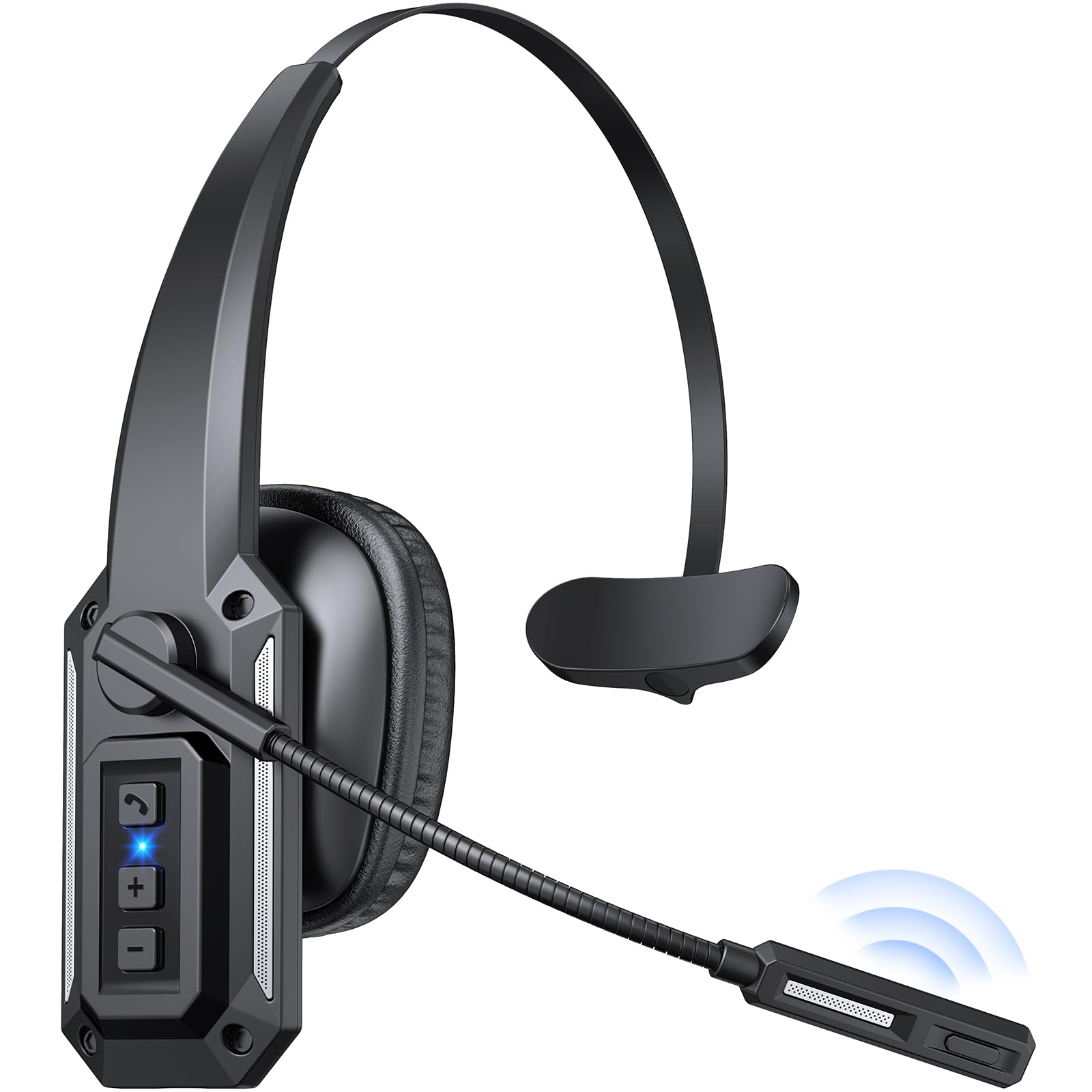
Image: The CPTEA A18 Trucker Bluetooth Headset, a wireless headset designed for clear communication.
2. Package Contents
Verify that all items are present in your package:
- CPTEA A18 Bluetooth Headset
- USB Type-C Charging Cable
- User Manual
Video: Unboxing and initial setup of the CPTEA A18 Bluetooth Headset, showing the contents of the package and basic handling.
3. Product Overview
3.1 Headset Features
- Noise-Cancelling Microphone: Reduces background noise by 98% for clear calls.
- Crystal-Clear Audio: 40mm drivers deliver rich sound for calls and media.
- Long Battery Life: Up to 60 hours of listening or 36 hours of talk time.
- Dual-Device Connection: Connects to two devices simultaneously via Bluetooth multipoint.
- Extended Wireless Range: Up to 20 meters (65 feet) for freedom of movement.
- Rotatable Boom Mic: 270° rotation allows use on either left or right ear.
- Mute Button: Conveniently mute your microphone during calls.
- Comfortable Design: Lightweight (9.1 oz) with soft ear cushions and an adjustable headband.
3.2 Controls and Indicators
Familiarize yourself with the buttons and indicators on your headset:
- Power Switch: Slide to turn the headset ON/OFF.
- Volume Up/Next Track Button: Press to increase volume, hold for next track.
- Volume Down/Previous Track Button: Press to decrease volume, hold for previous track.
- Multi-function Button (MFB): Power on/off, play/pause, answer/end calls, activate voice assistant.
- Mute Button: Located on the microphone boom, press to mute/unmute the microphone.
- LED Indicator: Displays power, pairing, and connection status.
- USB-C Charging Port: For charging the headset.

Image: The mute button is located on the microphone boom for quick access during calls.

Image: The headset features a 360° rotatable microphone, 45mm adjustable headband, and ±10° ear cup rotation for maximum comfort.
4. Setup
4.1 Initial Charging
Before first use, fully charge your headset. Connect the USB Type-C charging cable to the headset's charging port and a compatible USB power source. The LED indicator will show charging status and turn off when fully charged.
4.2 Powering On/Off
- Power On: Slide the power button to the ON position. The blue light will stay on for 1 second, then red and blue lights will flash alternately, indicating pairing mode.
- Power Off: Slide the power button to the OFF position. The red indicator light flashes 3 times.
4.3 Bluetooth Pairing
To pair your CPTEA A18 headset with a device:
- Ensure the headset is powered off.
- Slide the power button to the ON position. The headset will automatically enter pairing mode for the first time, indicated by alternating red and blue LED flashes.
- On your device (smartphone, laptop, tablet), enable Bluetooth and search for available devices.
- Select "A18" from the list of available devices.
- Once connected, the LED indicator will flash blue once every 8 seconds, and you will hear a "Connected" voice prompt.
If no connection is made within 5 minutes, the headset will automatically shut down. To re-enter pairing mode, power off and then power on the headset again.
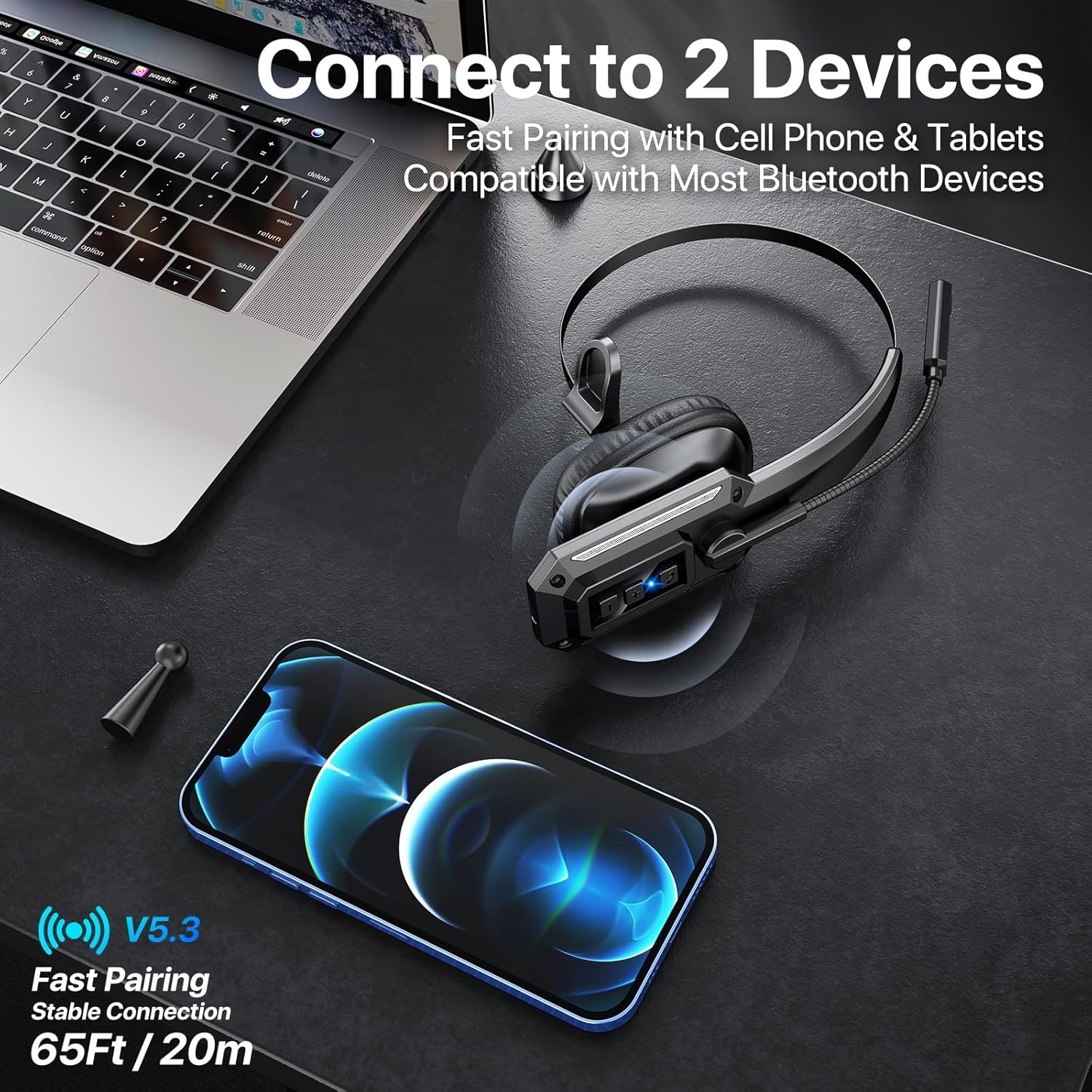
Image: The headset supports dual-device connection, allowing simultaneous pairing with a phone and another device like a laptop.
4.4 Connecting to Two Devices (Multipoint)
The A18 headset supports Bluetooth multipoint, allowing connection to two devices simultaneously:
- Pair the headset with the first device as described in Section 4.3.
- Disable Bluetooth on the first device. The headset will re-enter pairing mode.
- Pair the headset with the second device.
- Re-enable Bluetooth on the first device. The headset should automatically connect to both devices.
You can now receive calls from either device and switch audio sources as needed.
5. Operating Instructions
5.1 Call Management
- Answer/End Call: Press the MFB once.
- Reject Call: Press and hold the MFB for 2 seconds.
- Redial Last Number: Double-press the MFB.
- Mute/Unmute Microphone: Press the dedicated mute button on the microphone boom.

Image: The noise-cancelling microphone ensures clear calls even in noisy environments, as depicted by the sound wave comparison.
5.2 Music Playback
- Play/Pause: Press the MFB once.
- Next Track: Press and hold the Volume Up button.
- Previous Track: Press and hold the Volume Down button.
5.3 Volume Control
- Increase Volume: Press the Volume Up button.
- Decrease Volume: Press the Volume Down button.
5.4 Voice Assistant
- Activate Voice Assistant (Siri/Google Assistant): Triple-press the MFB.
6. Charging
The CPTEA A18 headset is equipped with a 350mAh battery, providing extended usage time. To charge the headset:
- Connect the provided USB Type-C cable to the charging port on the headset.
- Connect the other end of the USB cable to a 5V/1A USB power adapter (not included) or a computer's USB port.
- The LED indicator will show a red light during charging.
- Once fully charged (approximately 3 hours), the red light will turn off.
A full charge provides up to 60 hours of music playback or 36 hours of talk time, with a standby time of over 90 days.

Image: Visual representation of the headset's impressive battery life, including 90 days standby, 60 hours music, 36 hours talk time, and 3 hours charging time.
7. Maintenance
To ensure the longevity and optimal performance of your CPTEA A18 headset, follow these maintenance guidelines:
- Cleaning: Use a soft, dry cloth to clean the headset. Do not use abrasive cleaners, solvents, or harsh chemicals.
- Storage: Store the headset in a cool, dry place away from direct sunlight and extreme temperatures.
- Avoid Moisture: The headset is not water-resistant. Avoid exposure to water, rain, or excessive humidity.
- Handle with Care: Do not drop, bend, or apply excessive force to the headset or its components, especially the microphone boom.
- Charging: Use only the provided USB Type-C cable for charging. Avoid overcharging the battery.
8. Troubleshooting
If you encounter issues with your headset, refer to the following common problems and solutions:
| Problem | Possible Cause | Solution |
|---|---|---|
| Headset does not power on. | Low battery. | Charge the headset fully. |
| Cannot pair with device. | Bluetooth is off on device; headset not in pairing mode; too far from device. | Ensure Bluetooth is enabled on your device. Power off and on the headset to enter pairing mode. Move the headset closer to your device (within 20 meters). |
| No sound or low volume. | Volume too low; incorrect audio output selected; headset not connected. | Increase volume on both headset and device. Check device's audio settings to ensure "A18" is selected as output. Reconnect the headset. |
| Microphone not working. | Microphone is muted; incorrect input device selected. | Press the mute button to unmute. Check device's audio settings to ensure "A18" is selected as input. |
| Connection drops frequently. | Out of range; interference; low battery. | Move closer to the connected device. Avoid strong electromagnetic interference. Charge the headset. |
For further assistance, please contact customer support.
9. Specifications
| Feature | Detail |
|---|---|
| Model Name | A18 |
| Brand | CPTEA |
| Connectivity Technology | Wireless (Bluetooth 5.3) |
| Bluetooth Range | Up to 20 meters (65 feet) |
| Noise Control | Hybrid Noise Cancellation (Microphone) |
| Audio Driver Size | 40 Millimeters |
| Battery Life (Talk Time) | Up to 36 Hours |
| Battery Life (Music Time) | Up to 60 Hours |
| Standby Time | Over 90 Days |
| Charging Time | Approximately 3 Hours |
| Charging Port | USB Type-C |
| Item Weight | 9.1 ounces (0.26 Kilograms) |
| Material | Plastic |
| Compatible Devices | Cellphones, Laptops, Tablets |
| Included Components | Bluetooth Headset, USB Cable, User Manual |
10. Warranty and Support
10.1 Product Warranty
The CPTEA A18 Trucker Bluetooth Headset comes with a 2-year warranty. This warranty covers manufacturing defects and malfunctions under normal use. Please register your product within 7 days of purchase to activate the warranty. For warranty claims, proof of purchase is required.
The warranty provides for a replacement for damaged or defective products. If Amazon's return window is closed, you do not need to return the original item for a replacement.
Scan the QR code below or visit www.cptea.net to activate your warranty.

Image: CPTEA brand logo.
10.2 Customer Support
If you have any questions, concerns, or require technical assistance, please contact our customer service team:
- Email: support@cptea.net
- Website: www.cptea.net
Please provide your order information when contacting support for faster service.