1. Introduction
This manual provides essential information for the safe assembly, operation, and maintenance of your WENOKER JC312 Magnetic Resistance Stationary Exercise Bike. Please read it thoroughly before initial use and retain it for future reference.
1.1 Safety Information
WARNING: Before starting any exercise program, consult your physician. This is especially important for individuals over the age of 35 or those with pre-existing health conditions. Read all instructions before using the equipment.
- Ensure all bolts and nuts are securely tightened before each use.
- Place the exercise bike on a flat, stable surface. Use a protective mat if necessary.
- Keep children and pets away from the equipment during operation.
- Wear appropriate exercise attire and footwear.
- Do not exceed the maximum user weight of 160 kg (350 lbs).
- If you experience dizziness, nausea, chest pain, or any other abnormal symptoms, stop your workout immediately and consult a physician.
- Regularly inspect the equipment for wear and tear. Replace worn components immediately.
1.2 Package Contents
Carefully unpack all components and ensure you have received all parts listed. If any parts are missing or damaged, contact WENOKER customer service.
The WENOKER JC312 Exercise Bike is approximately 70% pre-assembled. The package includes the main frame, handlebars, seat post, pedals, stabilizer bars, hardware kit, and an LCD monitor.
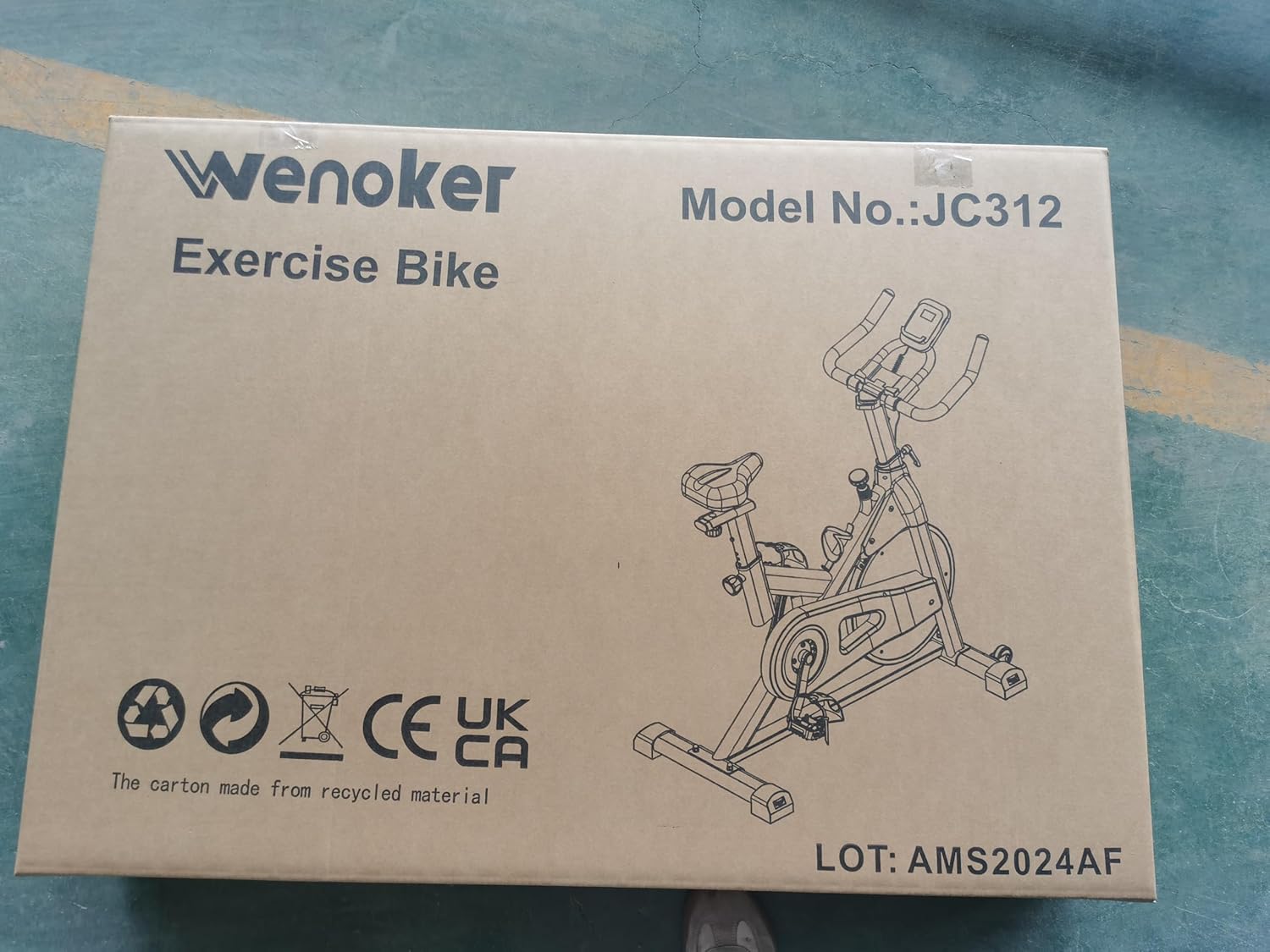
Image 1.2.1: The WENOKER JC312 Exercise Bike is delivered in a sturdy cardboard box, clearly labeled with the brand and model number.
2. Assembly Instructions
Assembly typically takes approximately 20 minutes. A tool pack is included to assist with the process. Follow these steps carefully:
- Attach Stabilizer Bars: Secure the front and rear stabilizer bars to the main frame using the provided bolts and washers. Ensure they are firmly tightened for stability.
- Install Pedals: Identify the left (L) and right (R) pedals. The left pedal screws counter-clockwise, and the right pedal screws clockwise. Thread them into the crank arms and tighten securely.
- Insert Seat Post and Seat: Insert the seat post into the main frame and adjust to the desired height. Secure it with the adjustment knob. Attach the seat to the seat post.
- Install Handlebar Post and Handlebars: Insert the handlebar post into the main frame. Attach the handlebars to the post and secure them.
- Mount LCD Monitor: Connect the sensor wires from the main frame to the LCD monitor. Mount the monitor onto the designated bracket on the handlebars.

Image 2.1: This diagram illustrates the adjustable components of the exercise bike, including seat height, seat fore/aft position, and handlebar height, which are crucial for proper assembly and fitting.
3. Operating Instructions
3.1 Adjusting the Bike for Your Comfort
Proper adjustment ensures an effective and comfortable workout while minimizing the risk of injury.
- Seat Height: Stand next to the bike. The seat should be approximately hip height. When seated, your knee should have a slight bend at the bottom of the pedal stroke. Adjust using the vertical adjustment knob on the seat post.
- Seat Fore/Aft Position: When pedals are horizontal, your front knee cap should be directly above the pedal spindle. Adjust using the horizontal adjustment knob beneath the seat.
- Handlebar Height: Adjust the handlebars to a comfortable height that allows for a slight forward lean without straining your back or shoulders. Use the adjustment knob on the handlebar post.
Image 3.1.1: This image demonstrates the fully adjustable nature of the WENOKER exercise bike, highlighting the ranges for seat and handlebar height, accommodating users from 4.7ft to 6.3ft.
3.2 Resistance Adjustment
The WENOKER JC312 features a "MAGPOWERΣ" magnetic resistance system, providing a quiet and smooth workout experience. The resistance is adjusted via a red knob located on the main frame.
- Increase Resistance: Turn the resistance knob clockwise. This increases the magnetic force on the flywheel, making pedaling more challenging.
- Decrease Resistance: Turn the resistance knob counter-clockwise. This reduces the magnetic force, making pedaling easier.
- Emergency Stop: Press down firmly on the resistance knob to engage the emergency brake, bringing the flywheel to a rapid stop.

Image 3.2.1: This image shows the red resistance adjustment knob, which offers unlimited micro-resistance levels. Pressing the knob down acts as an emergency stop.

Image 3.2.2: A detailed view of the magnetic resistance mechanism and smooth belt drive, illustrating how the "MAGPOWERΣ" system ensures quiet operation without direct friction.
3.3 LCD Monitor Functions
The upgraded LCD monitor tracks your workout data in real-time. It is powered by batteries (not included).
- SCAN: Automatically cycles through all display functions every few seconds.
- TIME: Displays the duration of your current workout session.
- SPEED: Shows your current cycling speed.
- DISTANCE: Indicates the distance covered during your current workout.
- ODOMETER (ODO): Displays the total accumulated distance since the monitor was reset or first used.
- CALORIES: Estimates the total calories burned during your workout.
To operate the monitor, ensure batteries are correctly installed. The monitor typically activates when you start pedaling or press a button. Consult the monitor's specific instructions for detailed operation and reset procedures.

Image 3.3.1: The LCD monitor provides real-time tracking of exercise data such as time, speed, distance, odometer, and calories, helping users customize and monitor their workout plans.
The integrated tablet stand allows you to place a mobile device for entertainment or guided workouts during your session.
4. Maintenance
Regular maintenance ensures the longevity and safe operation of your exercise bike.
- Cleaning: Wipe down the bike with a damp cloth after each use to remove sweat and dust. Avoid abrasive cleaners or solvents.
- Inspection: Periodically check all bolts, nuts, and moving parts for tightness. Re-tighten as necessary.
- Lubrication: The magnetic resistance system and belt drive are generally maintenance-free. Do not apply lubricants to the belt or flywheel unless specifically instructed by WENOKER customer service.
- Pedals: Ensure pedals are securely attached and spin freely.
- Storage: Store the bike in a dry, cool place away from direct sunlight and extreme temperatures.
5. Troubleshooting
| Problem | Possible Cause | Solution |
|---|---|---|
| Bike is unstable or wobbles | Loose bolts; uneven floor | Check and tighten all assembly bolts. Adjust the leveling feet on the stabilizer bars. Ensure the bike is on a flat surface. |
| Squeaking or grinding noise | Loose components; friction from moving parts | Inspect all connections and tighten. Ensure no parts are rubbing. If the noise persists, contact customer service. |
| Resistance not changing | Resistance knob issue; magnetic system malfunction | Ensure the resistance knob is turning freely and engaging. If the issue persists, contact customer service. |
| LCD monitor not displaying data | Dead batteries; loose sensor connection | Replace batteries in the monitor. Check that the sensor wires are securely connected to the monitor and the bike frame. |
6. Specifications
The following are the technical specifications for the WENOKER JC312 Exercise Bike:
- Model: JC312
- Brand: Wenoker
- Resistance Mechanism: Magnetic
- Drive System: Belt
- Frame Material: Steel, Aluminum
- Maximum Weight Capacity: 160 kg (350 lbs)
- Product Dimensions (L x W x H): 109 x 51 x 114 cm (42.9 x 20.1 x 44.9 inches)
- Item Weight: 29 kg (63.9 lbs)
- Recommended User Height: 143 cm - 192 cm (4.7 ft - 6.3 ft)
- Display Type: LCD
- Monitor Functions: Time, Speed, Distance, Odometer, Calories
- Power Source (Monitor): Battery Powered (Batteries not included)
- Special Features: Adjustable Resistance Level, Tablet Holder, Bottle Holder, Cage Pedals, Transport Wheels
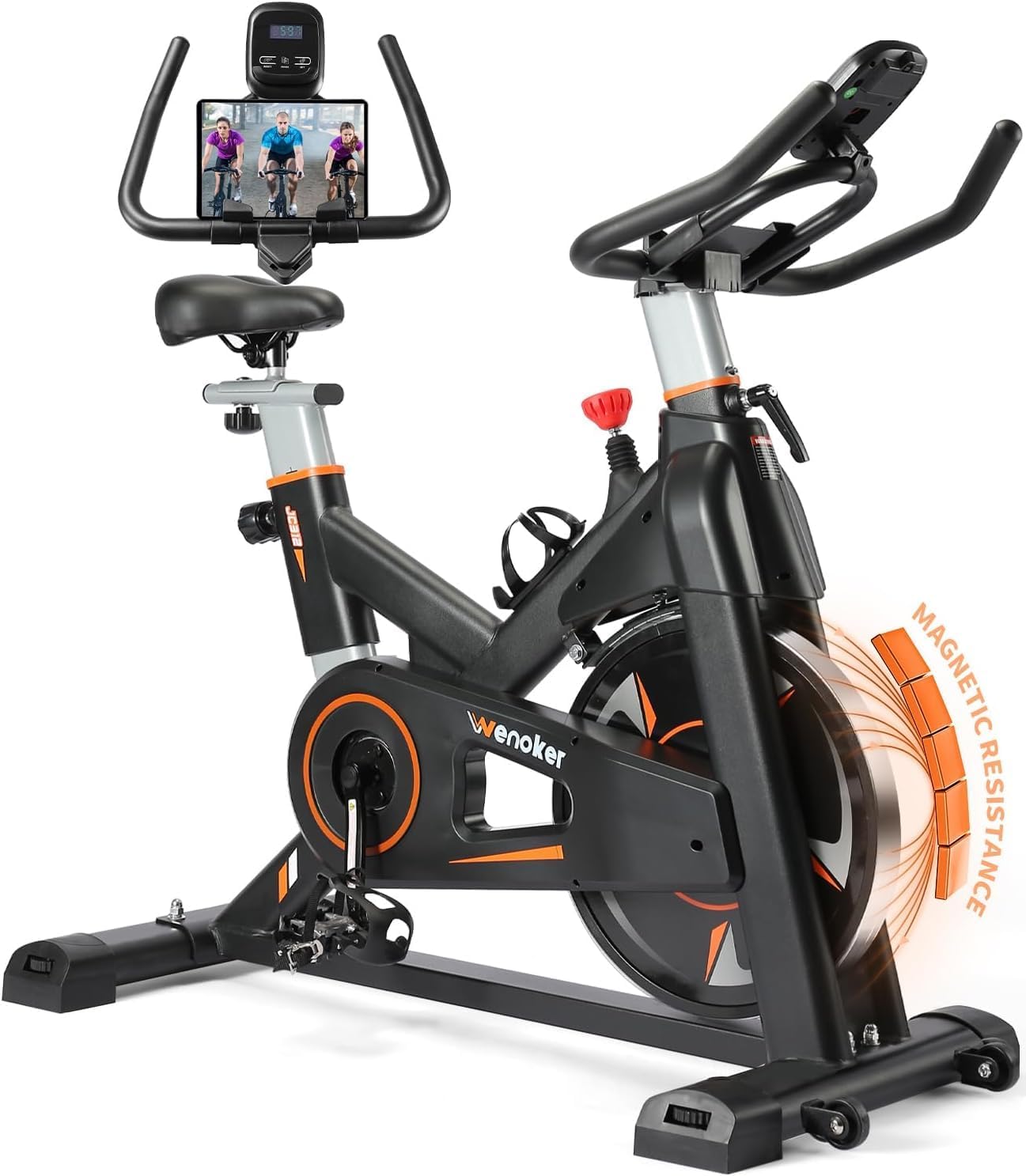
Image 6.1: The WENOKER JC312 Exercise Bike, showcasing its overall design, LCD monitor, tablet holder, and magnetic resistance system.
7. Warranty and Customer Support
WENOKER is committed to providing quality products and customer satisfaction.
- Warranty: WENOKER offers free replacement of parts for 12 months from the date of purchase. This warranty covers manufacturing defects and material flaws under normal use.
- Customer Service: If you have any questions regarding assembly, operation, maintenance, or warranty claims, please do not hesitate to contact WENOKER customer service. Refer to your purchase documentation or the WENOKER brand store for contact information.
- Online Resources: For additional support and product information, visit the official Wenoker Store on Amazon.


