
AWEI 1
AWEI Mens Fitness Smartwatch User Manual
Model: 1
1. Introduction
Thank you for choosing the AWEI Mens Fitness Smartwatch. This device is designed to enhance your daily life with its advanced fitness tracking, communication, and health monitoring capabilities. Featuring a durable zinc alloy exterior and a vibrant 2.01-inch display, this smartwatch is compatible with both Android and iOS devices, offering a seamless user experience. Please read this manual carefully to ensure proper use and maintenance of your new smartwatch.

Figure 1.1: The AWEI Mens Fitness Smartwatch, showcasing its sleek black design and clear digital display.
2. Setup
2.1 Charging the Smartwatch
Before first use, fully charge your smartwatch. The device is equipped with a 300mAh Lithium Polymer battery. A full charge typically takes 2.5 to 3 hours.
- Connect the charging cable to the charging port on the back of the smartwatch.
- Plug the USB end of the cable into a standard USB power adapter (5V/1A recommended) or a computer's USB port.
- The watch display will show a charging indicator.
- Once fully charged, disconnect the charging cable.

Figure 2.1: Charging the AWEI Smartwatch. A full charge provides 5-7 days of daily usage and up to 30 days of standby time.
2.2 Pairing with Your Smartphone
To unlock all features, pair your smartwatch with the companion application on your iOS (9.0 above) or Android (6.0 above) smartphone via Bluetooth.
- Download the official AWEI smartwatch application from your phone's app store (e.g., Apple App Store or Google Play Store).
- Ensure Bluetooth is enabled on your smartphone.
- Open the AWEI application and follow the on-screen instructions to add a new device.
- Select your smartwatch from the list of available Bluetooth devices.
- Confirm the pairing request on both your phone and the smartwatch.
3. Operating Your Smartwatch
3.1 Display and Navigation
The smartwatch features a 2.01-inch full-touch display. You can navigate through menus and functions by swiping across the screen and tapping icons.
- Swipe Up/Down: Scroll through notifications or menu options.
- Swipe Left/Right: Access quick functions or different data screens.
- Tap: Select an item or confirm an action.
- Raise to Wake: Lift your wrist to automatically illuminate the screen.

Figure 3.1: The smartwatch display showing fitness metrics. The 2.5D narrow-edged glass provides a clear and immersive viewing experience.
3.2 Making and Answering Calls
With its Bluetooth call function, you can answer or make calls directly from your wrist when connected to your smartphone.
- Answering Calls: When a call comes in, the watch will vibrate and display the caller ID. Tap the green answer icon to accept the call.
- Rejecting Calls: Tap the red reject icon to decline an incoming call.
- Making Calls: Access the dialer or contact list through the watch interface to initiate a call.
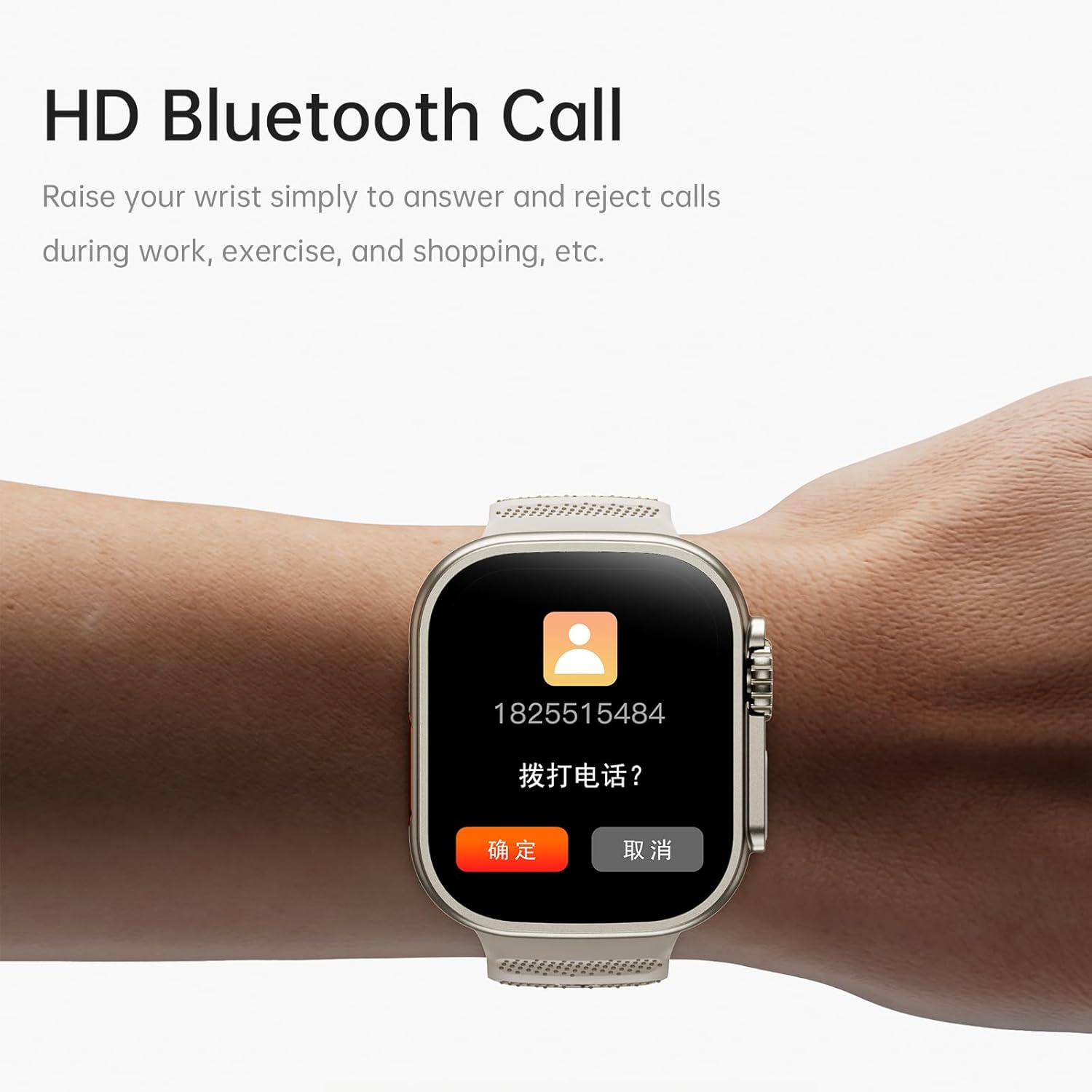
Figure 3.2: The smartwatch displaying an incoming call, demonstrating its HD Bluetooth call capability.
3.3 Sports Modes and Activity Tracking
The smartwatch supports a variety of sports modes to accurately track your exercise data, including time and calories burned.
- Available Modes: Running, Walking, Hiking, Basketball, Badminton, Boating, Climbing, Fitness, Cycling, Football, Yoga, and more.
- Accessing Modes: Navigate to the 'Sports' section on your watch to select your desired activity.
- GPS Tracking: For outdoor activities, the watch can utilize your smartphone's GPS for route tracking.
3.4 Health Monitoring
Monitor your health with integrated sensors for heart rate and blood oxygen. The watch also includes features for female physiological cycle tracking and sedentary reminders.
- Heart Rate Monitoring: Access the heart rate function to measure your current heart rate.
- Blood Oxygen Monitoring: Check your blood oxygen saturation levels.
- Sedentary Reminder: Set reminders to encourage movement after periods of inactivity.
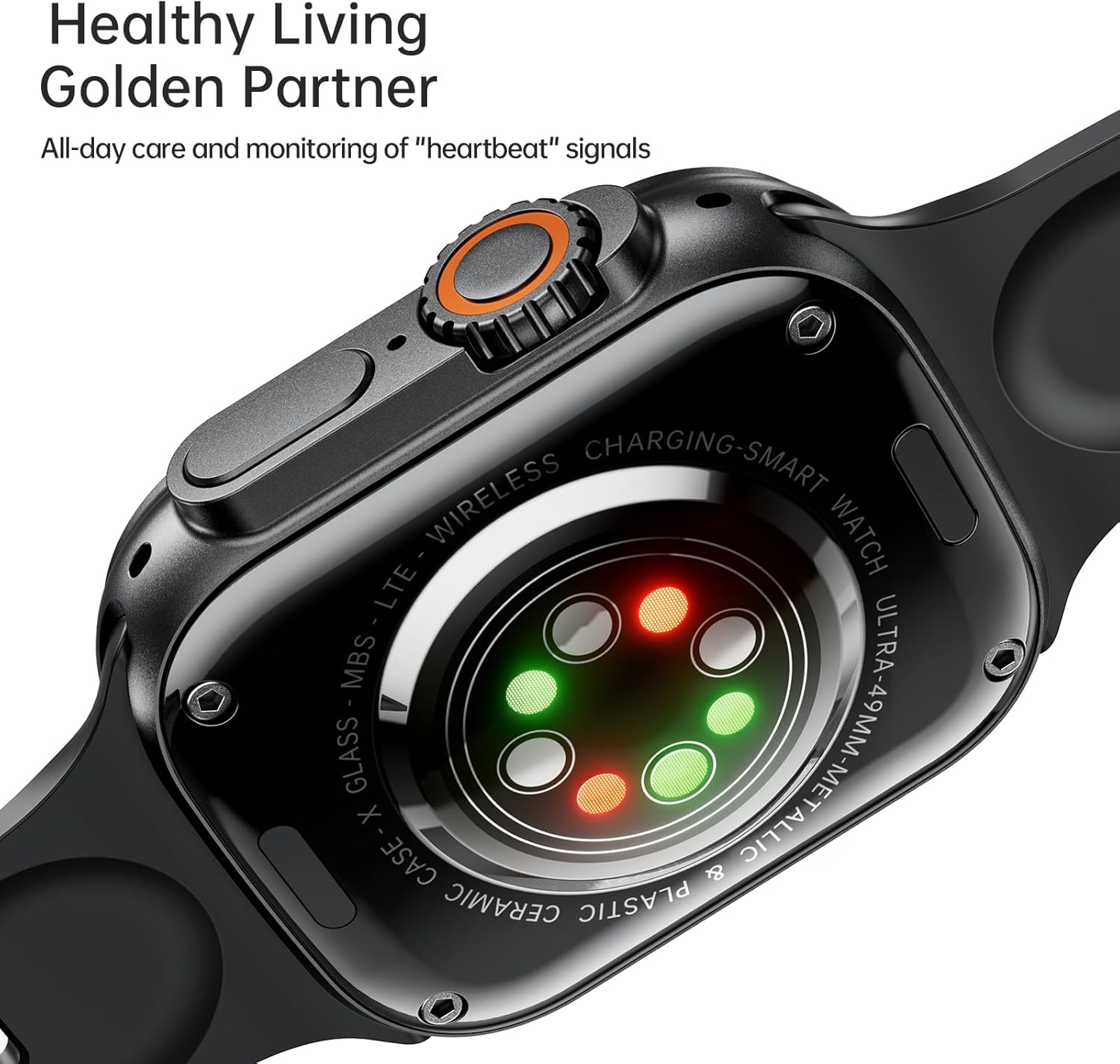
Figure 3.3: The back of the smartwatch, highlighting the advanced sensors for heart rate and blood oxygen monitoring.
3.5 Other Functions
- Custom Dials: Choose from cloud-based watch faces or upload your own photos for a personalized look.
- Remote Photography: Control your phone's camera remotely from your watch.
- Music Control: Play, pause, skip tracks, and adjust volume for music playing on your phone.
- Alarm Clock: Set alarms directly on your watch.
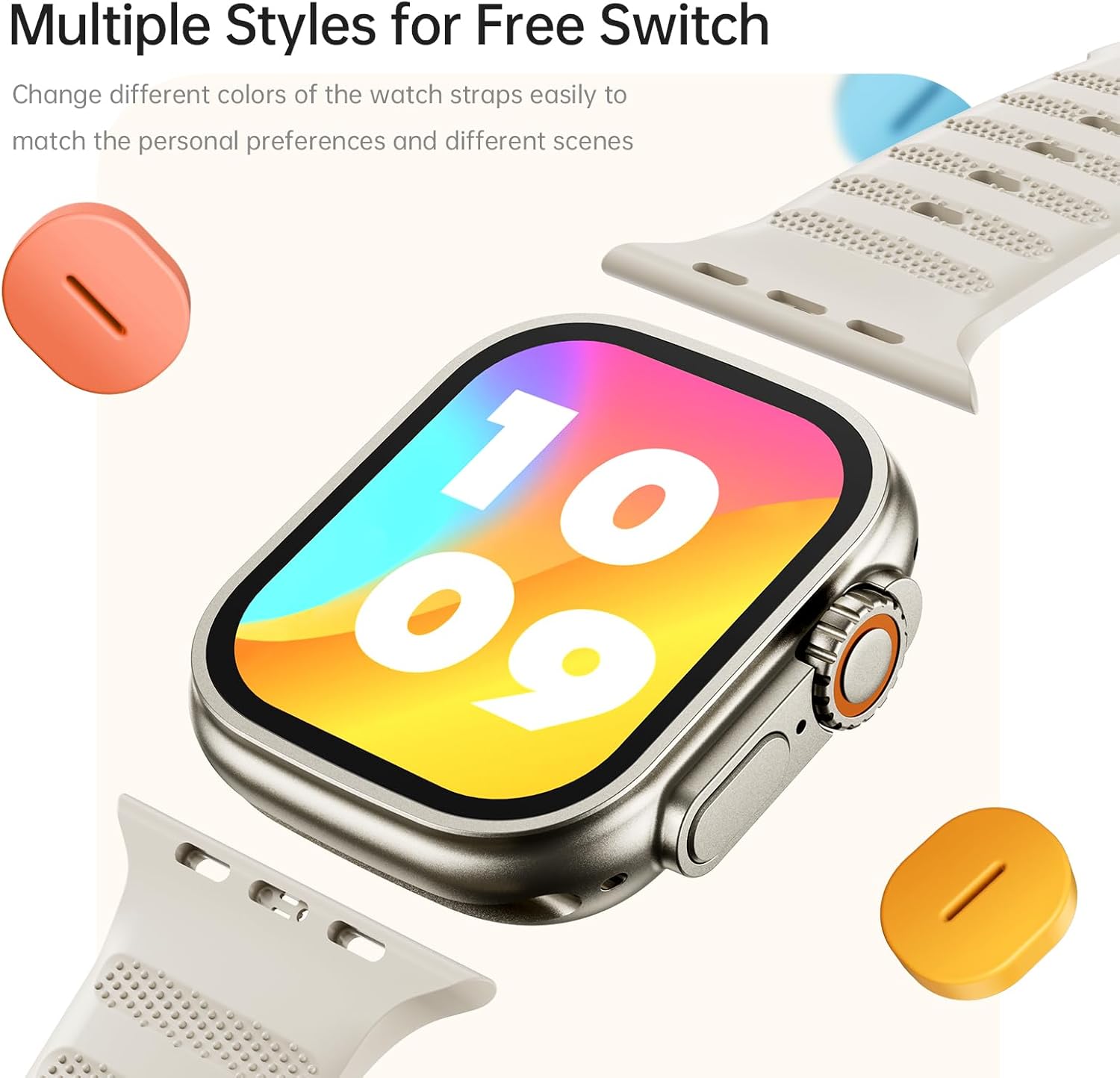
Figure 3.4: The smartwatch with interchangeable straps, demonstrating the multiple style options available for personalization.
4. Maintenance
4.1 Water Resistance
The AWEI Smartwatch has an IP65 waterproof rating. This means it is resistant to splashes, sweat, and light rain, making it suitable for daily activities like washing hands or face. However, it is not recommended for use in hot water, seawater, swimming, or diving, as this may compromise its water resistance.
4.2 Cleaning and Care
- Wipe the watch and strap regularly with a soft, dry cloth.
- If necessary, use a slightly damp cloth for cleaning, then dry thoroughly.
- Avoid using harsh chemicals, cleaning solvents, or abrasive materials, as these can damage the watch's finish and components.
- Keep the charging contacts clean and free of debris to ensure proper charging.
5. Troubleshooting
- Watch not turning on: Ensure the watch is fully charged. Connect it to the charger for at least 30 minutes.
- Cannot pair with phone:
- Ensure Bluetooth is enabled on your phone and the watch is within range.
- Restart both your phone and the smartwatch.
- Check if the AWEI app is updated to the latest version.
- If previously paired, try unpairing and re-pairing the device.
- Inaccurate fitness data: Ensure the watch is worn snugly on your wrist, about one finger's width above the wrist bone. Clean the sensors on the back of the watch.
- Short battery life: Reduce screen brightness, disable unnecessary notifications, and limit continuous heart rate monitoring if not needed. Ensure the watch is fully charged each time.
- No notifications: Check notification settings in the AWEI app and on your phone's system settings to ensure permissions are granted for the app to display notifications.
6. Specifications
| Feature | Detail |
|---|---|
| Model Number | 1 |
| Screen Size | 2.01 Inches |
| Display Type | Full Touch |
| Battery Capacity | 300 Milliamp Hours (Lithium Polymer) |
| Battery Life (Daily Use) | 5-7 days |
| Battery Life (Standby) | Up to 30 days |
| Charging Time | 2.5-3 hours |
| Water Resistance | IP65 |
| Connectivity | Bluetooth |
| Operating System Compatibility | iOS 9.0+ / Android 6.0+ |
| GPS | Via Smartphone |
| Material | Zinc Alloy Exterior |
| Shape | Square |
7. Warranty and Support
This product comes with a one-year warranty from the date of purchase. The warranty covers manufacturing defects and malfunctions under normal use. It does not cover damage caused by misuse, accidents, unauthorized repairs, or failure to follow the instructions in this manual.
For technical support, warranty claims, or any questions regarding your AWEI Smartwatch, please contact AWEI customer service. Refer to the product packaging or the official AWEI website for contact information.
Related documents1


Ask a question about this manual
Ask about setup, troubleshooting, compatibility, parts, safety, or missing instructions. Manuals+ will review the question and use this page’s manual context to help answer it.