
1. Introduction
Thank you for choosing the ShellHome Magnetic Golf Speaker SP-003. This portable Bluetooth speaker is designed for versatile outdoor and indoor use, featuring strong magnetic mounting, IPX6 waterproof durability, and TWS stereo sound capabilities. This manual provides essential information for setting up, operating, maintaining, and troubleshooting your speaker to ensure optimal performance.
2. Package Contents
Please check the box for the following items:
- Wireless Jobsite Speaker (SP-003)
- Aux Cable
- Charging Cable (USB-C)
- User Manual
3. Product Overview
The ShellHome SP-003 speaker combines robust design with advanced audio technology. It features a durable, IPX6 waterproof and dustproof construction, making it suitable for various environments. The integrated strong magnets allow for easy attachment to metal surfaces, while a hang hook provides additional mounting flexibility. Enjoy rich, detailed stereo sound with Bluetooth 5.4 connectivity and True Wireless Stereo (TWS) pairing for an enhanced audio experience.
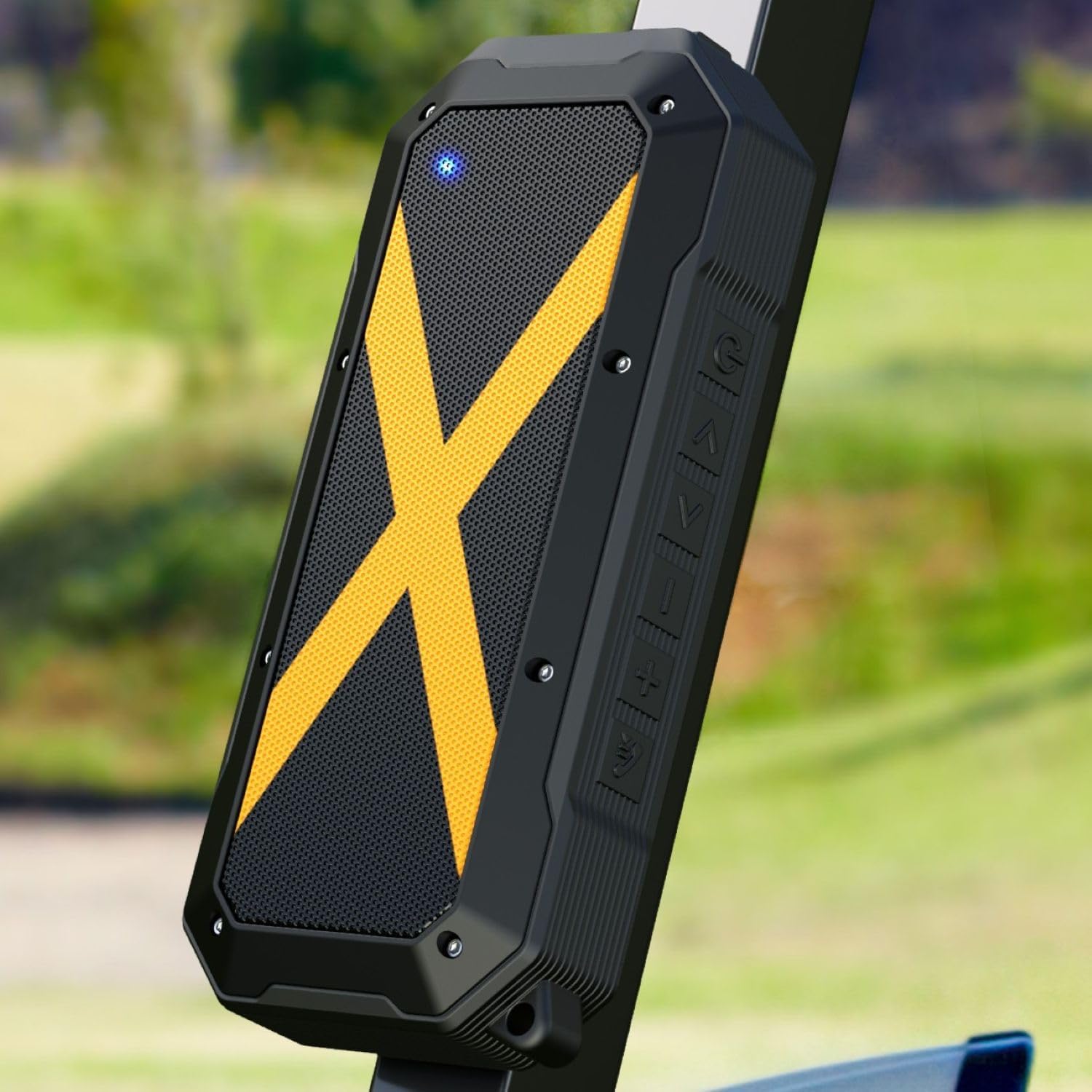
The ShellHome SP-003 speaker magnetically attached to the metal frame of a golf cart, demonstrating its primary mounting feature for outdoor use.

This image highlights key features of the ShellHome SP-003, including Bluetooth 5.4, 30-hour playtime, IPX6 waterproof rating, voice assistant support, ENC noise-canceling microphone, and magnetic mounting.
4. Setup
4.1 Charging the Speaker
Before first use, fully charge the speaker. Use the provided USB-C charging cable to connect the speaker to a compatible USB power adapter (not included).
- The charging indicator light will illuminate during charging.
- A full charge provides up to 30 hours of playtime at 60% volume.
4.2 Power On/Off
- To power on: Press and hold the Power button until the indicator light illuminates and you hear an audible prompt.
- To power off: Press and hold the Power button until the indicator light turns off and you hear an audible prompt.
4.3 Bluetooth Pairing
To connect your speaker to a Bluetooth-enabled device:
- Ensure the speaker is powered on and in pairing mode (indicator light will flash).
- On your device, enable Bluetooth and search for available devices.
- Select "ShellHome SP-003" from the list.
- Once connected, the indicator light will become solid, and you will hear a confirmation sound.
4.4 True Wireless Stereo (TWS) Pairing
To pair two ShellHome SP-003 speakers for stereo sound:
- Ensure both speakers are powered on and not connected to any other Bluetooth device.
- On one speaker (this will be the primary speaker), double-press the TWS button (often the Play/Pause button or a dedicated TWS button).
- The speakers will search for each other and automatically pair. You will hear a confirmation sound once connected.
- Once TWS paired, connect your device to the primary speaker via Bluetooth as described in Section 4.3.
5. Operating Instructions
5.1 Basic Controls
The speaker features intuitive touch controls on its side panel:
- Power Button: Press and hold to power on/off.
- Play/Pause Button: Press once to play or pause music.
- Volume Up (+): Press to increase volume.
- Volume Down (-): Press to decrease volume.
- Next Track: Press and hold Volume Up (+) to skip to the next track.
- Previous Track: Press and hold Volume Down (-) to go to the previous track.
5.2 Hands-Free Calls
When connected to your smartphone via Bluetooth, the speaker supports hands-free calling with its built-in microphone.

The image depicts the speaker's hands-free call feature, showing it connected to a smartphone with visual cues for clear audio communication.
- Answer Call: Press the Play/Pause button once.
- End Call: Press the Play/Pause button once during a call.
- Reject Call: Press and hold the Play/Pause button.
5.3 Voice Assistant
Access your device's voice assistant (Siri or Google Assistant) through the speaker:
- Press the dedicated Voice Assistant button (if available) or double-press the Play/Pause button to activate.
5.4 Magnetic Mounting and Hang Hook
The speaker is equipped with strong magnets and a hang hook for versatile placement.
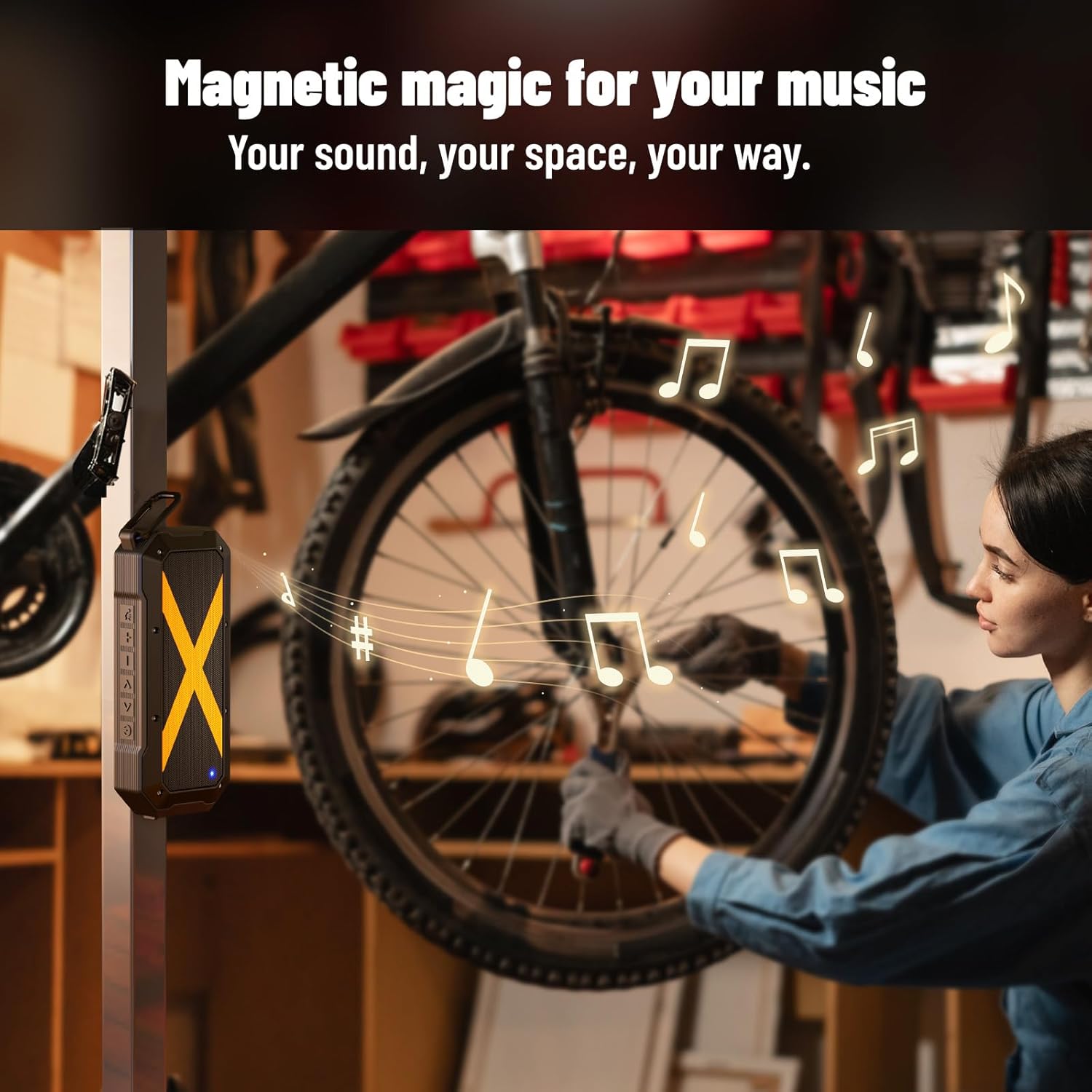
The speaker is shown attached to a metal pole, highlighting its strong magnetic base for use in various environments like workshops or job sites.

This image illustrates the speaker's versatility, showing it suspended by its hang hook from a wooden surface, suitable for various work or leisure settings.
- Magnetic Mounting: Attach the speaker to any ferrous metal surface, such as golf cart frames, metal shelves, or job site equipment.
- Hang Hook: Use the integrated hook to hang the speaker from golf bags, branches, or other suitable fixtures.
5.5 Auxiliary Input
For non-Bluetooth devices, use the provided Aux Cable to connect to the speaker's 3.5mm audio input jack.
- Connect one end of the Aux Cable to your audio source and the other end to the speaker's AUX port.
- The speaker will automatically switch to AUX mode.
6. Maintenance
6.1 Cleaning
- Wipe the speaker with a soft, damp cloth.
- Do not use abrasive cleaners, alcohol, or chemical solvents.
- Ensure all ports are dry before charging or using in wet conditions.
6.2 Storage
- Store the speaker in a cool, dry place away from direct sunlight and extreme temperatures.
- If storing for an extended period, charge the battery to approximately 50% every few months to prolong battery life.
6.3 Water Resistance (IPX6)

The speaker is shown on a beach with water, illustrating its IPX6 waterproof rating and suitability for outdoor, wet environments.
The speaker has an IPX6 rating, meaning it is protected against high-pressure water jets from any direction. It is suitable for use in rainy conditions or near water, but it should not be submerged.
7. Troubleshooting
| Problem | Possible Cause | Solution |
|---|---|---|
| Speaker does not power on | Low battery; Power button not held long enough | Charge the speaker; Press and hold the Power button for 3-5 seconds |
| No sound | Volume too low; Device not connected; Incorrect input mode | Increase speaker/device volume; Re-pair Bluetooth; Check AUX cable connection |
| Bluetooth pairing fails | Speaker not in pairing mode; Device Bluetooth off; Too far from device | Ensure speaker is flashing; Turn device Bluetooth on/off; Move speaker closer to device |
| Poor sound quality | Low battery; Obstructions between speaker and device; Speaker too far from device | Charge the speaker; Remove obstructions; Move speaker closer to device |
| TWS pairing fails | Speakers already connected to other devices; Incorrect pairing procedure | Disconnect speakers from other devices; Follow TWS pairing steps carefully |
8. Specifications

This image showcases the speaker's long-lasting battery, indicating up to 30 hours of playtime, ideal for extended use in environments like job sites.

A detailed internal view of the speaker highlights its dual drivers and Bluetooth 5.4 chip, emphasizing its audio quality and connectivity.
| Feature | Detail |
|---|---|
| Model Name | SP-003 |
| Connectivity Technology | Bluetooth 5.4 |
| Wireless Range | Up to 20 meters (66 feet) |
| Speaker Type | Outdoor, Portable |
| Special Features | Magnetic, Waterproof (IPX6), Dustproof, Shockproof, Snowproof, TWS Function, Hands-Free Calls, Voice Assistant |
| Audio Output Mode | Stereo (2.0 Channel) |
| Speaker Maximum Output Power | 30 Watts |
| Frequency Response | 160Hz ~ 20KHz |
| Battery Type | 1 Lithium Ion (included) |
| Battery Capacity | 3000 mAh |
| Playtime | Up to 30 hours (at 60% volume) |
| Charging Port | USB-C |
| Control Method | Touch |
| Material | Acrylonitrile Butadiene Styrene (ABS), Aluminum |
| Product Dimensions | 1.5"D x 3"W x 7"H |
| Item Weight | 2 Ounces |
| Compatible Devices | Desktop, Laptop, Smartphone, Tablet |
9. Safety Information
- Do not expose the speaker to extreme temperatures (hot or cold) or direct sunlight for prolonged periods.
- Avoid dropping or subjecting the speaker to severe impacts, as this may damage internal components.
- Keep the speaker away from open flames or heat sources.
- Do not attempt to disassemble, repair, or modify the speaker yourself. This will void the warranty and may cause damage or injury.
- Use only the provided charging cable or a certified USB-C cable for charging.
- Dispose of the battery and speaker according to local regulations. Do not dispose of batteries in household waste.
10. Warranty and Support
The ShellHome SP-003 speaker comes with a limited warranty. Please refer to the warranty card included in your package or contact ShellHome customer support for details regarding warranty coverage and service.
For technical support, troubleshooting assistance, or any questions regarding your product, please contact ShellHome customer service through the retailer where you purchased the product or visit the official ShellHome website.