1. Product Overview
The DREAME D9 Max Gen2 is an advanced robot vacuum cleaner designed to provide efficient and thorough cleaning for various floor types. It features powerful suction, intelligent navigation, and a convenient mopping function to keep your home spotless.

Image: DREAME D9 Max Gen2 Robot Vacuum Cleaner, top view with a smartphone displaying the brand logo.
Key Features:
- Vormax Suction System: Customizable cleaning with 4 suction levels, up to 6,000 Pa, effectively removing hair, dust, and dirt.
- Movable Brush: Designed to remove deep-seated dust from carpets and floors, automatically lifting between obstacles.
- Large Dustbin: A 570-ml dustbin efficiently collects debris, preventing dust leakage and odors.
- Efficient Home Mapping: Creates customizable maps for precise navigation and cleaning paths.
- Personalized Carpet Care: Intelligent suction settings for deep cleaning carpets.
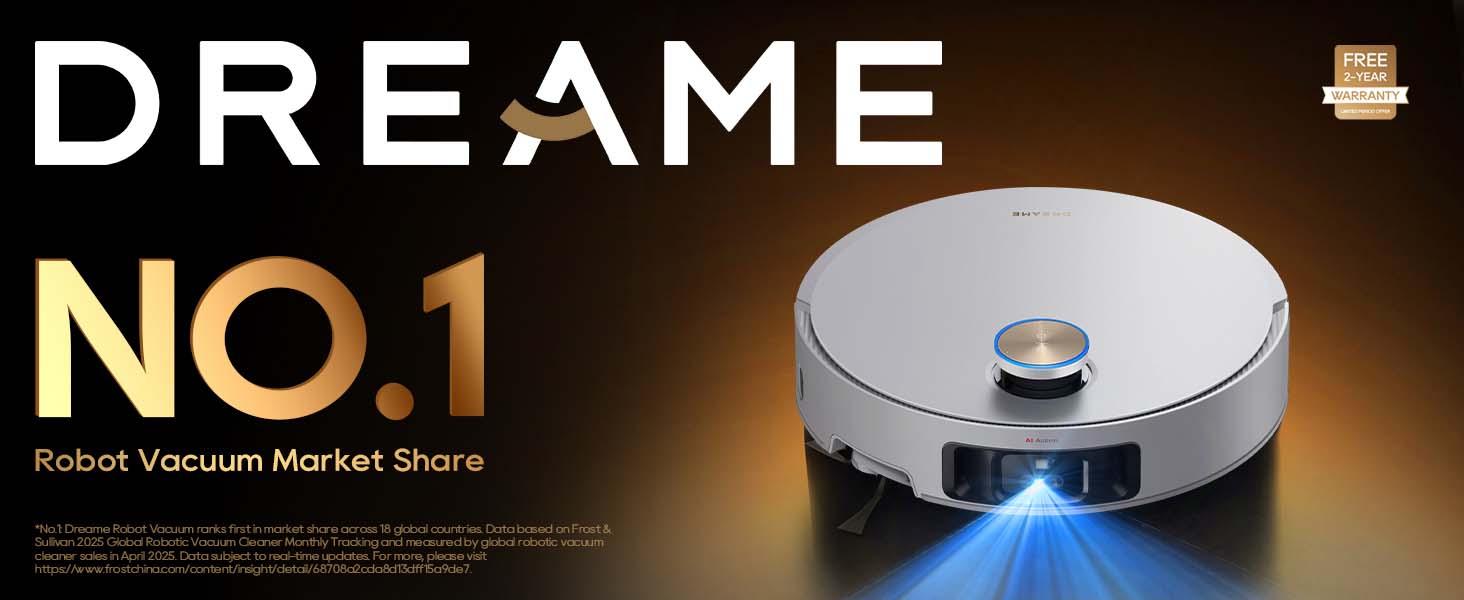
Image: Illustration of the robot vacuum demonstrating its 6000Pa suction power, lifting dust and debris from the floor.

Image: Two robot vacuums, one sweeping dry debris on a wooden floor and another mopping a wet spill on a tiled floor, illustrating both functions.
2. Package Contents
Verify that all components are present in the package before initial setup.

Image: A visual representation of all items included in the DREAME D9 Max Gen2 package, neatly arranged.
- Robot Vacuum x1
- User Manual x1
- Water Tank x1
- Charging Dock x1
- Mop Pad x1
- Side Brush x1
3. Setup Guide
3.1 Unpacking and Placement
- Remove all packaging materials and protective films from the robot vacuum and its accessories.
- Place the charging dock against a wall on a hard, level surface. Ensure there is at least 0.5 meters of clear space on both sides and 1.5 meters in front of the dock.
- Connect the power adapter to the charging dock and plug it into a power outlet.
3.2 Initial Charging
Place the robot vacuum onto the charging dock. Ensure the charging contacts on the robot align with those on the dock. The robot will automatically begin charging. For first-time use, it is recommended to fully charge the robot before operation.

Image: The robot vacuum automatically returning to its charging dock, illustrating the auto-charging feature.
3.3 App Connection
Download the latest version of the Dreamehome App from the App Store or Google Play. Follow the in-app instructions to connect your robot vacuum to your home Wi-Fi network and personalize your cleaning experience.

Image: A smartphone screen displaying the Dreamehome App interface with a mapped floor plan, demonstrating personalized cleaning routine settings.
4. Operating Instructions
4.1 Cleaning Modes and Suction Levels
The D9 Max Gen2 offers various cleaning modes and adjustable suction levels via the Dreamehome App. You can customize the cleaning intensity based on your floor type and dirt level. Activate Suction Boost Mode for comprehensive and detailed cleanup on carpets.

Image: The robot vacuum cleaning a carpet, with blue light effects indicating deep cleaning and personalized suction for carpets.
4.2 Navigation and Mapping
The robot uses LiDAR Navigation to create an editable map of your home for precise and consistent cleaning paths. It supports multi-floor mapping, allowing it to seamlessly accommodate large, multi-story houses with different surfaces.

Image: The robot vacuum moving across a floor with a holographic map projected above it, illustrating its adaptive mapping capabilities.

Image: The robot vacuum on a floor with multiple colored floor plans overlaid, demonstrating its multi-floor mapping capability.
4.3 Virtual Boundaries and No-Go Zones
Using the app, you can create virtual boundaries to prevent the robot from entering certain areas, such as bathrooms. You can also establish no-go zones to ensure the robot avoids challenging spots like pet food areas, cables, or cluttered spaces.

Image: The robot vacuum near a doorway with an orange grid overlay, representing virtual boundaries to prevent it from crossing into specific areas.

Image: The robot vacuum navigating around a pet bed and food bowls, with an orange grid indicating a no-go zone to restrict access to certain areas.
4.4 Obstacle Avoidance and Cliff Sensors
The D9 Max Gen2 utilizes Smart Pathfinder Technology to detect and maneuver around objects like toys or kitchen islands, ensuring thorough room coverage without unnecessary bumps. It can effortlessly conquer a 20mm threshold and uses built-in cliff sensors to prevent accidental falls from stairs or elevated surfaces.

Image: The robot vacuum navigating around various objects on the floor, with a holographic grid showing its path planning using Smart Pathfinder Technology.

Image: The robot vacuum smoothly transitioning over a 20mm threshold, demonstrating its ability to climb obstacles.

Image: The robot vacuum near the edge of a raised surface, with blue light beams indicating its cliff sensors detecting the drop-off.
4.5 Voice Guidance
Effortlessly control your personalized cleaning experience with Alexa, Siri, and Google Home compatibility. Speak to send your vacuum on a run, pause, or stop cleaning at your convenience.

Image: The robot vacuum on a wooden floor next to a smart speaker, with speech bubbles indicating voice commands like "Hey Google, start vacuuming".
5. Maintenance
Regular maintenance ensures optimal performance and extends the lifespan of your DREAME D9 Max Gen2.
5.1 Dustbin and Filter Cleaning
The 570ml dust box efficiently stores short hair, pet fur, and dirt. Empty the dustbin after each cleaning session and clean the filter regularly to maintain suction power.

Image: The robot vacuum with its 570ml dust box highlighted, emphasizing its capacity for collecting debris.
5.2 Main Brush and Side Brush Cleaning
The floating brush efficiently removes embedded dust and tangled hair. Regularly remove hair and debris from the main brush and side brush to prevent tangles and ensure effective cleaning.

Image: A close-up of the robot vacuum's floating brush, showing it effectively picking up dust, hair, and fur from the floor.
5.3 Water Tank and Mop Pad Maintenance
The built-in 235ml water tank provides sufficient moisture for continuous mopping. After mopping, remove and clean the mop pad. Refill the water tank as needed and select from 3 adjustable water flow levels for a personalized floor cleaning experience.

Image: The robot vacuum on a floor with water droplet trails, highlighting its 235ml water tank and continuous mopping capability.
5.4 Sensor Cleaning
Wipe the cliff sensors, wall sensors, and charging contacts with a soft, dry cloth periodically to ensure accurate navigation and charging.
6. Troubleshooting
If you encounter issues with your DREAME D9 Max Gen2, refer to the following common problems and solutions:
| Problem | Possible Cause | Solution |
|---|---|---|
| Robot does not turn on | Low battery; Power button not pressed | Place on charging dock; Press and hold power button |
| Robot cannot charge | Charging contacts dirty; Dock not powered | Clean contacts; Ensure dock is plugged in |
| Poor cleaning performance | Dustbin full; Brush tangled; Filter clogged | Empty dustbin; Clean main/side brush; Clean/replace filter |
| Robot gets stuck frequently | Obstacles on floor; Sensors dirty | Clear floor; Clean all sensors |
| App connection issues | Wi-Fi signal weak; Incorrect password | Ensure strong Wi-Fi; Re-enter password; Restart robot/router |
For more detailed troubleshooting or persistent issues, please refer to the full user manual or contact customer support.
7. Specifications
| Feature | Specification |
|---|---|
| Brand | DREAME |
| Model Name | D9 Max Gen2 |
| Special Feature | LiDAR Navigation, No-Go Zone |
| Colour | D9 Max Gen 2 (Black) |
| Product Dimensions | 35L x 40W x 9H Centimeters |
| Item Weight | 4 kg |
| Dustbin Capacity | 570 Milliliters |
| Water Tank Capacity | 235 Milliliters |
| Battery Life | Up to 285 Minutes |
| Suction Power | 6000 Pa |
| Power Source | Battery Powered |
| Control Method | App |
| Manufacturer | Dreame Trading (Tianjin) Co.,ltd. |
| Country of Origin | China |
Note: Specifications are subject to change without prior notice. Actual performance may vary based on usage and environment.
8. Warranty and Support
8.1 Warranty Information
Your DREAME D9 Max Gen2 Robot Vacuum Cleaner comes with a 1-Year Warranty. This warranty covers manufacturing defects and ensures that your purchase is protected. If you encounter any issues within the warranty period, please contact customer support for assistance.
8.2 Customer Support
For any queries, technical assistance, or warranty claims, please reach out to DREAME India Support.

Image: Map of India with service center locations, and contact details for DREAME India Support.
- Email: Support.in@dreame.tech
- Customer Support Hotline: 18003093942
- Operating Hours:
- Monday to Saturday: 10:00 AM to 6:00 PM
- Sunday: 10:00 AM to 4:00 PM
DREAME offers support within 24 hours across India, including service centers covering 165 cities, onsite service with pick-up and drop, virtual product demos, and onsite installation.


