
1. Introduction
This manual provides essential instructions for the operation and maintenance of your Denash Bluetooth MP3/MP4 Player, Model Denasha2r4edu7xf-13. This portable digital music player features a 1.8-inch color screen, supports up to 128GB external memory, and offers HiFi lossless sound quality with noise reduction. It is equipped with Bluetooth 5.0 for stable wireless connections and includes multiple functions such as voice recording, FM radio, photo viewing, and e-book reading.
2. Package Contents
Please check the package carefully to ensure all items are present:
- 1 x Denash MP3/MP4 Player (Model: Denasha2r4edu7xf-13)
- 1 x Data Cable (Mini-USB 2.0)
- 1 x Earphones

Image: The MP3/MP4 player shown alongside its USB data cable and a pair of white earphones, representing the typical package contents.
Video: An unboxing demonstration of the MP3/MP4 player, showcasing the device and its accessories as they are removed from the packaging.
3. Product Overview
The Denash MP3/MP4 Player features a compact design with a 1.8-inch color screen and intuitive controls. It is constructed from a durable aluminum alloy.
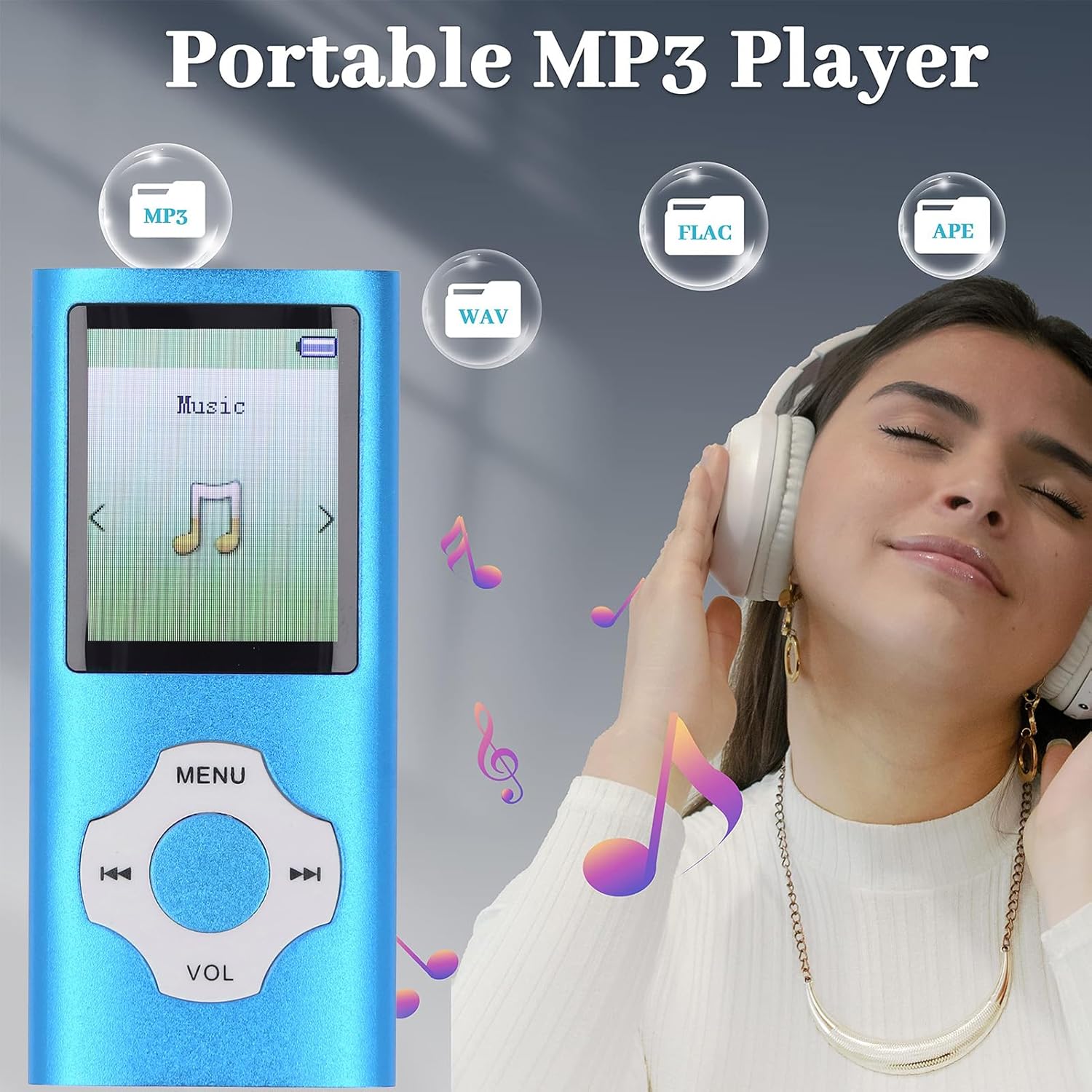
Image: A clear front view of the blue Denash portable MP3 player, highlighting its 1.8-inch screen and the circular navigation/volume control buttons.
Controls and Ports:
- Screen: 1.8-inch color display for navigation and content viewing.
- Navigation Buttons: Central circular control for menu navigation, playback, and volume adjustment.
- Power Switch: Located on the side, typically labeled 'OFF' and 'ON'.
- TF Card Slot: For inserting a Micro SD card to expand storage up to 128GB.
- Headphone Jack: Standard 3.5mm audio output.
- Microphone (MIC): For voice recording.
- USB Port: Mini-USB 2.0 for charging and data transfer.
4. Setup
4.1 Charging the Device
Before first use, fully charge the player. Connect the provided Mini-USB 2.0 data cable to the player's USB port and the other end to a USB power adapter (not included) or a computer's USB port. A full charge typically takes 1 to 2 hours, providing up to 10 hours of music playback.
4.2 Inserting a Memory Card
The player supports Micro SD cards up to 128GB (not included). Locate the TF Card slot on the side of the device. Gently insert the Micro SD card into the slot until it clicks into place. Ensure the player is powered off before inserting or removing the memory card.
4.3 Connecting to a Computer
To transfer music, videos, photos, or e-books, connect the player to your computer using the Mini-USB 2.0 data cable. The player will appear as a removable disk drive. You can then drag and drop files directly into the player's internal storage or the inserted Micro SD card.
5. Operating Instructions
5.1 Power On/Off
Slide the 'OFF/ON' switch located on the side of the player to the 'ON' position to power on. Slide it to 'OFF' to power off.
5.2 Music Playback
Navigate to the 'Music' menu option. Select your desired song from the list. The player supports MP3, WMA, APE, FLAC, WAV, OGG, and other formats. Use the navigation buttons to play/pause, skip tracks, and adjust volume. The built-in speaker provides an immersive sound experience, or connect earphones for private listening.
5.3 Bluetooth Connectivity
The player features an upgraded Bluetooth 5.0 chip for stable connections. To pair with a Bluetooth headset or speaker:
- Go to the 'Bluetooth' menu.
- Turn on Bluetooth.
- Search for available devices.
- Select your Bluetooth headset or speaker from the list to pair.
Note: This portable music player with Bluetooth cannot be paired with computers or mobile phones via Bluetooth.
5.4 FM Radio
To use the FM Radio function, ensure earphones are connected as they act as the antenna. Navigate to the 'FM Radio' menu option. You can scan for stations or manually tune to a specific frequency.

Image: The MP3 player's screen showing an FM radio interface with various frequencies (e.g., FM 87.5, FM 92.8, FM 102.6, FM 107.5, FM 76.5) indicated around the device.
5.5 Voice Recording
The player includes a noise reduction voice recording feature. Navigate to the 'Voice Record' menu. Select 'Record' to start recording and 'Stop' to end. Recordings are saved to the device's memory.
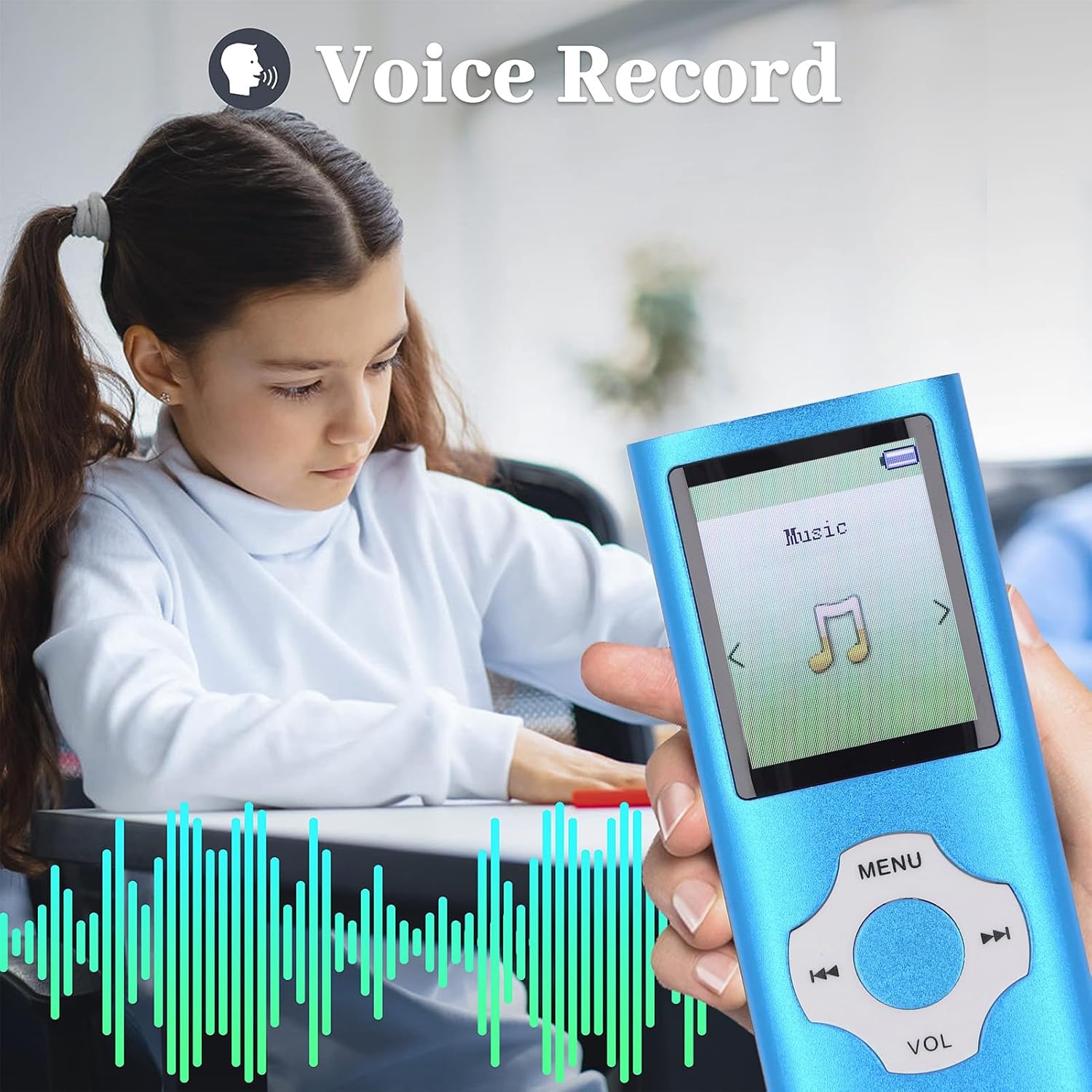
Image: A close-up of the MP3 player held by a child, with the screen showing a voice recording function and visual sound waves.
5.6 Other Functions (Video, Photo, E-book)
The player supports viewing photos in JPG, JPEG, BMP, and GIF formats, playing videos in AMV (converted video) format, and reading e-books in TXT format. Access these functions through their respective menu options.
6. Maintenance
- Keep the device dry. Moisture can damage electronic components.
- Avoid extreme temperatures. Do not expose to direct sunlight or very cold environments.
- Clean the screen and body with a soft, dry cloth. Do not use harsh chemicals.
- Handle with care to prevent drops or impacts.
- Regularly back up important files from the device to a computer.
7. Troubleshooting
7.1 Device Does Not Turn On
- Ensure the power switch is in the 'ON' position.
- Charge the device for at least 30 minutes. The battery might be completely drained.
7.2 Cannot Transfer Files to Computer
- Check if the USB cable is securely connected to both the player and the computer.
- Try a different USB port on your computer.
- Ensure the player is powered on when connected to the computer for data transfer.
7.3 No Sound
- Check the volume level.
- Ensure earphones are properly plugged in if using them.
- Test with different earphones or a different audio file.
8. Specifications
| Item Type | MP3 MP4 Player |
| Brand | Denash |
| Model Number | Denasha2r4edu7xf-13 |
| Material | Aluminum alloy |
| Color | Blue |
| Screen Size | 1.8 Inch |
| Display Technology | LCD |
| Memory Storage Capacity | Up to 128 GB (Micro SD card not included) |
| Connectivity Technology | Bluetooth 5.0 |
| Supported Audio Formats | MP3, WMA, OGG, APE, FLAC, WAV, etc. |
| Supported Video Formats | AMV (Converted Video) |
| Supported Image Formats | JPG, JPEG, BMP, GIF |
| Supported E-book Format | TXT |
| Battery Type | Built-in 180mAh Lithium-ion Battery |
| Battery Life | Approx. 10 Hours |
| Charging Time | Approx. 1-2 Hours |
| Special Features | Voice Recorder, Hi-Res Audio, Bluetooth |
| Compatible Devices | Personal computer, headphones, speaker |
| Country of Origin | China |
9. Warranty and Support
This product comes with a manufacturer's warranty for 90 days from the date of purchase. Please retain your proof of purchase for warranty claims. For technical support or further inquiries, please contact your retailer or the manufacturer directly.