
Introduction
This document provides comprehensive instructions for the installation and operation of your LocoLee LED Light Kit, designed specifically for the LEGO 21350 Jaws building set (Standard Version). This kit enhances your LEGO model with dynamic lighting effects. Please note: The LEGO 21350 Jaws model is not included with this light kit and must be purchased separately.
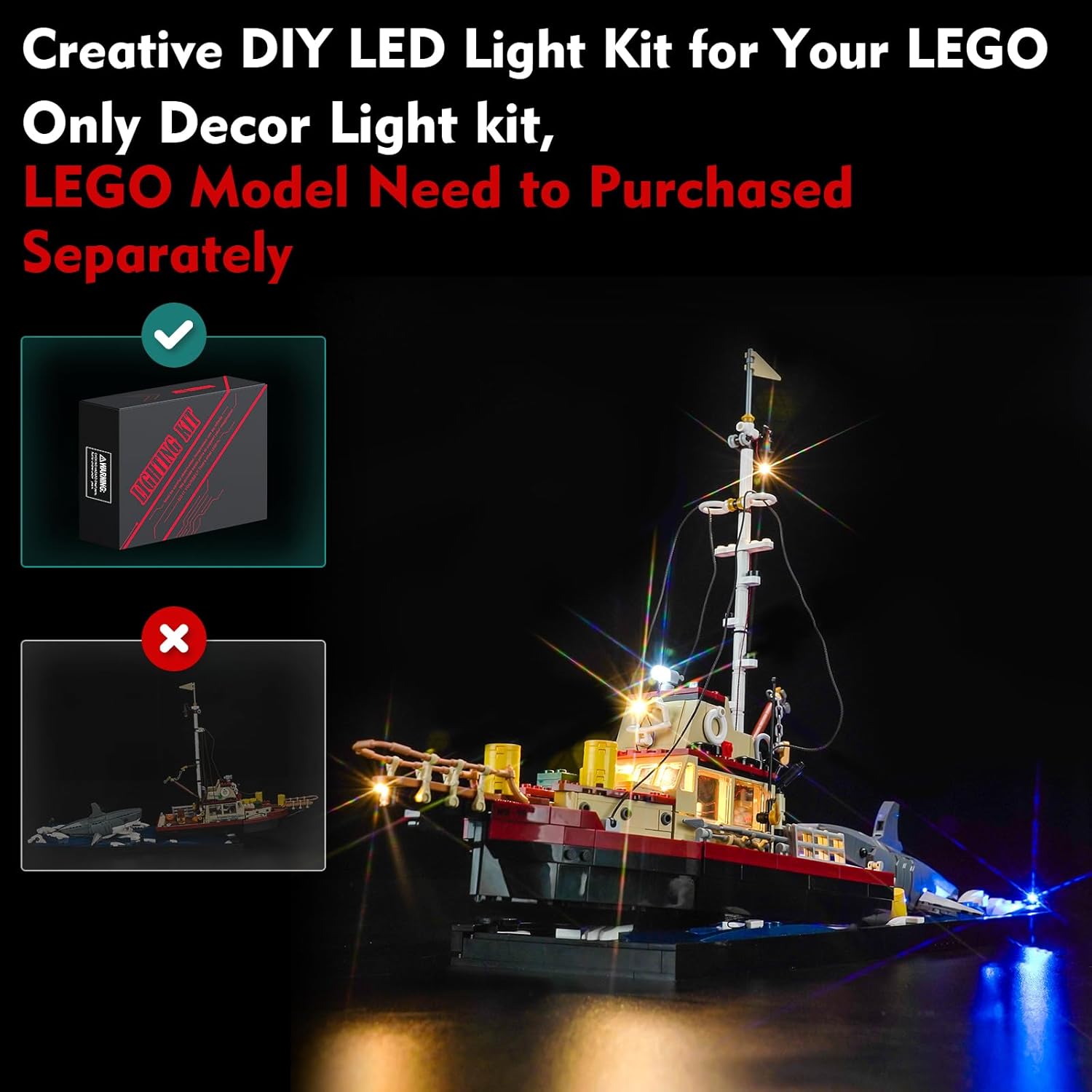
Image: The LocoLee LED Light Kit box next to a fully illuminated LEGO Jaws model, clearly stating that the LEGO model is sold separately.
Safety Information
To ensure safe use and prevent accidental ingestion, keep all small components of the light kit out of reach of young children. This product is recommended for ages 16 and up.
Package Contents
Your LocoLee LED Light Kit package includes the following components:
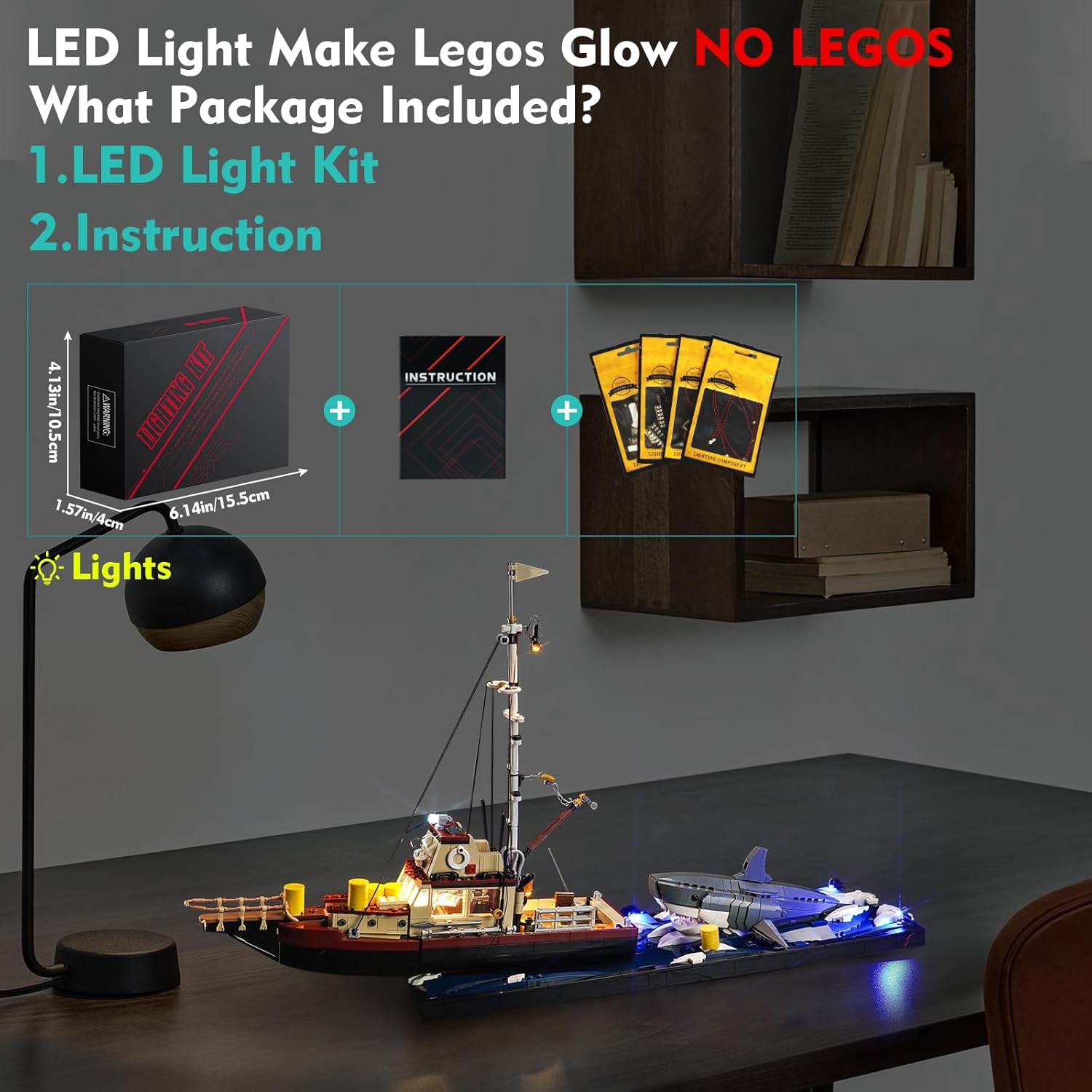
Image: A visual representation of the package contents, showing the light kit box and an instruction manual.
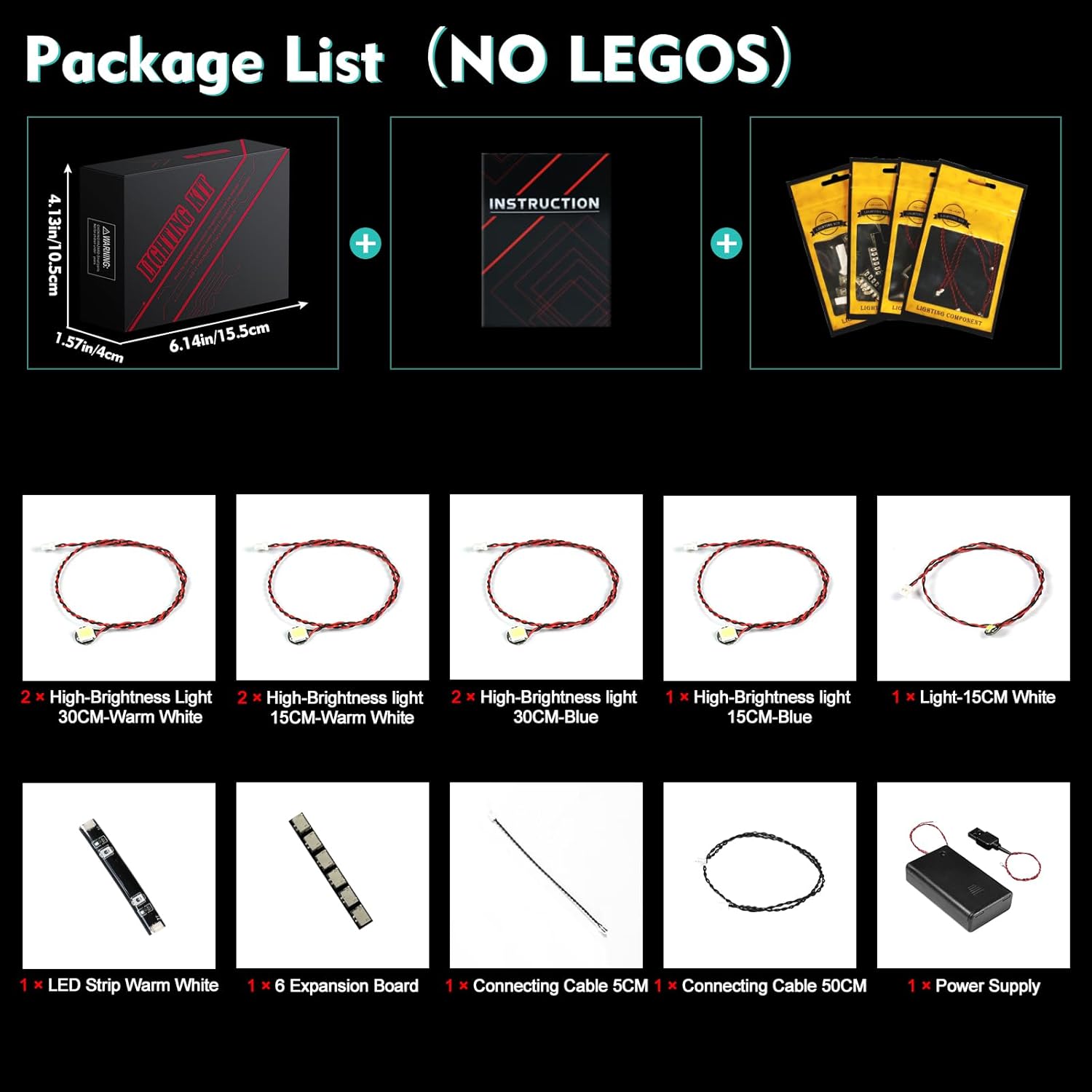
Image: A detailed layout of all individual components included in the light kit, such as different colored LED lights, connecting wires, and power accessories.
- LED Light Kit components (various high-brightness lights, LED strip, expansion board, connecting cables)
- Instruction Manual (digital access)
- Power Supply (USB cable, battery box - batteries not included)
Setup and Installation
Follow these steps to install your LED light kit onto your LEGO 21350 Jaws model. It is recommended to install the lights as you build the LEGO set, or carefully integrate them into an already assembled model.
- Access Digital Instructions: This kit does not include a paper instruction manual. To access the detailed PDF and video installation guides, please:
- Visit the website printed in the booklet provided in your package.
- Enter the model number or code found on the back of the packing box.
- Click on the picture to view the PDF and video tutorials.
- Test Components: Before beginning installation, test each light part to ensure it is functioning correctly.
- Integrate Lights: Carefully follow the digital instructions to integrate the LED lights and wiring into your LEGO model. The design allows for the wires to be hidden for a clean appearance.
- Connect Expansion Board: Connect the individual light wires to the expansion board as indicated in the instructions.
- Power Connection: Connect the expansion board to the power supply. The light kit can be powered by USB (voltage less than 5V). Batteries for the battery box are not included.

Image: Visual guide for accessing the digital installation instructions online.

Image: Different types of LED lights included in the kit, with a note about power requirements (less than 5V, batteries not included).
Operating Instructions
Once the LED light kit is fully installed and connected to a power source:
- Ensure the power source (USB or battery box) is active.
- The lights will illuminate, bringing your LEGO model to life.
- For optimal brightness, use a USB power source.
Video: A demonstration of the LocoLee LED Light Kit installed on the LEGO 21350 Jaws model, showcasing the illuminated boat and shark in a dark environment.

Image: A side-by-side comparison of the LEGO Jaws model, one unlit and one illuminated by the LED kit, demonstrating the visual enhancement.

Image: Detailed views of various sections of the LEGO Jaws model, highlighting the specific areas illuminated by the LED lights, such as the cabin interior and exterior fixtures.
Maintenance
To maintain the longevity and appearance of your LED light kit:
- Keep the model and light components free from dust. Use a soft, dry cloth for cleaning.
- Avoid exposing the light kit to excessive moisture or direct sunlight, which can degrade materials over time.
- Handle wires and connections gently to prevent damage.
Troubleshooting
| Problem | Possible Cause | Solution |
|---|---|---|
| Lights do not turn on. |
|
|
| Lights are dim. |
|
|
| Some lights are not working. |
|
|
Specifications
- Product Dimensions: 6.06 x 3.96 x 1.26 inches
- Item Weight: 4.6 ounces
- Manufacturer: LocoLee
- Recommended Age: 16 years and up
- Power Input: USB (Voltage less than 5V)
- Material: High-quality copper lines and ABS plastic
Warranty and Support
LocoLee is committed to providing high-quality products. If you encounter any issues with your LED light kit or have questions regarding installation or operation, please contact LocoLee customer support. Refer to the contact information provided in your package or on the official LocoLee website for assistance.