Introduction
This manual provides comprehensive instructions for the safe and effective use of your boAt Nirvana Ivy True Wireless Stereo (TWS) Earbuds. Please read this manual thoroughly before using the product and retain it for future reference.
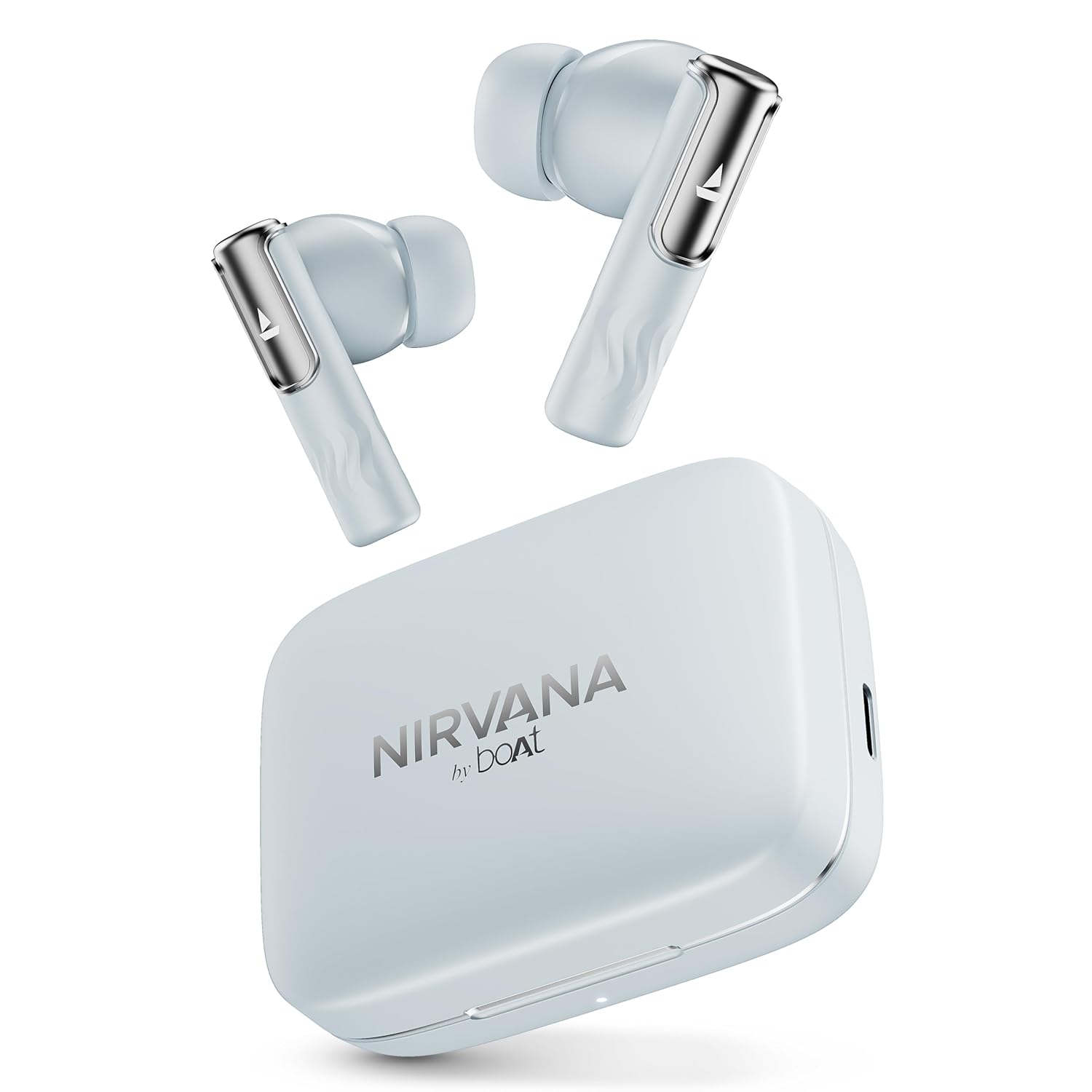
Image: boAt Nirvana Ivy TWS Earbuds and their charging case in Quartz Cyan color.
What's in the Box
- 1 x TWS Earbuds
- 1 x Charging Cable
- 1 x Warranty Card
Product Overview
The boAt Nirvana Ivy TWS Earbuds are designed to deliver an immersive audio experience with advanced features. Key components include the earbuds and the charging case.

Image: A four-panel graphic illustrating key features: 360° Spatial Audio with Head Tracking, Hybrid Active Noise Cancellation (~50dB), boAt Hearables App, and 11mm Dynamic Drivers.
Key Features:
- 50dB Hybrid Active Noise Cancellation (ANC): Reduces external noise for focused listening.
- 360° Spatial Audio with Dynamic Head Tracking: Provides an immersive, theatre-like audio experience where sound adapts to your head movements.
- 11mm Dynamic Drivers: Engineered for clear and powerful audio output.
- AI-ENx™ Technology: Enhances call clarity by minimizing background noise during voice calls.
- Multipoint Connectivity: Allows simultaneous connection to two devices, enabling seamless switching.
- Instant In-Ear Detection: Automatically plays audio when earbuds are worn and pauses when removed.
- BEAST™ Mode: Offers ultra-low latency (60ms) for an optimized gaming experience.
- Ambient Mode: Allows you to hear your surroundings while listening to audio.
- Google Fast Pair Support: Enables quick and easy pairing with compatible Android devices.
- boAt Hearables App Support: Provides customization options, controls, and access to additional features.
Setup
Initial Pairing:
- Ensure the earbuds are charged.
- Open the charging case. The earbuds will automatically enter pairing mode.
- On your device (smartphone, tablet, laptop), enable Bluetooth.
- Search for 'Nirvana Ivy' in the list of available Bluetooth devices.
- Select 'Nirvana Ivy' to connect. A voice prompt will confirm successful pairing.
boAt Hearables App:
Download the boAt Hearables App for enhanced control and customization of your Nirvana Ivy earbuds. The app allows you to adjust EQ settings, manage ANC modes, and personalize your listening experience.

Image: A smartphone screen showing the boAt Hearables App with a QR code for download. The Nirvana Ivy earbuds and charging case are visible next to the phone. Scan the QR code or visit l.ead.me/bdAX6k to download the app.
Google Fast Pair:
For compatible Android devices, simply open the charging case near your phone, and a pop-up notification will appear for quick pairing.

Image: A smartphone displaying a Google Fast Pair notification for the Nirvana Ivy earbuds. Below, an earbud is shown with sound waves indicating Ambient Mode.
Operating Instructions
Active Noise Cancellation (ANC) & Ambient Mode:
The Nirvana Ivy earbuds feature Hybrid ANC up to 50dB to reduce ambient noise. You can switch between ANC, Ambient Mode, and Normal Mode using the touch controls on the earbuds or through the boAt Hearables App.

Image: A woman wearing boAt Nirvana Ivy earbuds, with visual effects indicating active noise cancellation around her ear.
360° Spatial Audio with Dynamic Head Tracking:
Experience immersive audio that adapts to your head movements, creating a dynamic soundstage. This feature can be activated and managed via the boAt Hearables App.

Image: boAt Nirvana Ivy earbuds surrounded by concentric circles, depicting 360° Spatial Audio with audio dynamically adjusting as the head moves.
Video: A short preview demonstrating the 360° Spatial Audio with Dynamic Head Tracking feature of the Nirvana Ivy earbuds.
Call Functions (AI-ENx™ Technology):
AI-ENx™ Technology ensures clear voice calls by isolating your voice from background noise. Use the touch controls to answer, end, or reject calls.

Image: A transparent view of a boAt Nirvana Ivy earbud highlighting the internal components and AI-ENx™ Technology for crystal-clear calling.
Multipoint Connectivity:
Connect your earbuds to two devices simultaneously, such as a phone and a laptop. The earbuds will intelligently switch between devices based on audio playback or incoming calls.
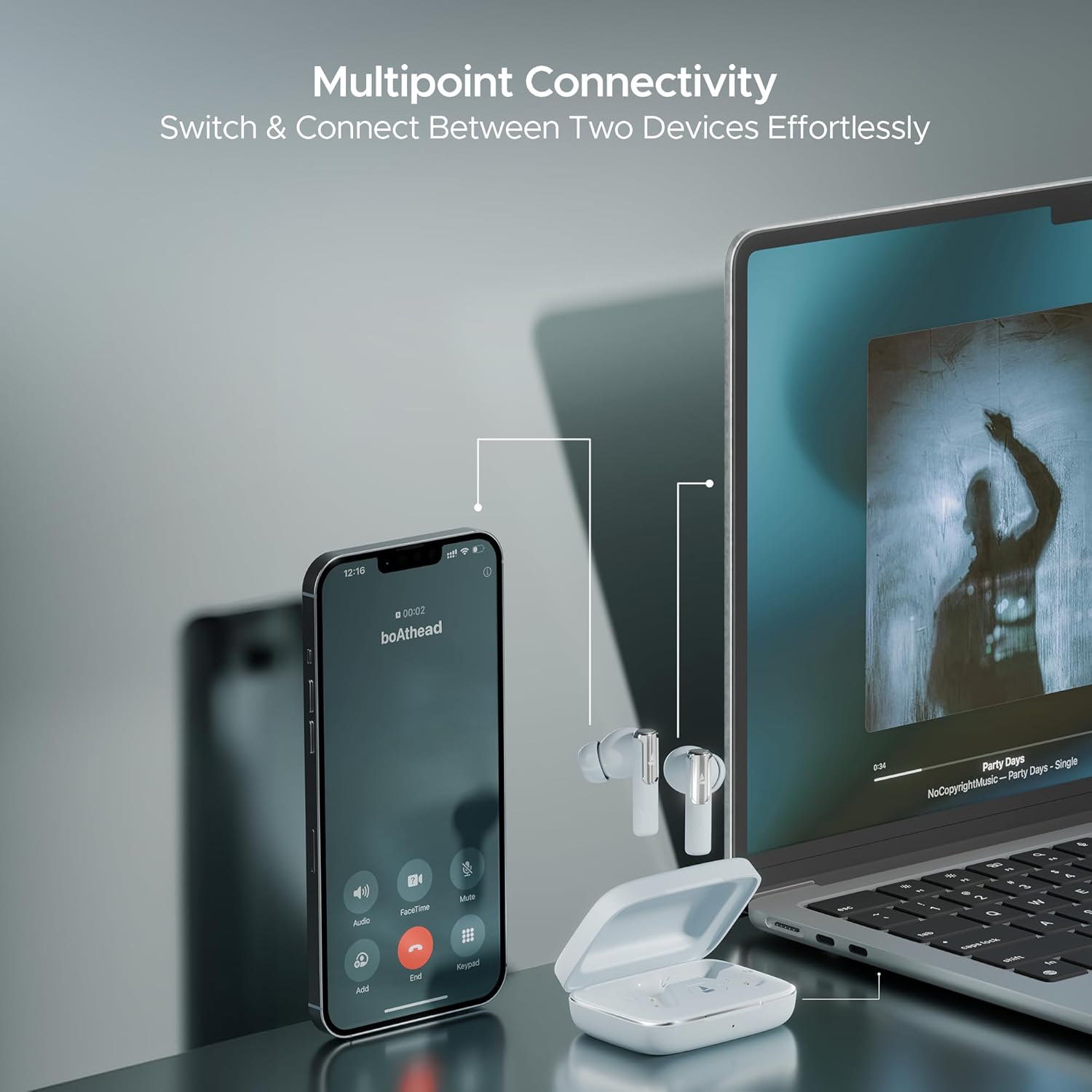
Image: A smartphone displaying an incoming call and a laptop playing music, with the Nirvana Ivy earbuds connected to both, illustrating seamless multipoint connectivity.
Instant In-Ear Detection:
The earbuds automatically detect when they are in your ears. Audio playback will start when inserted and pause when removed.

Image: A man and a woman wearing Nirvana Ivy earbuds, with text indicating 'Plug In to Play' and 'Take Out to Pause', demonstrating the in-ear detection feature.
BEAST™ Mode:
Activate BEAST™ Mode for a low-latency audio experience, ideal for gaming. This mode reduces audio delay to 60ms.

Image: Nirvana Ivy earbuds floating above a stylized race car, representing the BEAST™ Mode for low-latency audio.
Charging & Battery
The boAt Nirvana Ivy earbuds offer up to 50 hours of total playtime. The ASAP Charge feature provides 240 minutes of playback with just 10 minutes of charging.
Charging the Earbuds:
Place the earbuds into the charging case. Ensure they are correctly seated. The LED indicator on the case will show the charging status.
Charging the Case:
Connect the provided USB charging cable to the charging port on the case and to a power source. The LED indicator will show the charging progress.
Maintenance
- Cleaning: Regularly clean the earbuds and charging case with a soft, dry cloth. Avoid using harsh chemicals or abrasive materials.
- Water Resistance: The earbuds have an IPX5 water resistance rating, protecting them from splashes and sweat. Do not submerge them in water.
- Storage: Store the earbuds in their charging case when not in use to protect them and keep them charged.
- Temperature: Avoid exposing the earbuds to extreme temperatures (hot or cold).
Troubleshooting
Earbuds not pairing:
- Ensure both earbuds are charged.
- Turn off Bluetooth on your device, then turn it back on.
- Forget 'Nirvana Ivy' from your device's Bluetooth settings and try pairing again.
- Reset the earbuds (refer to the boAt Hearables App or product support for specific reset instructions).
Low volume or poor sound quality:
- Adjust the volume on both your device and the earbuds.
- Ensure the ear tips are properly sealed in your ear canal. Try different sized ear tips for a better fit.
- Clean any debris from the earbud nozzles.
Earbuds not charging:
- Ensure the charging cable is securely connected to both the case and the power source.
- Check if the charging contacts on the earbuds and inside the case are clean and free of debris.
- Try a different charging cable or power adapter.
Specifications
| Model Name | Nirvana Ivy |
| Connectivity Technology | Bluetooth v5.3 |
| Noise Control | Hybrid Noise Cancellation (up to 50dB) |
| Audio Driver Size | 11 Millimetres |
| Playtime | Up to 50 hours |
| ASAP Charge | 10 mins charge = 240 mins playback |
| Water Resistance Level | IPX5 |
| Control Type | Touch Control, Application Control |
| Material | Plastic |
| Item Weight | 50 Grams |
| Product Dimensions | 5 x 3 x 5 cm |
| Battery Cell Composition | Lithium Polymer |
Warranty & Support
Your boAt Nirvana Ivy TWS Earbuds come with a 1-year warranty from the date of purchase. Please refer to the included warranty card for detailed terms and conditions.
For further assistance, troubleshooting, or to register your product, please visit the official boAt website or contact customer support. You can also find more information on the boAt Store on Amazon.


