
Fanbulous F-DS42WT-1X01
Fanbulous 42 Inch Ceiling Fan with Lights and Remote User Manual
Brand: Fanbulous | Model: F-DS42WT-1X01
Important Safety Information
Please read and understand this entire manual before attempting to assemble, operate, or install the product. Failure to follow these instructions could result in electric shock, fire, or serious personal injury.
- Always turn off the power at the main circuit breaker before beginning installation.
- All electrical connections must be in accordance with local codes, ordinances, and the National Electric Code. If you are unfamiliar with proper electrical wiring, consult a qualified electrician.
- Ensure the installation site can support the weight of the fan (approximately 11.53 pounds).
- Do not operate the fan with damaged blades or housing.
- Keep hands, clothing, and other objects clear of the fan blades when the fan is in operation.
- This fan is suitable for indoor and outdoor (covered) use.
Package Contents
Carefully unpack your ceiling fan and inspect the contents. Ensure all items are present and undamaged. If any parts are missing or damaged, contact customer service.
- Ceiling Fan Motor Housing
- Fan Blades (5)
- Light Kit Assembly
- Remote Control with Wall Cradle
- Mounting Bracket
- Hardware Pack (screws, wire nuts, etc.)
- Instruction Manual

Specifications
| Feature | Detail |
|---|---|
| Model Name | F-DS42WT-1X01 |
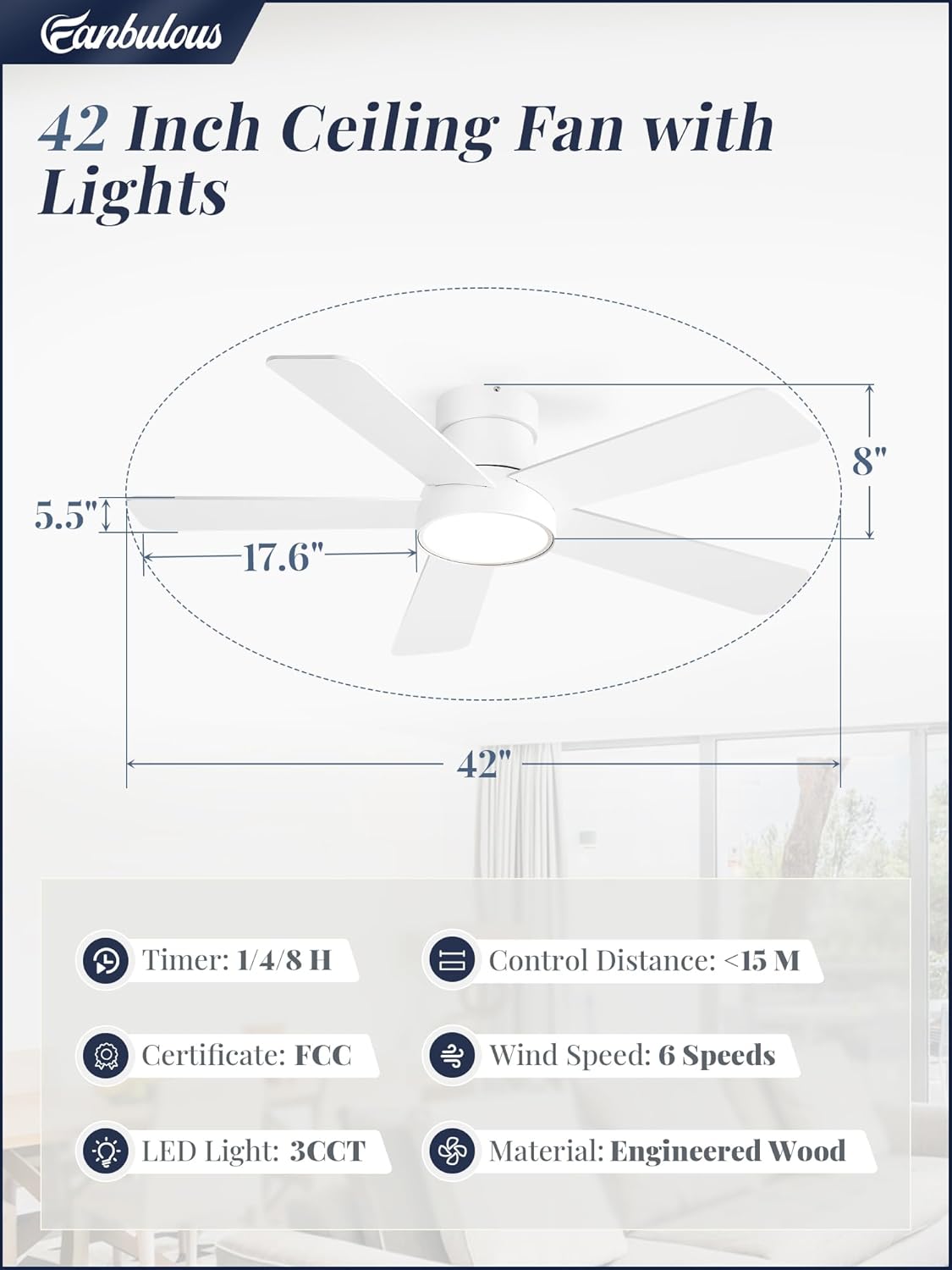
| Size | 42 inch |
| Product Dimensions | 42"D x 42"W x 8"H |
| Color | White |
| Number of Blades | 5 |
| Motor Type | DC Quiet Motor |
| Fan Speeds | 6 |
| Light Color Temperature (CCT) | 3 (3000K Warm White, 4500K Natural White, 6000K Cool White) |
| Light Power / Lumen | 18W / 2000LM |
| Noise Level | Less than 35 dB |
| Voltage | 120 Volts (AC) |
| Control Method | Remote Control |
| Timer Functions | 1H, 4H, 8H |
| Indoor/Outdoor Usage | Indoor, Outdoor (covered) |
| Item Weight | 11.53 pounds |
Setup and Installation
Professional installation is recommended for safety and optimal performance. Ensure all power is disconnected at the circuit breaker before proceeding.
- Turn Off Power: Locate the circuit breaker for the fan's intended location and turn off the power. Verify power is off using a voltage tester.
- Mounting Bracket Installation: Secure the mounting bracket to the ceiling junction box. Ensure the junction box is rated for ceiling fan support (at least 35 lbs).
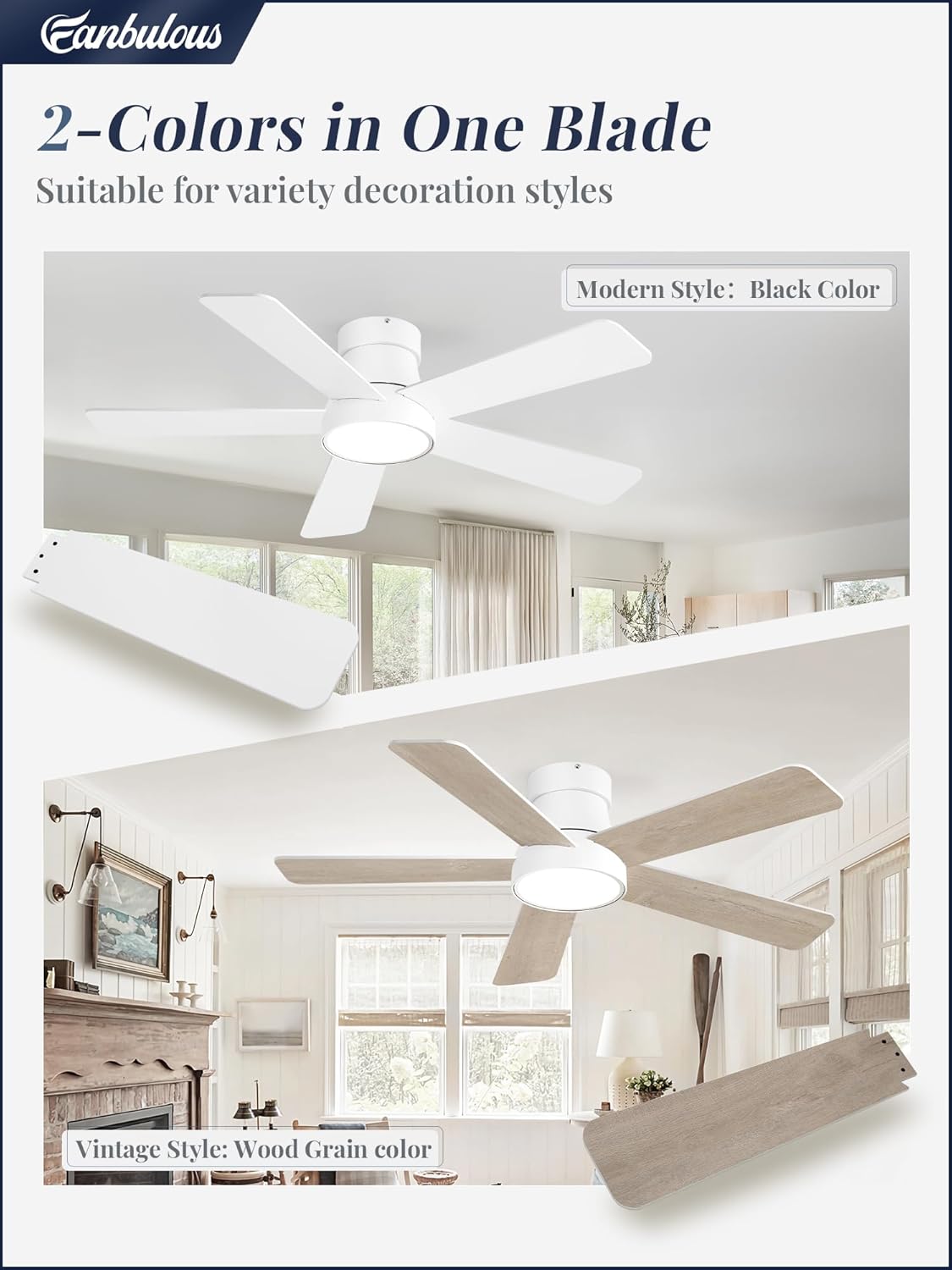
- Fan Assembly: Attach the fan blades to the motor housing according to the instructions provided in the separate assembly guide. Note that the blades may have two different finishes (e.g., white and wood grain) allowing for customization.
- Wiring: Connect the fan's electrical wires to the household wiring. Follow the color-coded instructions carefully (typically black to black, white to white, and green/bare copper to ground). Use the provided wire nuts to secure connections.
- Attach Fan to Mounting Bracket: Carefully lift the fan assembly and attach it to the mounting bracket. Ensure all screws are tightened securely.
- Light Kit Installation: Connect the light kit wires to the fan's light wires and secure the light kit to the fan housing.
- Restore Power: Once installation is complete and all connections are secure, restore power at the circuit breaker.
Operating Instructions
Your Fanbulous ceiling fan is operated via the included remote control. Ensure batteries are installed correctly in the remote.
Remote Control Functions:
- Power Button: Turns the fan and light on/off.
- Fan Speed Buttons (1-6): Adjusts the fan speed from 1 (lowest) to 6 (highest).
- Light On/Off Button: Controls the light independently.
- CCT Button (3000K/4500K/6000K): Cycles through the three color temperature options: Warm White (3000K), Natural White (4500K), and Cool White (6000K).
- Timer Buttons (1H/4H/8H): Sets the fan to turn off automatically after 1, 4, or 8 hours.
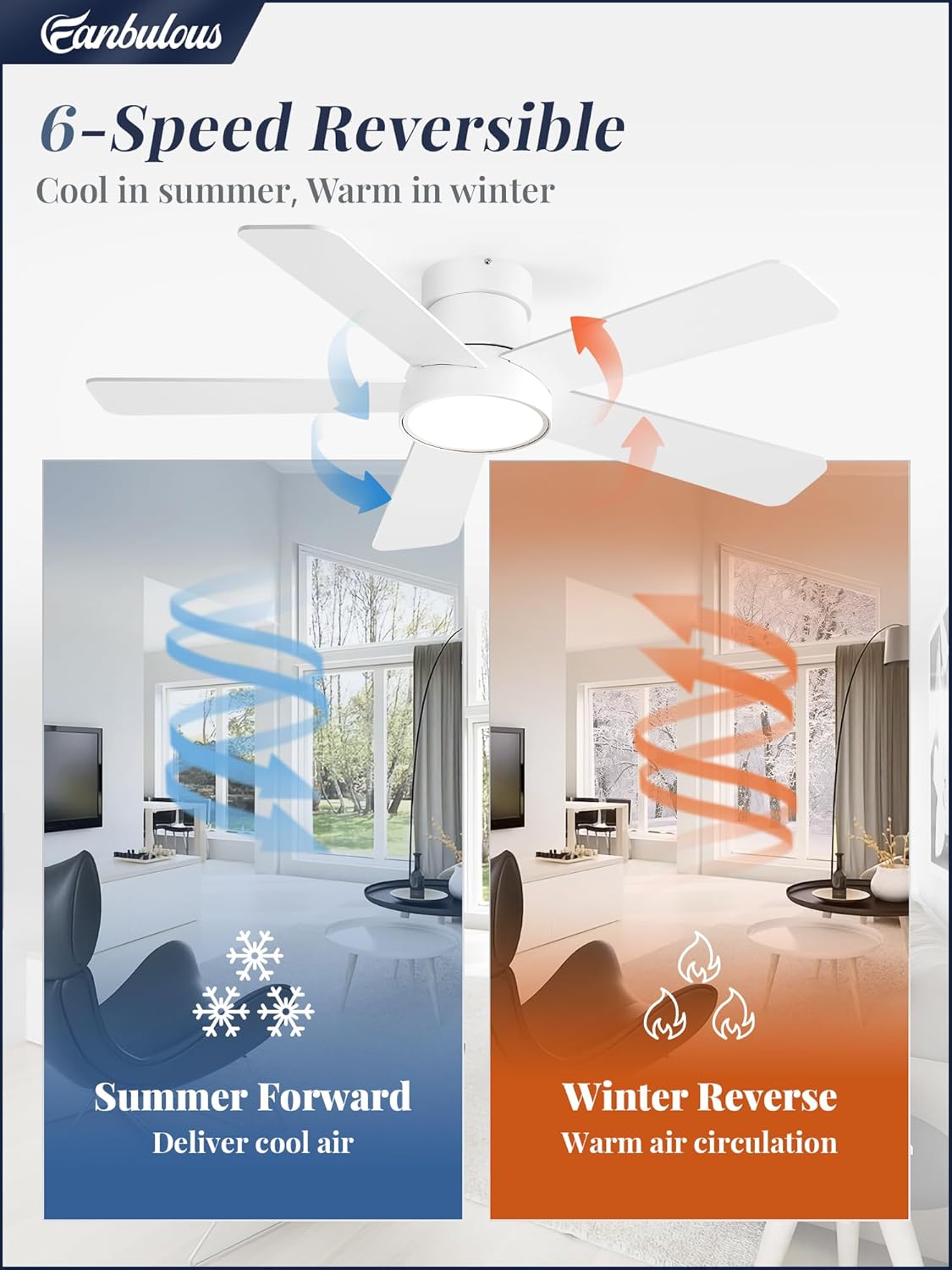
- Reversible Motor Button: Changes the direction of the fan blades. Use forward mode (downward airflow) for cooling in summer and reverse mode (upward airflow) for circulating warm air in winter.


Light Memory Function:
The fan's light features a memory function. To customize and save your preferred brightness and color temperature, set the light to your desired mode and then turn off the light for at least 10 seconds. When the light is turned back on, it will resume its previous settings. Note: If the light is turned off and on again within 10 seconds, the color temperature may change.
Maintenance
Regular maintenance helps ensure the longevity and optimal performance of your ceiling fan.
- Cleaning: Periodically clean the fan blades and motor housing with a soft, damp cloth. Do not use abrasive cleaners or solvents, as these can damage the finish.
- Tighten Fasteners: Check all screws and fasteners on the fan and mounting bracket at least twice a year to ensure they are secure.
- Blade Balance: If the fan wobbles excessively, ensure all blades are securely attached and consider using a blade balancing kit (not included) if necessary.
- Light Source: The integrated LED light source is designed for long life and is not user-replaceable. If the light fails, contact customer service.
Troubleshooting
If you experience issues with your ceiling fan, refer to the following common problems and solutions:
| Problem | Possible Cause | Solution |
|---|---|---|
| Fan does not start | No power to the fan; Loose wire connections; Remote control issues. | Check circuit breaker; Ensure all wiring connections are secure; Replace remote batteries; Re-pair remote if necessary. |
| Light does not work | Loose wire connections; Faulty light kit; Remote control issues. | Check light kit wiring; Replace remote batteries; If integrated LED, contact customer service. |
| Fan wobbles excessively | Loose blade screws; Unbalanced blades; Loose mounting bracket. | Tighten all blade screws; Use a blade balancing kit; Ensure mounting bracket is securely fastened. |
| Remote control not working | Dead batteries; Remote not paired; Obstruction between remote and receiver. | Replace batteries; Follow pairing instructions (if applicable); Ensure clear line of sight. |
| Noisy operation | Loose screws; Motor issues; Blades hitting an obstruction. | Check and tighten all screws; Ensure no obstructions are near blades; If motor noise persists, contact customer service. |
Warranty and Customer Support
Fanbulous provides 2 years of customer support service for this product. Our professional team is ready to assist with any questions or concerns you may have regarding your ceiling fan.
For assistance, please refer to the contact information provided with your purchase documentation or visit the official Fanbulous website.
Please retain your proof of purchase for warranty claims.
Related documentsF-DS42WT-1X01


Ask a question about this manual
Ask about setup, troubleshooting, compatibility, parts, safety, or missing instructions. Manuals+ will review the question and use this page’s manual context to help answer it.