1. Introduction
The Moman CP-E Motorcycle Intercom Headset is designed to provide seamless communication and entertainment for motorcycle riders. Featuring advanced Bluetooth 5.1 technology, DSP and 12th generation CVC noise reduction, and IP65 waterproof rating, the CP-E ensures clear audio and reliable performance in various conditions. This manual provides detailed instructions for setup, operation, and maintenance of your CP-E headset.

Figure 1: Moman CP-E Intercom Headset
2. Package Contents
Verify that all items listed below are included in your package:
- Moman CP-E Intercom Unit
- Headphone/Microphone Set (with soft and hard mic options)
- USB-C Charging Cable
- Helmet Mounting Clip (screw-on)
- Helmet Mounting Base (adhesive)
- Velcro Pads for Speakers
- User Manual
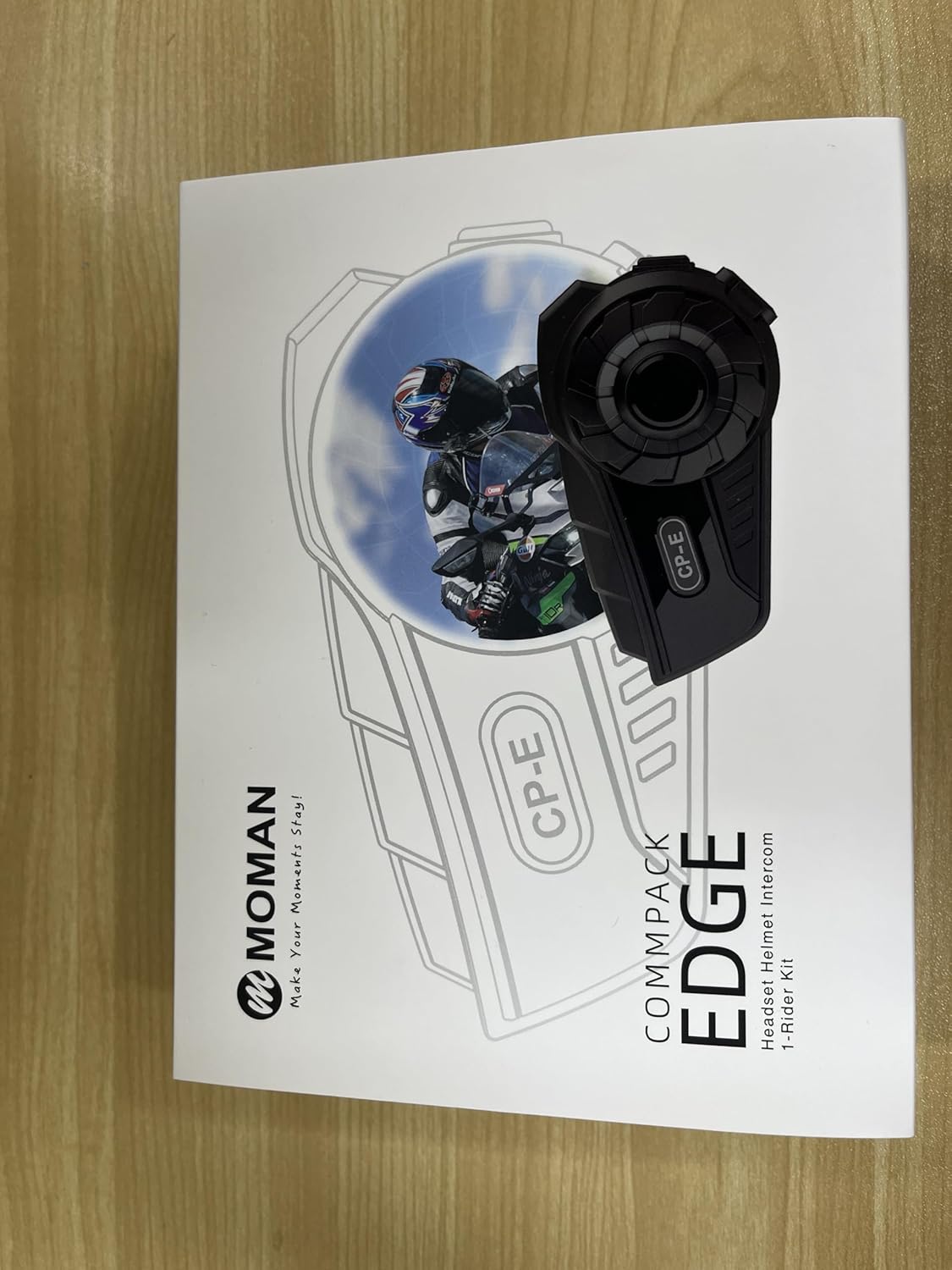
Figure 2: All components included in the Moman CP-E package.
3. Product Diagram and Controls
Familiarize yourself with the main components and control buttons of the CP-E headset.

Figure 3: CP-E Intercom Key, Knob, Function Key, and Power On/Off Key.
Control Gestures

Figure 4: Visual guide for various control gestures including short press, long press, and knob rotations.
4. Setup and Installation
Helmet Installation
The CP-E offers two methods for helmet installation: using the back clip or the Velcro clip.

Figure 5: Installation methods for the CP-E headset on a helmet.
Speaker and Microphone Installation
Install the speakers and microphone inside your helmet using the provided Velcro pads and ensure cables are neatly tucked away.
Video 1: Detailed instructions for installing the CP-E headset, speakers, and microphone into a motorcycle helmet.
5. Basic Operations
Power On/Off
- Power On: Long press the Power On/Off Key for 3 seconds.
- Power Off: Long press the Power On/Off Key for 3 seconds.

Figure 6: Powering the CP-E headset on and off.
Connection with Phone (Bluetooth Pairing)
- In Power-Off State, long press the Power On/Off Key for 5 seconds until you hear
Related Documents - CP-E

MOMAN H2 PRO Motorcycle Helmet Intercom User Manual
Detailed user manual for the MOMAN H2 PRO motorcycle helmet intercom. This guide provides comprehensive instructions on installation, operation, phone and music controls, FM radio functions, Bluetooth pairing, music sharing, technical specifications, charging, and important safety notes.
MOMAN CP-X Helmet Intercom User Manual
This user manual provides detailed instructions for the MOMAN CP-X Helmet Intercom, covering setup, Bluetooth pairing, mesh intercom modes (Open Mesh, Group Mesh), phone control, music playback, voice assistant, charging, language settings, FM radio, reset procedures, installation, removal, and technical specifications.
MOMAN H2 PRO Headset Helmet Intercom User Manual
The MOMAN H2 PRO Headset Helmet Intercom User Manual provides comprehensive instructions for operating, installing, and maintaining the H2 PRO Bluetooth intercom system. Learn about features like music control, phone calls, FM radio, multi-intercom pairing, and troubleshooting for an optimal helmet communication experience.
MOMAN H1 Motorcycle Helmet Intercom System - 2 Rider Bluetooth Headset User Manual
Comprehensive user manual for the MOMAN H1 Wireless Headset & Intercom 2-Rider Kit. Learn how to pair, connect, and use features like Bluetooth and intercom functions for motorcycle communication.
MOMAN H2 Helmet Intercom User Manual
User manual for the MOMAN H2 2-Rider Kit Helmet Intercom, detailing installation, operation, features like Bluetooth pairing, music playback, FM radio, and volume control.
MOMAN H3 Single Pack Motorcycle Helmet Intercom User Manual
Comprehensive user manual for the MOMAN H3 Single Pack motorcycle helmet intercom. Learn how to pair, operate, install, and maintain your device for clear communication on the road.