
SMUG B0DB5GJ9PJ
SMUG Computer Desk with Storage Drawers Instruction Manual
Model: B0DB5GJ9PJ
1. Introduction
Thank you for purchasing the SMUG Computer Desk with Storage Drawers. This manual provides detailed instructions for the assembly, operation, maintenance, and troubleshooting of your new desk. Please read this manual thoroughly before beginning assembly or use to ensure proper setup and longevity of your product.
2. Safety Instructions
- Always assemble the desk on a soft, clean surface to prevent scratches.
- Ensure all screws and fasteners are securely tightened before use. Periodically check and re-tighten if necessary.
- Do not overload the desk or drawers. Refer to specifications for weight capacity.
- Keep small parts and packaging materials away from children and pets to prevent choking hazards.
- Avoid placing hot items directly on the desktop surface. Use coasters or protective pads.
- Do not stand or sit on the desk.
- If any parts are missing or damaged, do not proceed with assembly. Contact customer support.
3. Setup and Assembly
The SMUG Computer Desk is designed for easy assembly. It is recommended that two people assemble the desk to ensure stability and ease of handling. All necessary tools and hardware are included.
3.1. Unpacking and Parts Identification
Carefully unpack all components and lay them out on a clean, soft surface. Verify that all parts listed in the hardware and parts list are present before beginning assembly.
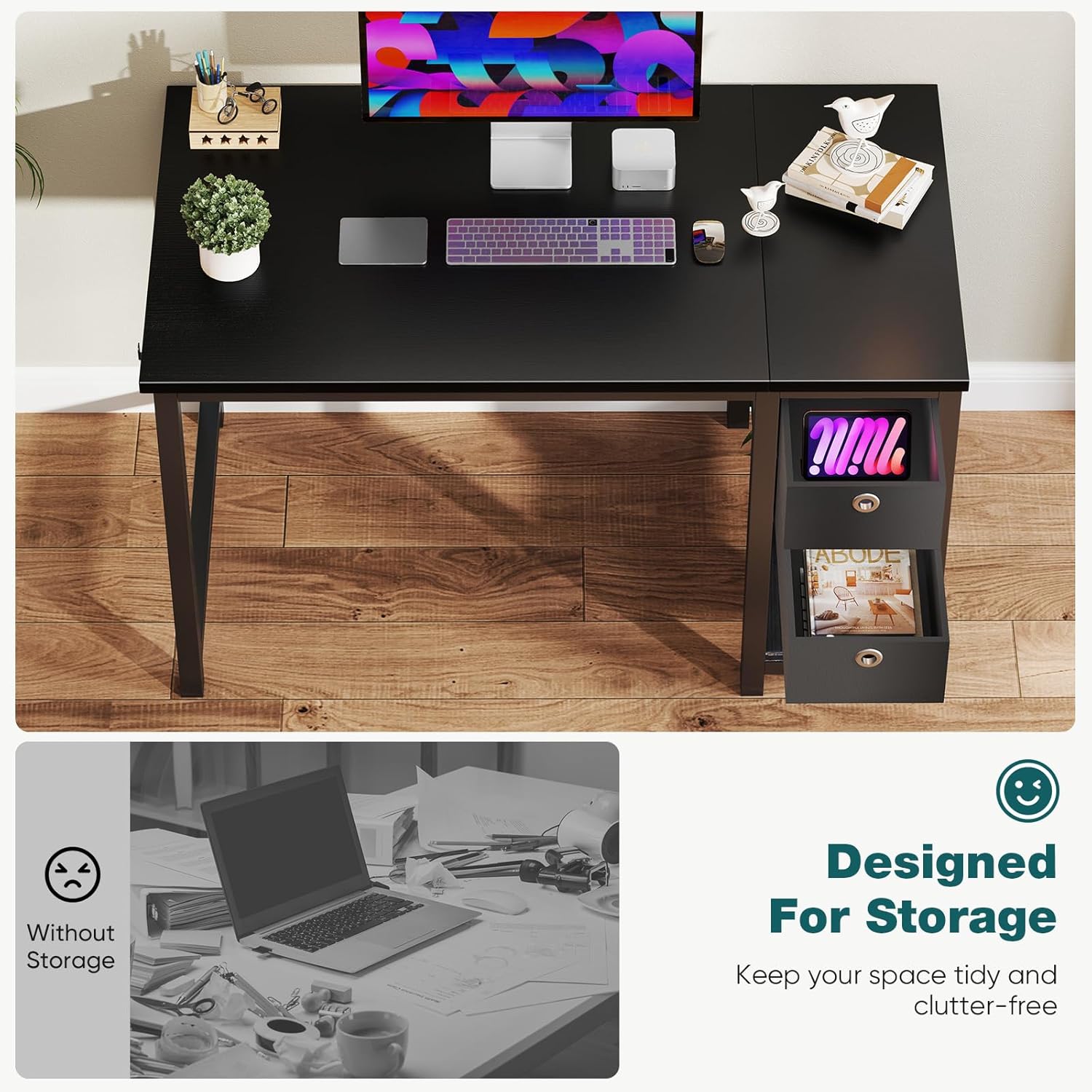
Image: All components of the SMUG Computer Desk laid out for assembly, showing the desktop, metal frame parts, and fabric drawers.
3.2. Assembly Steps
- Attach the Side Frames: Connect the horizontal support bars to the vertical metal legs using the provided screws. Ensure all connections are snug but do not overtighten initially.
- Secure the Desktop: Carefully place the desktop onto the assembled metal frame. Align the pre-drilled holes on the desktop with the holes on the frame. Insert and tighten all screws to secure the desktop firmly.
- Install the Drawer Shelf: Assemble the shelf unit for the drawers according to the diagrams. This typically involves attaching side supports to the shelf panels.
- Insert Fabric Drawers: Fold and assemble the fabric drawers. Slide them into the designated slots within the shelf unit.
- Final Tightening: Once all components are in place, go back and fully tighten all screws and fasteners.

Image: A fully assembled SMUG Computer Desk, showcasing its black finish, metal frame, and integrated storage drawers, with a computer monitor and accessories on top.
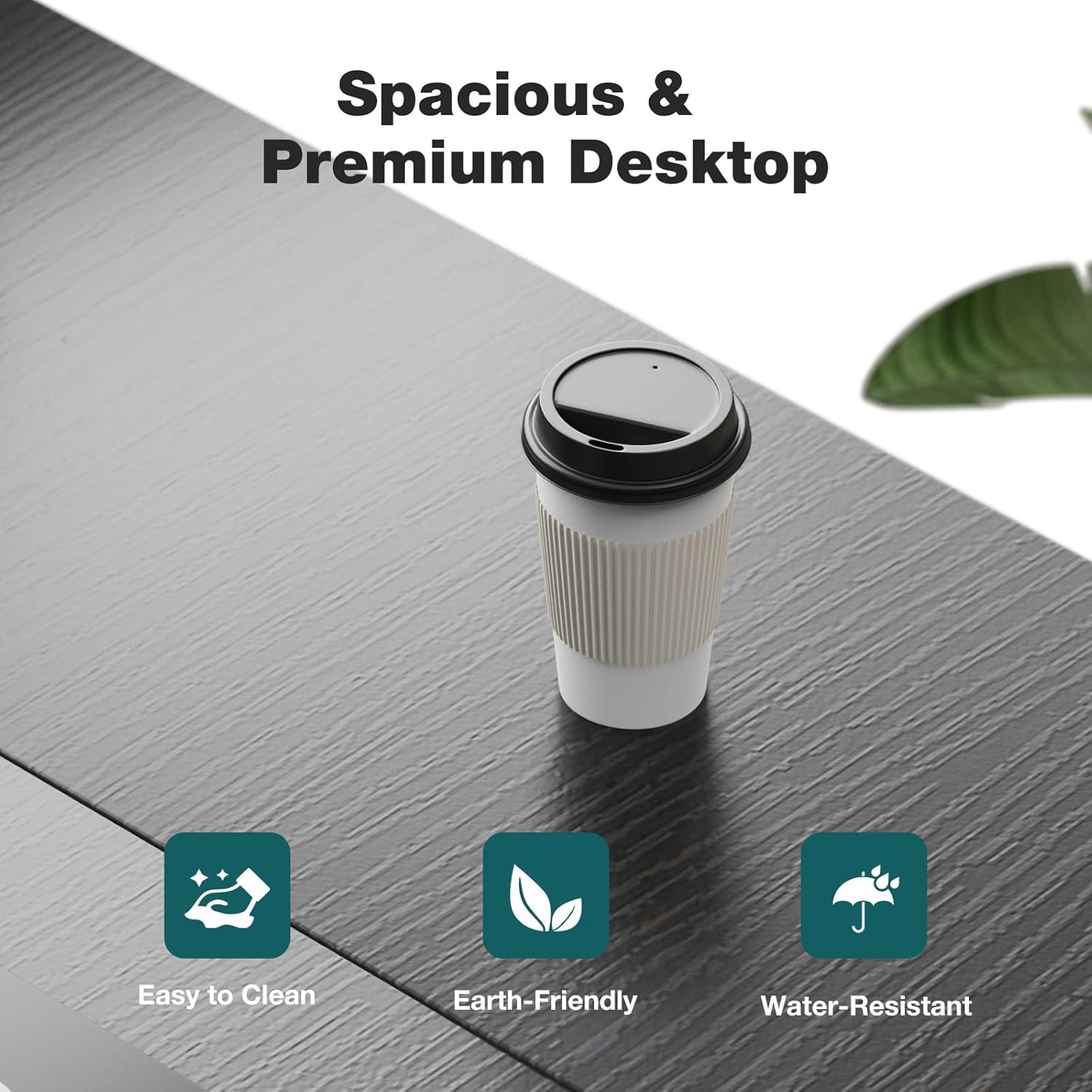
Image: Close-up view highlighting the spacious and wide tabletop of the SMUG Computer Desk, designed for comfortable and productive use.
4. Operating Instructions
The SMUG Computer Desk is designed for versatile use in various home and office environments. Its features enhance organization and comfort.
4.1. Utilizing Storage Drawers
The two fabric drawers provide convenient storage for office supplies, documents, or personal items. They are designed to slide smoothly in and out of their compartments.
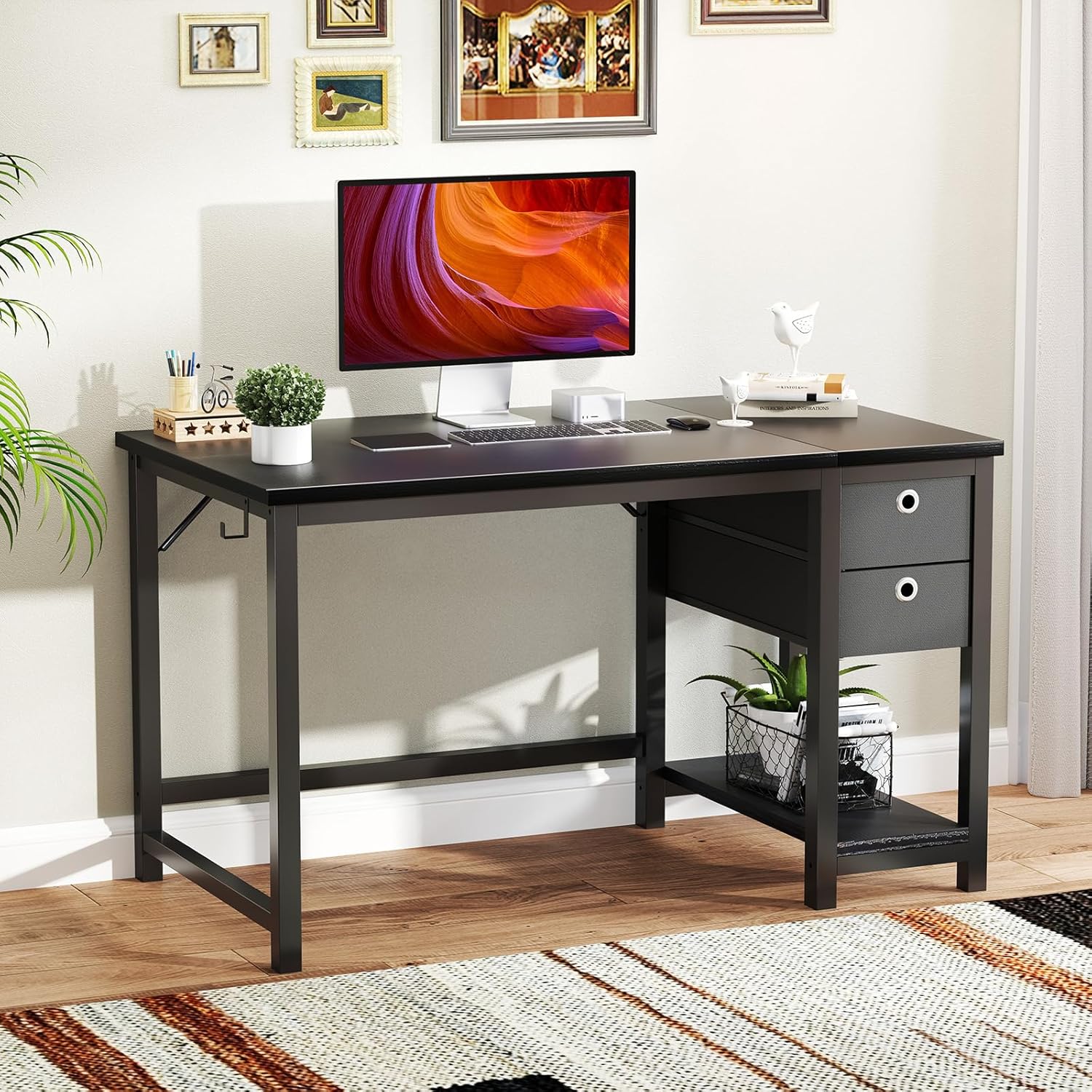
Image: This image illustrates the versatility of the SMUG Computer Desk's storage, showing how the fabric drawers can be used or removed to create an open shelf for larger items like a computer tower.
The shelf beneath the drawers can be used for books, decorative items, or even a computer tower if the drawers are removed, thanks to adjustable shelf settings.
4.2. Desktop Usage
The spacious desktop (approximately 40x24 inches) can accommodate various items such as monitors, laptops, keyboards, and other office essentials. Its surface is waterproof and easy to clean.

Image: The SMUG Computer Desk set up in a home office, demonstrating its capacity to hold dual monitors and other office accessories, highlighting its functional design.
5. Maintenance and Care
Proper care and maintenance will extend the life and appearance of your SMUG Computer Desk.
- Cleaning: Wipe the desktop and metal frame with a soft, damp cloth. For stubborn marks, a mild soap solution can be used, followed by drying with a clean cloth. Avoid abrasive cleaners or harsh chemicals.
- Spills: The desktop is water-resistant. In case of spills, wipe them immediately to prevent any potential damage.
- Hardware: Periodically check all screws and fasteners to ensure they remain tight. Re-tighten if any looseness is detected.
- Drawer Care: The fabric drawers can be spot cleaned with a damp cloth and mild detergent. Allow them to air dry completely.
- Avoid Direct Sunlight: Prolonged exposure to direct sunlight may cause fading or damage to the desk's finish.
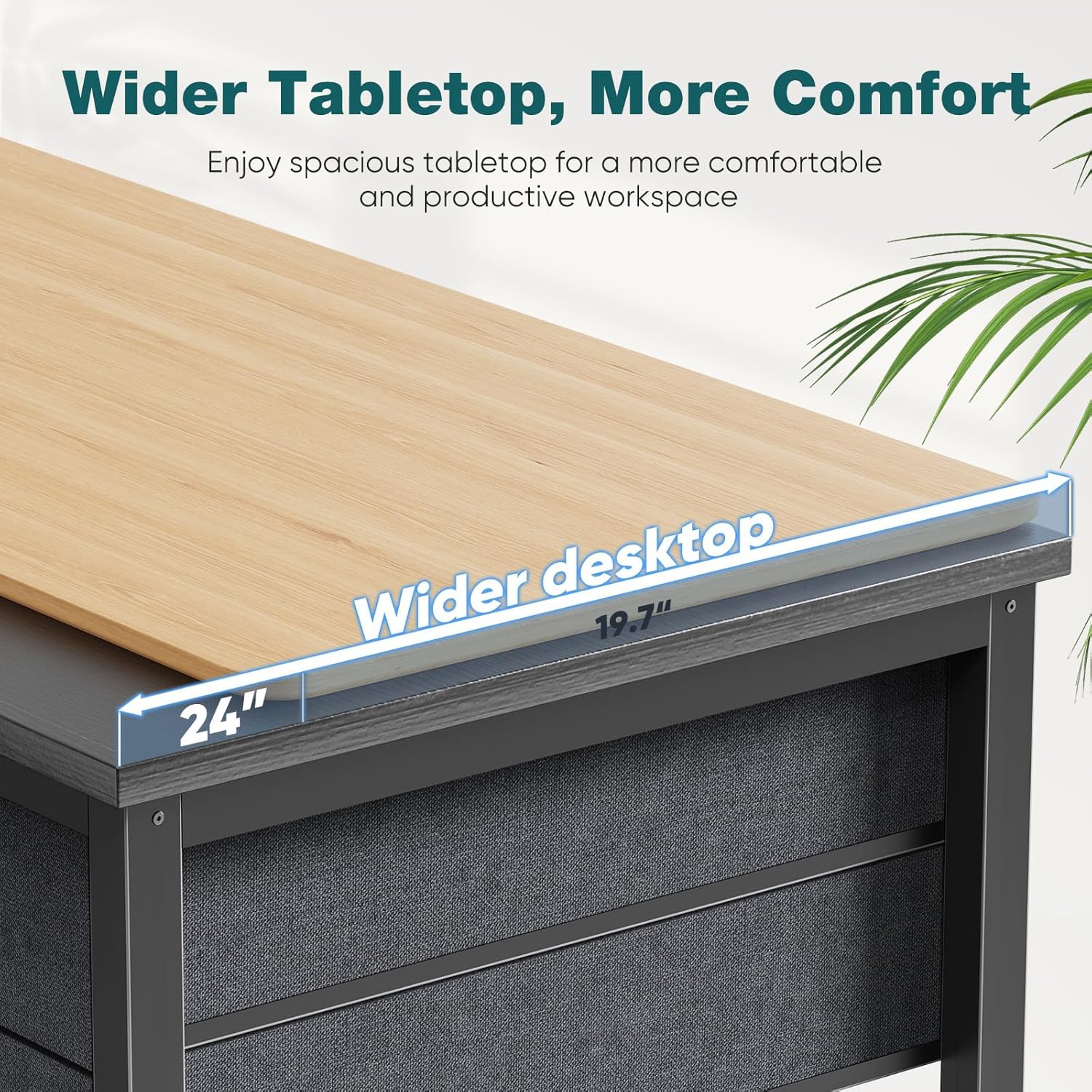
Image: A close-up view of the SMUG Computer Desk's desktop surface, emphasizing its easy-to-clean, earth-friendly, and water-resistant properties.
6. Troubleshooting
| Problem | Possible Cause | Solution |
|---|---|---|
| Desk is wobbly after assembly. | Screws are not fully tightened or uneven floor. | Ensure all screws are tightened securely. If the floor is uneven, use furniture pads or shims under the legs to stabilize. |
| Drawers do not slide smoothly. | Drawers are not assembled correctly or obstructed. | Check drawer assembly. Ensure nothing is obstructing the drawer path. Empty and re-insert the drawer. |
| Missing parts upon unboxing. | Packaging error or transit damage. | Do not proceed with assembly. Contact SMUG customer support immediately with your purchase details. |
7. Product Specifications
- Brand: SMUG
- Model: B0DB5GJ9PJ
- Product Dimensions: 39.3"W x 23.6"D x 29.7"H (99.8cm W x 59.9cm D x 75.4cm H)
- Color: Black
- Style: Modern
- Base Material: Metal
- Desktop Material: Particleboard (Waterproof, Easy-to-clean)
- Drawer Material: Fabric
- Item Weight: 38.3 Pounds (17.37 kg)
- Weight Capacity: Approximately 176 lbs (80 kg)
- Mounting Type: Floor Mount
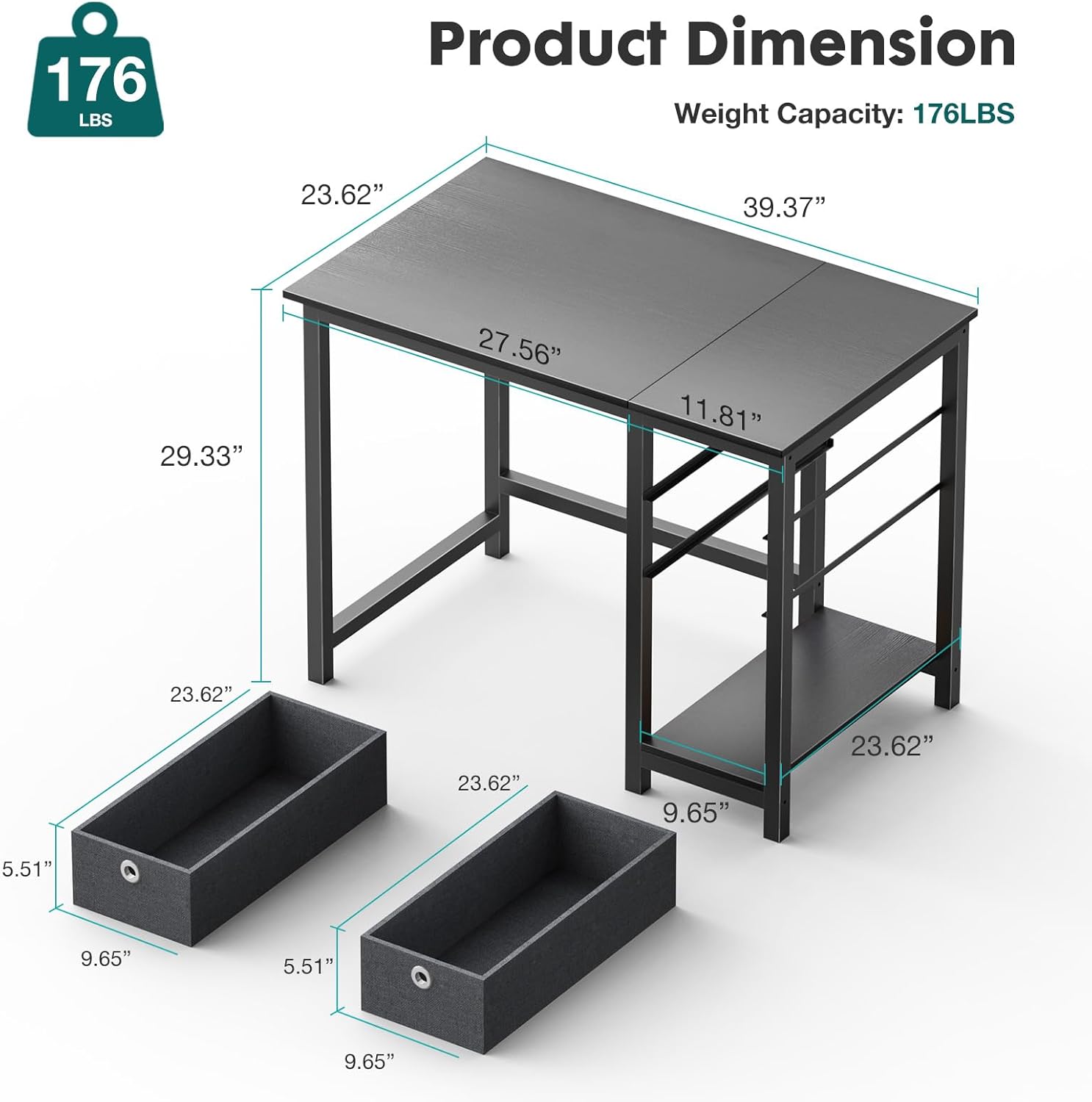
Image: Detailed diagram showing the dimensions of the SMUG Computer Desk, including overall width, depth, height, and the dimensions of the storage drawers.
8. Warranty and Support
SMUG stands behind the quality of its products. For information regarding warranty coverage, please refer to the product packaging or contact SMUG customer support directly. If you encounter any issues or have questions not covered in this manual, please reach out to our support team.
Customer Support:
- Email: [Insert Manufacturer's Support Email Here, if available]
- Phone: [Insert Manufacturer's Support Phone Here, if available]
- Website: Visit the SMUG Store on Amazon
Please have your purchase receipt and product model number (B0DB5GJ9PJ) ready when contacting support.
Related documentsB0DB5GJ9PJ


Ask a question about this manual
Ask about setup, troubleshooting, compatibility, parts, safety, or missing instructions. Manuals+ will review the question and use this page’s manual context to help answer it.