
Introduction
This manual provides detailed instructions for the safe and effective use of your Andoer 1080P Digital Camera. Please read this manual thoroughly before operating the device and retain it for future reference. This camera is designed to capture high-quality photos and videos, featuring a 56MP picture resolution and 1080P video recording capabilities. It includes an 8X digital zoom, AF auto-focus, and a 2.88-inch IPS screen for clear viewing.
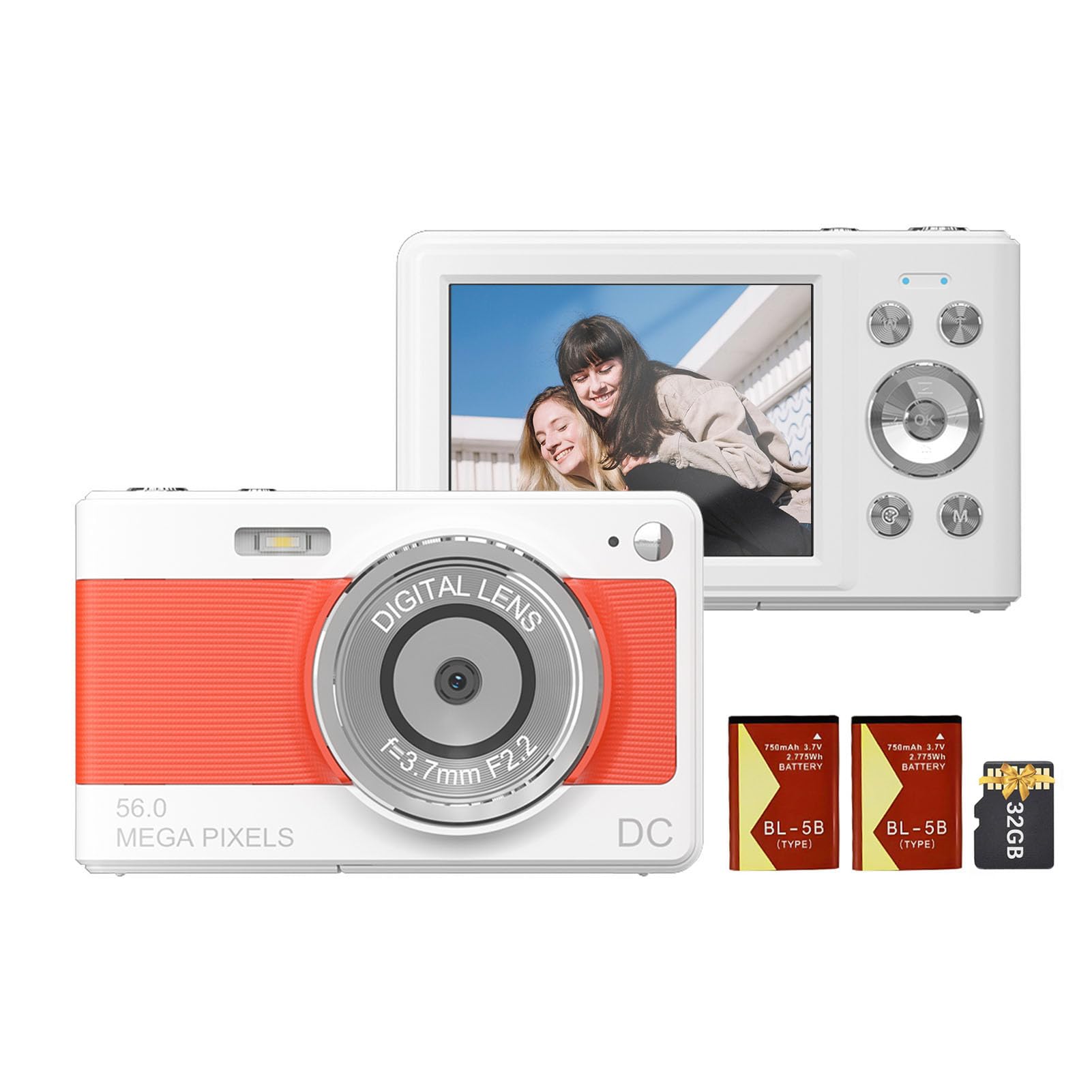
Front view of the Andoer 1080P Digital Camera, showcasing its lens and compact design.
Package Contents
Verify that all items are present in the package:
- 1 x Andoer Digital Camera
- 2 x Lithium Batteries (3.7V 750mAh)
- 1 x USB Charge Cable (Type-C)
- 1 x Wrist Strap
- 1 x Carrying Bag
- 1 x 32GB Memory Card
- 1 x User Manual (English)
Setup
1. Battery Installation and Charging
The camera uses a rechargeable lithium battery. Two batteries are included to ensure extended usage.
- Locate the battery compartment on the bottom or side of the camera.
- Open the battery compartment cover.
- Insert a fully charged battery, ensuring the correct polarity as indicated inside the compartment.
- Close the battery compartment cover securely.
- To charge the battery, connect the camera to a power source using the provided Type-C USB cable. The charging indicator light will illuminate.
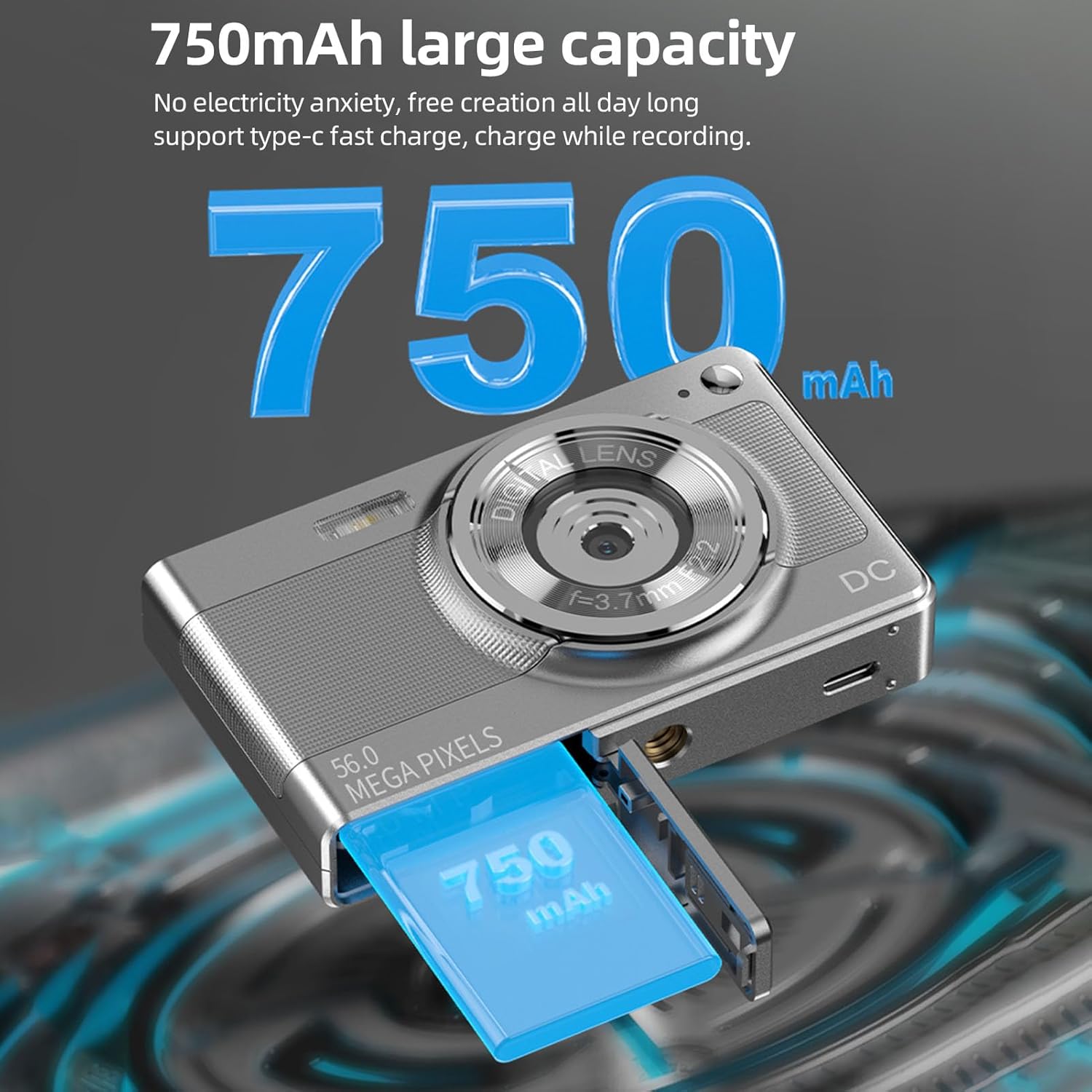
Illustration of the 750mAh battery and its insertion into the camera's battery compartment.
2. Memory Card Installation
A 32GB memory card is included for immediate use. Ensure the camera is powered off before inserting or removing the memory card.
- Locate the memory card slot, typically on the side of the camera.
- Insert the 32GB memory card into the slot with the metal contacts facing the correct direction (refer to the diagram near the slot if available).
- Push the card gently until it clicks into place.
- To remove, push the card in again until it springs out slightly, then pull it out.
Operating Instructions
1. Powering On/Off
- To power on: Press and hold the power button (usually marked with ON/OFF or a power symbol) until the screen illuminates.
- To power off: Press and hold the power button again until the screen turns off.
2. Taking Photos
The camera supports up to 56MP picture resolution.
- Turn on the camera.
- Ensure the camera is in photo mode (indicated by an icon on the screen, typically a camera symbol).
- Frame your shot using the 2.88-inch IPS screen.
- The camera features AF auto-focus. Allow the camera to focus on your subject.
- Press the shutter button halfway down to focus, then press it fully to capture the image.
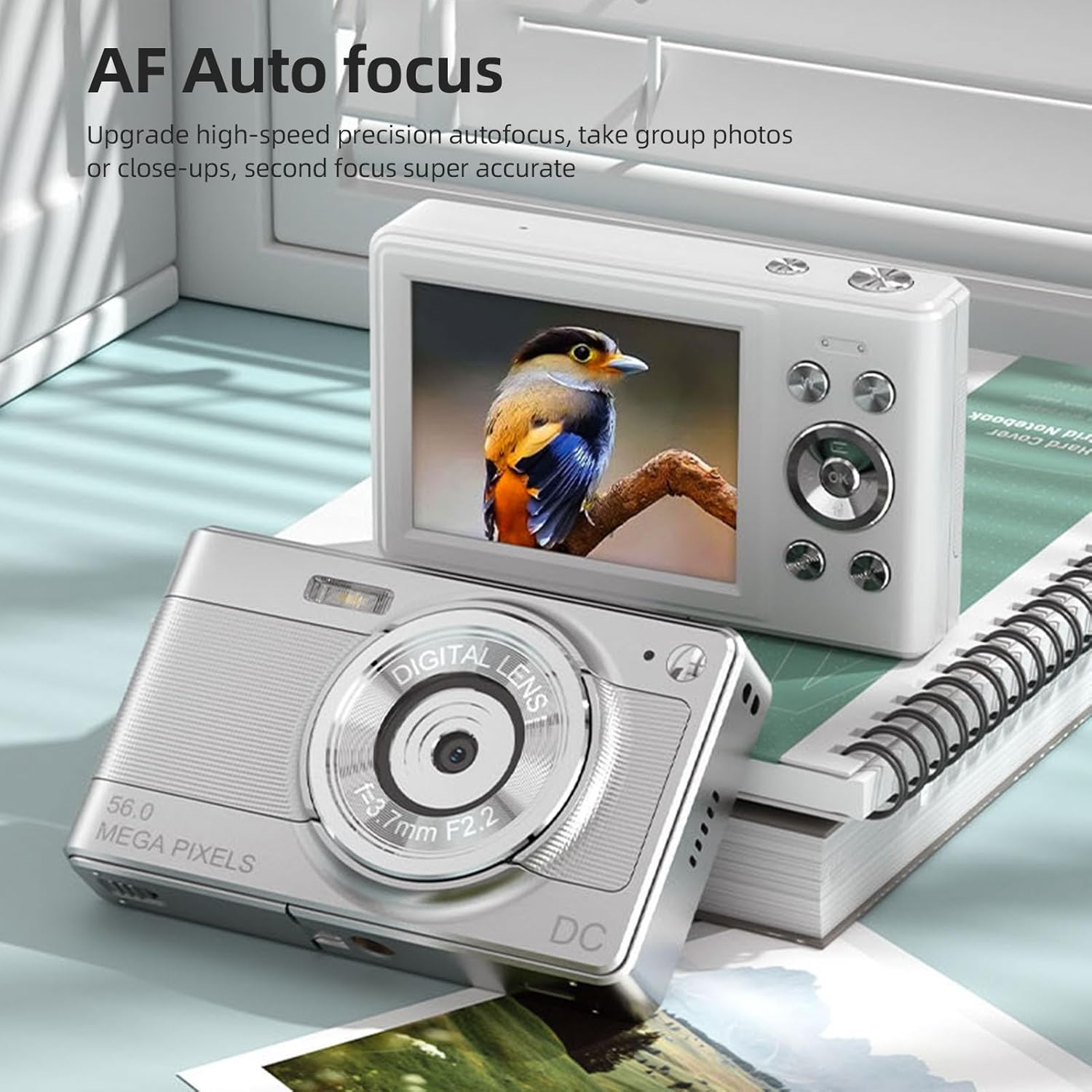
The camera's AF Auto Focus system ensures sharp images by automatically adjusting the lens.
3. Recording Videos
Record videos in 1080P resolution.
- Turn on the camera.
- Switch to video recording mode (indicated by a video camera icon).
- Press the shutter button to start recording. A red indicator or timer will appear on the screen.
- Press the shutter button again to stop recording.
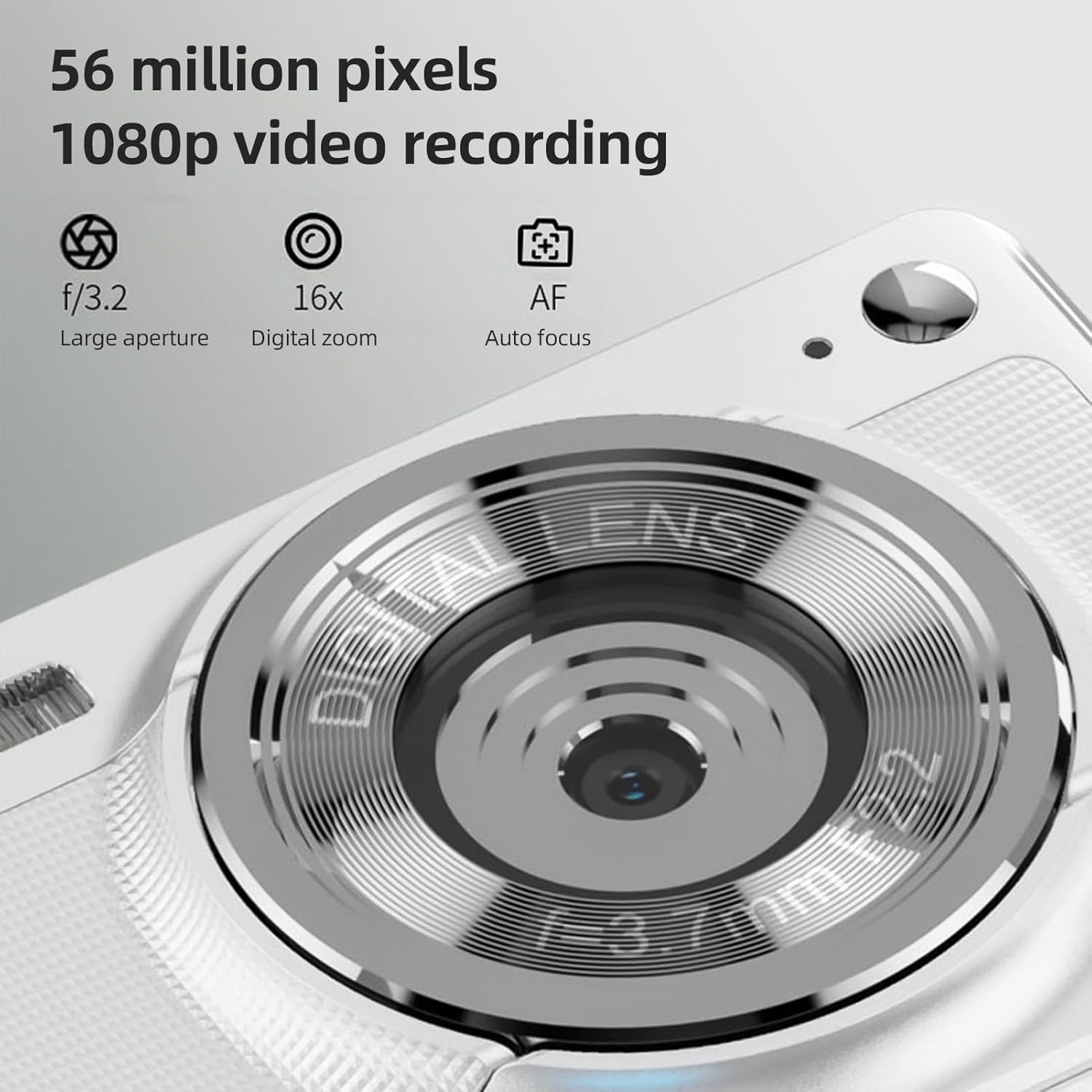
The camera is capable of capturing 56-megapixel photos and recording 1080p videos.
4. Digital Zoom
The camera features an 8X digital zoom.
- While in photo or video mode, use the zoom buttons (often marked with W for Wide and T for Telephoto, or +/- symbols) to zoom in or out.
- Note that digital zoom may reduce image quality compared to optical zoom.

Comparison showing the effect of 8X digital zoom versus no zoom mode.
5. Built-in Flash
Use the built-in flash for low-light conditions.
- Access the flash settings through the camera's menu.
- Select from options such as Auto Flash, Fill-in Flash, Red-eye Reduction, or Flash Off.
6. Other Functions
The camera includes several features to enhance your photography:
- Anti-Shake: Helps reduce blur caused by camera movement.
- Face Detect: Automatically detects and focuses on faces in the frame.
- Continuous Photography: Captures a series of photos rapidly.
- Self-Timer: Delays the shutter release by 2, 5, or 10 seconds.
- Color Effects: Apply various filters or color tones to your images.
7. Viewing and Transferring Files
Review your captured media and transfer them to other devices.
- Playback: Press the playback button (often indicated by a play icon) to view photos and videos on the 2.88-inch IPS screen. Use the navigation buttons to browse.
- File Transfer (OTG Method):
- Remove the memory card from the camera.
- Insert the memory card into a card reader.
- Connect the card reader to your mobile phone or computer using an OTG adapter or USB cable to export photos and videos.

The camera's memory card can be used with an OTG adapter or card reader for easy transfer of files to a mobile phone or computer.
Maintenance
- Cleaning the Lens: Use a soft, lint-free cloth specifically designed for camera lenses. Avoid touching the lens with your fingers.
- Cleaning the Screen: Gently wipe the IPS screen with a microfiber cloth. Do not use harsh chemicals.
- Storage: When not in use, store the camera in the provided carrying bag in a cool, dry place away from direct sunlight and extreme temperatures.
- Battery Care: Do not expose batteries to high temperatures. If the camera will not be used for an extended period, remove the battery.
Troubleshooting
| Problem | Possible Cause | Solution |
|---|---|---|
| Camera does not power on. | Battery is depleted or incorrectly inserted. | Charge the battery. Ensure the battery is inserted with correct polarity. |
| Cannot take photos/videos. | Memory card is full, locked, or not inserted. | Insert a memory card. Check if the memory card is locked. Delete unnecessary files or replace the card. |
| Images are blurry. | Camera shake, subject too close, or lens is dirty. | Hold the camera steady. Ensure adequate lighting. Clean the lens. Use AF auto-focus. |
| Flash is not working. | Flash is set to "Off" or battery is low. | Check flash settings in the menu. Charge the battery. |
Specifications
- Image Sensor: CMOS Sensor
- Display: 2.88 Inch IPS Screen
- Picture Resolution: 56M, 48M, 36M, 30M, 24M, 20M, 16M, 12M, 8M, 5M, 3M
- Video Resolution: 1080P, 720P
- Digital Zoom: 8X
- Auto Focus: Yes (AF)
- Anti-Shake: Yes
- Face Detect: Yes
- Self-Timer: 2 sec / 5 sec / 10 sec / Off
- Exposure: EV-3 to EV+3
- White Balance: Auto / Daylight / Cloudy / Fluorescent / Incandescent
- Power Supply: Lithium battery (3.7V 750mAh)
- Item Size: 9.8 * 6 * 2cm / 3.9 * 2.4 * 0.8in
- Item Weight: 110g / 3.8oz (including battery)
- Included Memory Card: 32GB
- Language Support: Chinese, Japanese, English, French, Spanish, Portuguese, German, Dutch, Italian, etc.
Warranty and Support
Specific warranty details are not provided in this manual. For warranty information, technical support, or service inquiries, please refer to the product packaging or contact Andoer customer service directly through their official website or the retailer where the product was purchased.
Keep your purchase receipt as proof of purchase for any warranty claims.

