
Introduction
The PREXISO Digital Level & Digital Protractor is a versatile and accurate measuring tool designed for various applications requiring precise angle and level measurements. This manual provides essential information for the safe and effective operation, maintenance, and troubleshooting of your device.

Front view of the PREXISO Digital Level and Protractor, showcasing its compact design, digital display, and integrated bubble vial.
Setup
Battery Installation
- Locate the battery compartment on the underside of the device.
- Open the battery compartment cover.
- Insert two AAA batteries, ensuring correct polarity (+/-). The device comes with batteries included.
- Close the battery compartment cover securely.
Operating Instructions
Device Overview

Detailed diagram illustrating the key components and functions of the PREXISO Digital Level, including the Zero button, Mode button, Power ON/OFF & Audible Buzzer ON/OFF, Hold 90°/180° button, Bubble Vial, Hanging Hole, Battery Compartment, and Magnetic V-Groove.
Power On/Off
Press the Power/Mute button to turn the device on. Press and hold the same button to turn it off.
Measurement Modes and Units
The device supports four measurement units. Press the MODE button to cycle through the following display units:
- Degrees (°): Standard angle measurement.
- Percent Slope (%): Indicates the slope as a percentage.
- mm/m: Millimeters per meter.
- in/ft: Inches per foot.
A clear view of the large format digital display, highlighting the four selectable measurement units: degrees (angle), percent (slope), millimeters per meter (mm/m), and inches per foot (in/ft).
Absolute and Relative Measurement
- Absolute Measurement: Measures the angle against the horizontal plane (0°).
- Relative Measurement: Measures the angle between two measured surfaces. To use, place the device on the first surface, press the ZERO button to set it as the reference (0.00°), then move the device to the second surface to measure the relative angle.

Visual representation of the high accuracy of the digital level (±0.1° at 0° and 90°, ±0.2° at other angles) and its capability for both absolute and relative angle measurements.
Zero Function
Press the ZERO button to set the current position as the new 0.00° reference point for relative measurements.
Hold Function
Press the HOLD 90°/180° button to freeze the current reading on the display. Press it again to release the hold.
Automatic Digital Inversion
The display value automatically reverses when the electronic level is turned upside down, ensuring readability in any orientation.
Audio Indicator
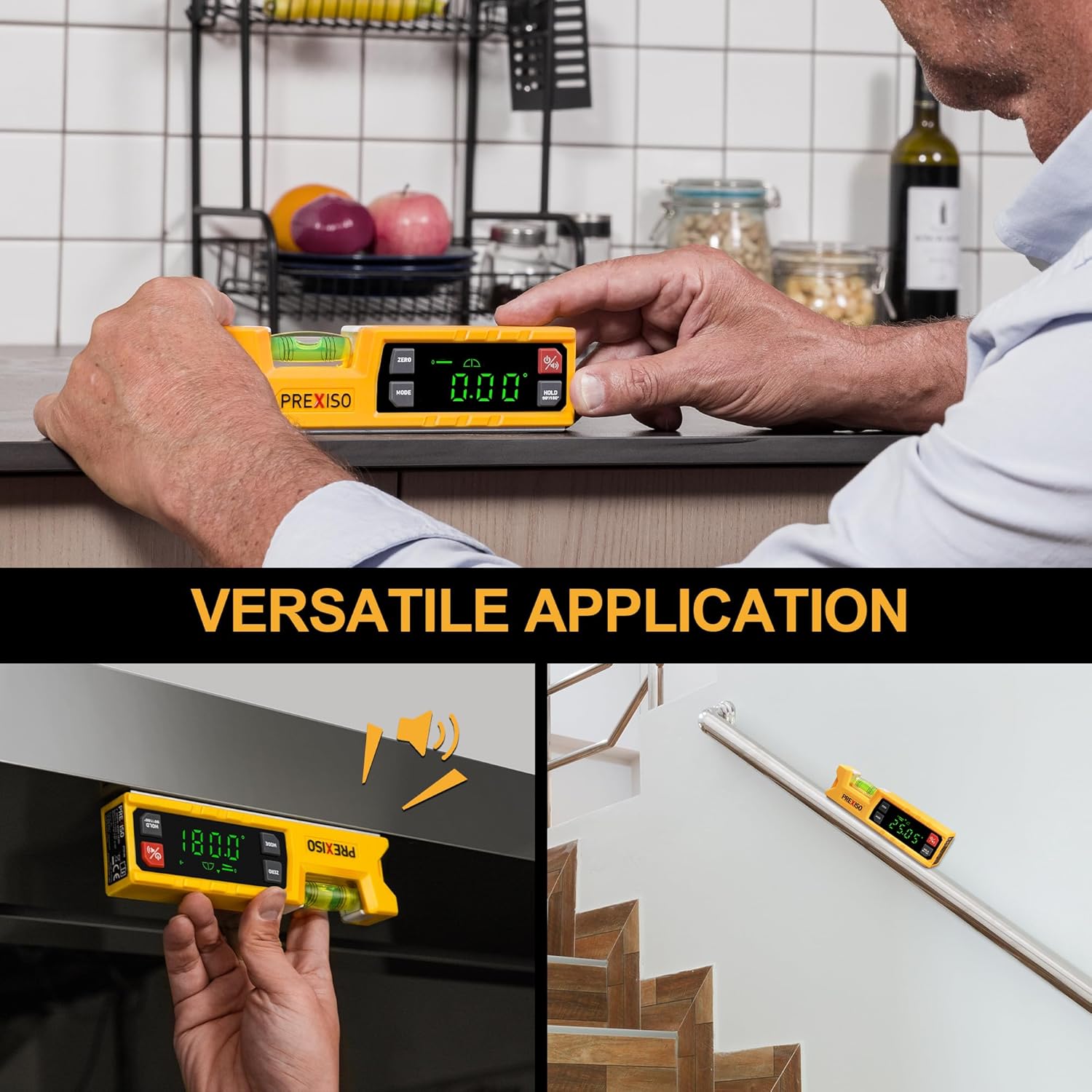
The device features an audio indicator that beeps when approaching 0° or 90°, helping you find level or plumb without constantly looking at the display. Press the Power/Mute button to toggle the audio on or off.
Magnetic V-Groove Base
The magnetic V-groove base allows for easy attachment to ferrous metal surfaces, such as pipes or steel frames, providing stable and hands-free measurement.

The digital level demonstrating its strong magnetic V-groove base, allowing for easy attachment to ferrous metal surfaces like pipes for hands-free operation. Also shows the large solid block vial.
Maintenance
Cleaning
Wipe the device with a soft, dry cloth. Do not use abrasive cleaners or solvents. Keep the display and bubble vial clean for optimal visibility.
Battery Replacement
When the battery indicator appears on the display, replace the two AAA batteries as described in the Setup section.
Storage
Store the device in a cool, dry place away from direct sunlight and extreme temperatures. If storing for extended periods, remove the batteries to prevent leakage.
Troubleshooting
"Erro" Message on Display
If the device is tilted beyond its measurable range (e.g., over 30° when expecting a smaller angle), it may display an "Erro" message. Adjust the device's position to be within the operational range for accurate readings.

The digital level displaying an "Erro" message when positioned beyond its operational angle range.
Inaccurate Readings
- Ensure the measurement surface is clean and free of debris.
- Verify that the device is placed firmly and stably on the surface.
- Check battery level and replace if low.
- Perform a zero calibration if necessary.
Specifications
| Feature | Detail |
|---|---|
| Brand | Prexiso |
| Model Number | PTD180 |
| Item Weight | 8.8 ounces |
| Package Dimensions | 9.02 x 3.23 x 1.42 inches |
| Batteries | 2 AAA batteries required (included) |
| Style | Magnetic |
| Operation Mode | Automatic |
| Angle Ranges | 0-90° & 0-180° |
| Accuracy | ±0.1° at 0° and 90°; ±0.2° at other angles |
| UPC | 840128502693 |
Warranty and Support
Warranty Information
This PREXISO Digital Level & Digital Protractor is covered by a 2-year limited warranty. Please retain your proof of purchase for warranty claims.
Customer Support
For technical assistance, troubleshooting, or warranty inquiries, please contact PREXISO customer support through the official website or the contact information provided with your product packaging.


