
Introduction
Thank you for choosing the LIGE SML6-L Smartwatch. This manual provides essential information for setting up, operating, and maintaining your device. Please read it carefully to ensure optimal performance and longevity of your smartwatch.
Setup Guide
1. Initial Charging
Before first use, fully charge your smartwatch. Connect the magnetic charging cable to the charging contacts on the back of the watch and plug the USB end into a standard USB power adapter (not included).
- Charging time: Approximately 2-3 hours.
- Battery capacity: 400 mAh.
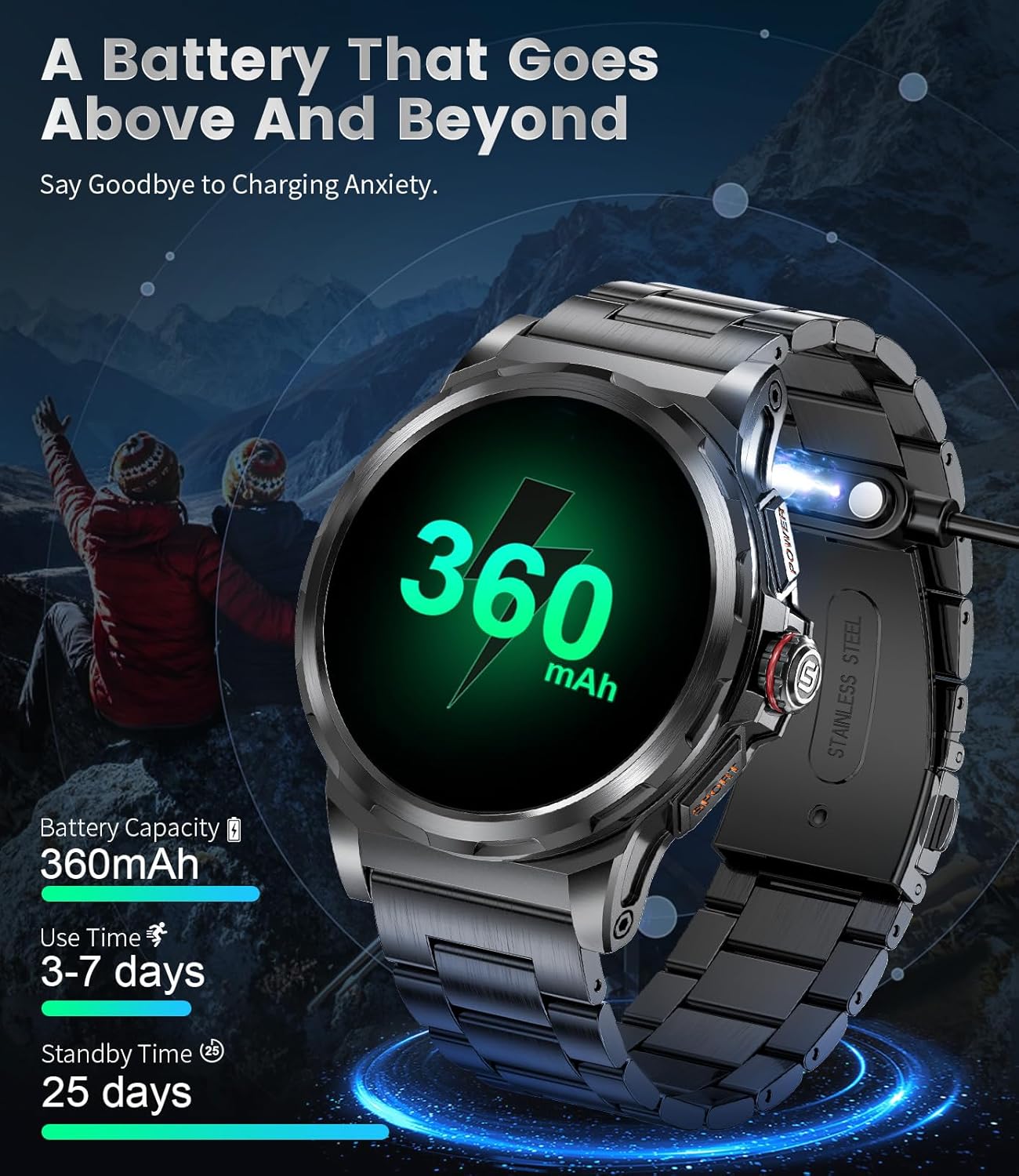
Image: The LIGE SML6-L Smartwatch connected to its magnetic charger, displaying a battery icon with '360 mAh' and estimated use/standby times.
2. App Installation and Pairing
Download the 'FitCloudPro' app from your smartphone's app store (compatible with Android 5.0+ and iOS 9.0+).
- Enable Bluetooth on your smartphone.
- Open the 'FitCloudPro' app and follow the on-screen instructions to create an account or log in.
- In the app, navigate to 'Device' or 'Add Device' and select your LIGE SML6-L Smartwatch from the list of available devices.
- Confirm the pairing request on both your phone and the smartwatch.
3. Bluetooth Call Function Setup
For Bluetooth calling functionality, an additional connection is required (iOS 13+ for one-touch call).
- After initial pairing, go to your smartphone's Bluetooth settings.
- Look for a second Bluetooth device named 'LIGE SML6-L_CALL' or similar and connect to it.
- Ensure both connections are active for full functionality.

Image: A user interacting with the LIGE SML6-L Smartwatch to make a Bluetooth call, showing the watch's call interface and a smartphone displaying a call screen.
4. Strap Installation
Your smartwatch comes with three interchangeable straps (stainless steel, silicone, and leather). To change a strap:
- Locate the quick-release pins on the underside of the strap.
- Slide the pin inwards to detach the strap from the watch body.
- Align the new strap with the watch lugs and slide the pin back into place until it clicks securely.
Operating Instructions
1. Basic Navigation
- Touchscreen: Swipe left/right to access different functions, swipe up/down for quick settings/notifications. Tap to select.
- Side Buttons: The smartwatch features multiple side buttons for power, sport mode, and voice assistant access. Refer to the watch's on-screen prompts for specific button functions.
- Always-On Display (AOD): The 1.43" AMOLED screen supports AOD, allowing you to see the time without raising your wrist or touching the screen.

Image: A close-up of the LIGE SML6-L Smartwatch's 1.43" AMOLED HD display, highlighting features like low power chip, sensitive touchscreen, 466*466 HD resolution, and Always-On Display.
2. Bluetooth Calls and Notifications
- Making Calls: Access the dial pad or contacts directly from the watch to initiate calls.
- Receiving Calls: Answer, reject, or mute incoming calls directly from your wrist.
- Notifications: Receive alerts for social media (Facebook, Instagram, Gmail, WhatsApp, Twitter, Snapchat), messages, and other app notifications.
3. Voice Assistant
Utilize the built-in AI voice assistant for hands-free control. Activate the assistant and speak commands for tasks like setting alarms, checking weather, or making calls.

Image: A LIGE SML6-L Smartwatch displaying a message notification and a voice assistant interface, with speech bubbles indicating interaction.
4. Sports Modes and Health Monitoring
- 129 Sports Modes: Track various activities including walking, running, cycling, and yoga. The watch records steps, distance, calories, and exercise duration.
- Heart Rate Monitoring: Real-time heart rate tracking using the advanced PPG bio-tracker.
- Blood Oxygen (SpO2) Monitoring: Monitor your blood oxygen levels.
- Blood Pressure Monitoring: Provides estimates of blood pressure.
- Sleep Monitoring: Tracks sleep patterns and quality.
- Health Reminders: Includes sedentary reminders and water intake reminders to promote a healthier lifestyle.

Image: The back of the LIGE SML6-L Smartwatch showing its sensors, with four watch faces illustrating heart rate, blood pressure, blood oxygen, and sleep monitoring data.

Image: A person cycling with the LIGE SML6-L Smartwatch on their wrist, displaying activity tracking data such as steps, calories, and distance, along with icons for various sports modes.
5. Other Features
- Watch Faces: Choose from over 200 watch faces or customize your own.
- Music Control: Control music playback on your smartphone.
- Remote Photography: Use the watch as a remote shutter for your phone's camera.
- Weather Forecast: Get real-time weather updates.
- Tools: Flashlight, calculator, alarm clock, timer, stopwatch, find phone, password lock, do not disturb mode, brightness adjustment.
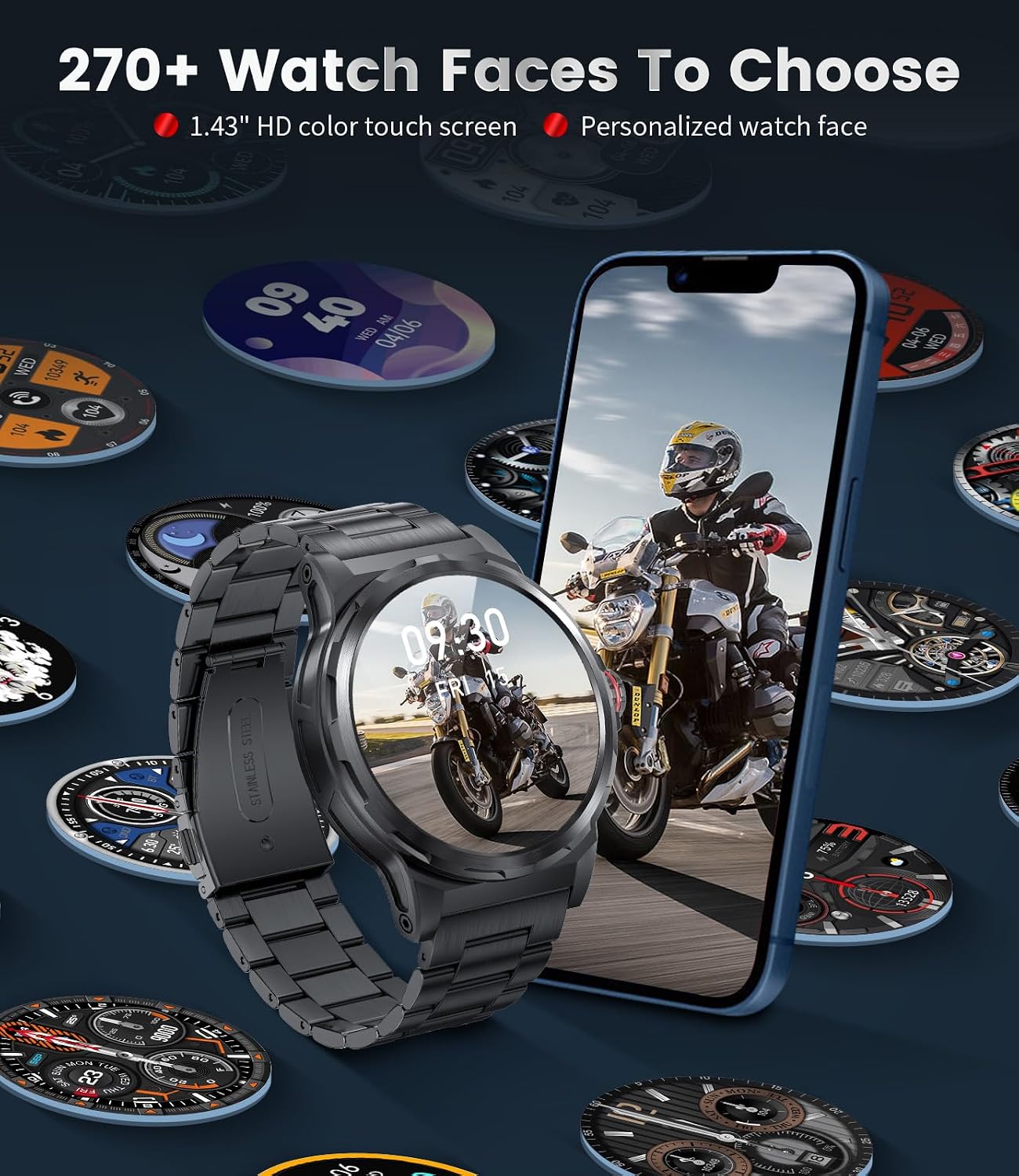
Image: The LIGE SML6-L Smartwatch displaying a watch face, surrounded by numerous other watch face options, with a smartphone in the background showing a motorcycle rider.

Image: A collage of practical features of the LIGE SML6-L Smartwatch, including music control, weather display, and remote camera control, along with icons for exercise, health monitoring, and reminders.
Maintenance
1. Cleaning
Regularly clean your smartwatch and straps to prevent skin irritation and maintain functionality.
- Wipe the screen and watch body with a soft, damp, lint-free cloth.
- For silicone straps, wash with mild soap and water. For stainless steel and leather straps, follow specific cleaning instructions for those materials.
- Ensure the watch is dry before charging or prolonged use.
2. Water Resistance (IP68)
The LIGE SML6-L Smartwatch is IP68 rated, meaning it is resistant to dust and can withstand immersion in water up to 1.5 meters for 30 minutes. It is suitable for daily use, hand washing, and light rain. However, it is not recommended for hot showers, saunas, or diving, as steam and high water pressure can compromise the seals.
3. Battery Care
- Avoid fully discharging the battery frequently.
- Charge the watch in a cool, dry environment.
- Do not expose the watch to extreme temperatures.
Troubleshooting
Common Issues and Solutions:
- Watch not turning on: Ensure the watch is fully charged. Connect it to the charger and wait a few minutes before attempting to power it on.
- Cannot pair with smartphone:
- Ensure Bluetooth is enabled on your phone and the watch is within range.
- Restart both your phone and the smartwatch.
- Clear the 'FitCloudPro' app cache or reinstall the app.
- Check if the watch is already paired with another device.
- Bluetooth call function not working:
- Verify that both 'LIGE SML6-L' and 'LIGE SML6-L_CALL' (or similar) are connected in your phone's Bluetooth settings.
- Ensure your phone's media audio is routed to the watch.
- Inaccurate health data:
- Ensure the watch is worn snugly on your wrist, not too tight or too loose.
- Clean the sensor on the back of the watch.
- Avoid excessive movement during measurements.
- Short battery life:
- Reduce screen brightness and screen-on time.
- Disable unnecessary notifications or features like Always-On Display if not needed.
- Limit frequent health monitoring.
If you encounter issues not listed here or require further assistance, please contact customer support.
Specifications
| Feature | Detail |
|---|---|
| Brand | LIGE |
| Model Number | SML6-L |
| Display | 1.43-inch AMOLED Touchscreen |
| Resolution | 466*466 HD (implied from image) |
| Operating System | Proprietary OS (Compatible with Android/iOS) |
| Connectivity | Bluetooth |
| Battery Capacity | 400 mAh Lithium-polymer |
| Typical Use Time | 7-15 days |
| Standby Time | Over 30 days |
| Water Resistance | IP68 |
| Memory Storage | 256 MB |
| Compatible Devices | Smartphones (Android 5.0+, iOS 9.0+) |
| Case Material | 304 Stainless Steel |
Warranty and Support
Warranty Information
The LIGE SML6-L Smartwatch comes with a 24-month after-sales service period, covering manufacturing defects and malfunctions under normal use. This includes a 365-day service for specific issues.
Please retain your proof of purchase for warranty claims.
Customer Support
For any questions, technical assistance, or warranty claims regarding your LIGE SML6-L Smartwatch, please contact our customer support team. We offer a 24/7 rapid response service to address your concerns.
Contact details can typically be found on the product packaging, the official LIGE website, or through your purchase platform.


