
1. Safety Information
Please read and understand all instructions before installing or operating this product. Failure to follow these instructions may result in electric shock, fire, or other hazards that could cause injury or property damage.
- Electrical Safety: Installation must be performed by a qualified electrician in accordance with all local electrical codes and ordinances. Ensure power is turned off at the circuit breaker before installation.
- Grounding: This fixture must be properly grounded.
- Operating Environment: This product is designed for outdoor use only. Do not install near flammable materials or in areas with explosive atmospheres.
- Heat: The LED light heads can become hot during operation. Avoid touching them directly.
- Light Source: Do not stare directly into the LED light source when illuminated, as this may cause eye damage.
- Modifications: Do not attempt to modify or repair the fixture. Any modifications will void the warranty and may create safety hazards.
2. Product Overview
The LUTEC 80W 9000LM LED Flood Light is a hardwired, switch-controlled outdoor security light designed for illuminating large outdoor areas such as garages, yards, and patios. It features four adjustable heads, providing extensive and customizable light coverage.
Key Features:
- High Brightness: 80W power output, delivering 9000 lumens of 5000K daylight.
- Adjustable Heads: Four flexible light heads allow for a maximum illumination angle of 300°, covering up to 2,370 sq. ft.
- Weatherproof Design: IP65 waterproof rating ensures reliable operation in rain and snow.
- Energy Efficient: Offers significant energy savings compared to traditional halogen bulbs.
- Control: Designed for switch-controlled operation (no motion sensor, no dusk-to-dawn, no solar power).

Image: The LUTEC 80W 9000LM LED Flood Light, showcasing its four adjustable light heads.

Image: An outdoor scene at night, brightly illuminated by the 9000LM floodlight, demonstrating its powerful 5000K daylight output.
3. Installation Instructions
This flood light is designed for hardwired installation. A junction box (4"x4") is required but not included. Professional installation by a qualified electrician is recommended.
Tools and Materials Required (Not Included):
- Screwdriver (Phillips head recommended)
- Wire strippers
- Electrical tape
- Ladder (if installing at height)
- Junction box (4"x4")
- Caulking or sealant (for waterproofing)
Installation Steps:
- Turn Off Power: Before starting any electrical work, ensure the power supply to the installation area is turned off at the main circuit breaker.
- Prepare Mounting Surface: Install a suitable 4"x4" junction box (not included) on the desired wall or soffit surface.
- Attach Mounting Bracket: Secure the provided mounting bracket to the junction box using the screws. Ensure it is firmly attached.
- Wire Connections: Connect the household wiring to the fixture's wires. Typically, this involves connecting:
- Black (Live) to Black (Live)
- White (Neutral) to White (Neutral)
- Green/Bare Copper (Ground) to Green/Bare Copper (Ground)
- Mount the Fixture: Carefully align the flood light fixture with the mounting bracket and secure it with the central screw. Ensure the gasket is properly seated to maintain the IP65 waterproof rating.
- Seal Gaps: Apply caulking or sealant around the base of the fixture where it meets the wall to prevent water ingress, especially for wall-mounted installations.
- Adjust Light Heads: Once securely mounted, adjust the four light heads to direct illumination to your desired areas.
- Restore Power: Turn the power back on at the circuit breaker and test the light using your wall switch.

Image: A visual representation of the three main steps for installing the flood light, showing the junction box, wiring, and fixture attachment.

Image: An illustration detailing the accessories included for installation, such as screws, wire nuts, mounting bracket, rubber plug, and gasket, alongside a simplified wiring diagram.

Image: Depiction of two common installation methods: soffit mounted and wall mounted, with a note to seal gaps for waterproofing.
4. Operating Instructions
The LUTEC 80W 9000LM LED Flood Light is controlled by a standard wall switch. It does not feature motion sensing, dusk-to-dawn functionality, or solar power.
Basic Operation:
- Turning On/Off: Use the connected wall switch to turn the flood light on or off.
- Adjusting Light Heads: The four light heads can be manually adjusted to direct the light beam as needed. Loosen the adjustment screws slightly, position the heads, and then tighten the screws to secure them.
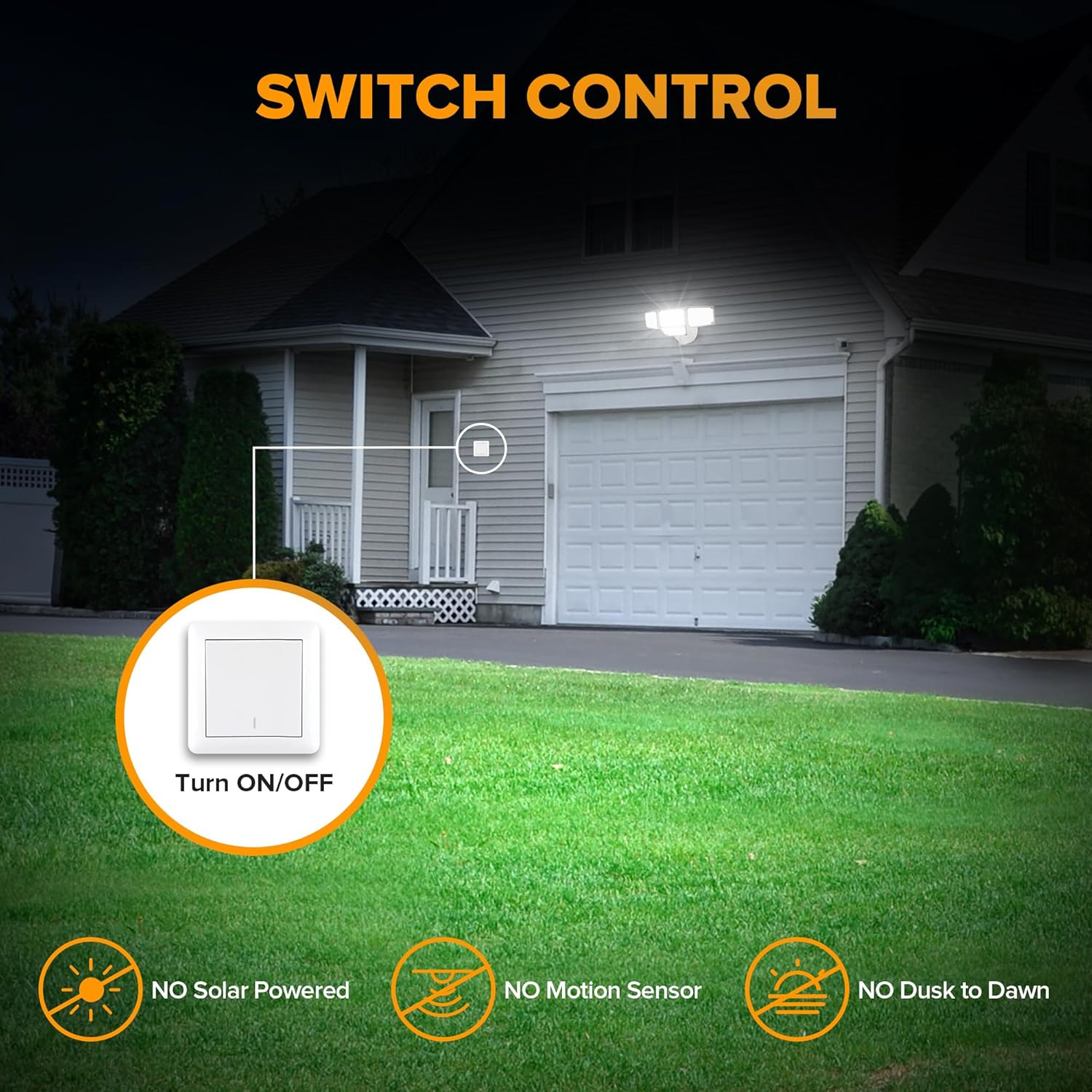
Image: An illustration demonstrating the simple switch control mechanism for the flood light, highlighting its hardwired nature without additional sensors.
Video: A demonstration of the LUTEC 80W 9000LM Switch Controlled Flood Light Outdoor, showing its brightness and coverage when activated by a switch.
5. Maintenance
The LUTEC LED Flood Light is designed for minimal maintenance. Regular cleaning and inspection will help ensure optimal performance and longevity.
Maintenance Tips:
- Cleaning: Periodically clean the light heads and housing with a soft, damp cloth to remove dirt, dust, and debris. Do not use abrasive cleaners or solvents. Ensure power is off before cleaning.
- Inspection: Regularly inspect the fixture for any signs of damage, loose wiring, or wear. Check the mounting screws for tightness.
- Gasket Integrity: Ensure the waterproof gasket remains intact and properly seated to prevent water intrusion.
- LEDs: The LED light source is integrated and not user-replaceable. If the LEDs fail, the entire fixture typically needs replacement.
6. Troubleshooting
If you encounter issues with your LUTEC LED Flood Light, refer to the following common troubleshooting steps:
| Problem | Possible Cause | Solution |
|---|---|---|
| Light does not turn on | No power to the fixture Loose wiring connection Faulty wall switch | Check circuit breaker and wall switch. Ensure all wiring connections are secure. Consult a qualified electrician if the issue persists. |
| Light flickers or dims | Unstable power supply Loose wiring Overheating | Verify stable power. Check wiring connections. Ensure adequate ventilation around the fixture. |
| Water inside the fixture | Improper sealing during installation Damaged gasket | Turn off power immediately. Inspect the gasket and sealing around the fixture. Re-seal or replace the gasket if necessary. |
If these steps do not resolve the issue, please contact LUTEC customer service for further assistance.
7. Specifications
| Attribute | Detail |
|---|---|
| Brand | LUTEC |
| Model Number | 7632814053 |
| Power Source | AC Hardwired |
| Wattage | 80 Watts |
| Brightness | 9000 Lumens |
| Color Temperature | 5000K Daylight |
| Water Resistance Level | IP65 Waterproof |
| Material | Aluminum + PC |
| Product Dimensions | 6.5"L x 8.66"W x 6.69"H |
| Item Weight | 2.05 Pounds |
| Installation Type | Wall Mount |
| Control Method | Switch Controlled |
| Special Feature | Adjustable Beam Angle |
8. Warranty and Support
LUTEC is committed to providing high-quality products and customer satisfaction.
- Warranty: For information regarding the product warranty, please refer to the documentation included with your purchase or visit the official LUTEC website.
- Customer Service: If you have any questions, concerns, or require technical assistance, please contact LUTEC customer service. We provide 7*24 hour after-sales service.
- Contact Information: Please refer to the contact details provided on the product packaging or the official LUTEC website.


