
1. Introduction
This instruction manual provides essential information for the proper installation, use, and maintenance of your SPORTLINK iPhone 16 Waterproof Case. Designed to offer comprehensive protection, this case safeguards your device against water, dust, drops, and snow, ensuring its functionality in various environments.
2. Compatibility
This SPORTLINK Waterproof Case is specifically designed for the iPhone 16 (6.1 inches). It is not compatible with iPhone 16 Pro, iPhone 16 Pro Max, or iPhone 16 Plus models. Please verify your iPhone model before installation to ensure a perfect fit and optimal protection.

To confirm your iPhone model, navigate to Settings > General > About. This case is exclusively for iPhone 16 (6.1'').
3. Package Contents
Your SPORTLINK iPhone 16 Waterproof Case package includes the following items:
- 1x iPhone 16 Waterproof Case
- 1x Cleaning Cloth
- 1x Lanyard
- 1x User Instruction Manual (this document)
- 1x Open Key


The package includes a cleaning cloth, an open key for case removal, and a lanyard for secure carrying.
4. Installation Guide
Proper installation is crucial for the waterproof and protective performance of your case. Please follow these steps carefully:
- Pre-Installation Check: Remove any existing screen protectors or protective films from your iPhone 16 before installing the case. The built-in screen protector of the SPORTLINK case provides sufficient protection.
- Clean Your Device: Use the provided cleaning cloth to thoroughly clean your iPhone 16, ensuring no dust or debris is trapped between the phone and the case.
- Align Mute Button: Align your device's mute button with the mute button slot on the case.
- Insert Phone: Place your iPhone 16 into the front part of the case, then snap the back case firmly onto the front part, ensuring all edges are securely closed. Press firmly around the entire perimeter of the case to ensure a tight seal.
- Secure Charging Port: Open the charging port cover, squeeze out any trapped air between the protective film and the screen, then close the charging port cover completely.

The case consists of two parts that snap together to fully enclose your iPhone 16.
5. Water Test (First Time Use)
Before placing your iPhone 16 into the case for the first time, it is highly recommended to perform a water test to ensure the case's integrity. Do not install your device during this test.
- Case Assembly: Pick up the front case and line up the back case with it, ensuring all edges are firmly pressed around the entire perimeter.
- Submersion: Place the empty case in water and weigh it down with something non-heavy (e.g., a small stone) for at least 30 minutes.
- Inspection: Completely dry the outside of the case. Open the case and inspect the interior for any signs of water ingress.
- Result: If no visible water drops appear inside, the case has passed the test and is ready for use. If water is present, re-check the seals and repeat the test. If water still enters, contact customer support.

Always perform a water test with the empty case before first use or after any significant impact.
6. Key Features
- IP68 Waterproof: The case boasts an IP68 ingress protection rating, providing complete protection against water, snow, ice, dirt, and dust. It is fully submersible up to 6.6 feet (2 meters) for 30 minutes.
- Real Shock Protection: Engineered to withstand drops from up to 6.6 feet (2 meters), this military-grade shockproof design protects your iPhone 16 from accidental impacts.
- Dustproof & Snowproof: The sealed design prevents dust, dirt, and snow from entering your device, making it ideal for outdoor activities and harsh environments.
- Built-in HD Screen Protector: A high-definition screen protector is integrated into the case, offering scratch resistance and maintaining sensitive touch response.
- HD Camera Protection: Clear camera lens protection ensures high-quality photos and videos, even underwater. The case supports Face ID and wireless charging.
- Camera Control: Utilize the volume buttons on the case to act as a shutter for taking photos or videos while submerged or in challenging conditions.
- Wireless Charging Support: The case is designed to allow for convenient wireless charging without needing to remove your iPhone.

The IP68 rating ensures your phone is protected from water and dust.

Military-grade protection safeguards your device from drops and impacts.

Use the case's built-in buttons for easy camera control, even underwater.
7. Care and Maintenance
To maintain the optimal performance and longevity of your SPORTLINK Waterproof Case, please adhere to the following care instructions:
- Regular Cleaning: Clean the case regularly with the provided microfiber cloth or a soft, damp cloth to remove dirt and fingerprints.
- After Water Exposure: After exposure to water (especially saltwater, chlorine, or other liquids), rinse the case thoroughly with fresh water and dry it completely before opening.
- Inspect Seals: Periodically inspect the case's seals and port covers for any signs of wear, tear, or damage. Ensure they are clean and free of debris.
- Avoid Extreme Temperatures: Do not expose the case to extreme heat or cold, as this may affect its material integrity and sealing properties.
- Proper Storage: When not in use, store the case in a clean, dry environment away from direct sunlight.
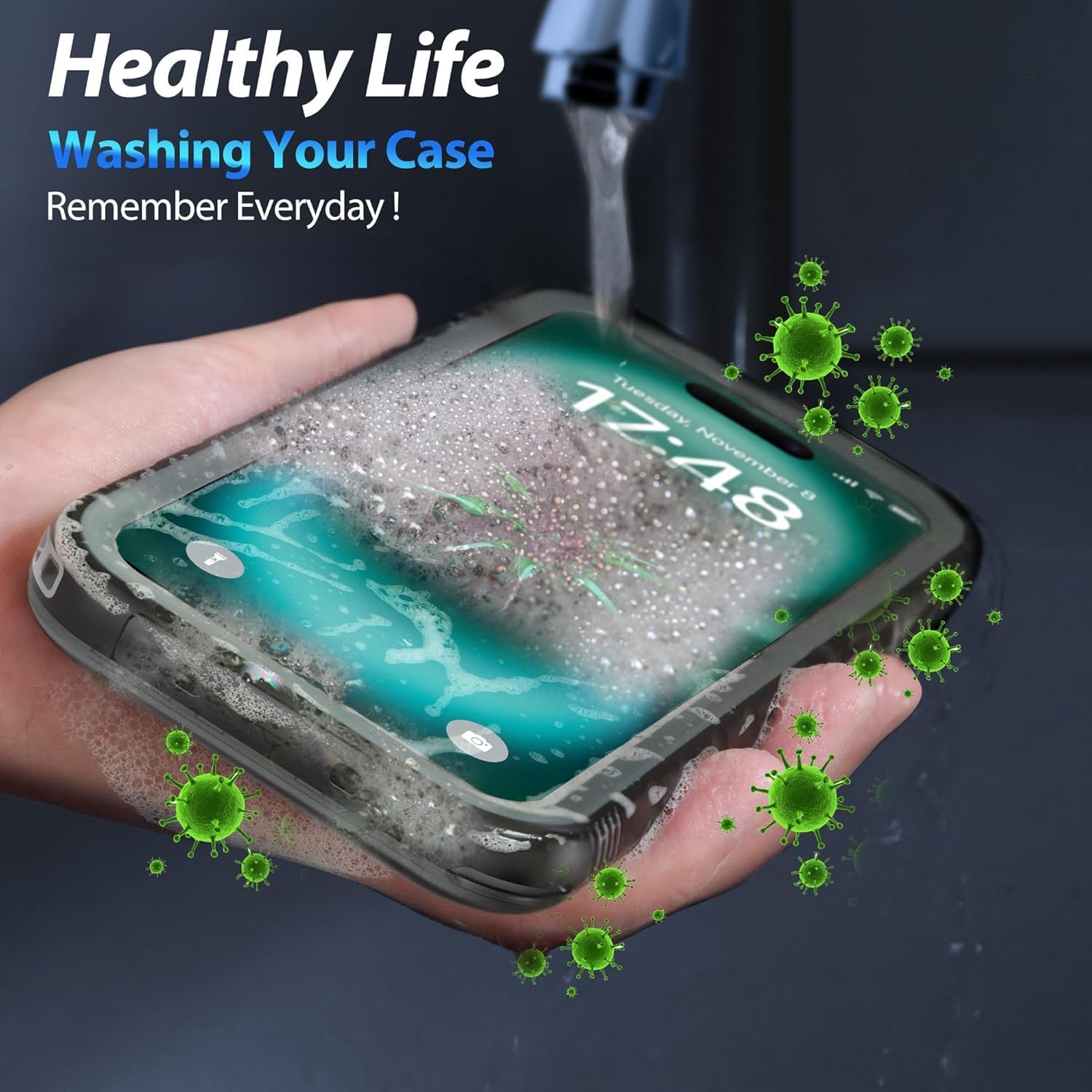
Regularly wash your case to keep it clean and hygienic.
8. Troubleshooting Guide
If you encounter any issues with your SPORTLINK iPhone 16 Waterproof Case, please refer to the following common problems and solutions:
| Problem | Possible Reason | Solution |
|---|---|---|
| Muffled sound during calls or media playback. | Waterproof membranes may be obstructed by debris or improperly sealed. | Clean and dry the waterproof membranes on the case. Ensure all port covers are securely closed. |
| Touchscreen is not responsive or sensitive. | An extra screen protector is still on the phone, or air is trapped between the phone and case screen. | Remove any existing screen protectors from your phone. Reinstall the case, ensuring no air bubbles are trapped. |
| Water ingress during use. | Improper installation, damaged seals, or failure to perform water test. | Immediately remove phone and dry. Re-perform the water test with the empty case. Inspect seals for damage. Ensure all edges are firmly pressed and port covers are sealed. |
| Buttons are difficult to press. | Case not properly aligned or debris under buttons. | Remove the case, clean the buttons and surrounding areas, then reinstall carefully, ensuring proper alignment. |
9. Specifications
| Feature | Detail |
|---|---|
| Product Dimensions | 6.4 x 3.37 x 0.57 inches |
| Item Weight | 3.56 ounces |
| Item Model Number | WPC-16-BK |
| Compatible Phone Models | for iPhone 16 (6.1 inches) |
| Color | Black |
| Material | Polycarbonate, Polypropylene, Thermoplastic Elastomer, Thermoplastic Polyurethane |
| Waterproof Rating | IP68 (Submersible to 6.6ft/2m for 30 minutes) |
| Drop Protection | Tested for drops within 6.6ft/2m height |
10. Warranty and Support
SPORTLINK stands behind the quality of its products. Your iPhone 16 Waterproof Case is backed by a limited 90-day return policy. For any product-related inquiries, technical assistance, or customer service, please contact SPORTLINK support. We offer lifetime technical help and 24-hour customer service to ensure your satisfaction.
For further assistance, please visit the SPORTLINK Store on Amazon.

