1. Introduction
This manual provides comprehensive instructions for the safe and efficient operation, installation, and maintenance of your EUHOMY Commercial Ice Maker, Model CIM012-200BS. Please read this manual thoroughly before using the appliance and retain it for future reference. Proper use and care will ensure optimal performance and longevity of your ice machine.
2. Safety Instructions
To reduce the risk of fire, electric shock, or injury when using your ice maker, follow these basic precautions:
- Ensure the appliance is properly grounded.
- Do not operate the ice maker with a damaged cord or plug.
- Keep ventilation openings clear of obstructions.
- Do not store explosive substances such as aerosol cans with a flammable propellant in this appliance.
- Only use potable water for ice production.
- Unplug the appliance before cleaning or performing any maintenance.
3. Package Contents
Verify that all items are present in the packaging:
- EUHOMY Commercial Ice Maker Unit
- Water Filter
- Water Inlet Hose
- Drain Hose
- Ice Scoop
- User Manual

The EUHOMY Commercial Ice Maker, Model CIM012-200BS, shown with its essential accessories: a water filter for clean ice production, an ice scoop for hygienic retrieval, and hoses for water inlet and drainage. A glass with ice cubes and a lime slice is also depicted, illustrating the product's output.
4. Product Overview and Features
The EUHOMY Commercial Ice Maker is designed for high-efficiency ice production, suitable for various commercial and home settings. Key features include:
- High Ice Output: Produces up to 250 lbs of clear ice per day, with 84 ice cubes ready in 8-12 minutes.
- Large Storage Capacity: Integrated storage bin holds up to 33 lbs of ice.
- Adjustable Ice Thickness: Customize ice cube thickness to suit different beverage needs.
- Durable Construction: Features a pure copper compressor and stainless steel body for reliability and longevity. ETL certified for commercial use.
- Advanced Filtration: Equipped with an upgraded water filter to remove impurities, ensuring crystal-clear and safe ice.
- Smart Control Panel: Intuitive LCD panel for easy operation, displaying environmental temperature and allowing function control.
- Self-Cleaning Function: Automated cleaning cycle for convenient maintenance.
- 24-Hour Timer: Schedule ice production to start or stop at your convenience.
- Insulated Design: 3-layer insulation (stainless steel + foam + food-grade PP) maintains ice temperature, keeping it frozen for extended periods (up to 8 hours).
- Viewing Window: Curved cover with a transparent window to observe the ice-making process.

An image emphasizing the high production capacity of the EUHOMY Commercial Ice Maker, capable of producing 250 pounds of ice per day, suitable for high-demand environments.

A diagram showcasing the 3-layer insulation (Stainless Steel 430 Shell, PP, ABS, Thickened One-Piece Cyclopentane) designed to keep ice fresh for up to 8 hours, compared to other machines with shorter retention.
5. Setup and Installation
Follow these steps for proper installation of your ice maker:
- Positioning: Place the ice maker on a stable, level surface. Ensure adequate ventilation around the unit.
- Connect to Faucet: Connect the water inlet hose to a potable water supply faucet.
- Install Water Filter: Connect the provided water filter in-line with the water inlet hose. Ensure the filter is securely installed to effectively remove impurities.
- Connect Drain Hose: Attach the drain hose to the designated outlet at the rear of the machine. Ensure the drain pipe is positioned below the machine's drain outlet to allow for proper gravity drainage.
- Power Connection: Plug the power cord into a grounded 110V-120V/60HZ electrical outlet.

An illustration detailing the four-step installation process: connecting to a faucet, connecting the water filter, plugging into power, and connecting the drain hose to the rear of the unit.
6. Operating Instructions
The ice maker features an intelligent touch control panel for easy operation.
6.1. Initial Start-Up
- After installation, ensure the water supply is open and the drain hose is correctly positioned.
- Press the 'POWER' button on the control panel to turn on the machine.
- The machine will automatically begin the ice-making cycle.
6.2. Adjusting Ice Thickness
You can adjust the thickness of the ice cubes to suit your preference:
- Use the 'TIME UP' (^) and 'TIME DOWN' (v) buttons on the control panel to adjust the ice-making time.
- A shorter time will result in thinner ice cubes (e.g., 10 minutes for thin, suitable for smoothies).
- A longer time will produce thicker ice cubes (e.g., 20 minutes for thick, suitable for whiskey).

A visual guide demonstrating how the ice maker allows users to adjust ice cube thickness (thin, medium, thick) to suit various beverages like smoothies, general drinks, or whiskey, by controlling ice-making time.
6.3. Using the 24-Hour Timer
The 24-hour timer function allows you to schedule the ice maker's operation:
- Press the 'RESERVATION' button.
- Use the 'TIME UP' (^) and 'TIME DOWN' (v) buttons to set the desired start or stop time.
6.4. Control Panel Overview

A detailed view of the ice maker's smart LCD control panel, showing buttons for ice making, reservation, stoppage, ice full indicator, ice shedding, clean function, power, reservation clean, time up/down, hot, and light. It also indicates how to unlock the child lock by pressing the 'Light' button for 5 seconds.
7. Maintenance
7.1. Self-Cleaning Function
The ice maker is equipped with an automatic self-cleaning function:
- Ensure the ice maker is empty of ice and water.
- Press and hold the 'CLEAN' button for 5 seconds to activate the self-cleaning cycle.
- The cleaning process will take approximately 5 minutes to complete.

The ice maker's interior during the self-cleaning cycle, illustrating the water circulation. Instructions indicate pressing the 'CLEAN' button for 5 seconds to activate and waiting 5 minutes for completion.
7.2. Water Filter Replacement
Regularly inspect and replace the water filter to ensure optimal ice quality and machine performance. Refer to the water filter's specific instructions for replacement frequency.
7.3. General Cleaning
- Wipe the exterior with a soft, damp cloth.
- Clean the interior ice storage bin periodically with a mild detergent and rinse thoroughly.
- Ensure the drain pipe is clear of any blockages.
8. Troubleshooting
If you encounter issues with your ice maker, refer to the following common problems and solutions:
- Q: How should I do if the control panel does not work well?
- A: When you click a button on the panel and find no response, please check if the "Light" button is blinking. If it is blinking, press and hold the "Light" button for 5 seconds to unlock the child lock.
- Q: Why does the "Light" button keep blinking when I hit the upper arrow?
- A: When the "Light" button is blinking, the panel is locked, and you need to press and hold the "Light" button for 5 seconds to unlock the child lock and continue other operations.
General Tips:
- Ensure the drain pipe is positioned below the machine's drain to prevent water backup.
- Check water supply connections for leaks or blockages.
- Verify the power cord is securely plugged in.
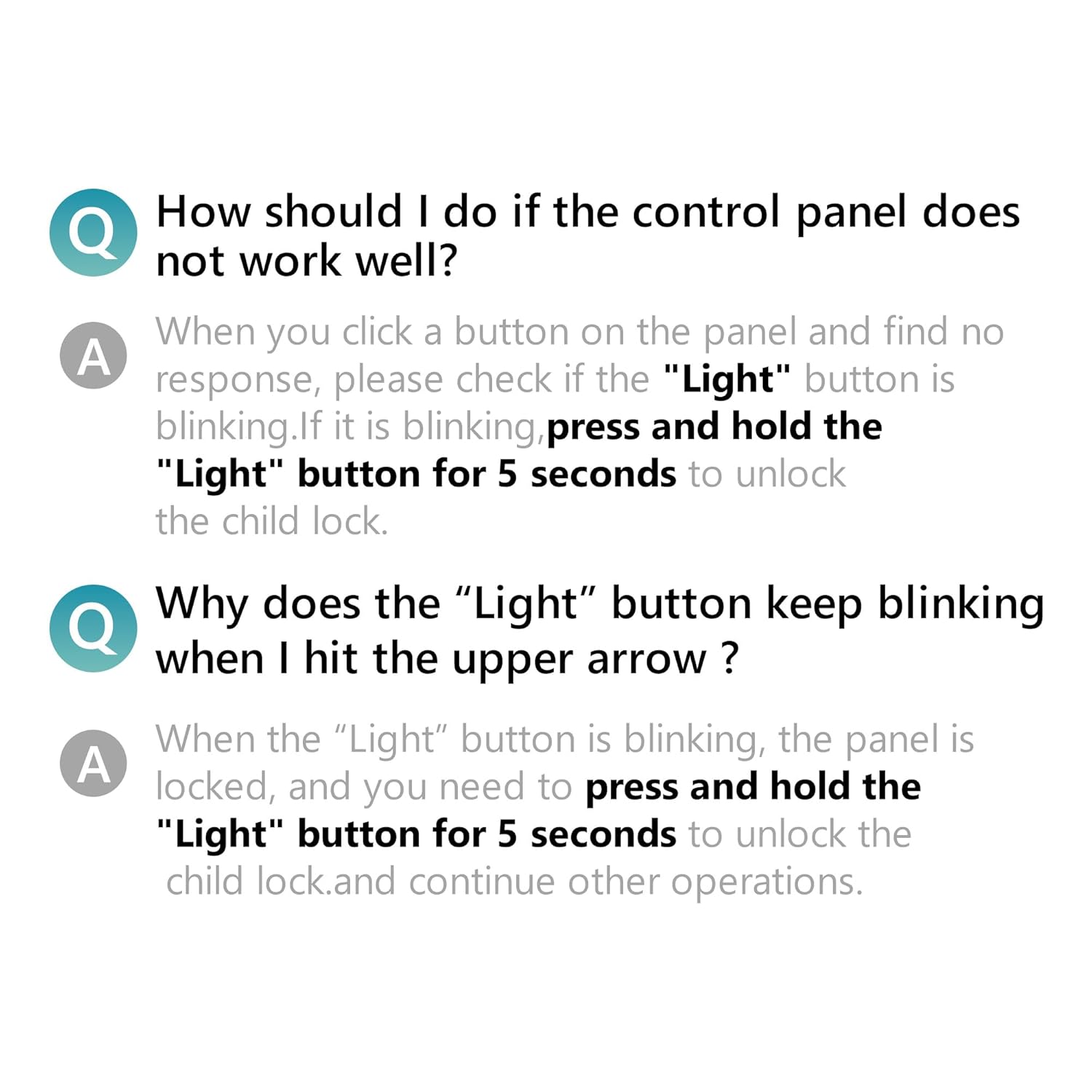
A Q&A section addressing common control panel issues, specifically what to do if the panel does not work well or if the 'Light' button keeps blinking, both resolved by pressing and holding the 'Light' button for 5 seconds to unlock the child lock.
9. Specifications
| Attribute | Detail |
|---|---|
| Brand | EUHOMY |
| Model Name | CIM012-200BS |
| Product Dimensions | 18.9"D x 22.24"W x 30.91"H |
| Capacity (Ice Storage) | 33 Pounds |
| Ice Production | 250 lbs/24H |
| Ice Production Time | 8-12 Minutes (per batch of 84 cubes) |
| Voltage | 110-120 Volts |
| Manufacturer | EUHOMY |
| ASIN | B0F1YP1X37 |

A graphic presenting key product specifications including color (Silver), voltage (110V-120V/60HZ), ice storage capacity (33lbs), ice production (250lbs/24H), ice production time (10-13Mins/Batch), and dimensions (18.89"D x 22.24"W x 30.91"H). It also shows the included accessories: drain hose, water filter, and ice scoop.
10. Warranty and Support
For warranty information and customer support, please refer to the documentation included with your purchase or visit the official EUHOMY website. If you require assistance with setup, operation, or troubleshooting beyond what is covered in this manual, please contact EUHOMY customer service.


