
Dzees D3
Dzees 360° PTZ Security Camera User Manual
Model: D3 | Brand: Dzees
1. Introduction
Thank you for choosing the Dzees 360° PTZ Security Camera. This 2K battery-powered wireless outdoor camera is designed to provide comprehensive home security with advanced features such as 360° pan-tilt-zoom, color night vision, two-way audio, and AI motion detection. This manual will guide you through the setup, operation, and maintenance of your new security camera system.

Image: Dzees 360° PTZ Security Cameras (2-Pack)
2. Setup and Installation
2.1 Package Contents
- Dzees 360° PTZ Security Camera(s)
- Mounting Bracket
- Type-C Charging Cable
- Screws Set
- Unlock Pin
- User Manual
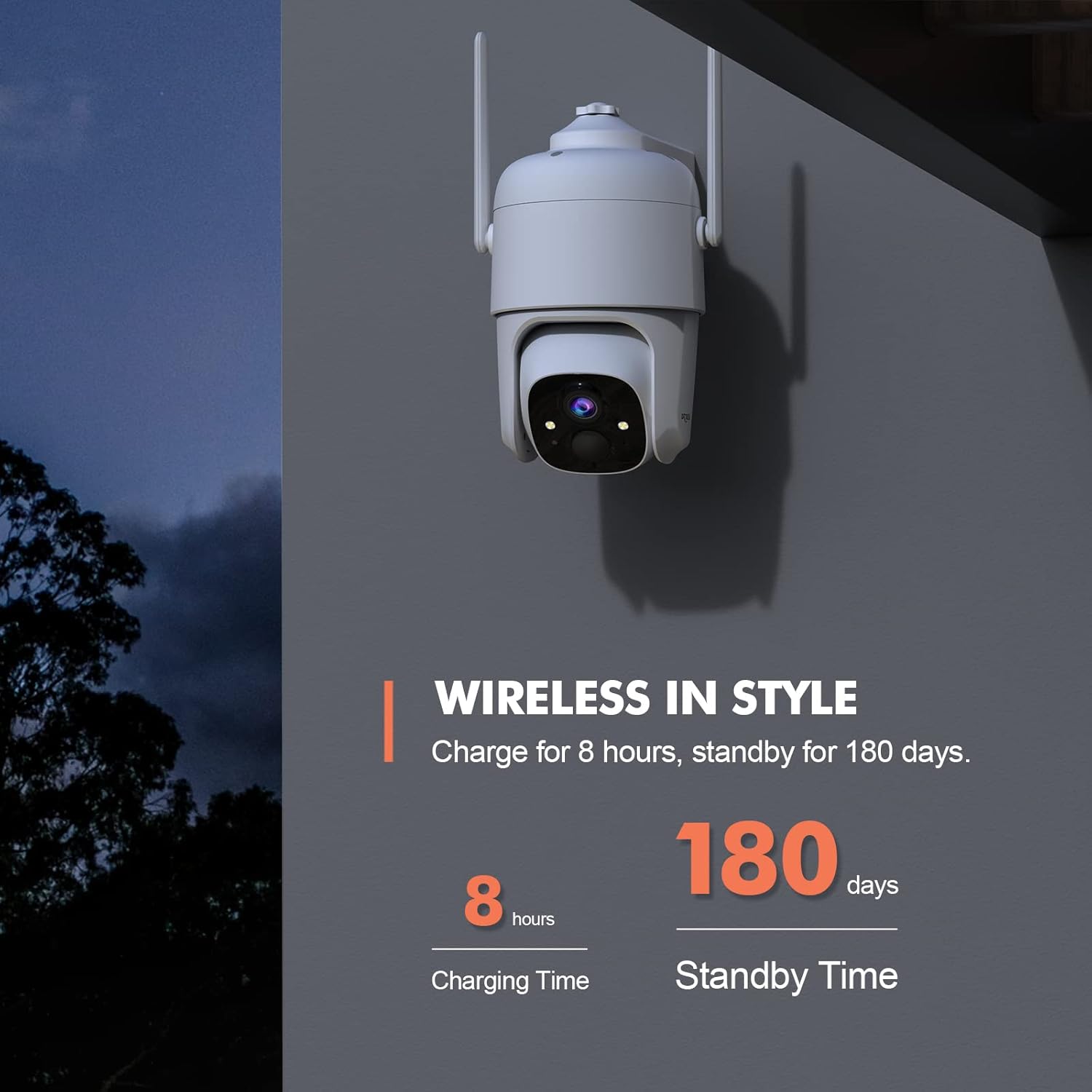
Image: Wireless in Style - Camera and accessories.
2.2 Charging the Camera
The camera is powered by a 9000mAh rechargeable battery, offering 3-8 months of use depending on activity. Before initial use, fully charge the camera using the provided Type-C charging cable. A full charge typically takes 8 hours. The camera also supports solar panel charging for continuous power (solar panel sold separately, search B0CT2LHQRD).
2.3 App Download and Setup
Download the "Dzees" or "Vicohome" app from your device's app store (iOS/Android). Follow the in-app instructions to create an account and add your camera. Ensure your Wi-Fi network is 2.4GHz, as the camera does not support 5GHz Wi-Fi.
2.4 Mounting the Camera
The camera is designed for easy installation and can be wall-mounted. Choose a location that provides optimal viewing coverage and a strong 2.4GHz Wi-Fi signal. Use the included mounting bracket and screws to securely attach the camera. The camera is IP66 weatherproof, suitable for both indoor and outdoor use.
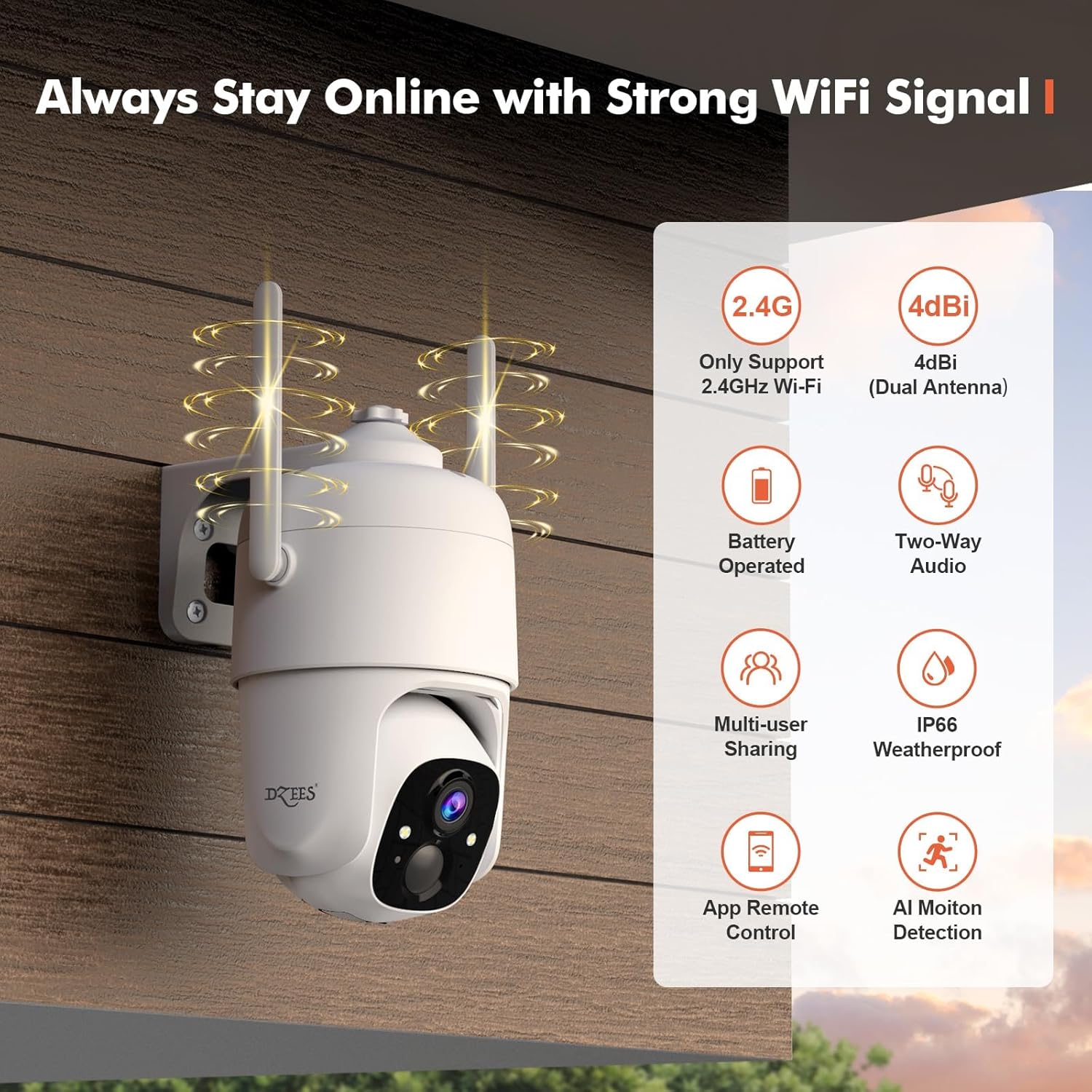
Image: Always Stay Online with Strong WiFi Signal.
3. Operating Your Dzees Camera
3.1 Pan, Tilt, and Digital Zoom Control
The Dzees camera features 355° panning and 95° tilting capabilities, providing 360° coverage with no blind spots. You can remotely control the camera's movement via the "Dzees" or "Vicohome" app. Additionally, the camera supports 4x digital zoom to view details more closely. You can also set up to 5 preset points for quick access to specific areas.

Image: 360° of Coverage with Pan-Tilt-Zoom.
3.2 2K HD Video and Color Night Vision
The camera captures clear 2K (2048 x 1536) resolution video. With advanced color night vision, it can capture sharp, full-color images up to 100ft even in low-light conditions.
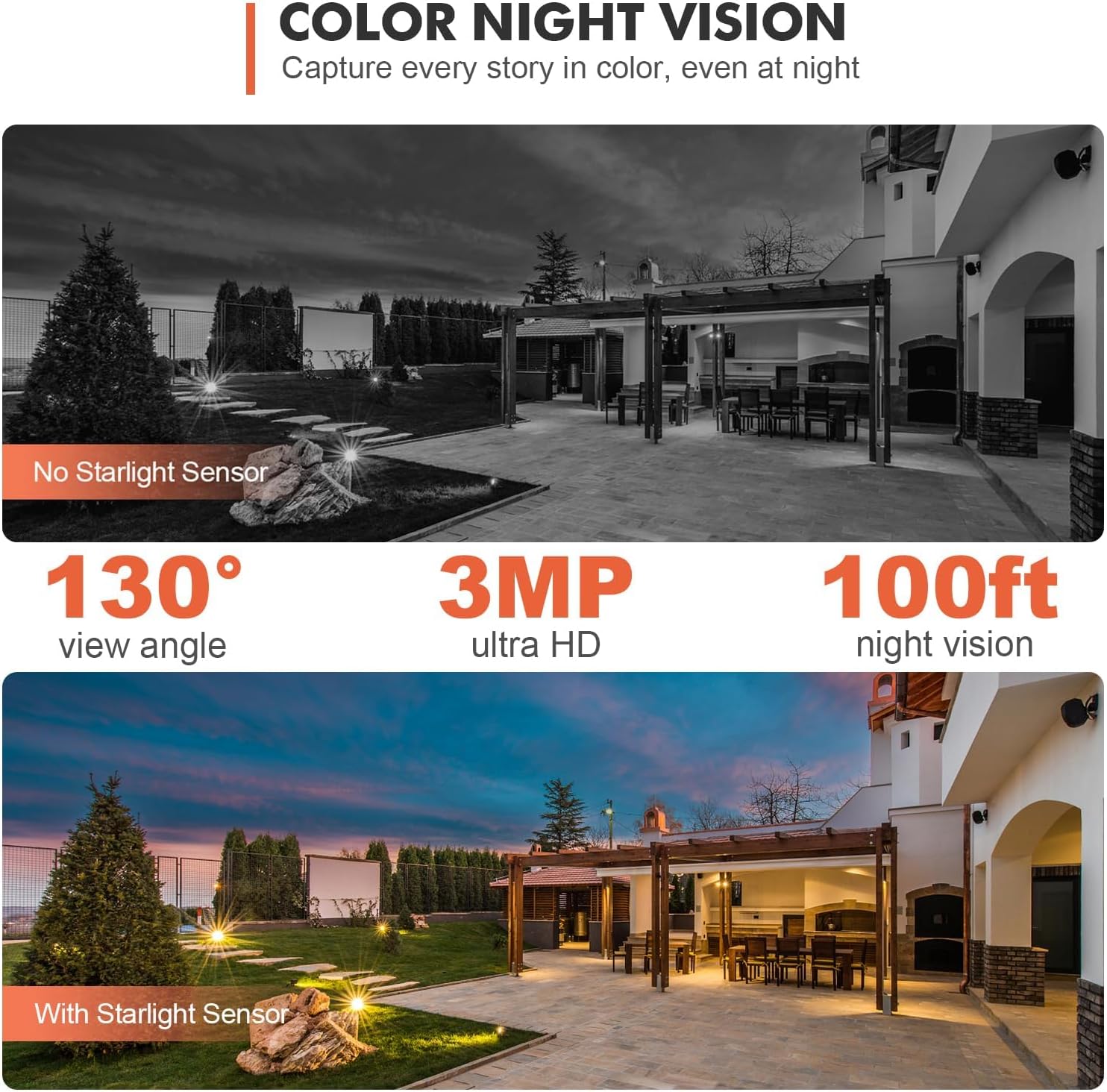
Image: Color Night Vision - Capture every story in color, even at night.
3.3 Two-Way Audio
Equipped with an advanced noise reduction microphone and speaker, the camera enables crystal-clear two-way communication. You can speak to visitors or deter intruders directly through the app from anywhere.
3.4 AI Motion Detection and Alerts
The camera features AI recognition (paid feature) to reduce false alerts by up to 95% by distinguishing between people, pets, and vehicles. You can customize motion detection areas (paid feature) and adjust sensitivity. When motion is detected, the camera can trigger 3 alarm modes: voice warning, flashlight warning, and real-time app push notifications. Recordings can be stored on a MicroSD card (up to 128GB, not included) or in cloud storage.

Image: Property Protection with Multi-Alarms.

Image: Instant Security Alerts - Customize activity area in the Dzees App.

Image: AI Motion Recording - Automatically detect, analyze and distinguish people, pets, vehicle in real time.
3.5 Family Sharing
The Family Sharing feature allows up to 5 accounts to live view, control, or receive alerts from the outdoor camera. You can add limitless cameras and manage them all effortlessly within the Dzees app.
Video: Dzees D3 Local Storage Wireless Camera. This video demonstrates the camera's two-way audio feature and live monitoring capabilities, showing interaction with animals in a barn.
4. Maintenance
4.1 Battery Management
To maximize battery life, ensure the camera is fully charged before deployment. Consider using a compatible USB-C solar panel (sold separately) for continuous charging, especially for outdoor installations. Monitor battery levels via the Dzees app and recharge when necessary.
4.2 Cleaning
Periodically clean the camera lens and housing with a soft, damp cloth to ensure clear image quality and proper operation. Avoid using harsh chemicals or abrasive materials.
5. Troubleshooting
5.1 Common Issues and Solutions
- Camera Offline: Ensure the camera is within range of your 2.4GHz Wi-Fi network. Check your router and internet connection. Restart the camera and router if necessary.
- Poor Image Quality: Clean the camera lens. Ensure there are no obstructions in the camera's field of view. Check network stability.
- Frequent False Alerts: Adjust motion detection sensitivity in the app. Consider utilizing the customizable motion area and AI recognition features (paid features) to filter unwanted alerts.
- Battery Draining Quickly: Reduce the frequency of motion detection events or live view sessions. Ensure the camera is receiving adequate sunlight if using a solar panel.
- Two-Way Audio Issues: Check the volume settings in the app. Ensure there is no interference near the camera's microphone or speaker.
For more detailed troubleshooting or persistent issues, please refer to the in-app help section or contact Dzees customer support.
6. Specifications
| Feature | Detail |
|---|---|
| Model Name | D3 |
| Indoor/Outdoor Usage | Indoor, Outdoor |
| Power Source | Solar Powered/Wireless Battery Powered |
| Connectivity Protocol | Wi-Fi (2.4GHz only) |
| Controller Type | iOS/Android/iPadOS App |
| Mounting Type | Wall Mount |
| Video Capture Resolution | 2K (2048 x 1536) |
| Viewing Angle | 360 Degrees (355° Pan, 95° Tilt) |
| Night Vision Range | 100 Feet (Color Night Vision) |
| Battery Capacity | 9000mAh (19.24 Watt-hours) |
| Battery Life | 3-8 months (typical use) |
| Storage | MicroSD Card (up to 128GB, not included), Cloud Storage |
| International Protection Rating | IP66 |
| Item Dimensions (L x W x H) | 9.5 x 8 x 6.25 inches |
| Item Weight | 1.76 ounces (50 Grams) |
7. Warranty and Support
7.1 Product Warranty
Dzees products are designed for reliability and performance. For specific warranty details regarding your Dzees 360° PTZ Security Camera, please refer to the warranty information provided with your purchase or visit the official Dzees website. Keep your proof of purchase for warranty claims.
7.2 Customer Support
If you have any questions, require technical assistance, or need to report an issue, please contact Dzees customer support. You can typically find contact information (online email, phone support) on the Dzees official website or within the Dzees/Vicohome app.
Visit the Dzees Store for more information: Dzees Official Store
Related documentsD3


Ask a question about this manual
Ask about setup, troubleshooting, compatibility, parts, safety, or missing instructions. Manuals+ will review the question and use this page’s manual context to help answer it.