1. Introduction
Thank you for choosing the TAKSTAR PC-K200 II XLR Condenser Microphone. This professional recording microphone is designed to deliver high-quality audio with a balanced sound profile and ultra-low self-noise, making it suitable for various applications including studio recording, live streaming, gaming, and broadcasting. This manual provides detailed instructions for setup, operation, maintenance, and troubleshooting to ensure optimal performance and longevity of your microphone.
2. Package Contents
Please verify that all items listed below are included in your package. If any items are missing or damaged, please contact TAKSTAR customer support.
- PC-K200 II Microphone x1
- Mic Clamp x1
- Windscreen x1
- User Manual x1

Figure 2.1: Included accessories with the PC-K200 II microphone.
3. Setup and Connection
The TAKSTAR PC-K200 II is an XLR condenser microphone and requires 48V phantom power for operation. This power can be supplied by an audio interface, mixer, or a dedicated phantom power supply (not included). An XLR cable (not included) is required to connect the microphone to your audio device.
- Attach the Mic Clamp: Securely attach the provided mic clamp to a microphone stand.
- Mount the Microphone: Align the lock button on the XLR plug with the bottom socket on the microphone. Push the XLR plug into the microphone fully until it locks into place.
- Connect to Audio Device: Connect the other end of the XLR cable to an audio interface, mixer, or power amplifier that provides 48V phantom power. Ensure the phantom power is activated on your device.
- Power Indicator: A blue LED indicator on the microphone will illuminate when 48V phantom power is successfully supplied, indicating the microphone is operational.

Figure 3.1: Durable XLR connector for reliable conductivity.
Video: Studio Condenser Microphone Setup
This video demonstrates the setup and usage of the TAKSTAR PC-K200 II in a studio environment, showcasing its application for vocal recording.
4. Operating Instructions
The PC-K200 II features a classic cardioid polar pattern, which is designed to pick up sound primarily from the front of the microphone while minimizing sound from the sides and rear. This characteristic is ideal for isolating the desired sound source and reducing ambient noise.
- Microphone Placement: For optimal sound capture, position the microphone directly in front of the sound source (e.g., vocalist, instrument) within a few inches. Experiment with distance to achieve the desired tone and presence.
- Windscreen Usage: Utilize the included windscreen to reduce plosive sounds (harsh "p" and "b" sounds) and protect the microphone from moisture.
- Power Indicator: The blue LED on the microphone indicates that it is receiving phantom power and is ready for use.

Figure 4.1: Cardioid polar pattern for focused sound capture.

Figure 4.2: Ultra-low noise circuitry for clean audio.
5. Features and Benefits
- 16mm Condenser Diaphragm: Equipped with a 16mm condenser diaphragm for enhanced sound performance and a balanced frequency response across bass, midrange, and treble.
- New Circuit Design: Features an optimized circuit design that minimizes noise floor, resulting in cleaner and clearer audio with reduced interference.
- Classic Cardioid Pattern: Precisely captures sounds from the front, effectively reducing unwanted ambient noise from the sides and rear, ideal for focused recording.
- Wide Audio Response: Offers a frequency response from 20Hz-20KHz and a sensitivity of -36dB±3dBV, ensuring clear and natural sound reproduction.
- Durable Full-Metal Construction: Built with an all-metal body and a streamlined contour design, providing robustness and long-lasting durability.
- Power Indicator: A convenient power indicator LED allows for easy monitoring of the microphone's operational status.
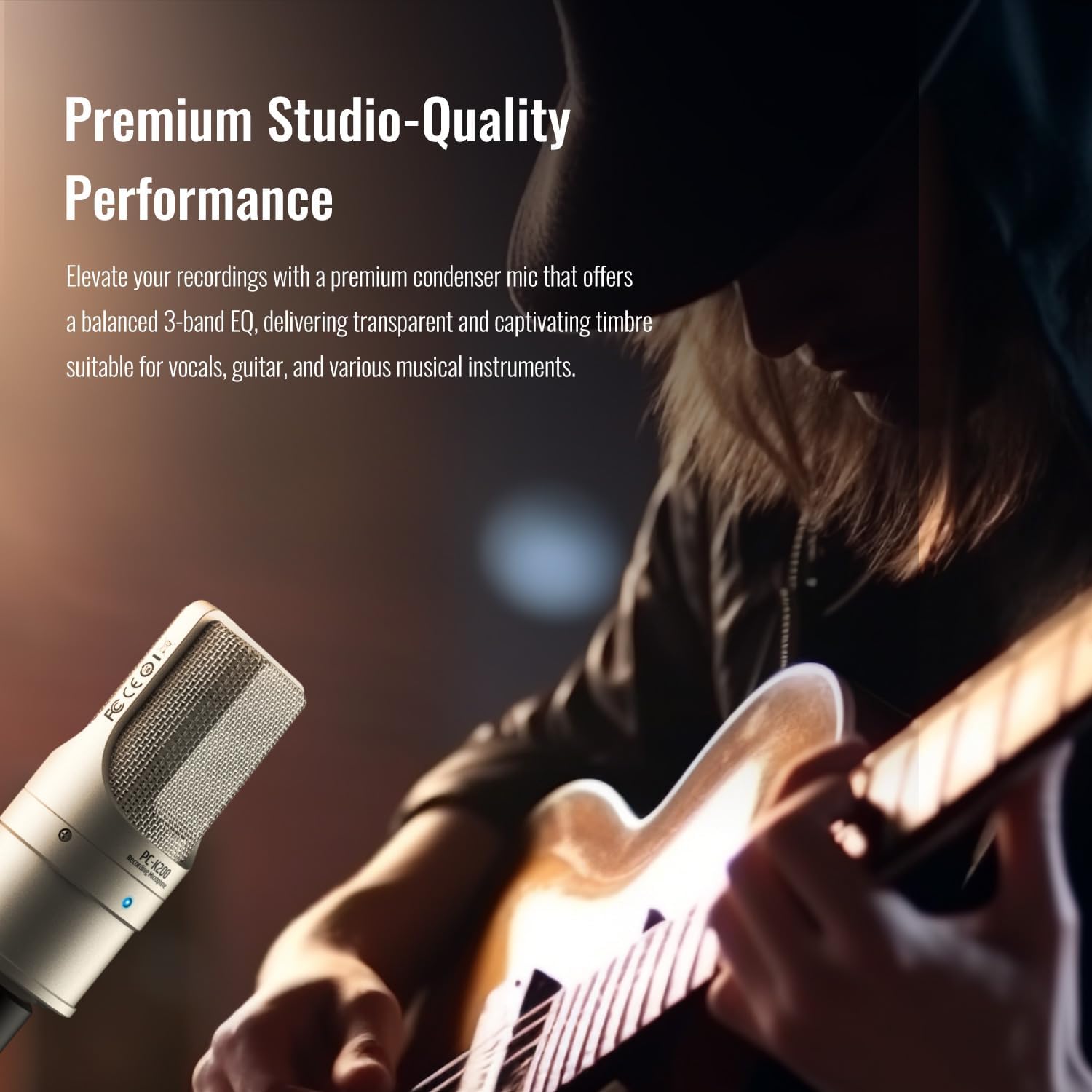
Figure 5.1: Premium studio-quality performance for vocals and instruments.
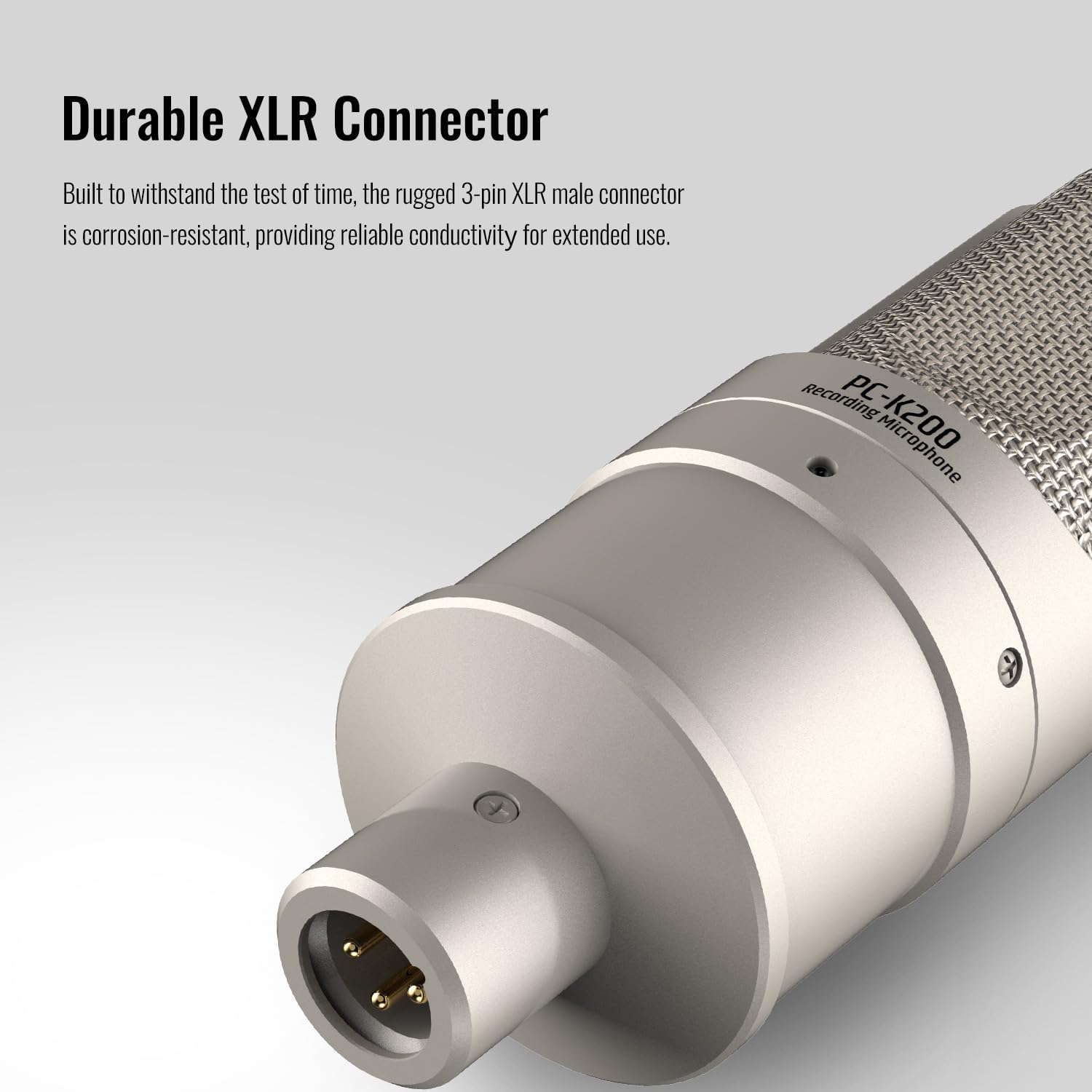
Figure 5.2: Full-metal construction for durability.
Video: Podcast Studio Microphone Overview
This video provides an overview of the TAKSTAR PC-K200 II, highlighting its features and suitability for podcasting and studio use.
6. Specifications
- Model Name:
- PC-K200 II
- Polar Pattern:
- Unidirectional (Cardioid)
- Audio Sensitivity:
- -36 dB ±3dBV
- Frequency Response:
- 20 Hz - 20 KHz
- Signal-to-Noise Ratio:
- 36 dB
- Microphone Form Factor:
- Handheld
- Connectivity Technology:
- XLR
- Connector Type:
- XLR
- Power Source:
- Corded Electric (Requires 48V Phantom Power)
- Special Feature:
- Battery Indicator Light (Blue LED for Phantom Power)
- Compatible Devices:
- Audio Interface, Audio Mixer, PC (with appropriate interface)
- Item Weight:
- 1.51 pounds
- Package Dimensions:
- 8.94 x 7.48 x 3.15 inches
- Color:
- Transparent (Note: Physical microphone color is typically gold/silver as shown in product images)
7. Maintenance
Proper maintenance ensures the longevity and optimal performance of your microphone.
- Use Windscreen: Always use the provided windscreen during operation. This helps to reduce moisture exposure to the microphone capsule, which can affect sound quality and microphone lifespan.
- Storage: When not in use, store the microphone in a dry environment. Avoid areas with high humidity or extreme temperature fluctuations.
- Cleaning: Gently wipe the microphone body with a soft, dry cloth. Do not use liquid cleaners or solvents, as these can damage the microphone's finish or internal components.
8. Troubleshooting
If you encounter issues with your TAKSTAR PC-K200 II microphone, please refer to the following common troubleshooting steps:
- No Sound Output:
- Ensure the microphone is correctly connected to your audio interface/mixer via an XLR cable.
- Verify that 48V phantom power is enabled on your audio device. The blue LED on the microphone should be illuminated.
- Check all cable connections for looseness or damage.
- Confirm that input levels on your audio device and recording software are appropriately set and not muted.
- Low Sound Level:
- Increase the gain/input level on your audio interface or mixer.
- Ensure the microphone is positioned optimally and close enough to the sound source.
- Distorted Sound:
- Reduce the gain/input level on your audio interface or mixer to prevent clipping.
- Ensure the microphone is not too close to the sound source, which can cause overload.
- Excessive Background Noise:
- Ensure the recording environment is as quiet as possible.
- The cardioid pattern helps, but extreme ambient noise may still be picked up.
- Check for ground loops or faulty cables.
If these steps do not resolve the issue, please contact TAKSTAR customer support for further assistance.
9. Warranty and Support
TAKSTAR products are designed for reliability and performance. For specific warranty information, please refer to the warranty card included with your product or visit the official TAKSTAR website.
For technical support, product inquiries, or assistance with any issues, please contact TAKSTAR customer service. Contact details can typically be found on the product packaging, the official TAKSTAR website, or through your retailer.
10. Safety Information
- Do not expose the microphone to water or excessive moisture.
- Avoid dropping or subjecting the microphone to strong impacts.
- Do not attempt to disassemble or modify the microphone. This will void the warranty.
- Keep the microphone away from strong magnetic fields.
- Ensure proper ventilation when using with external power supplies to prevent overheating.


