
LIGE B0D6YZ431V
LIGE Smartwatch for Men User Manual
Model: B0D6YZ431V
1. Introduction
Thank you for choosing the LIGE Smartwatch for Men. This device is designed to enhance your daily life with advanced features for communication, health monitoring, and fitness tracking. It combines a robust design with a vibrant AMOLED display and long-lasting battery life, making it an ideal companion for both everyday use and outdoor adventures.
This manual provides detailed instructions on how to set up, operate, and maintain your smartwatch to ensure optimal performance and longevity.

2. What's Included
Upon opening the package, please ensure all the following items are present:
- 1 x LIGE Smartwatch
- 1 x Magnetic USB Charging Cable
- 1 x User Manual
- 2 x Watch Bands (Stainless Steel and Silicone)
3. Product Specifications
| Feature | Specification |
|---|---|
| Display | 1.43-inch AMOLED Touch Screen |
| Resolution | 466 x 466 pixels |
| Battery Capacity | 530 mAh High-Voltage Polymer Battery |
| Charging Time | Approximately 3 hours |
| Working Time | 5-10 days (typical use) |
| Standby Time | Up to 30 days |
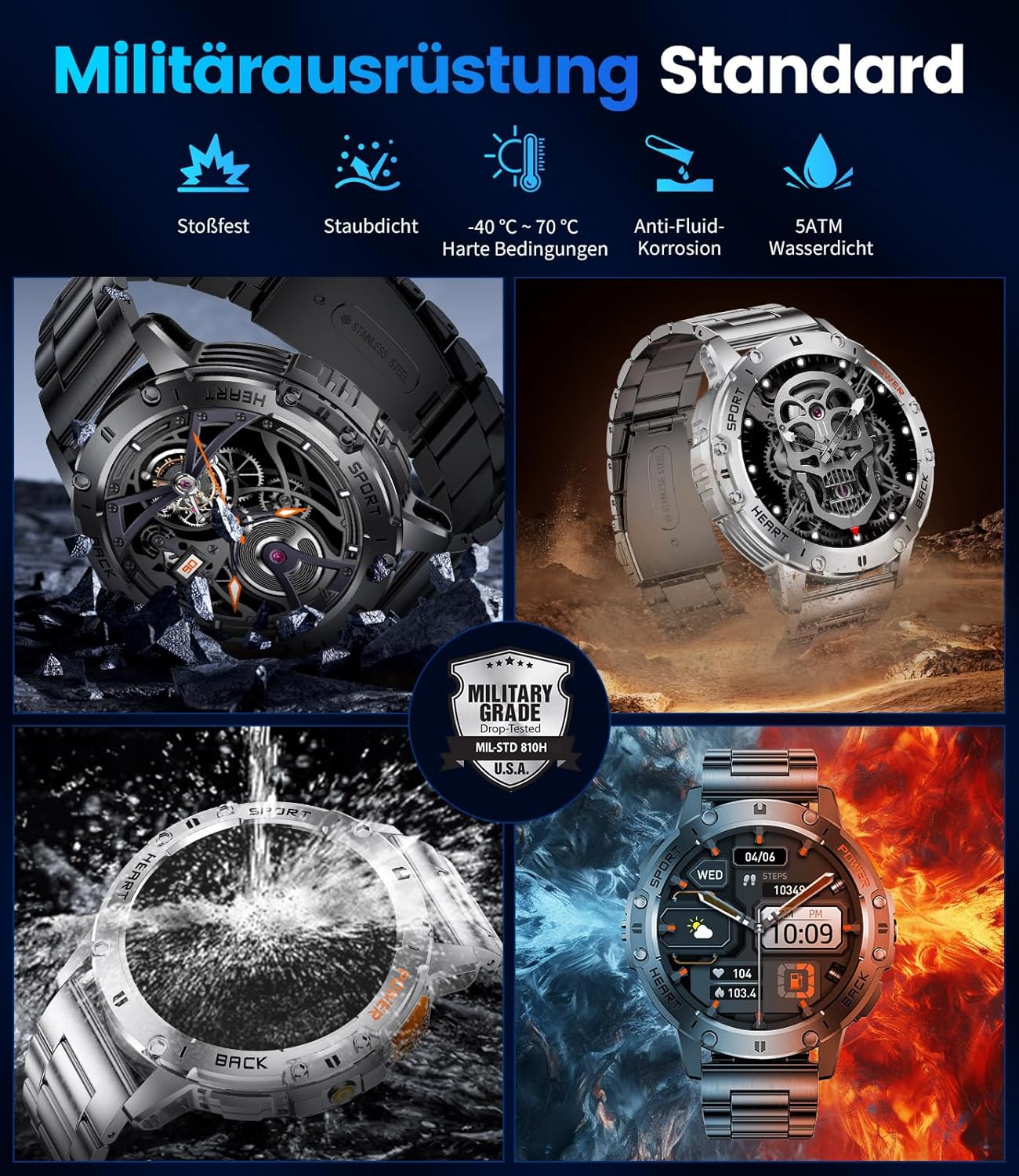
| Water Resistance | 5 ATM (Life waterproof; not suitable for swimming or hot water immersion) |
| Bluetooth Version | 5.0 |
| Compatibility | iOS 8.4+ / Android 4.4+ |
| Supported Languages | Chinese, Traditional Chinese, English, German, Korean, Spanish, Japanese, French, Russian, Arabic, Ukrainian, Italian, Portuguese |

4. Setup Guide
4.1 Initial Charging
Before first use, fully charge your smartwatch. Connect the magnetic charging cable to the charging points on the back of the watch and plug the USB end into a power adapter (not included) or a computer's USB port. A full charge takes approximately 3 hours.
4.2 App Installation
To unlock the full potential of your smartwatch, download and install the FitCloudPro app on your smartphone. Scan the QR code provided in the quick start guide or search for "FitCloudPro" in your smartphone's app store (Google Play Store for Android, Apple App Store for iOS).
4.3 Device Pairing
- Ensure Bluetooth is enabled on your smartphone.
- Open the FitCloudPro app and follow the on-screen instructions to add a new device.
- The app will search for available devices. Select your LIGE Smartwatch from the list.
- Confirm the pairing request on both your smartphone and the smartwatch.
- Once paired, the watch will synchronize time and data with your phone.
5. Operating Instructions
5.1 Bluetooth Calling & Smart Notifications
After successful Bluetooth connection, you can make and receive calls directly from your smartwatch. Notifications from various apps (WhatsApp, Twitter, Facebook, Gmail, etc.) will also be synchronized to your watch.
- Making Calls: Access the dial pad or contact list on your watch to initiate a call.
- Receiving Calls: Answer or reject incoming calls directly from the watch screen.
- Notifications: Swipe down on the watch face to view recent notifications.

5.2 Health Monitoring
The smartwatch continuously monitors your health data, providing insights into your well-being.
- Heart Rate: Real-time 24-hour heart rate monitoring. View historical data in the FitCloudPro app.
- Blood Pressure & Blood Oxygen (SpO2): Measure your blood pressure and oxygen levels on demand.
- Sleep Monitoring: Automatically tracks your sleep patterns, including deep sleep, light sleep, and wake times. Provides a comprehensive analysis of your sleep quality.

5.3 Sports Modes
With over 100 built-in sports modes, the smartwatch accurately records your activity data, including distance, calories burned, steps, and exercise time.
- Select your desired sport mode from the watch menu before starting your activity.
- The watch will track relevant metrics and display them in real-time.
- Review detailed workout summaries in the FitCloudPro app after your session.

5.4 Other Smart Functions
- LED Flashlight: Activate the powerful side LED flashlight for instant illumination in dark environments.
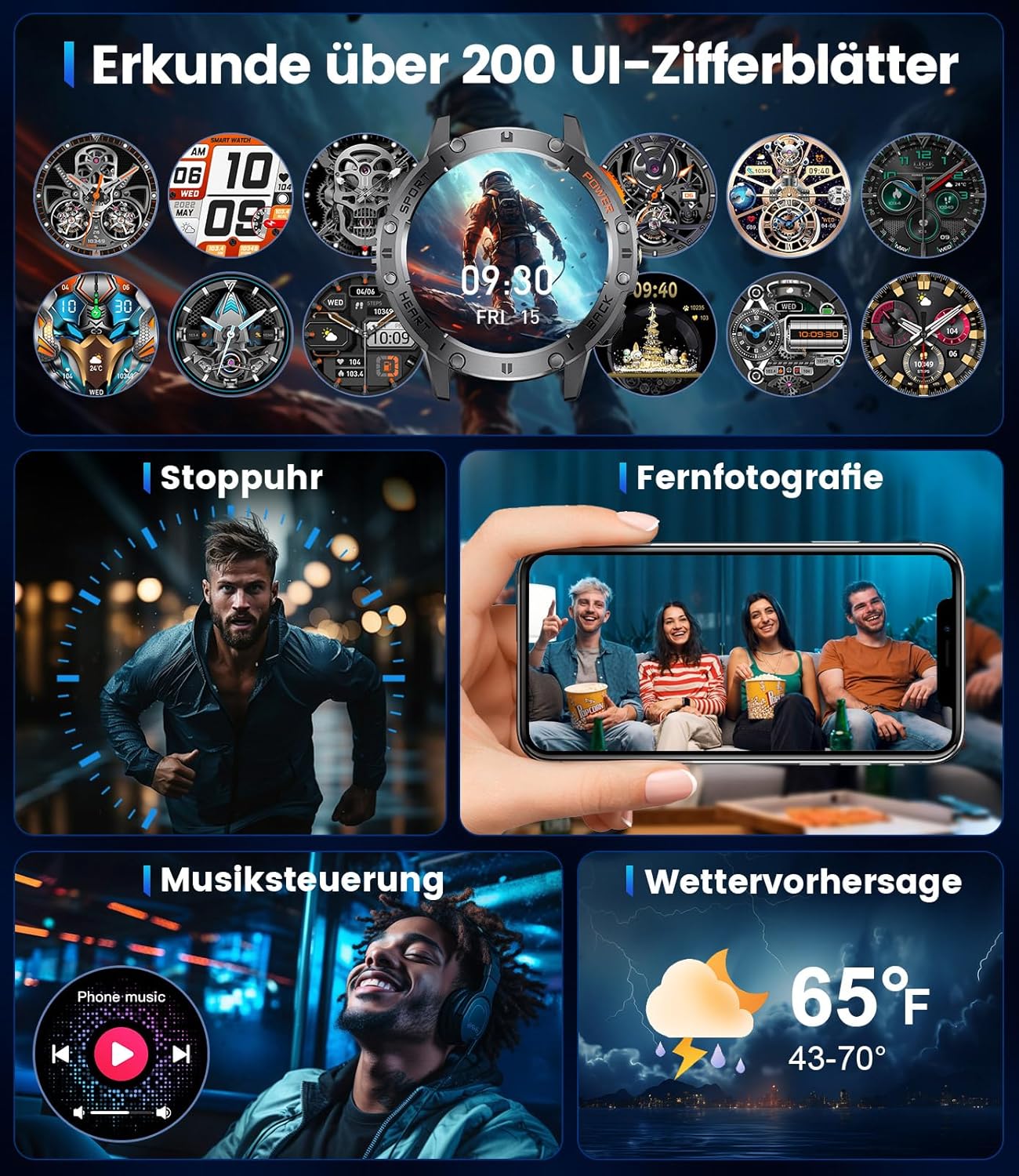
- Music Control: Control music playback on your smartphone (play, pause, skip tracks) directly from your watch.
- Camera Remote: Use your smartwatch as a remote shutter for your smartphone camera.
- Weather Forecast: Get real-time weather updates on your wrist.
- Alarm & Timer: Set alarms and use the stopwatch or timer functions.
- AI Voice Assistant: Utilize the integrated AI voice assistant for various commands.
- Customizable Watch Faces: Choose from over 200 UI watch faces to personalize your device.

6. Battery and Charging
The LIGE Smartwatch is equipped with a high-performance 530 mAh lithium polymer battery, offering extended usage times.
- Charging: Use the provided magnetic USB charging cable. A full charge takes approximately 3 hours.
- Battery Life: Expect 5-10 days of working time and up to 30 days of standby time, depending on usage patterns and enabled features.

7. Care and Maintenance
- Cleaning: Regularly wipe the watch and bands with a soft, dry cloth. For stubborn dirt, use a slightly damp cloth and dry thoroughly.
- Water Resistance: The watch is 5 ATM waterproof, suitable for daily splashes and rain. Avoid hot water, steam, and prolonged immersion, such as swimming or diving, as this can compromise the seal.
- Avoid Chemicals: Do not expose the watch to strong chemicals, detergents, or solvents, as they can damage the materials.
- Storage: When not in use for extended periods, store the watch in a cool, dry place.
8. Troubleshooting
If you encounter issues with your smartwatch, refer to the following common solutions:
- Watch not turning on: Ensure the watch is fully charged. Connect it to the charger for at least 30 minutes.
- Cannot pair with smartphone:
- Ensure Bluetooth is enabled on your phone and the watch is within range.
- Restart both your smartphone and the smartwatch.
- Clear the Bluetooth cache on your phone (if applicable) and try pairing again.
- Ensure the FitCloudPro app is updated to the latest version.
- Inaccurate health data: Ensure the watch is worn snugly on your wrist, not too tight or too loose. Clean the sensors regularly. Note that health monitoring data is for reference only and should not be used for medical diagnosis.
- Notifications not appearing:
- Check app notification settings in the FitCloudPro app and on your phone.
- Ensure the watch is connected via Bluetooth.
- Disable any power-saving modes on your phone that might restrict app background activity.
- Short battery life: Reduce screen brightness, disable unnecessary features (e.g., always-on display), and limit frequent heart rate monitoring.
If the problem persists, please contact customer support for further assistance.
9. Warranty and Support
Your LIGE Smartwatch comes with a 2-year warranty from the date of purchase, covering manufacturing defects. Additionally, a 6-month return service is available for eligible returns.
For technical support, warranty claims, or any other inquiries, please refer to the contact information provided on the product packaging or the official LIGE website. Please have your purchase receipt and product model number (B0D6YZ431V) ready when contacting support.
Related documentsB0D6YZ431V


Ask a question about this manual
Ask about setup, troubleshooting, compatibility, parts, safety, or missing instructions. Manuals+ will review the question and use this page’s manual context to help answer it.