
ieGeek ZY-G1
ieGeek 4G LTE Cellular Security Camera User Manual
Model: ZY-G1 | Brand: ieGeek
Introduction
The ieGeek 4G LTE Cellular Security Camera (Model ZY-G1) is a wireless outdoor surveillance solution designed for areas without Wi-Fi access. Powered by a solar panel and a high-capacity battery, it offers 2K color night vision, 360° Pan-Tilt-Zoom (PTZ) capabilities, and two-way audio communication. This manual provides detailed instructions for setting up, operating, and maintaining your camera to ensure optimal performance and security.

Image: The ieGeek 4G LTE Cellular Security Camera, featuring its solar panel and an included SIM card, ready for outdoor deployment.
What's in the Box
- 1 x 4G LTE Cellular Security Camera
- 1 x 5W Solar Panel
- 1 x USB-C Cable
- 1 x User Manual
- 7 x Screws
- SIM Card (pre-installed in camera)
Key Features
- 4G LTE Connectivity: Operates without Wi-Fi, ideal for remote locations. Includes a pre-installed SIM card with a 7-day free data trial.
- Solar & Battery Powered: Built-in 10,000mAh battery with continuous charging from the included 5W solar panel for extended operation.
- 2K HD Color Night Vision: 2304 x 1296 resolution with built-in white lights for clear color imaging in low light.
- 360° Pan and Tilt Control: 355° pan, 120° tilt, and 4x digital zoom for comprehensive surveillance.
- PIR Motion Detection: Accurate human/animal detection with instant alert notifications.
- Two-Way Talk: Built-in speaker and microphone for real-time communication.
- Local & Cloud Storage: Supports up to 128GB Memory Card (not included) and offers free 6-second lifetime cloud storage.
- Weatherproof Design: IP66 rated for outdoor use in various weather conditions (-4°F to 131°F).
Setup and Installation
1. Camera Installation
Follow these steps to securely mount your ieGeek camera. Ensure the mounting surface is stable and can support the camera's weight.
- Mark the location for the perforations on the wall using the bracket as a guide.
- Secure the bracket to the wall using the provided screws.
- Align the camera base with the bracket from the bottom up and press back until you hear a "click" to snap it into place.
Video: Quick installation guide for the ieGeek ZY-G1 camera, demonstrating how to secure the mounting bracket and attach the camera.
2. Solar Panel Installation
The solar panel ensures continuous power for your camera. Choose a location that receives ample direct sunlight throughout the day.
- Mark the mounting holes for the solar panel bracket.
- Secure the solar panel bracket to the wall using screws.
- Attach the solar panel to the bracket and adjust its angle to maximize sun exposure.
- Connect the solar panel's power cable to the small waterproof port on the camera. Do not open the large waterproof port.
Video: Instructions on how to install the solar panel for the ieGeek camera, including mounting and connecting the power cable.

Image: The ieGeek camera and its solar panel mounted, illustrating the continuous power supply for extended operation.
3. SIM Card and Initial Setup
Your camera comes with a pre-installed SIM card. Ensure it is properly seated. The camera does not support Wi-Fi connections.
- The SIM card is already installed and ready for use.
- Download the "ieGeek Cam" app from your mobile app store (iOS & Android compatible).
- Open the app and follow the on-screen instructions to add your camera by scanning the QR code located on the camera.

Image: The camera highlights its 3G/4G network capability and the inclusion of a SIM card, emphasizing no Wi-Fi requirement.
Operating Instructions
Pan-Tilt-Zoom (PTZ) Control
Utilize the ieGeek Cam app to remotely control the camera's viewing angle. The camera offers 355° pan and 120° tilt, along with 4x digital zoom.

Image: An illustration of the camera's 355° pan and 120° tilt capabilities, providing an all-round view for monitoring.
Two-Way Audio
The built-in microphone and speaker allow for two-way communication. Access this feature through the live view in the ieGeek Cam app to speak or listen.
PIR Motion Detection and Alerts
The camera uses a PIR motion sensor to detect movement. When motion is detected, you will receive an instant alert notification on your phone. You can adjust the sensitivity settings within the app.
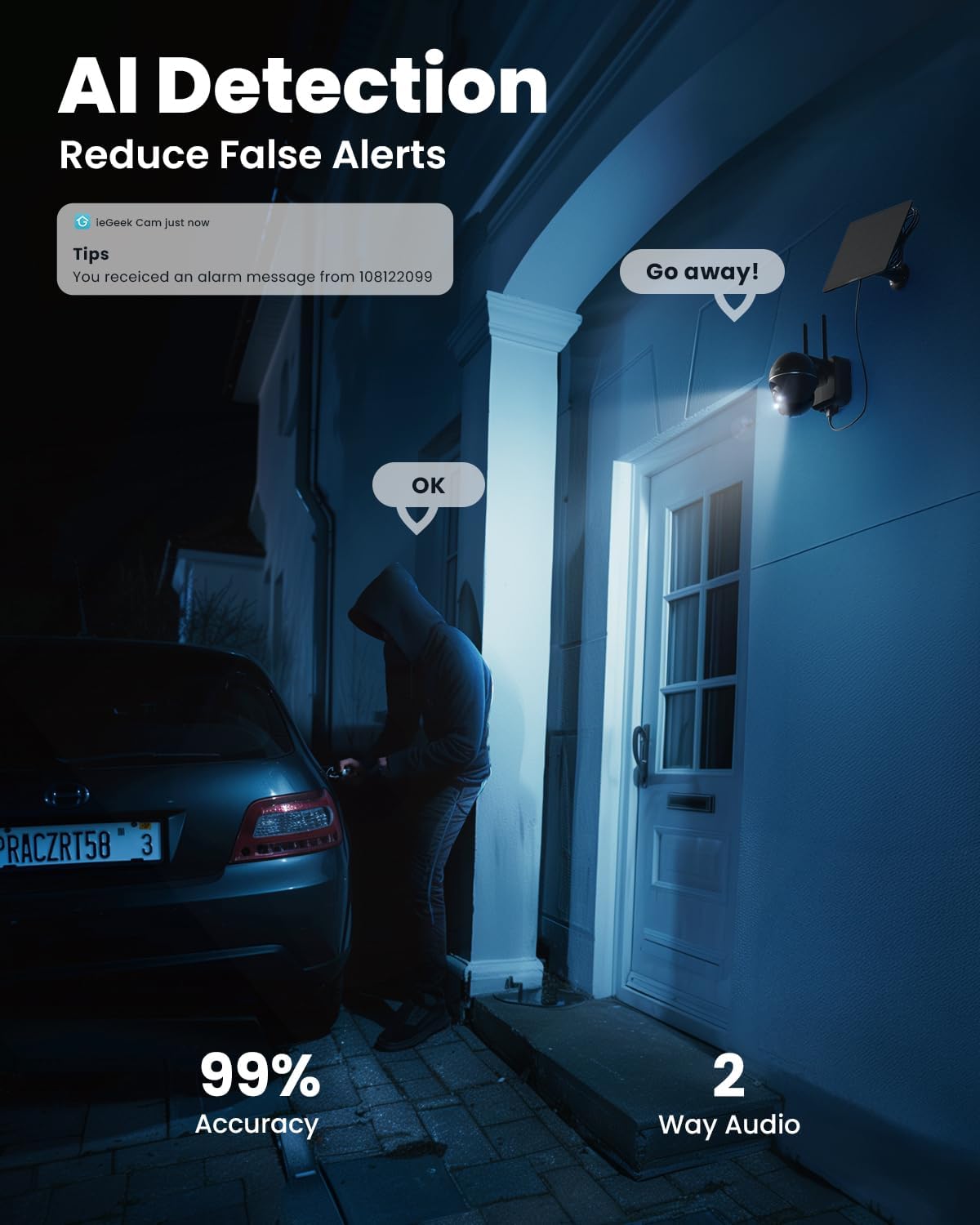
Image: The camera's AI detection feature, demonstrating its ability to accurately identify human motion and reduce false alarms, even in low light conditions.
Night Vision
The camera provides 2K HD color night vision, ensuring clear images even in complete darkness. The integrated white lights enhance visibility for full-color detail.
Video Storage
Recordings can be stored locally on a Micro SD card (up to 128GB, not included) or via the free 6-second lifetime cloud storage service.

Image: The camera's storage options, including free 6-second lifetime cloud storage and support for a Micro SD card (not included).
Maintenance
- Solar Panel: Regularly clean the solar panel surface to ensure maximum sunlight absorption. Dust, dirt, or debris can reduce charging efficiency.
- Battery: The camera's 10,000mAh battery is designed for long life. If the camera is not receiving enough sunlight, you may need to manually charge it via the USB-C port.
- Waterproofing: The camera is IP66 rated. Ensure all ports are securely sealed after charging or accessing the SIM/SD card slot to maintain its waterproof integrity.
- Firmware: Keep the camera's firmware updated through the ieGeek Cam app for improved compatibility and network stability.

Image: The ieGeek camera demonstrating its robust IP66 waterproof design and ability to withstand extreme temperatures, suitable for outdoor environments.
Troubleshooting
| Problem | Possible Solution |
|---|---|
| Camera not connecting to 4G network. | Ensure the SIM card is correctly inserted and activated. Check for 4G LTE coverage in the camera's location. Restart the camera. |
| Battery not charging. | Verify the solar panel is clean and receiving direct sunlight. Check the connection between the solar panel and the camera. Charge the camera manually via USB-C if needed. |
| No motion detection alerts. | Check PIR sensitivity settings in the ieGeek Cam app. Ensure the camera's view is clear of obstructions. Verify app notifications are enabled on your phone. |
| Poor video quality at night. | Ensure the camera lens is clean. Check if the white lights are enabled in the app for color night vision. |
| Two-way audio not working. | Check microphone and speaker permissions for the ieGeek Cam app on your phone. Ensure volume levels are adequate. |
Specifications
- Model Name: ieGeek ZY-G1 (Black)
- Connectivity: 4G LTE Cellular (No Wi-Fi support)
- Power Source: Solar & Battery Powered (10,000mAh Lithium Polymer battery)
- Video Resolution: 2K (2304 x 1296), 3MP Effective Still Resolution
- Night Vision: 2 White Lights, Color Night Vision, 33 Feet Range
- PTZ: 355° Pan, 120° Tilt, 4x Digital Zoom
- Motion Detection: PIR Motion Sensor (Motion Only Alert Type)
- Audio: 2-Way Audio
- Storage: Micro SD Card (up to 128GB, not included), Free 6S Lifetime Cloud Storage
- Weather Resistance: IP66
- Operating Temperature: -4°F to 131°F (-20°C to 55°C)
- Dimensions: 6.29 x 5.9 x 3.54 inches
- Weight: 2.53 pounds
- Control Method: ieGeek Cam App (iOS & Android)
- UPC: 734931731701
Warranty and Support
ieGeek is committed to providing high-quality products and excellent customer service.
- Warranty: This product comes with a 2-year quality guarantee.
- Returns: Enjoy a 30-day free returns policy.
- Customer Support: For any inquiries or assistance, please contact our professional after-sales team 24/7.
- Email Support: service@iegeek.com
Related documentsZY-G1


Ask a question about this manual
Ask about setup, troubleshooting, compatibility, parts, safety, or missing instructions. Manuals+ will review the question and use this page’s manual context to help answer it.