
1. Product Overview
The LISEN Qi2 15W 3-in-1 Wireless MagSafe Charger is a versatile charging station designed to simultaneously charge your iPhone, Apple Watch, and AirPods. It features Qi2 certification for efficient 15W fast charging for compatible iPhones, a foldable design for portability, and strong magnetic alignment for secure device placement.

Figure 1: LISEN Qi2 3-in-1 Wireless MagSafe Charger in both unfolded and folded configurations.
1.1 Key Features
- Qi2 Certified 15W Fast Charging: Provides up to 15W wireless charging for compatible iPhones, ensuring efficient power delivery.
- 3-in-1 Charging: Simultaneously charges an iPhone, Apple Watch (5W), and AirPods (5W) from a single unit.
- Foldable and Portable Design: Compact form factor for easy transport and storage, ideal for travel.
- Strong Magnetic Alignment: Ensures precise and stable placement of MagSafe-compatible devices for optimal charging.
- Multi-Protection Safety System: Incorporates an efficient protection chip to prevent overcharge, overcurrent, and short circuits.
- Adjustable Stand: Allows for flexible viewing angles during iPhone charging.
1.2 Package Contents
- LISEN Qi2 Portable 3-in-1 Wireless Charging Station
- 30W Fast Charging Adapter
- 3.3ft 60W Fast Charging Cable (USB-C to USB-C)
- User Manual
2. Setup Guide
2.1 Connecting the Charger
- Unfold the LISEN Qi2 3-in-1 Wireless Charging Station to its desired configuration.
- Connect the provided 60W USB-C to USB-C cable to the USB-C input port on the charging station.
- Plug the other end of the USB-C cable into the provided 30W fast charging adapter.
- Insert the 30W fast charging adapter into a wall outlet. The indicator lights on the charging station will illuminate, indicating it is powered on and ready for use.

Figure 2: Proper connection of the charging station to a power source.
2.2 Device Placement
Ensure your devices are placed correctly on their respective charging areas for optimal performance. The magnetic charging pad for iPhone provides precise alignment.
3. Operating Your Charger
3.1 Charging Your iPhone
- Place your MagSafe-compatible iPhone onto the upright magnetic charging pad. The magnets will automatically align your device.
- The charger delivers up to 15W of power for fast charging.
- The adjustable stand allows you to position your iPhone for comfortable viewing during charging.
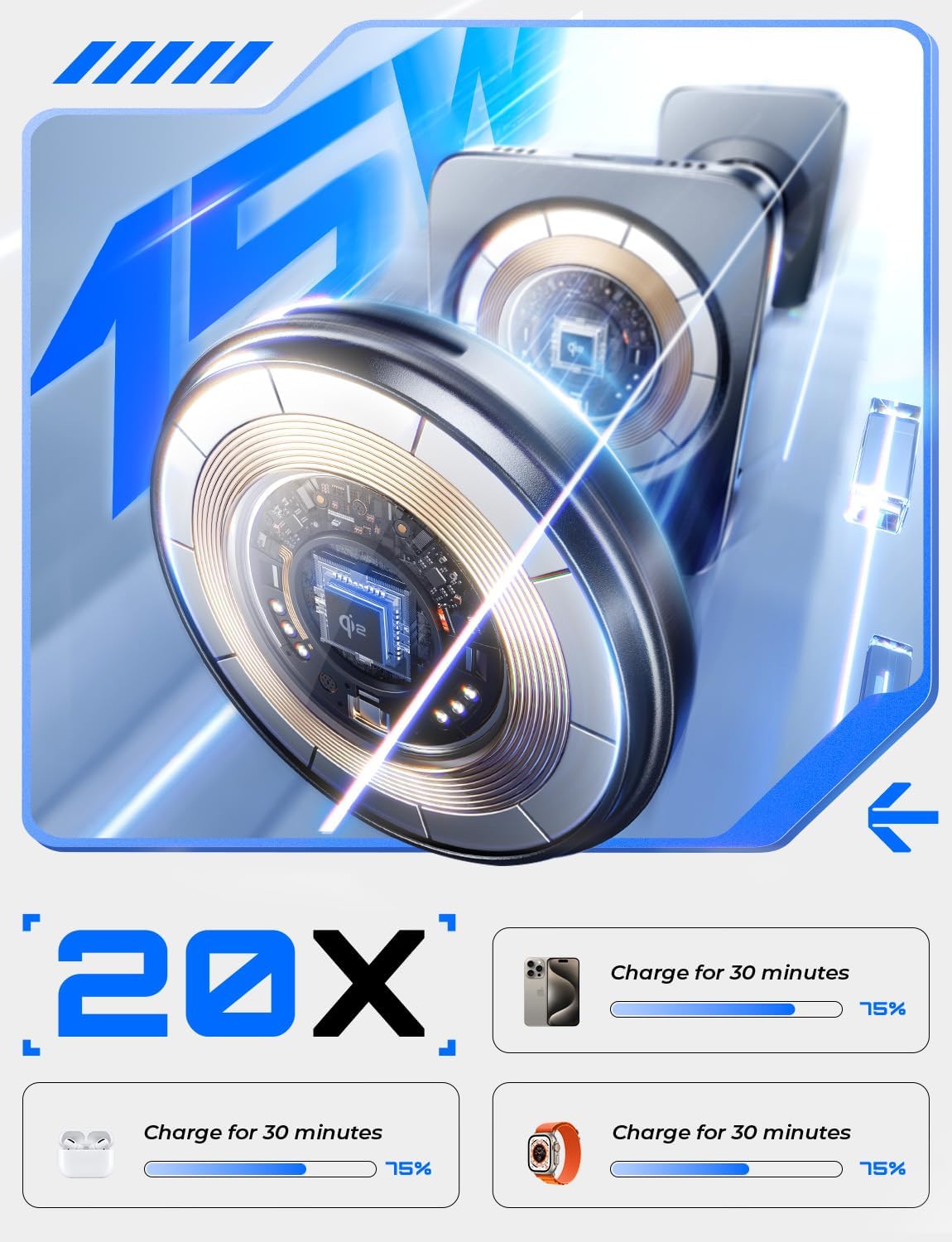
Figure 3: iPhone securely attached to the magnetic charging pad.
3.2 Charging Your Apple Watch
- Place your Apple Watch onto the dedicated Apple Watch charging module.
- The charger provides 5W of power for Apple Watch charging.
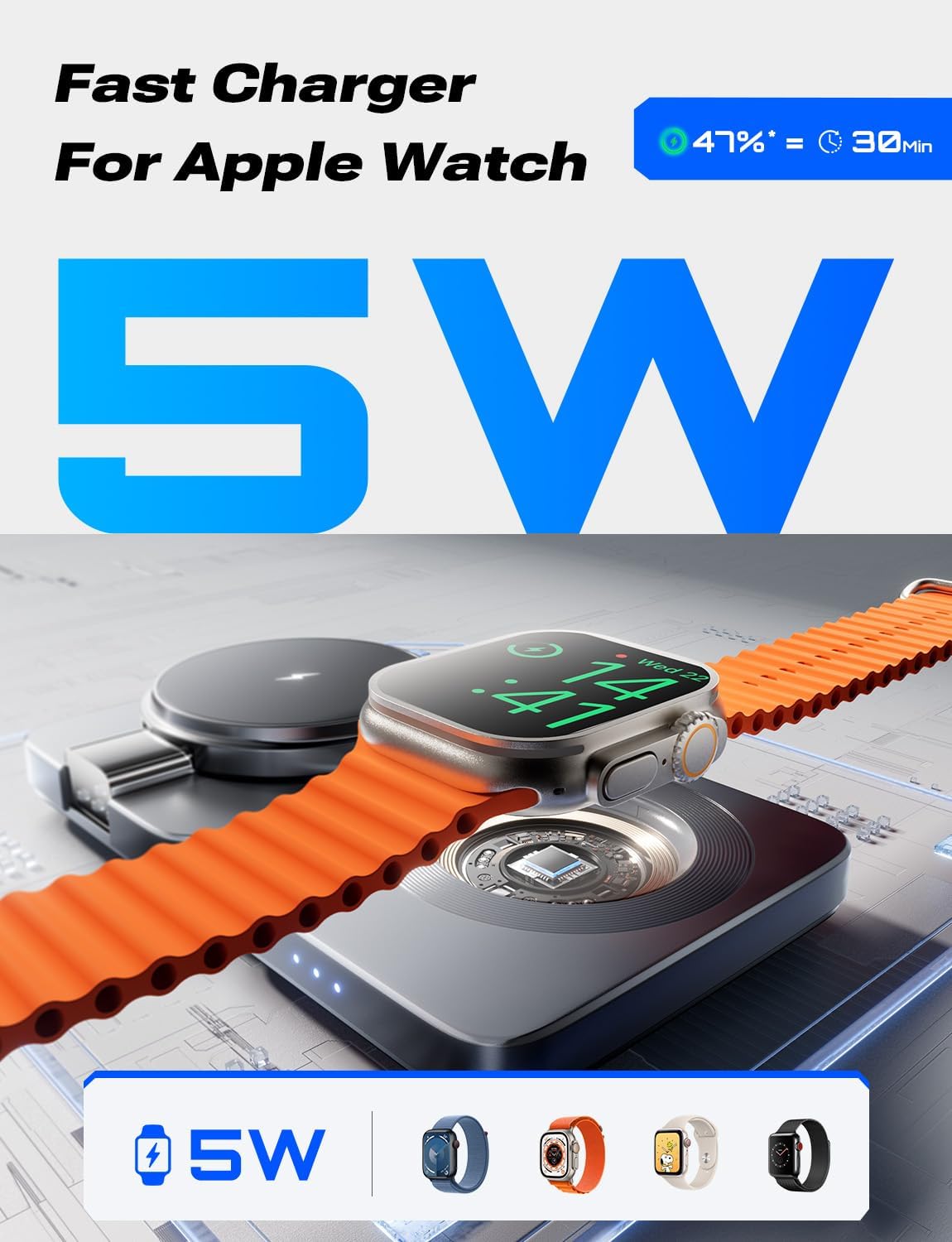
Figure 4: Apple Watch charging on its designated area.
3.3 Charging Your AirPods
- Place your wireless charging-compatible AirPods case onto the flat charging pad located at the base of the station.
- The charger delivers 5W of power for AirPods charging.
3.4 Foldable Design and Portability
The charging station can be folded into a compact size, approximately half the size of an iPhone Pro Max, making it highly portable for travel. To fold, gently collapse the magnetic iPhone stand and the Apple Watch module into the base unit.

Figure 5: The charger's foldable design for enhanced portability.
3.5 Case Compatibility
The charger is compatible with MagSafe cases and standard cases less than 0.2 inches (5mm) thick. Cases with metal rings, non-MagSafe military-grade cases, or cases with enclosed cards may interfere with charging performance.

Figure 6: Guide to compatible and incompatible phone cases for wireless charging.
4. Care and Maintenance
- Keep the charging station clean by wiping it with a soft, dry cloth. Avoid using abrasive cleaners or solvents.
- Do not expose the device to water or excessive moisture.
- Store the charger in a cool, dry place when not in use.
- Avoid dropping or subjecting the charger to strong impacts.
5. Troubleshooting
If you encounter issues with your LISEN Qi2 3-in-1 Wireless MagSafe Charger, please refer to the following common solutions:
- Charger Not Powering On:
- Ensure the 30W fast charging adapter is securely plugged into a working wall outlet.
- Verify that the 60W USB-C cable is firmly connected to both the adapter and the charging station.
- Try using a different wall outlet.
- Device Not Charging / Slow Charging:
- Confirm your device is placed correctly on its designated charging area and is aligned with the magnetic pad (for iPhone).
- Remove any thick or non-MagSafe compatible cases that might interfere with wireless charging.
- Ensure no foreign objects (e.g., metal, credit cards) are between the device and the charging surface.
- Verify that you are using the included 30W PD adapter and 60W USB-C cable, as lower wattage adapters or cables may result in slower charging or no charging.
- Restart your device and try again.
- Apple Watch Disconnecting Frequently:
- Ensure the Apple Watch is centered on its charging module.
- Check for any debris or obstructions on the charging surface or the back of the Apple Watch.
- Overheating:
- The charger is equipped with an efficient protection chip to manage temperature. If a device feels excessively hot, remove it from the charger and allow it to cool down.
- Ensure the charger is placed in a well-ventilated area.
6. Product Specifications
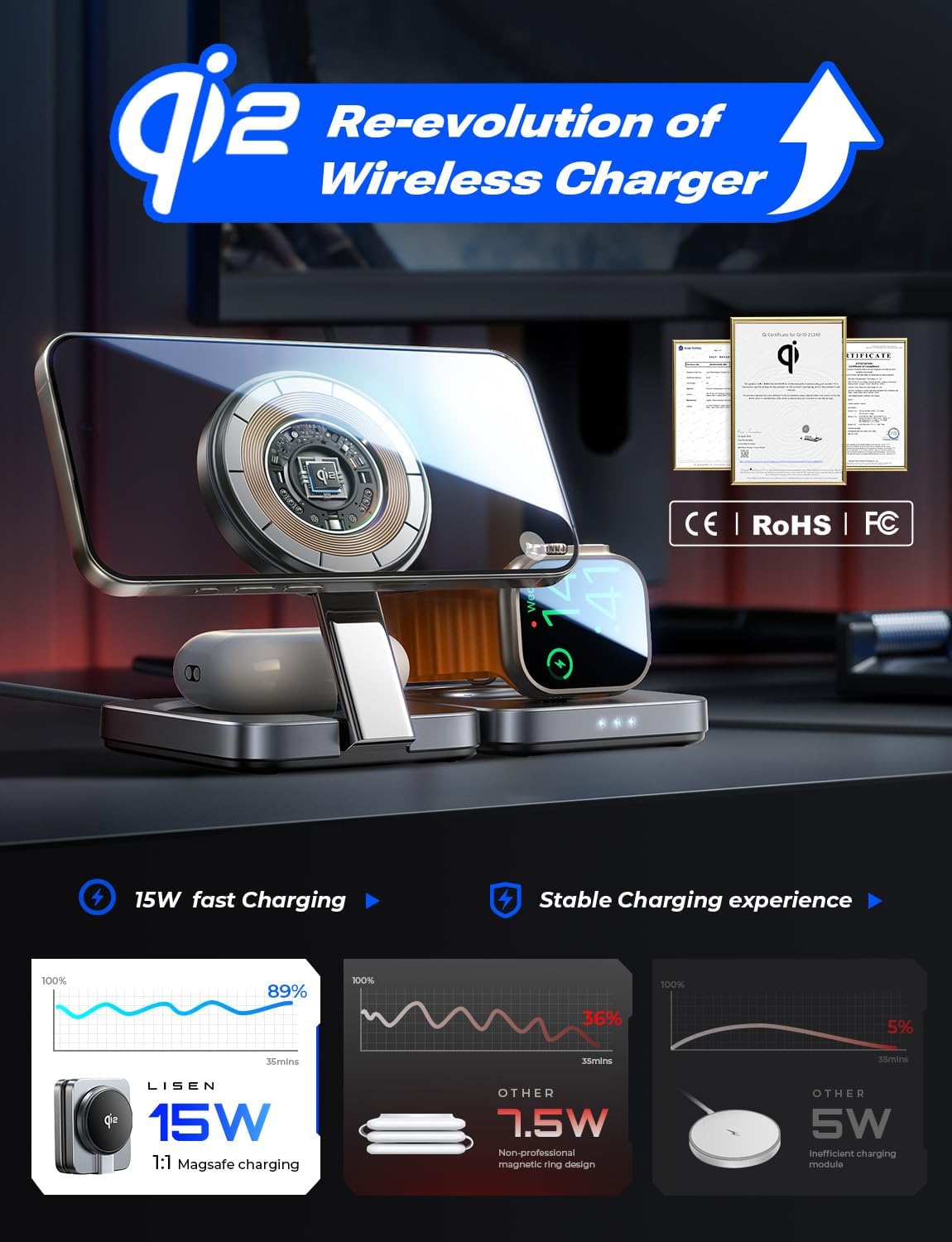
Figure 7: Qi2 certification and charging efficiency details.
| Specification | Detail |
|---|---|
| Model Number | Upgrade Qi2 |
| Brand | LISEN |
| Input Voltage | 5 Volts |
| Amperage | 2A |
| Wattage | 15 Watts (Max) |
| Connector Type | USB Type C |
| Item Weight | 6.9 ounces |
| Package Dimensions | 5.94 x 5.04 x 2.09 inches |
| Special Features | Fast Charging, MagSafe Compatible, Multi-Device Charging, Short Circuit Protection, Wireless Charging |
| Compatible Phone Models | iPhone 12 series and newer (MagSafe compatible) |
| Compatible Devices | AirPods Pro, AirPods Pro 2, AirPods 4, AirPods 3, AirPods 2, Samsung Buds (wireless charging compatible), Apple Watch Series 2 and newer (including SE, Ultra, X) |
7. Warranty and Customer Support
7.1 Warranty Information
The LISEN Qi2 15W 3-in-1 Wireless MagSafe Charger comes with a 12-month safety guarantee plan from the date of purchase. This warranty covers manufacturing defects and issues arising from normal use.
7.2 Contacting Customer Support
For any questions, technical assistance, or warranty claims, please contact LISEN Direct customer service. You can typically find contact information on the seller's page where you purchased the product or through the official LISEN website.
Please have your purchase details and product model number (Upgrade Qi2) available when contacting support.