
1. Introduction
Thank you for choosing the Charmast 20000mAh Portable Charger. This device is designed to provide reliable and efficient power for your mobile devices on the go. With its high capacity and versatile built-in cables, it ensures your devices stay charged wherever you are. Please read this manual thoroughly to understand the product's features, operation, and maintenance.

Image 1.1: The Charmast 20000mAh Portable Charger in Sky Blue, showcasing its sleek design and integrated cables.
2. Product Features
- High Capacity: 20000mAh battery provides multiple full charges for most smartphones (e.g., 3-4 charges for a typical phone).
- Built-in Cables: Features integrated USB-C, Lightning, and Micro-USB cables, eliminating the need to carry extra cords.
- Universal Compatibility: Compatible with a wide range of devices including iPhones (all models), Samsung Galaxy/Pixel phones, iPads, AirPods, Kindles, and most tablets.
- Fast Charging: Supports 22.5W Power Delivery (PD) for rapid charging, achieving up to 50% charge in approximately 30 minutes for compatible devices.
- Digital Display: An LED screen accurately shows the remaining battery percentage (0-100%), providing precise power status.
- Multi-Device Charging: Equipped with 6 outputs, allowing simultaneous charging of up to 6 devices.
- Portable Design: Compact dimensions (6.3 x 2.85 x 0.72 inches) and lightweight (8.6 ounces) for easy portability.
- Flight-Friendly: Meets airline safety standards for carry-on luggage.

Image 2.1: The power bank highlighting its "All in One" design with integrated cables for recharging itself, iPhone, Android, and Micro-USB devices.

Image 2.2: The power bank connected to and charging multiple devices, including a smartphone, earbuds, smartwatch, and a mini fan, demonstrating its multi-output capability.

Image 2.3: A visual representation of the approximate number of times the 20000mAh power bank can charge different devices, such as an iPhone 15 Pro (3.4 times), AirPods 3 (32.5 times), iPad 6 (1.5 times), and Galaxy S24 (2.7 times).
3. Setup
3.1 Initial Charging of the Power Bank
Before first use, it is recommended to fully charge your Charmast Portable Charger.
- Connect the power bank to a power source (e.g., wall adapter, computer USB port) using one of its built-in input cables (USB-A or USB-C) or an external cable via the USB-C or Micro-USB input ports.
- The digital display will show the charging progress, indicating the battery percentage increasing towards 100%.
- Once the display shows "100%", the power bank is fully charged and ready for use.
3.2 Understanding the Digital Display
The integrated LED display provides real-time battery status.
- A numerical percentage (0-100%) indicates the exact remaining battery level.
- During charging, the percentage will increase.
- When charging external devices, the percentage will decrease.

Image 3.1: A close-up of the Charmast power bank's LED digital display, clearly showing "100%" charge, indicating a full battery.
4. Operation
4.1 Charging Your Devices
The Charmast power bank offers multiple ways to charge your devices.
- Using Built-in Cables:
- Identify the correct built-in cable for your device (Lightning for Apple, USB-C for newer Android/other devices, Micro-USB for older Android/accessories).
- Gently pull out the desired cable from its slot on the power bank.
- Plug the cable directly into your device's charging port. Charging will begin automatically.
- Using USB Output Ports:
- Connect your device's charging cable to one of the USB-A output ports or the USB-C output port on the power bank.
- Plug the other end of your cable into your device. Charging will commence.
You can charge up to 6 devices simultaneously using a combination of built-in cables and external ports.
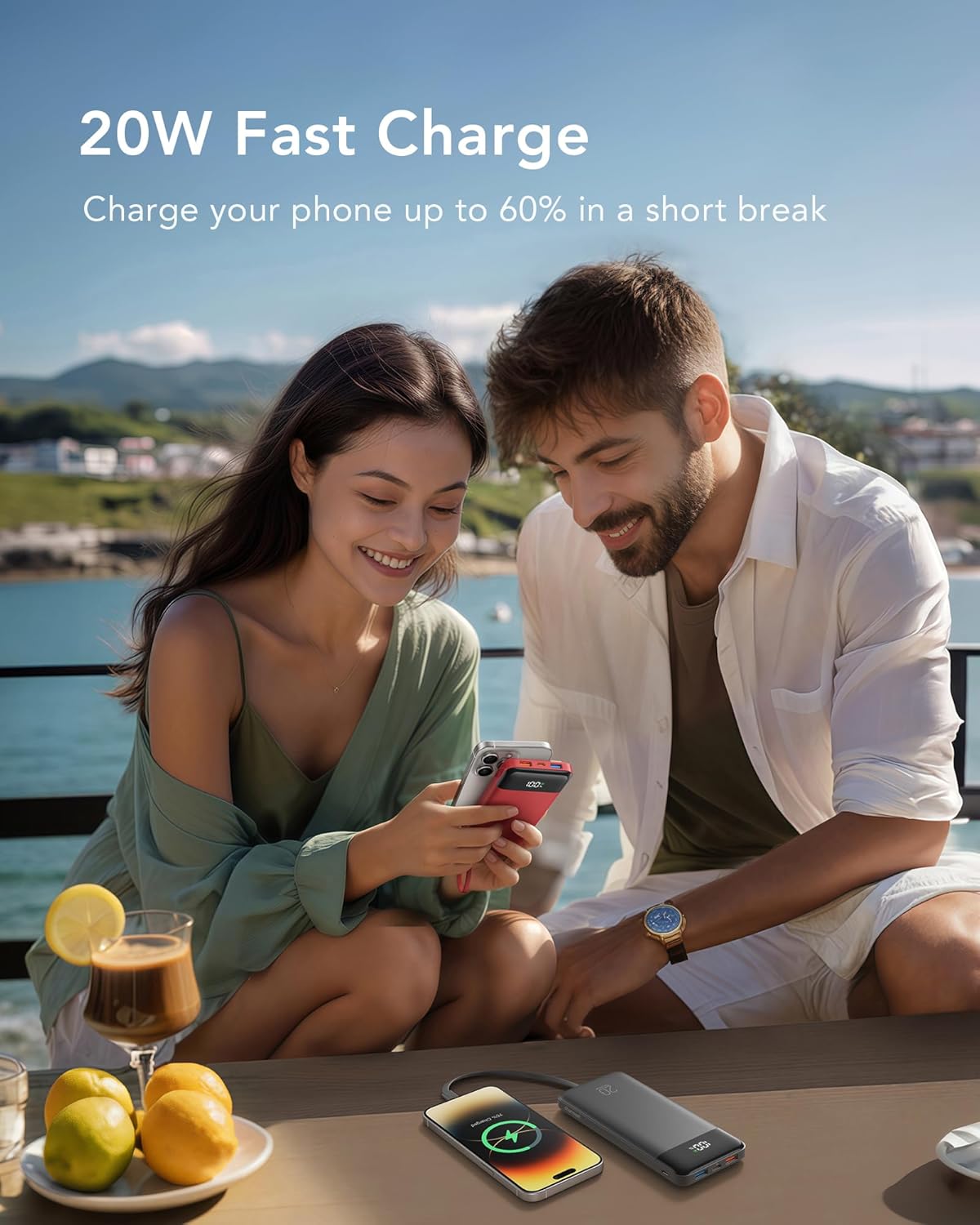
Image 4.1: The power bank actively fast-charging a smartphone, illustrating its 20W fast charge capability in a real-world scenario.
5. Maintenance
To ensure the longevity and optimal performance of your Charmast Portable Charger, follow these maintenance guidelines:
- Storage: Store the power bank in a cool, dry place away from direct sunlight, extreme temperatures, and humidity.
- Cleaning: Use a soft, dry cloth to clean the surface of the power bank. Do not use liquid cleaners or abrasive materials.
- Charging Cycles: For best battery health, avoid completely draining the power bank before recharging. It is recommended to recharge when the battery level drops below 20%.
- Cable Care: When retracting the built-in cables, ensure they are guided smoothly into their slots to prevent damage.
6. Troubleshooting
| Problem | Possible Cause | Solution |
|---|---|---|
| Device not charging. | Power bank battery is low or depleted. Incorrect cable or loose connection. Device is not compatible. | Recharge the power bank. Ensure cables are securely connected and are the correct type for your device. Verify device compatibility with the power bank's output specifications. |
| Power bank not charging. | Charging cable or adapter is faulty. Power source issue. | Try a different charging cable and/or wall adapter. Ensure the power source (e.g., wall outlet) is functional. |
| Slow charging. | Using a non-fast charging port/cable. Charging multiple devices simultaneously. | Ensure you are using the 22.5W PD compatible port/cable for fast charging. Charging multiple devices may reduce individual charging speeds. |
| Digital display not working. | Power bank is off or battery is completely drained. | Press the power button to activate the display. Charge the power bank to restore display functionality. |
7. Specifications
- Model Number: C2065
- Battery Capacity: 20000mAh
- Product Dimensions: 6.3 x 2.85 x 0.75 inches
- Item Weight: 8.6 ounces
- Battery Type: Lithium Polymer (2 included)
- Max Output Voltage: 12V
- Special Features: Auto Shut-Off, Built-In Cables (Lightning, USB-C, Micro-USB), Digital Display, Fast Charging, High Capacity
- Manufacturer: Dong guan Utopia-Originality Technology Co., Ltd
- Date First Available: June 11, 2024

Image 7.1: The Charmast power bank positioned on an airplane tray table, with a "TSA approved" icon, emphasizing its compliance with airline safety standards for carry-on luggage.
8. Safety Information
Please adhere to the following safety precautions to prevent damage to the product or injury to yourself:
- Do not expose the power bank to extreme temperatures (above 60°C/140°F) or direct sunlight.
- Do not disassemble, modify, or attempt to repair the device.
- Keep away from water, moisture, and flammable materials.
- Avoid dropping or subjecting the power bank to strong impacts.
- Keep out of reach of children.
- Dispose of the power bank responsibly according to local regulations. Do not dispose of it in household waste.
- When traveling by air, always pack the power bank in your carry-on luggage, not in checked bags.
9. Warranty and Support
Your Charmast 20000mAh Portable Charger comes with a 24-month support period and lifetime technical support.
For any inquiries, technical assistance, or warranty claims, please contact Charmast customer support through the retailer's platform or the official Charmast website.
What's in the Box:
- 1 x Charmast 20000mAh Portable Charger
- 1 x User Manual (this document)
- 1 x Travel Pouch

Image 9.1: The product packaging contents, including the Charmast power bank, user manual, and a travel pouch.


