
charmast C2065
Charmast 20000mAh Portable Power Bank User Manual
Model: C2065
Introduction
Welcome to the user manual for your Charmast 20000mAh Portable Power Bank. This device is designed to provide reliable and fast charging for your electronic devices on the go. With its high capacity, built-in cables, and intelligent LED display, it ensures you stay connected wherever you are. Please read this manual carefully before using the product to ensure proper operation and longevity.
Product Overview and Features

The Charmast 20000mAh Portable Power Bank, showcasing its compact design, integrated cables, and clear LED display.

An illustration highlighting the 'All in One' compatibility with various built-in cable types for different devices.

The power bank demonstrating its capability to charge up to six devices simultaneously, showcasing its versatility.

A visual representation of the 20000mAh capacity and how many times it can charge common devices like smartphones and tablets.
- Universal Compatibility and Sufficient Capacity: The 20000mAh capacity is sufficient to power devices for several days. It can charge an iPhone 14 approximately 3.8 times, a Samsung Galaxy S23 Ultra 2.5 times, and a Google Pixel 7 about 2.7 times.
- Portable Charger with Built-in Cables: Features multi-interface built-in cables, eliminating the need to carry extra charging cables and adapters.
- 5 Outputs, 4 Inputs: Capable of charging up to 5 devices simultaneously and can be recharged using 4 different input options.
- 20W PD Ultra-Fast Charging: Provides rapid charging for compatible devices, significantly reducing charging time.
- Ultra-Compact and Slim Design: With dimensions of approximately 16.1 x 7.2 x 1.9 cm and weighing only 0.3 kg, it is designed for portability.
- LED Display Showing Remaining Charge: A clear LED display shows the exact battery percentage (0-100%), unlike traditional 4-LED indicator power banks.
- Package Contents: 1 Charmast Power Bank, 1 User Manual, 1 Travel Pouch.
Setup
Before first use, it is recommended to fully charge your Charmast power bank to ensure optimal performance.
- Initial Charging: Connect a compatible charging cable to one of the input ports (USB-C, Micro USB, or the built-in USB-A input cable) and connect the other end to a power adapter (not included) or a computer's USB port.
- Charging Indication: The LED display will illuminate and show the charging progress. It will indicate 100% when fully charged.

The LED display provides a precise percentage of the remaining battery charge.

Contents of the product packaging, including the power bank, user manual, and travel pouch.
Operating Instructions
Charging Your Devices
- Connect Device: Connect your electronic device (smartphone, tablet, etc.) to the power bank using one of the built-in cables (Lightning, USB-C, Micro USB) or by plugging your device's charging cable into one of the USB-A output ports.
- Automatic Charging: The power bank will automatically detect your device and begin charging. The LED display will show the power bank's remaining battery percentage.
- Fast Charging: For devices supporting 20W PD fast charging, ensure you use the appropriate cable and port for optimal speed.
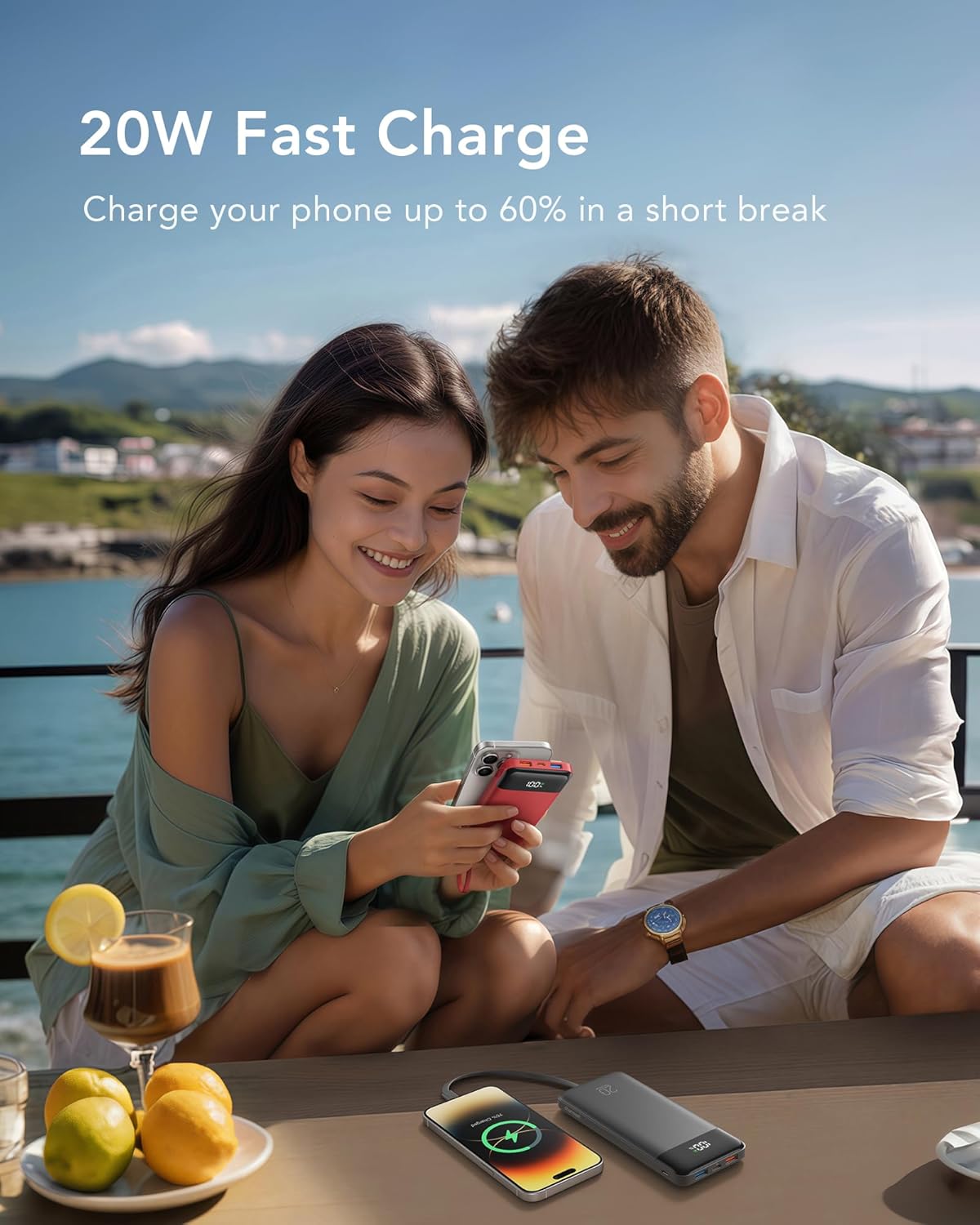
The power bank providing 20W fast charging to a smartphone during a short break.
Recharging the Power Bank
- Choose Input: Use the built-in USB-A input cable or connect a USB-C/Micro USB cable to the respective input ports on the power bank.
- Connect to Power Source: Plug the other end of the cable into a wall charger, computer USB port, or other compatible power source.
- Monitor Progress: The LED display will show the charging status, indicating the percentage as it recharges.
Maintenance
- Storage: Store the power bank in a cool, dry place away from direct sunlight and extreme temperatures.
- Handling: Avoid dropping the device or subjecting it to strong impacts.
- Cleaning: Clean the surface of the power bank with a soft, dry cloth. Do not use harsh chemicals or abrasive materials.
- Battery Care: For optimal battery life, fully charge and discharge the power bank at least once every three months if it is not in regular use.
Troubleshooting
- Power bank not charging:
• Ensure the charging cable and power adapter are working correctly.
• Check all input ports for any debris or obstruction.
• Try using a different charging cable or power adapter. - Devices not charging:
• Verify that the power bank has sufficient charge (check the LED display).
• Ensure all cable connections between the power bank and your device are secure.
• Try a different output port or a different charging cable.
• Some devices may require a specific charging protocol; ensure compatibility. - Slow charging:
• Confirm that your device and the cable you are using support fast charging.
• Ensure the power bank is sufficiently charged.
• Using multiple output ports simultaneously may reduce the individual charging speeds. - LED display not working:
• Try pressing the power button (if available) to activate the display.
• If the issue persists, ensure the power bank is charged. If it remains unresponsive, contact customer support.
Specifications
| Model Name | C2065 |
| Brand | Charmast |
| Battery Capacity | 20000 Milliampere-hour (mAh) |
| Battery Composition | Lithium Polymer |
| Voltage | 3.7 Volts (DC) |
| Connector Type | For iPhone, Android (Built-in Lightning, USB-C, Micro USB cables) |
| Special Features | Built-in Cables, LED Digital Display, Fast Charging, High Capacity, Automatic Shut-off |
| Power Source | DC |
| Recommended Uses | Indoor/Outdoor |
| Color | Pink |

The power bank is airplane friendly and TSA approved for carry-on luggage.
Warranty and Support
Your Charmast 20000mAh Portable Power Bank comes with 18 months of support and lifetime technical assistance.
For further assistance, troubleshooting, or warranty claims, please contact Charmast customer support through their official website or the retailer where the product was purchased. Please have your model number (C2065) and purchase details ready when contacting support.
Related documentsC2065


Ask a question about this manual
Ask about setup, troubleshooting, compatibility, parts, safety, or missing instructions. Manuals+ will review the question and use this page’s manual context to help answer it.