
1. Introduction
This manual provides essential information for the safe and efficient installation, operation, and maintenance of your Scotsman CU50PA-1FF-CP10 Commercial Undercounter Gourmet Cube Ice Maker. Please read all instructions carefully before using the appliance to ensure proper function and to prevent injury or damage.
The Scotsman CU50PA-1FF-CP10 is designed to produce clear, slow-melting gourmet ice cubes, ideal for various commercial settings. This model includes a built-in pump drain and an integrated water filtration system for enhanced performance and convenience.
2. Safety Information
Always follow basic safety precautions when using electrical appliances to reduce the risk of fire, electric shock, or personal injury.
- Read all instructions before operating the ice maker.
- Ensure the unit is properly grounded.
- Do not operate the unit with a damaged power cord or plug.
- Keep ventilation openings clear of obstructions.
- Do not store explosive substances such as aerosol cans with a flammable propellant in this appliance.
- Only qualified service personnel should perform repairs.
3. What's in the Box
Upon unpacking, verify that all components are present:
- Scotsman CU50PA-1FF-CP10 Ice Maker with Bin
- Integrated Water Filtration System
- Ice Scoop
- Power Cord (NEMA 5-15P plug)
- Instruction Manual

Image: Interior view of the Scotsman CU50 ice maker, highlighting the clear ice, included ice scoop, water quality sensor, and the control panel.
4. Specifications
| Model Name | CU50PA-1FF-CP10 |
| Brand | Scotsman |
| Product Dimensions (D x W x H) | 22" x 14.88" x 34.38" |
| Ice Production Capacity (Optimal) | Up to 64 lbs per 24 hours (70°F air / 50°F water) |
| Ice Production Capacity (Higher Temp) | Up to 44 lbs per 24 hours (90°F air / 70°F water) |
| Ice Storage Capacity | 26 lbs |
| Voltage | 115 Volts |
| Frequency | 60 Hz |
| Phase | 1-ph |
| Amperage Draw | 5.0 Amps |
| Wattage | 14.4 kWh |
| Refrigerant | R134a |
| Material | Stainless Steel |
| Drain Type | Built-in Pump Drain |
| Special Features | Water Filtration System, Reversible Door, 1" Adjustable Legs |
5. Installation (Setup)
5.1 Site Requirements
- Electrical: A dedicated 115V/60Hz/1-ph, 15-amp circuit with a NEMA 5-15P receptacle is required.
- Water Supply: A potable water supply with a shut-off valve is necessary. The integrated water filtration system requires connection to this supply.
- Drainage: This model features a built-in pump drain, suitable for installations where a floor drain is not available. The pump can discharge water up to 10 feet vertically and 100 feet horizontally.
- Ventilation: Ensure adequate airflow around the unit. Do not block the front grille.
- Clearance: Allow sufficient space for door opening and maintenance access.

Image: Comparison of drain types, showing the pump drain connection under a sink, which is suitable for the CU50PA model.
5.2 Unpacking and Placement
- Carefully remove all packaging materials. Inspect the unit for any shipping damage.
- Position the ice maker in its desired location, ensuring it is level. Use the 1" adjustable legs to fine-tune leveling.
- The door is reversible. If desired, reverse the door swing according to the instructions provided in the full manual.
5.3 Water and Drain Connections
- Connect the water supply line to the integrated water filtration system inlet.
- Connect the filtered water outlet to the ice maker's water inlet.
- Connect the drain hose from the ice maker's built-in pump to an appropriate drain point (e.g., under a sink). Ensure the drain hose is secured and has a proper air gap to prevent backflow.
5.4 Electrical Connection
Plug the ice maker's power cord into a dedicated, grounded 115V/60Hz/1-ph, 15-amp electrical outlet.
6. Operation
6.1 Initial Startup
- After installation, turn on the water supply to the unit.
- Press the power button on the control panel to start the ice maker.
- The unit will begin its initial fill and ice-making cycle. The first few batches of ice may be smaller or irregular; discard them.
- Allow several hours for the ice bin to fill completely.

Image: The user-friendly control panel of the Scotsman CU50 ice maker, showing power and status indicators.
6.2 Ice Production
The CU50PA-1FF-CP10 produces clear, slow-melting gourmet ice cubes. The unit will automatically produce ice until the storage bin is full, then pause until more ice is needed.
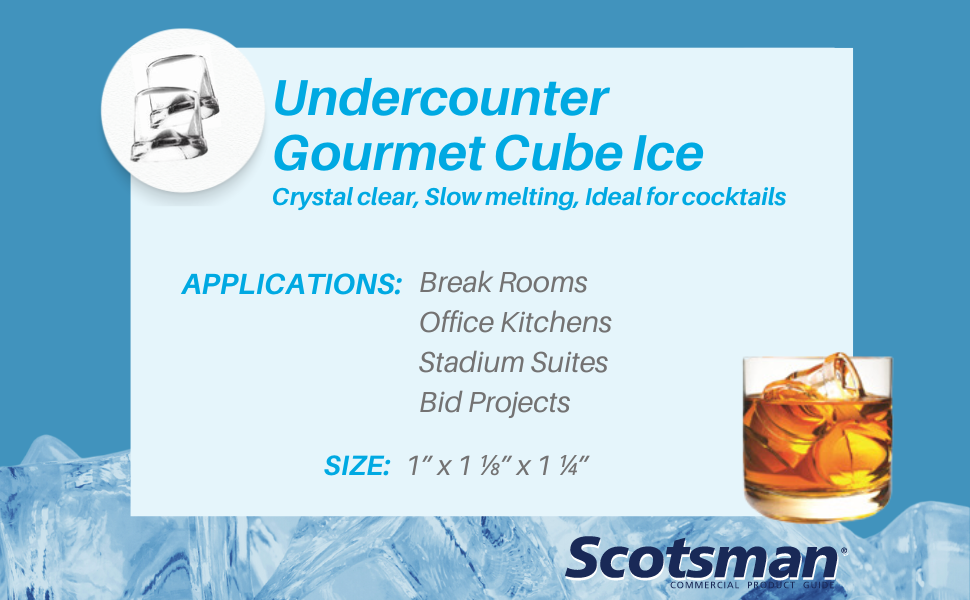
Image: Clear gourmet ice cubes, known for their slow-melting properties, suitable for various beverages.

Image: Gourmet ice cubes in a glass, demonstrating their aesthetic appeal and clarity.
7. Maintenance
Regular maintenance ensures optimal performance and longevity of your ice maker.
7.1 Cleaning the Ice Maker
- Frequency: Clean the ice maker and bin regularly, or as indicated by the cleaning cycle light on the control panel.
- Procedure: Refer to the full instruction manual for detailed cleaning procedures, including descaling and sanitizing steps. Always use Scotsman-approved cleaning solutions.
- Water Quality Sensor: Periodically inspect and clean the water quality sensor to ensure accurate operation.

Image: Close-up of the water quality sensor, which should be regularly inspected and cleaned.
7.2 Water Filter Replacement
The integrated water filtration system requires periodic filter replacement. The frequency depends on water quality and usage. Refer to the filter manufacturer's recommendations and the ice maker's full manual for specific instructions.
7.3 Exterior Cleaning
Wipe the stainless steel exterior with a soft cloth and a mild, non-abrasive cleaner. Avoid harsh chemicals or abrasive pads that could scratch the surface.
8. Troubleshooting
Before contacting service, review the following common issues and solutions:
| Problem | Possible Cause | Solution |
|---|---|---|
| No Ice Production | No power; water supply off; clogged filter; high ambient temperature. | Check power connection; ensure water supply is on; replace water filter; ensure proper ventilation and ambient temperature. |
| Small or Irregular Ice Cubes | Low water pressure; dirty evaporator; mineral buildup. | Check water pressure; clean the evaporator; perform a descaling cycle. |
| Excessive Noise | Unit not level; loose components; fan obstruction. | Adjust leveling legs; inspect for loose parts; clear any obstructions from the fan. |
| Water Leaks | Loose connections; clogged drain line. | Tighten water and drain connections; clear any blockages in the drain line. |
If issues persist after attempting these solutions, contact a qualified Scotsman service technician.
9. Warranty and Support
For detailed warranty information, please refer to the warranty card included with your product or visit the official Scotsman website. Keep your proof of purchase for warranty claims.
For technical support, service requests, or to locate authorized service providers, please contact Scotsman customer service or visit their official support portal. Contact information can typically be found on the Scotsman website or in the full product documentation.