Introduction
Thank you for choosing the esonstyle S13 Invisible Sleep Earbuds. These earbuds are designed to provide a comfortable and undisturbed listening experience, especially for sleep and relaxation. Their compact, flat design ensures comfort even when sleeping on your side, while passive noise cancellation helps block out external disturbances.
This manual provides essential information on how to set up, operate, maintain, and troubleshoot your esonstyle S13 earbuds. Please read it carefully before use to ensure optimal performance and longevity of your device.
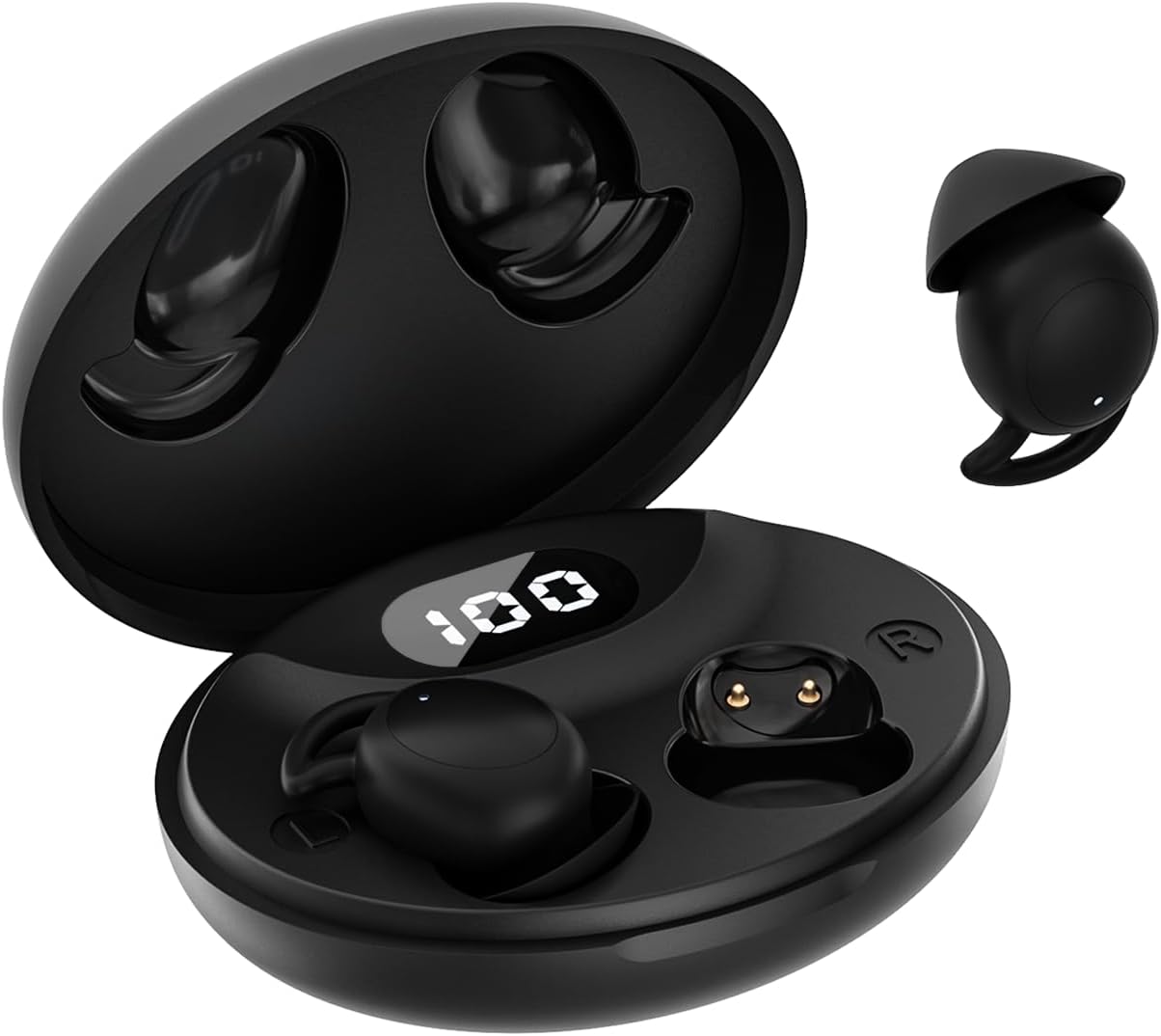
Image: The esonstyle S13 Invisible Sleep Earbuds shown with their compact charging case. One earbud is displayed outside the case, highlighting its small, flat design.
Package Contents
Ensure all items are present in the package:
- esonstyle S13 Sleep Earbuds (Left and Right)
- Charging Case
- USB Charging Cable
- User Manual (this document)
- Ear Tips (various sizes)
Setup
1. Charging the Earbuds and Case
Before first use, fully charge the earbuds and the charging case.
- Place the earbuds into the charging case, ensuring they are correctly seated.
- Connect the USB charging cable to the charging port on the case and the other end to a USB power source (e.g., computer, wall adapter).
- The indicator lights on the case will show charging status. A full charge typically takes about 1.5 hours for the case.

Image: An illustration showing the battery life of the earbuds (4 hours playback) and the charging case (up to 24 hours total with case charges).
2. Pairing with a Device (Bluetooth 5.3)
The earbuds use Bluetooth 5.3 for a stable and quick connection.
- Open the charging case lid. The earbuds will automatically enter pairing mode (or reconnect to the last paired device).
- On your device (smartphone, tablet, laptop), go to Bluetooth settings and ensure Bluetooth is enabled.
- Search for available devices and select "esonstyle S13" from the list.
- Once connected, you will hear a confirmation tone, and the earbuds will be ready for use.
- For subsequent uses, the earbuds will automatically connect to the last paired device when the case lid is opened.

Image: A visual representation of the one-step pairing process via Bluetooth 5.3, showing quick connection, low latency, and low power consumption.
Operating Instructions
Wearing the Earbuds
The esonstyle S13 earbuds are designed for comfort, especially for side sleepers.
- Identify the Left (L) and Right (R) earbuds.
- Gently insert the earbud into your ear canal.
- Adjust the earbud so it sits flush and comfortably within your ear, minimizing protrusion. This "tuck" method ensures comfort for side sleeping.

Image: A diagram illustrating the two steps for wearing the earbuds: "Insert" into the ear canal and "Tuck" to ensure a flat, comfortable fit.
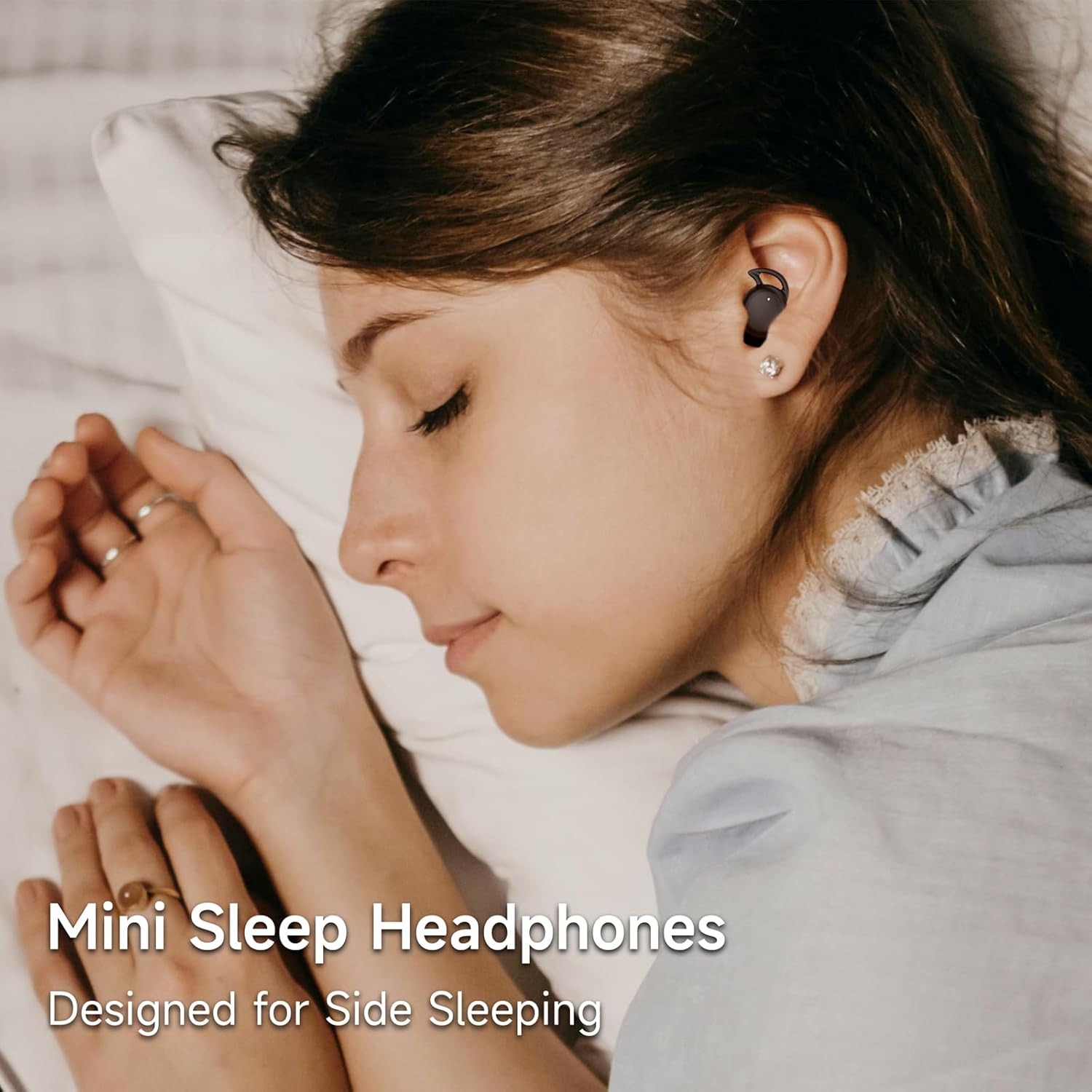
Image: A woman sleeping comfortably on her side, demonstrating how the mini sleep headphones are designed for side sleeping.
Touch Controls
The earbuds feature intuitive touch controls:
| Action | Control |
|---|---|
| Play/Pause | Single tap on either earbud |
| Next Track | Double tap on the Right earbud |
| Previous Track | Double tap on the Left earbud |
| Answer/End Call | Single tap on either earbud |
| Reject Call | Press and hold either earbud for 2 seconds |
| Activate Voice Assistant | Triple tap on either earbud |
Note: Volume control is typically managed via your connected device.
Maintenance
Cleaning
- Regularly clean the earbuds and charging case with a soft, dry, lint-free cloth.
- Do not use abrasive cleaners, alcohol, or chemical solvents.
- Remove ear tips and clean them separately with mild soap and water if necessary, ensuring they are completely dry before reattaching.
Storage
- When not in use, always store the earbuds in their charging case to protect them and keep them charged.
- Store in a cool, dry place, away from extreme temperatures and direct sunlight.
Water Resistance (IPX6)
The esonstyle S13 earbuds are rated IPX6 waterproof and sweatproof, meaning they can withstand powerful water jets. This makes them suitable for workouts and light rain, but they are not designed for submersion in water (e.g., swimming).

Image: An illustration highlighting the IPX6 waterproof and sweatproof rating, and the lightweight design (2g) for comfortable and secure fit.
Troubleshooting
| Problem | Possible Solution |
|---|---|
| Earbuds not pairing/connecting |
|
| No sound or low volume |
|
| Earbuds not charging |
|
| Intermittent connection/audio drops |
|
Specifications
| Feature | Detail |
|---|---|
| Model Name | S13 |
| Brand | esonstyle |
| Connectivity | Bluetooth 5.3 (Wireless) |
| Noise Control | Passive Noise Cancellation |
| Earbud Playback Time | Up to 4 hours (single charge) |
| Total Playback Time | Up to 24 hours (with charging case) |
| Charging Time | Approx. 1.5 hours (for case) |
| Control Type | Touch Control |
| Water Resistance | IPX6 (Waterproof & Sweatproof) |
| Material | Acrylonitrile Butadiene Styrene (ABS) |
| Ear Placement | In-Ear |
| Form Factor | In-Ear (Minimalist, Flat for Side Sleeping) |
| Weight | Approx. 2g per earbud |
| Compatible Devices | Cell phones, laptops, tablets |
Warranty and Support
esonstyle products come with a manufacturer's warranty. For specific warranty details and duration, please refer to the warranty card included in your product packaging or contact esonstyle customer support directly.
If you encounter any issues not covered in the troubleshooting section or require further assistance, please contact esonstyle customer support. We are committed to providing satisfactory solutions.
Contact Information:
- Please refer to the contact details provided on the product packaging or the official esonstyle website.