
1. Introduction
This manual provides detailed instructions for the assembly, operation, maintenance, and troubleshooting of your AODK 79-inch L-Shaped Desk. Please read all instructions carefully before beginning assembly and retain this manual for future reference.
The AODK L-Shaped Desk is designed to provide a spacious and organized workspace. It features a reversible L-shaped configuration, five fabric drawers, integrated LED lighting, and two power outlets with USB ports. This desk is suitable for various environments, including home offices, gaming setups, and study areas.
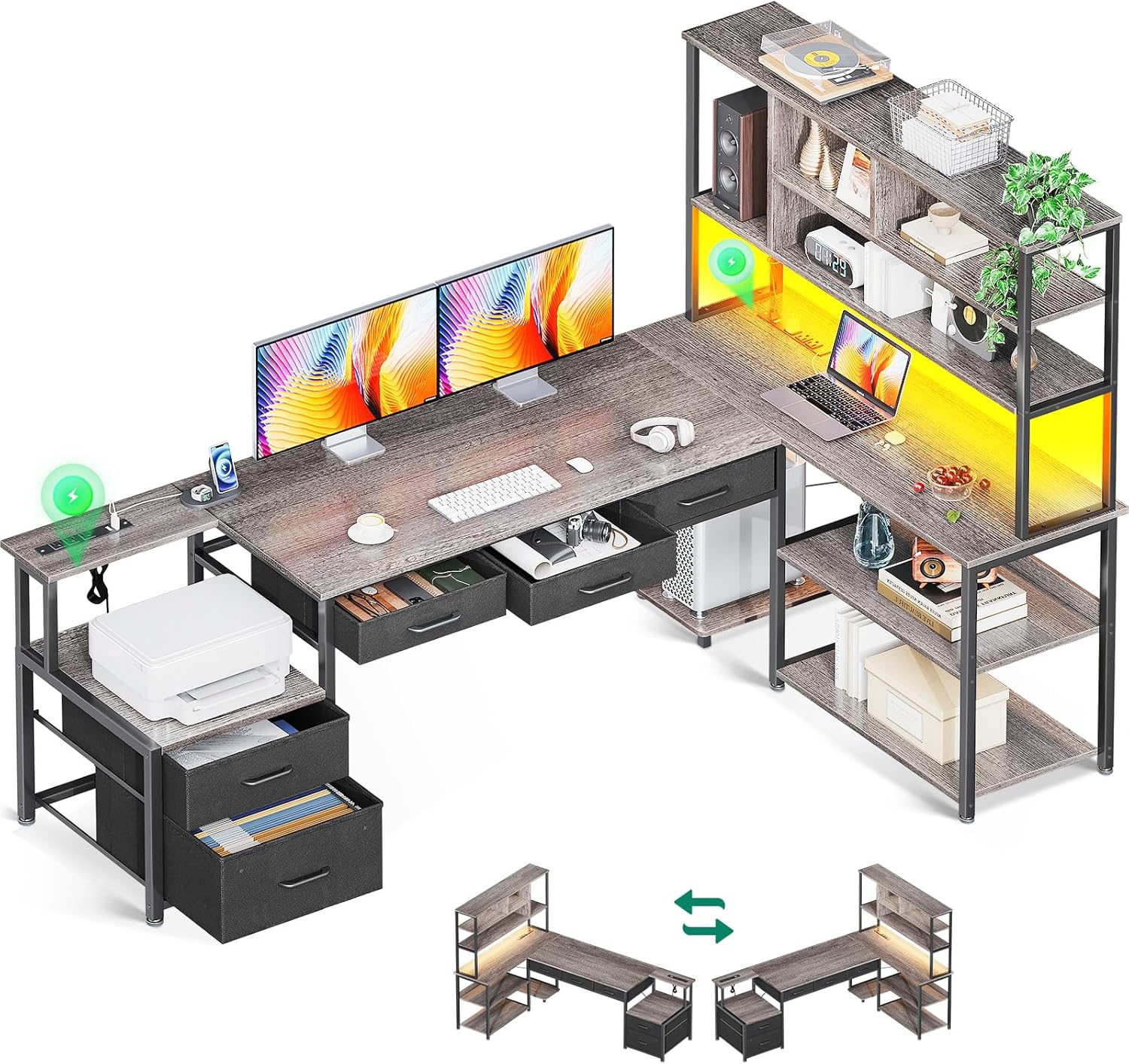
Figure 1: Overview of the AODK 79-inch L-Shaped Desk.
2. Safety Information
Always follow these safety guidelines to prevent injury and ensure proper use of the desk:
- Read all assembly instructions thoroughly before starting.
- Keep the work area clear and organized during assembly.
- Ensure all components are securely fastened and the desk is stable before placing items on it or using it.
- Do not overload the shelves or drawers. Fabric drawers are designed for lighter items.
- Keep liquids away from electrical outlets and LED light strips.
- This product is intended for indoor use only.
3. Setup and Assembly
The AODK L-Shaped Desk requires assembly. It is recommended that two people assemble the desk due to its size and weight. While assembly tools are not included, a handheld electric screwdriver with a compatible Allen wrench bit can significantly reduce assembly time.
3.1. Before You Begin
- Unpack all components and verify against the parts list (refer to the included instruction manual for the complete list).
- Clear a spacious area for assembly.
- Gather necessary tools (e.g., Phillips head screwdriver, optional electric screwdriver).
- Decide on the desired orientation (left or right L-shape) before starting, as the desk is reversible.
3.2. Assembly Tips
- Follow the step-by-step instructions provided in the separate assembly guide included with your product.
- When attaching large, flat desktop pieces, consider placing the frame on its side to align screws with holes more easily.
- Tighten all screws and bolts firmly, but avoid over-tightening to prevent damage.
- Assemble the desk in its intended final location to avoid moving a heavy, assembled unit.

Figure 2: Product Dimensions for Assembly Reference.
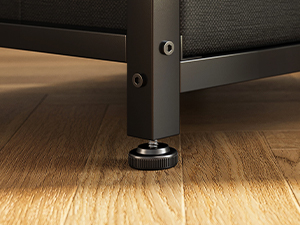
Figure 3: Adjustable Leveling Feet for Stability.
4. Operating Instructions
4.1. LED Light Strip
The desk features an integrated LED light strip with an odorless milky diffuser for soft illumination. It offers 10 vibrant colors and 10 dynamic modes.
- Power On/Off: Locate the control unit for the LED strip. Press the power button to turn the lights on or off.
- Color Selection: Use the color selection buttons on the control unit to cycle through the 10 available colors.
- Mode Selection: Use the mode selection buttons to choose from 10 dynamic lighting modes, such as fading, flashing, or smooth transitions.
- Brightness Adjustment: Adjust the brightness level using the designated buttons on the control unit.

Figure 4: Desk with RGB LED Lighting.
4.2. Built-in Power Outlets
The desk includes two built-in power hubs to keep your devices charged and cables organized. Each hub provides 3 AC outlets and 2 USB ports.
- AC Outlets: Plug in your devices requiring standard AC power (125V/12A).
- USB Ports: Connect USB-powered devices for charging (5V/2A).
- Ensure the power cord for the desk's outlets is securely plugged into a wall socket.

Figure 5: Double Power Outlets with USB Ports.
4.3. Storage Features
The desk offers extensive storage solutions:
- 5 Fabric Drawers: Includes one file drawer suitable for letter, A4, and legal-sized documents, and four additional storage drawers. These drawers are made of fabric with cardboard inserts and are best suited for lighter items such as office supplies, documents, or small accessories. Avoid placing heavy objects in them.
- 4-Tier Open Shelves: Provides ample space for books, decor, speakers, or other office essentials.
- CPU Stand: A dedicated stand is provided to keep your computer tower off the floor, protecting it from dust and improving airflow.
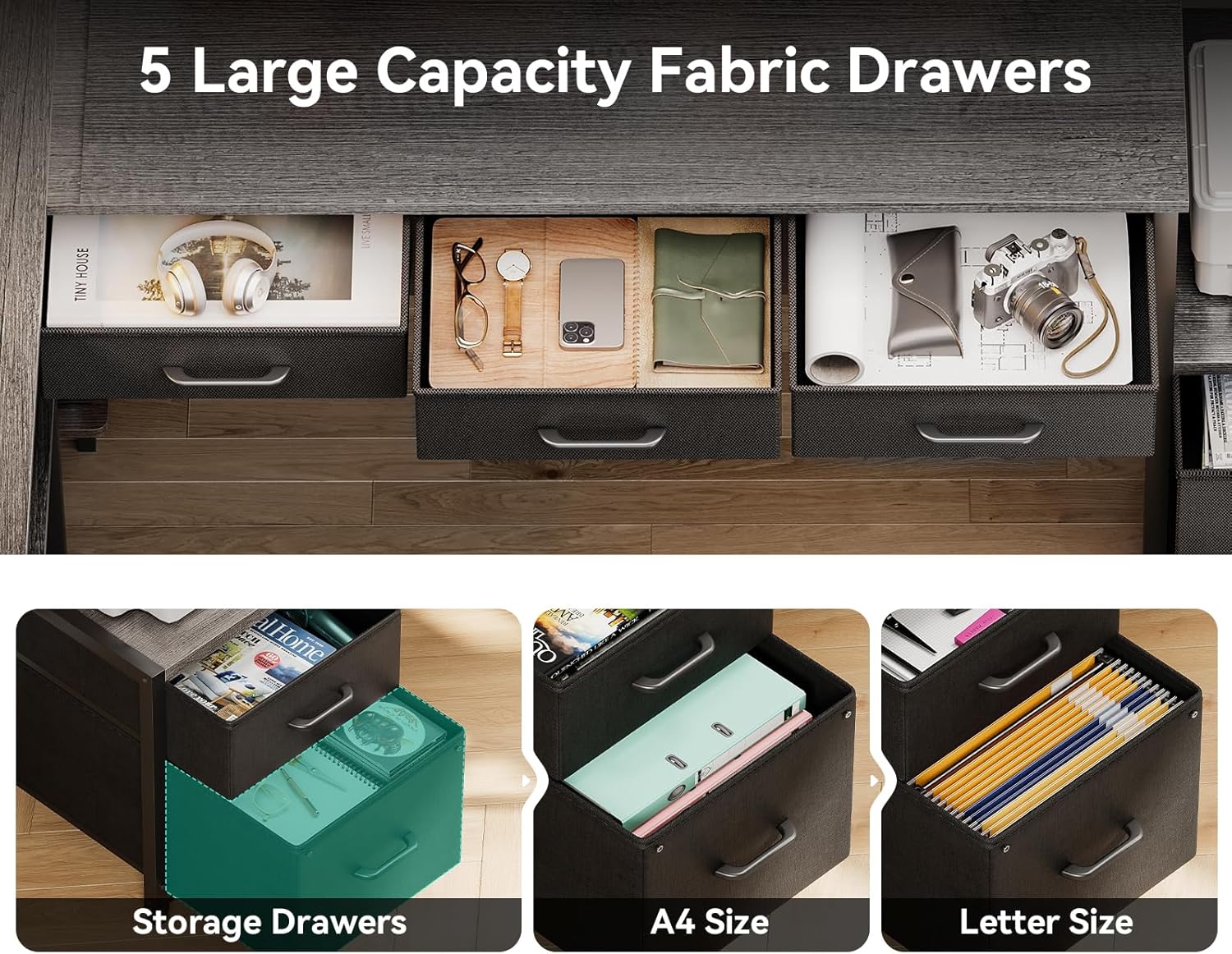
Figure 6: Five Large Capacity Fabric Drawers.

Figure 7: 4-Tier Storage Shelves.
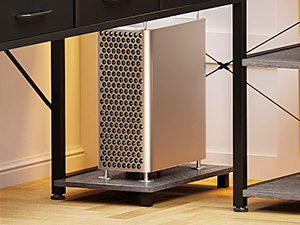
Figure 8: Dedicated CPU Stand.
5. Maintenance
Regular maintenance will help preserve the appearance and functionality of your AODK L-Shaped Desk.
- Cleaning Surfaces: Wipe down desk surfaces (engineered wood with laminate finish) with a soft, damp cloth. Avoid abrasive cleaners or harsh chemicals that could damage the finish.
- Metal Frame: Clean the alloy steel frame with a damp cloth. Dry immediately to prevent rust.
- Fabric Drawers: For minor spills or dirt, spot clean the fabric drawers with a mild detergent and a damp cloth. Allow to air dry completely. Do not machine wash.
- Electrical Components: Ensure power outlets and LED strips are kept dry. Do not attempt to clean them with liquids while plugged in.
- Check Connections: Periodically check all screws and bolts to ensure they remain tight. Re-tighten if necessary to maintain desk stability.
6. Troubleshooting
If you encounter issues with your AODK L-Shaped Desk, refer to the following common troubleshooting steps:
- Desk Wobbles:
- Ensure all assembly screws and bolts are fully tightened.
- Adjust the leveling feet at the bottom of the desk legs to compensate for uneven floor surfaces.
- LED Lights Not Working:
- Check if the LED light strip's power cable is securely connected to the power source and the control unit.
- Verify that the main power outlet is functional.
- Ensure the control unit is not damaged.
- Power Outlets Not Providing Power:
- Confirm the desk's main power cord is securely plugged into a working wall outlet.
- Check if the wall outlet itself is receiving power (e.g., test with another device).
- Avoid overloading the outlets; ensure total wattage of connected devices does not exceed the specified limit.
- Fabric Drawers Have an Odor:
- New fabric items may have a slight odor. This typically dissipates over a few days or weeks.
- Remove the drawers and place them in a well-ventilated area to air out.
- Drawers Not Sliding Smoothly:
- Ensure the drawer frames are correctly assembled and aligned.
- Verify that the drawers are not overloaded, as this can cause them to sag or stick.
7. Specifications
| Feature | Detail |
|---|---|
| Brand | AODK |
| Model Number | AODK-001 |
| UPC | 850064516333 |
| Product Dimensions (D x W x H) | 78.74" x 18.9" x 60.62" |
| Working Surface Diagonal Length | 79 Inches |
| Color | Grey Oak |
| Style | Modern |
| Top Material Type | Engineered Wood |
| Furniture Finish | Laminate |
| Base Material | Alloy Steel |
| Number of Drawers | 5 (Fabric) |
| Number of Shelves | 4 (Open) |
| Special Features | Built-In USB Outlet, LED Light Strip, Reversible Design, CPU Stand |
| Power Outlets | 2 hubs, each with 3 AC outlets (125V/12A) + 2 USB ports (5V/2A) |
| LED Light | 10 colors, 10 dynamic modes |
| Required Assembly | Yes |
| Recommended People for Assembly | 2 |
| Includes All Assembly Tools | No |
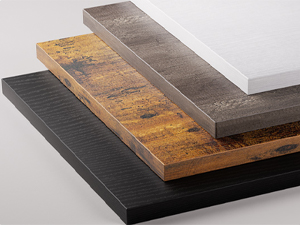
Figure 9: Material Finish Samples.
8. Warranty and Support
8.1. Warranty Information
The AODK L-Shaped Desk comes with a limited warranty. Please refer to the warranty card included with your purchase for specific terms, conditions, and duration of coverage. The warranty typically covers manufacturing defects and material flaws under normal use.
8.2. Customer Support
For any questions, concerns, or assistance with your AODK L-Shaped Desk, please contact AODK Customer Support. Contact information can usually be found on the product packaging, the included assembly manual, or the AODK official website.


