
Introduction
This manual provides essential information for setting up, operating, maintaining, and troubleshooting your Apple Watch SE (2nd Gen) GPS + Cellular 44mm. Please read this guide thoroughly to ensure proper use and to maximize your device's capabilities.
1. Setup
1.1 Unboxing and Initial Charge
Carefully remove your Apple Watch SE and its accessories from the packaging. Connect the magnetic charging cable to the back of your Apple Watch and plug the USB-C end into a power adapter (sold separately) or a USB-C port. Allow the watch to charge until it powers on.
1.2 Pairing with iPhone
- Ensure your iPhone (iPhone XS or later with the latest iOS version) has Bluetooth enabled and is connected to Wi-Fi.
- Turn on your Apple Watch by pressing and holding the side button until the Apple logo appears.
- Bring your iPhone near your Apple Watch. A pairing screen will appear on your iPhone. Tap 'Continue'.
- Position your iPhone so that your Apple Watch appears in the viewfinder of the Camera app. This will pair the devices.
- Follow the on-screen instructions on both your iPhone and Apple Watch to complete the setup process, including setting up a passcode, installing apps, and configuring health features.
1.3 Cellular Setup
During the pairing process, you will have the option to set up cellular service for your Apple Watch. This allows you to make calls, send texts, and stream music without your iPhone nearby. You will need an active cellular plan from a supported carrier.

Front view of the Apple Watch SE (2nd Gen) with a dark watch face displaying time and a matching midnight sport band.
2. Operating Your Apple Watch
2.1 Basic Navigation
- Digital Crown: Rotate to scroll, zoom, or adjust values. Press once to go to the watch face or app list. Double-press to switch between recently used apps. Press and hold for Siri.
- Side Button: Press once to open the Dock (recently used apps). Double-press for Apple Pay. Press and hold for Emergency SOS or to power off.
- Touchscreen: Tap to select, swipe to navigate, and force touch (press firmly) for additional options in some apps.

Close-up of the Apple Watch SE (2nd Gen) screen showing a minimalist watch face with white hands and numerical markers.
2.2 Health and Safety Features
- Fall Detection: Automatically calls emergency services if a hard fall is detected and you are unresponsive.
- Crash Detection: Can detect a severe car crash and automatically connect you with emergency services.
- Emergency SOS: Press and hold the side button to quickly call emergency services.
- Heart Rate Notifications: Receive alerts for unusually high or low heart rates, and irregular heart rhythms.
- Cycle Tracking: Monitor your menstrual cycle and receive ovulation estimates.
- Sleep Tracking: Track your sleep stages to gain insights into your sleep patterns.
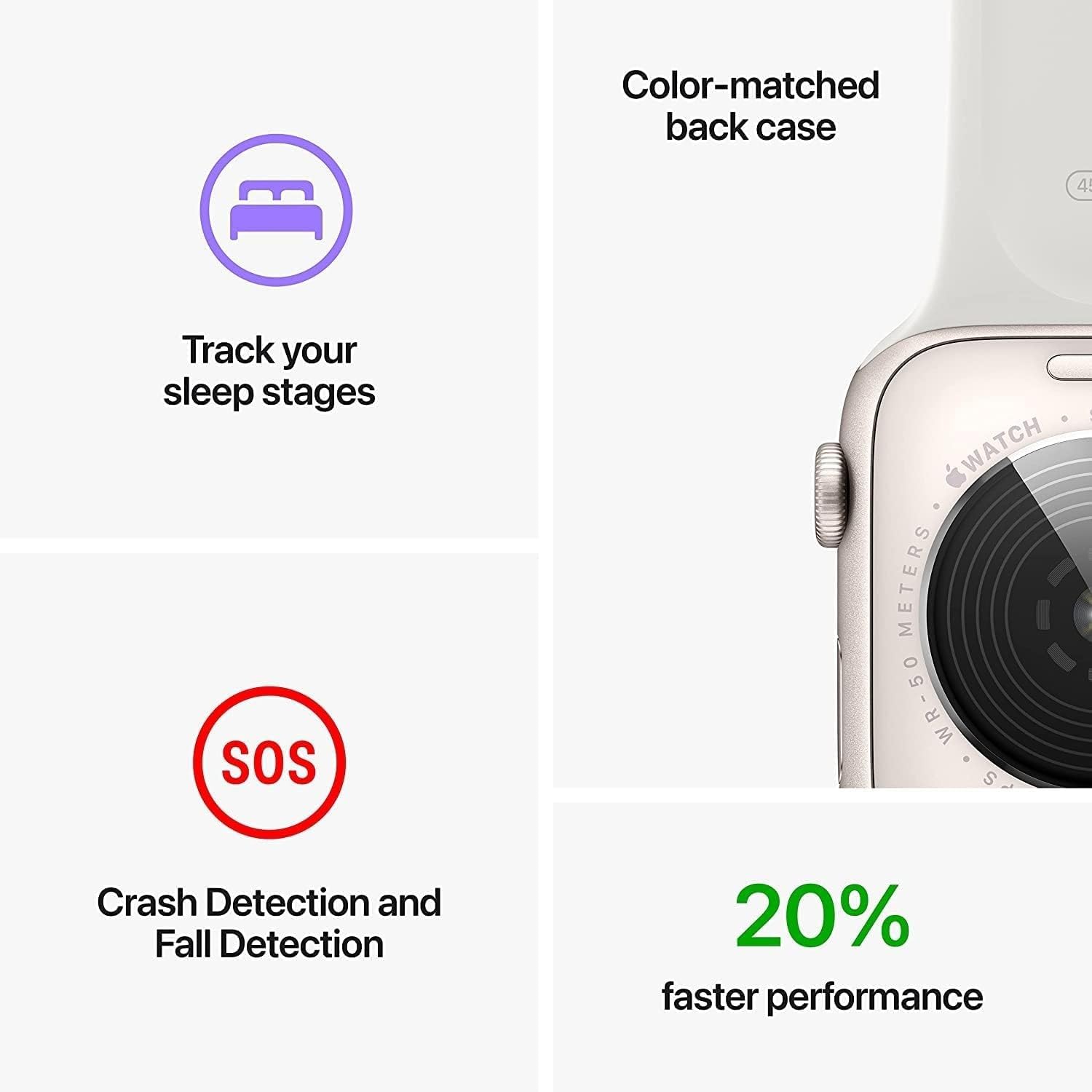
An image highlighting key features: tracking sleep stages, Crash Detection and Fall Detection (SOS icon), and 20% faster performance, alongside a close-up of the watch's color-matched back case.
2.3 Communication and Connectivity
- Cellular: Make and receive calls, send and receive text messages, and stream audio directly from your watch, even when your iPhone is not nearby.
- Wi-Fi & Bluetooth: Connects to known Wi-Fi networks and pairs with Bluetooth accessories like headphones.
- Apple Pay: Double-press the side button to use Apple Pay for secure transactions.
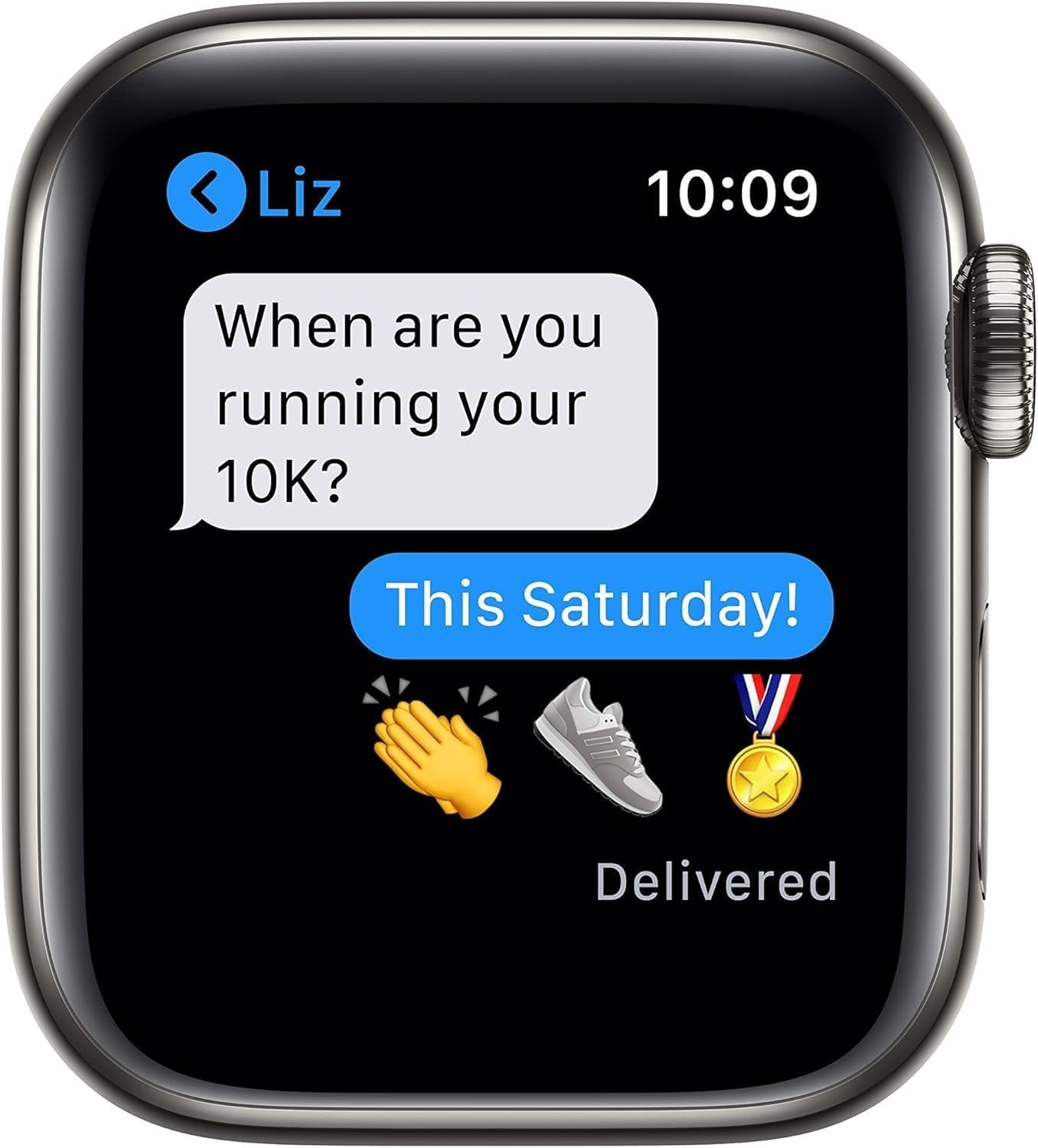
The Apple Watch SE (2nd Gen) screen showing a text message conversation, demonstrating its communication capabilities.
2.4 Fitness Tracking
- The Workout app offers various training modes and advanced metrics to track your performance.
- Monitor daily activity with Activity Rings (Move, Exercise, Stand).

The Apple Watch SE (2nd Gen) screen showing a Blood Oxygen measurement result of 98%, indicating health monitoring features.
2.5 Customization and Family Setup
- Watch Faces: Customize your watch face with various designs and complications.
- Bands: Easily change watch bands to suit your style.
- Family Setup: Manage Apple Watch for family members who do not have their own iPhone, allowing them to stay connected and safe.
3. Maintenance and Care
3.1 Water Resistance
The Apple Watch SE is water resistant to 50 meters. It can be used for shallow-water activities like swimming in a pool or ocean. It should not be used for scuba diving, waterskiing, or other activities involving high-velocity water or submersion below shallow depths. Water resistance is not a permanent condition and may diminish over time.
3.2 Cleaning Your Apple Watch
- Turn off your Apple Watch and remove it from the charger.
- Wipe the watch clean with a non-abrasive, lint-free cloth. If necessary, lightly dampen the cloth with fresh water.
- Dry the watch thoroughly with a soft, lint-free cloth.
- Avoid using cleaning products, abrasive materials, or compressed air.
3.3 Battery Care
For optimal battery life, avoid exposing your Apple Watch to extreme temperatures. Charge your device regularly, but avoid leaving it fully charged or fully discharged for extended periods.
4. Troubleshooting
If you encounter issues with your Apple Watch, try the following steps:
- Restart Your Watch: Press and hold the side button until the power off slider appears, then drag the slider. To turn it back on, press and hold the side button again until the Apple logo appears.
- Restart Paired iPhone: Sometimes restarting your iPhone can resolve connectivity issues.
- Check Connectivity: Ensure Bluetooth is enabled on your iPhone and your Apple Watch is within range. Verify Wi-Fi and cellular connections are active if applicable.
- Update Software: Ensure both your Apple Watch and iPhone are running the latest software versions. Go to the Watch app on your iPhone, then General > Software Update.
- Unpair and Re-pair: As a last resort, you can unpair your Apple Watch from your iPhone and then re-pair it. This will erase all data on your watch, so ensure a backup is made during the unpairing process.
5. Specifications
| Feature | Detail |
|---|---|
| Model Name | Apple Watch SE 2022 (2nd Gen) |
| Model Number | A2727 |
| Operating System | watchOS |
| Screen Size | 44 Millimeters |
| Display Type | OLED |
| Memory Storage Capacity | 32 GB |
| RAM Memory Installed | 1 GB |
| Connectivity Technology | Wireless (Cellular, Bluetooth 5.3, Wi-Fi) |
| GPS | Built-in GPS |
| Water Resistance Depth | 50 Meters |
| Case Material Type | Aluminum |
| Battery Capacity | 296 Milliamp Hours |
| Item Weight | 8 ounces |
| UPC | 796575453708 |
6. Warranty Information
Your Apple Watch SE (2nd Gen) comes with a Limited Warranty. Specifically, this renewed product includes a 90 days limited warranty. For detailed terms and conditions, please refer to the warranty documentation included with your purchase or visit the official Apple support website.
7. Support and Resources
For further assistance, detailed guides, or to contact support, please visit the official Apple Support website:
You can also find information regarding your device's software, accessories, and services on the Apple website.


