
1. Introduction
The Samsonite Hi-Fi trolley bag is designed for practical travelers, offering an ultra-lightweight polypropylene construction, a vibrant design, and modern features. This manual provides essential information for the proper setup, operation, maintenance, and care of your Samsonite Hi-Fi luggage.
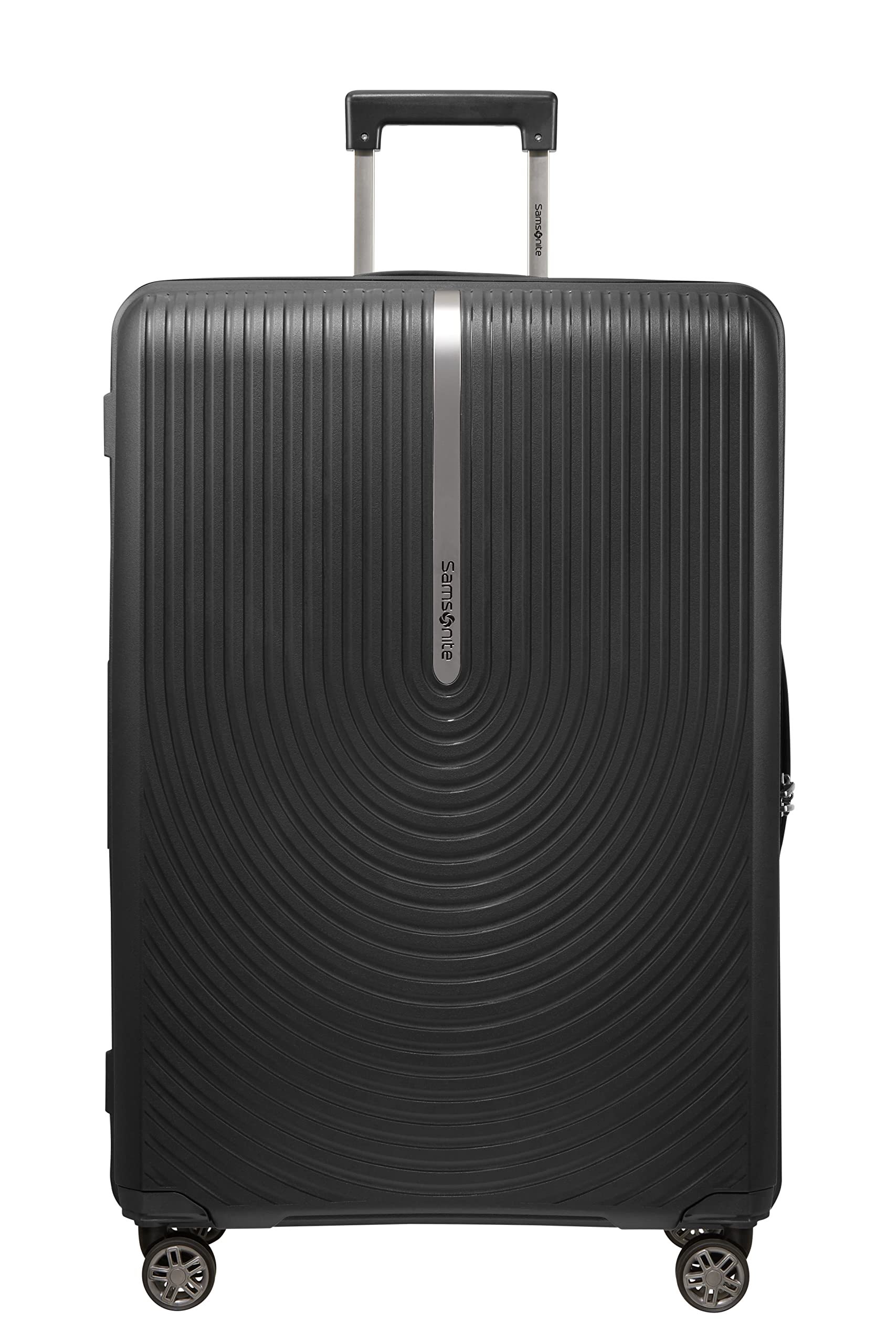
Figure 1: Front view of the Samsonite Hi-Fi 75 cm Check-in Trolley Bag.
2. Key Features
- Outer Material: Durable Polypropylene for lightweight strength.
- Wheels: 8 shock-absorbing suspension spinner wheels for smooth, quiet movement and reduced surface impact.
- Lock: Integrated TSA Combination lock for enhanced security and hassle-free travel.
- Expandability: Features an expandable design to accommodate additional packing needs.
- Interior: Removable, hand-washable interior lining for easy cleaning and hygiene.
- Warranty: Limited 10-year international manufacturer's warranty.

Figure 2: Detail of the shock-absorbing spinner wheels.

Figure 3: Integrated TSA combination lock for secure travel.
3. Setup
3.1 Initial Inspection
Upon receiving your Samsonite Hi-Fi trolley bag, inspect it for any signs of damage during transit. Ensure all zippers, wheels, and the telescopic handle operate smoothly.
3.2 Setting the Combination Lock
Your luggage is equipped with an integrated TSA-approved combination lock. The default combination is typically 0-0-0.
- Open the lock by sliding the release button (or pulling the shackle) with the dials set to 0-0-0.
- Locate the small reset button or lever (often recessed and requiring a pen tip to press). Press and hold this button.
- While holding the reset button, set your desired 3-digit combination by turning the dials.
- Release the reset button. Your new combination is now set.
- Test the new combination by scrambling the dials and then entering your new code to open the lock.
Important: Remember your combination. Samsonite does not retain personal lock combinations.
4. Operating Instructions
4.1 Using the Telescopic Handle
The trolley bag features a multi-stage telescopic handle for comfortable maneuvering. To extend the handle, press the button located on the top of the handle and pull upwards. To retract, press the button again and push the handle downwards until it locks into place.
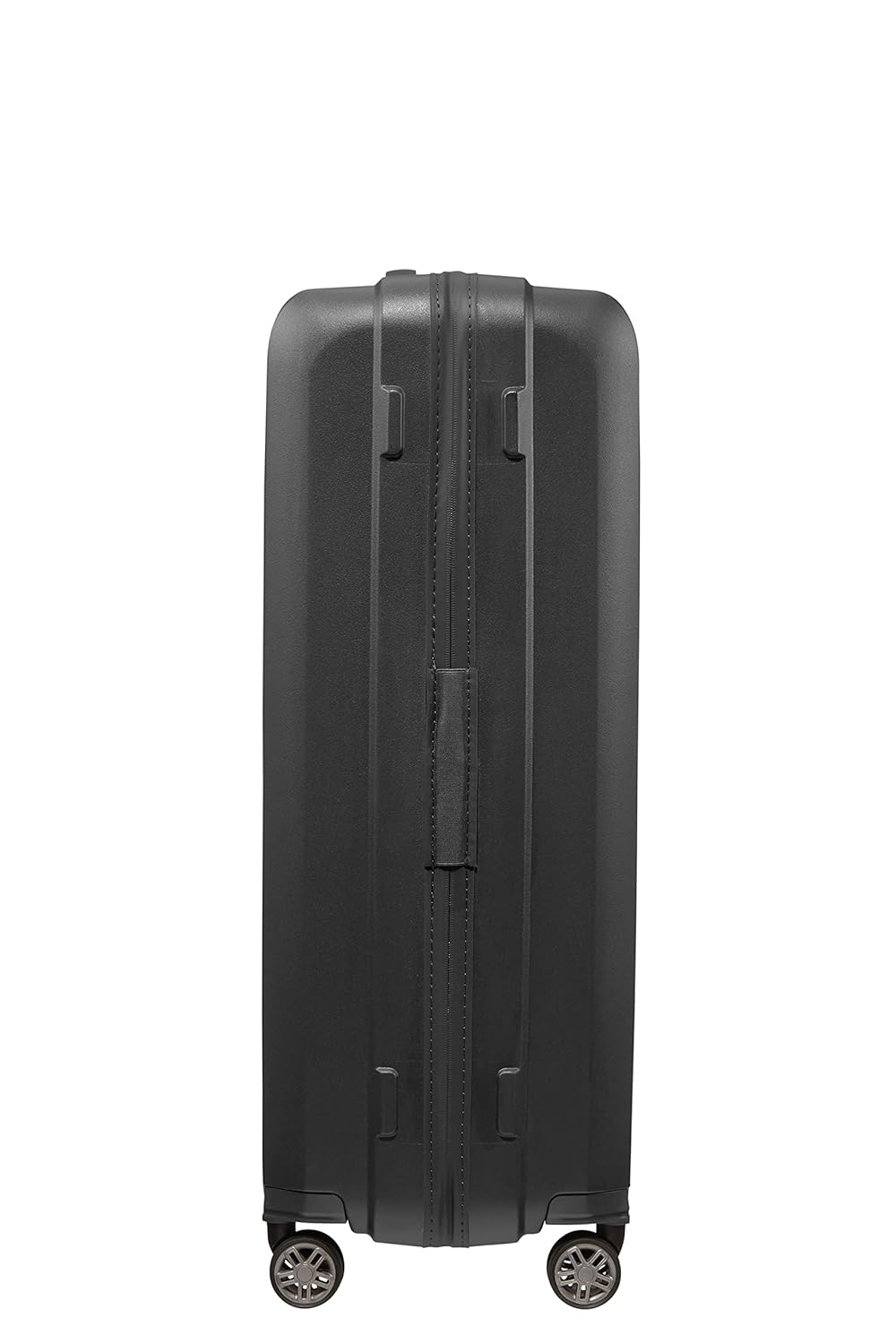
Figure 4: Telescopic handle with release button.
4.2 Maneuvering with Spinner Wheels
Your Samsonite Hi-Fi bag is equipped with 8 spinner wheels, allowing for 360-degree rotation and effortless movement in any direction. For optimal performance, push the bag upright on all four wheels. This reduces strain on your arm and wrist.
4.3 Utilizing Expandability
For additional packing capacity, locate the expansion zipper around the perimeter of the main compartment. Unzip this zipper to expand the bag's depth. Zip it back up to return to the standard size.
4.4 Packing the Interior
The interior features cross-straps to secure your belongings and a zippered divider for organized packing. Utilize these features to keep your items neat and prevent shifting during travel.

Figure 5: Organized interior with cross-straps and zippered divider.
5. Maintenance
5.1 Cleaning the Exterior
To clean the polypropylene exterior, wipe with a soft cloth dampened with mild soap and water. Avoid harsh chemicals or abrasive cleaners, as these can damage the finish. Dry thoroughly after cleaning.
5.2 Cleaning the Interior
The interior lining is removable and hand-washable. Detach the lining carefully, hand wash with mild detergent, rinse thoroughly, and air dry completely before reattaching it to the bag.

Figure 6: Interior pocket for small items.
5.3 Wheel and Handle Care
Periodically check the wheels for debris and clean them as needed. Lubricate the wheel axles and telescopic handle mechanism with a silicone-based spray if they become stiff. Avoid oil-based lubricants.
5.4 Storage
Store your trolley bag in a cool, dry place away from direct sunlight when not in use. Ensure it is empty and clean to prevent odors or mildew.
6. Troubleshooting
- Telescopic Handle is Stiff or Stuck: Ensure the release button is fully depressed. Check for any obstructions in the handle mechanism. Apply a small amount of silicone spray to the extending rods.
- Wheels Not Rolling Smoothly: Inspect wheels for trapped debris (hair, lint, dirt). Clean thoroughly. If a wheel is damaged, contact Samsonite customer service for repair options.
- Combination Lock Not Opening: Double-check that you are entering the correct 3-digit combination. If you have forgotten your combination, there is no master key or reset code. You may need to try combinations or contact a locksmith.
- Zipper Issues: If a zipper is stuck, gently pull the fabric away from the zipper teeth and try to move the slider. Avoid forcing it. Lubricate with a zipper lubricant if necessary.
7. Specifications
| Feature | Detail |
|---|---|
| Brand | Samsonite |
| Model | Hi-Fi |
| Size | Checkin | 75 cm | Large |
| Outer Material | Polypropylene |
| Shell Type | Hard |
| Colour | Black |
| Wheel Type | Spinner |
| Number of Wheels | 8 |
| Lock Type | Combination Lock (TSA) |
| Capacity | 100 litres |
| Item Dimensions (L x W x H) | 50L x 28W x 75.5H Centimeters |
| Item Weight | 3400 Grams |

Figure 7: Dimensions of the 75 cm Check-in Trolley Bag.
8. Warranty and Support
8.1 Warranty Information
This Samsonite Hi-Fi trolley bag comes with a Limited 10-year manufacturer international warranty. The warranty is non-transferable and valid for 10 years from the original date of purchase. Please retain your proof of purchase for warranty claims.
For detailed warranty terms and conditions, please refer to the warranty card included with your product or visit the official Samsonite website.
8.2 Customer Support
For any questions, concerns, or assistance with your Samsonite product, please contact Samsonite customer support. Contact details can typically be found on the Samsonite website or on the product's packaging.
Manufacturer Contact Information: Samsonite South Asia Pvt. Ltd. GAT no. 159 to 163, Gonde, Taluka - Igatpuri, Nashik : 422403. Tel No. 02553-229700.