
Swann SWNVW-MR4KCAM-US
Swann Max Ranger 4K Wi-Fi NVR Security Add-on Camera User Manual
Model: SWNVW-MR4KCAM-US | Brand: Swann
Introduction
This manual provides detailed instructions for the setup, operation, and maintenance of your Swann Max Ranger 4K Wi-Fi NVR Security Add-on Camera. Designed for extensive coverage, this camera features 4K Ultra HD video, solar power for continuous operation, and advanced person/vehicle detection.
Product Overview
Video: "What is MaxRanger?" - An introductory video providing a general overview of the Swann Max Ranger 4K system and its capabilities.
What's in the Box?
The following components are included with your Swann Max Ranger 4K Add-on Camera:
- 1 x MaxRanger4K Wireless Camera
- Mounting Screws and Plugs
- USB to Type-C Charging Cable
- Security Stickers
Note: This is an add-on camera. A MaxRanger4K Hub is required for operation and is sold separately.

Image: Contents of the MaxRanger4K Add-on Camera box, showing the camera, mounting hardware, charging cable, and security stickers.
Setup
1. Initial Charging and Power
The camera features a built-in solar panel for continuous charging. For initial setup or if the battery is low, connect the camera to a power source using the provided USB to Type-C charging cable. Ensure the solar panel receives adequate direct sunlight for optimal performance.

Image: The Swann Max Ranger 4K camera highlighting its integrated solar panel for continuous power.
2. Connecting to the MaxRanger4K Hub
Ensure your MaxRanger4K Hub is powered on and connected to your network. The add-on camera communicates wirelessly with the hub using 900MHz Wi-Fi technology, providing extended range and reliable connection.

Image: Side view of the Swann Max Ranger 4K camera, showing its antenna for long-range wireless communication.
3. Pairing the Camera
Follow the instructions in the Swann Security App to pair your new add-on camera with your existing MaxRanger4K Hub. The app will guide you through the pairing process.
4. Mounting the Camera
Select a suitable outdoor location for mounting the camera, ensuring the solar panel has unobstructed access to sunlight for several hours daily. Use the provided mounting screws and plugs to securely attach the camera to a wall or other stable surface. The camera is designed for easy, wire-free installation.

Image: A man installing the wire-free Swann Max Ranger 4K camera on the exterior wall of a house, demonstrating easy setup.
Operating Instructions
1. Swann Security App & Key Features
The Swann Security App is your primary interface for managing the Max Ranger 4K camera. Through the app, you can:
- View live footage from your camera.
- Access recorded video playback.
- Adjust detection settings and notification preferences.
- Utilize two-way audio.

Image: Screenshot of the Swann Security App interface on a smartphone, demonstrating live video viewing and options to share access with family members.
Video: "Swann MaxRanger4K Overview" - A detailed overview of the MaxRanger4K system's features and benefits.
2. True Detect+ AI Recording & Alerts
The camera features True Detect+ technology, which senses heat, motion, people, and vehicles. This intelligent detection triggers recording and sends instant alerts to your smartphone, minimizing false alarms.

Image: Visual representation of Swann's True Detect+ AI feature, showing the camera identifying a person and a vehicle, triggering motion alerts.
3. Two-Way Audio
Communicate with visitors or deter intruders using the built-in microphone and speaker. The two-way audio feature allows you to listen in and speak through the camera directly from your app.

Image: A delivery person at a front door, with the Swann Max Ranger 4K camera enabling two-way communication, showing speech bubbles for interaction.
4. Color Night Vision
Experience crystal clear 4K Ultra HD color video, day or night, thanks to the high-end Sony STARVIS™ sensor and integrated spotlights. This ensures detailed footage even in low-light conditions.
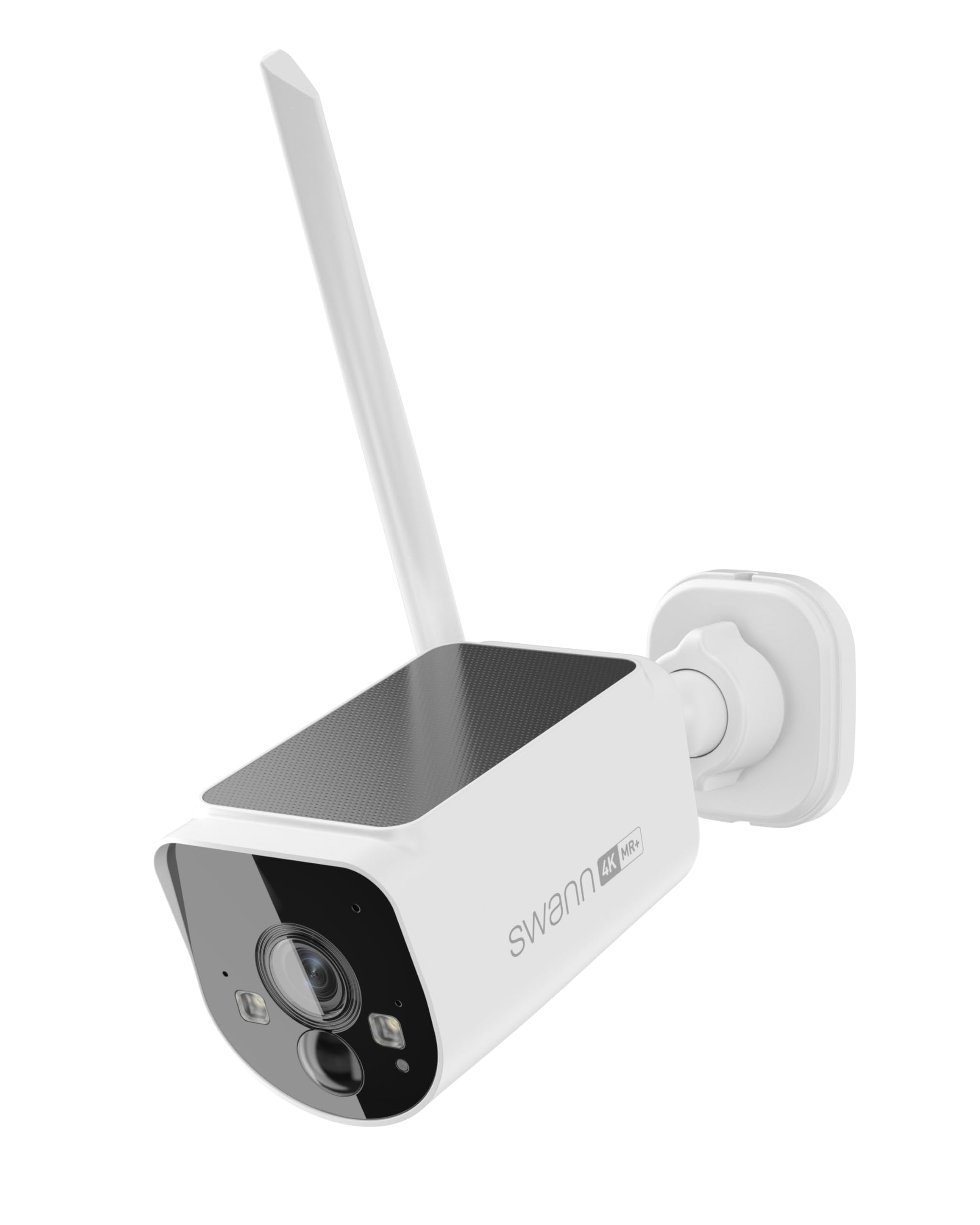
Image: Front view of the Swann Max Ranger 4K camera, showing its lens and integrated spotlights for enhanced night vision.
5. Storage
The MaxRanger4K Hub includes 64GB of local storage via a Micro SD card, which can be expanded up to 256GB. Additionally, the system supports cloud backup for your video clips, ensuring your footage is always secure without ongoing fees.

Image: Diagram illustrating the dual storage options: local recording to a 64GB Micro SD card in the hub and optional cloud backup.
Maintenance
1. Solar Panel Care
To ensure optimal performance, periodically clean the solar panel surface to remove any dust, dirt, or debris that may obstruct sunlight absorption. Use a soft, damp cloth for cleaning.
2. Battery Management
The camera is designed to be "Forever Charged" with its built-in solar panel. However, in prolonged periods of low sunlight or heavy usage, the battery level may drop. Monitor the battery status via the Swann Security App and recharge manually if necessary using the provided USB-C cable.
3. Weatherproofing
The Swann Max Ranger 4K camera is IP65 rated, meaning it is protected against dust and low-pressure water jets. While designed for outdoor use, avoid directing high-pressure water streams directly at the camera.
Troubleshooting
1. Poor Signal Strength
The MaxRanger4K camera utilizes 900MHz Wi-Fi for extended range. If experiencing poor signal, try repositioning the camera or the hub to minimize obstacles like thick walls or large metal objects. Ensure the camera's antenna is properly oriented.

Image: Diagram illustrating the MaxRanger4K's ability to penetrate walls and obstacles for a stronger wireless signal.
2. Battery Not Holding Charge
Verify that the solar panel is clean and receiving sufficient direct sunlight. If the issue persists, manually charge the camera using the USB-C cable. If the problem continues, contact Swann support.
3. False Detections or Missed Events
Adjust the motion detection sensitivity settings within the Swann Security App. You can also define specific detection zones to focus on critical areas and reduce unwanted alerts.

Image: Screenshot from the Swann Security App demonstrating how to set up customizable detection zones to refine motion alerts.
Specifications
| Feature | Detail |
|---|---|
| Video Capture Resolution | 4K Ultra HD |
| Connectivity Protocol | Wi-Fi (900MHz HaLow) |
| Power Source | Solar Powered (Built-in Solar Panel) |
| Battery | Rechargeable 12,600mAh 3-Cell Lithium Battery |
| Indoor/Outdoor Usage | Outdoor (IP65 Weatherproof) |
| Wireless Range | Up to 2000ft (600m) in open air; Up to 650ft (200m) typical |
| Special Features | 2-Way Audio, Color Night Vision, Person/Vehicle Detection |
| Storage | Local (via Hub's 64GB Micro SD, expandable to 256GB) & Cloud Backup |
Warranty & Support
For warranty information and technical support, please visit the official Swann website or contact their customer service. Keep your purchase receipt for warranty claims.
Related documentsSWNVW-MR4KCAM-US


Ask a question about this manual
Ask about setup, troubleshooting, compatibility, parts, safety, or missing instructions. Manuals+ will review the question and use this page’s manual context to help answer it.