
boAt Airdopes Unity ANC
boAt Airdopes Unity ANC TWS Earbuds User Manual
Model: Airdopes Unity ANC
1. Introduction
Thank you for choosing the boAt Airdopes Unity ANC TWS Earbuds. This manual provides essential information for setting up, operating, and maintaining your earbuds to ensure optimal performance and longevity. Please read this manual thoroughly before using the product.
The boAt Airdopes Unity ANC earbuds are designed for an immersive audio experience with Active Noise Cancellation (ANC) up to 32dB, long playback time, and clear calls facilitated by Dual Mics with ENx Technology.
2. What's in the Box
Verify that all items are present in your package:
- 1 x Earbuds
- 1 x Charging Cable
- 1 x User manual
3. Product Overview
Familiarize yourself with the components of your Airdopes Unity ANC earbuds and charging case.

Image: The boAt Airdopes Unity ANC earbuds are shown resting inside their open charging case. The earbuds are grey, matching the case, and feature a sleek, ergonomic design. The boAt logo is visible on the front of the charging case.
Earbud Components:
- Touch Control Area: For managing playback, calls, and modes.
- Microphone: Dual Mics with ENx™ Technology for clear voice capture.
- LED Indicator: Shows connection and battery status.
- Charging Contacts: For charging inside the case.
Charging Case Components:
- Charging Port: USB Type-C port for charging the case.
- Case LED Indicator: Displays charging status of the case.
- Earbud Slots: Securely holds and charges the earbuds.
4. Setup
4.1 Charging the Earbuds and Case
Before first use, fully charge the earbuds and the charging case.
- Place both earbuds into the charging case, ensuring they are correctly seated.
- Connect the USB Type-C charging cable to the charging port on the case and the other end to a USB power adapter (5V/1A recommended) or a computer's USB port.
- The case LED indicator will show charging status. Once fully charged, the indicator will change or turn off.
- A full charge provides up to 50 hours of total playback time with the charging case.

Image: The boAt Airdopes Unity ANC earbuds are depicted floating above their charging case, with a clock-like graphic below, illustrating the impressive 50 hours of total playback time. The earbuds and case are grey.
4.2 Pairing with Your Device
The Airdopes Unity ANC features Insta Wake 'n' Pair (IWP) Technology for seamless connection.
- First-time Pairing: Open the lid of the charging case. The earbuds will automatically enter pairing mode, indicated by a flashing LED on one of the earbuds.
- On your smartphone or Bluetooth-enabled device, go to Bluetooth settings and search for available devices.
- Select "Airdopes Unity ANC" from the list. Once connected, a voice prompt will confirm the successful pairing.
- Subsequent Pairing (IWP): After the initial pairing, simply open the lid of the charging case, and the earbuds will automatically connect to the last paired device (if Bluetooth is enabled on the device).

Image: This composite image showcases three key features. Top right shows the earbuds and case with text "Dual EQ Modes", indicating "boAt Signature Sound" and "Balanced Mode". Bottom left shows the earbuds and case with "Ambient Mode". Bottom right shows a smartphone screen displaying "Airdopes Unity ANC" with the earbuds and case, highlighting "Insta Wake 'n' Pair Technology".
5. Operating Your Earbuds
The Airdopes Unity ANC earbuds feature intuitive touch controls for various functions.
5.1 Touch Controls
| Function | Action |
|---|---|
| Play/Pause | Single tap on either earbud. |
| Next Track | Double tap on the Right earbud. |
| Previous Track | Double tap on the Left earbud. |
| Answer/End Call | Single tap on either earbud. |
| Reject Call | Long press (2 seconds) on either earbud. |
| Activate Voice Assistant | Triple tap on either earbud. |
| Switch ANC/Transparency/Normal Mode | Long press (2 seconds) on the Left earbud. |
| Toggle BEAST™ Mode | Long press (2 seconds) on the Right earbud. |
5.2 Active Noise Cancellation (ANC)
The Airdopes Unity ANC features Active Noise Cancellation up to 32dB, reducing ambient noise for an immersive listening experience.
- ANC Mode: Reduces external noise. Ideal for travel or noisy environments.
- Transparency Mode: Allows you to hear your surroundings while still enjoying your audio. Useful for awareness in urban environments.
- Normal Mode: ANC and Transparency modes are off.
Toggle between these modes by long-pressing the Left earbud's touch control area.
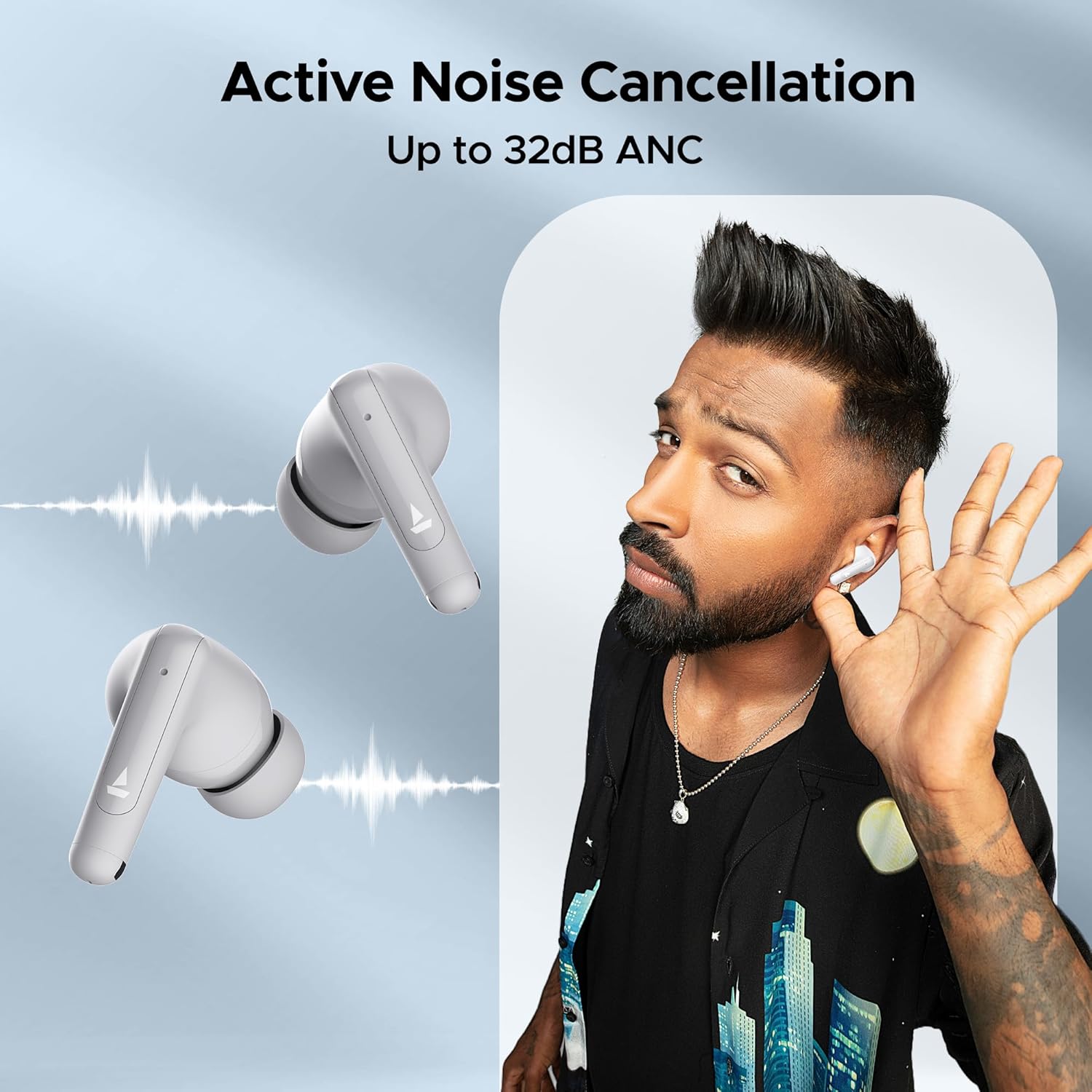
Image: A person is shown wearing the boAt Airdopes Unity ANC earbuds, with sound wave graphics emanating from the earbuds, illustrating the Active Noise Cancellation feature. The text "Active Noise Cancellation Up to 32dB ANC" is prominently displayed.
5.3 BEAST™ Mode (Low Latency)
Activate BEAST™ Mode for a low-latency audio experience, perfect for gaming or watching videos, ensuring audio and video synchronization.
- Latency is reduced to 50ms in BEAST™ Mode.
- Toggle BEAST™ Mode by long-pressing the Right earbud's touch control area.

Image: The boAt Airdopes Unity ANC earbuds are shown alongside a smartphone displaying a gaming scene, with text "BEAST™ Mode 50ms Low Latency", emphasizing the earbuds' suitability for gaming due to reduced audio delay.
5.4 ENx™ Technology (Environmental Noise Cancellation)
The Dual Mics with ENx™ Technology enhance call clarity by suppressing environmental noise, ensuring your voice is heard clearly during calls.
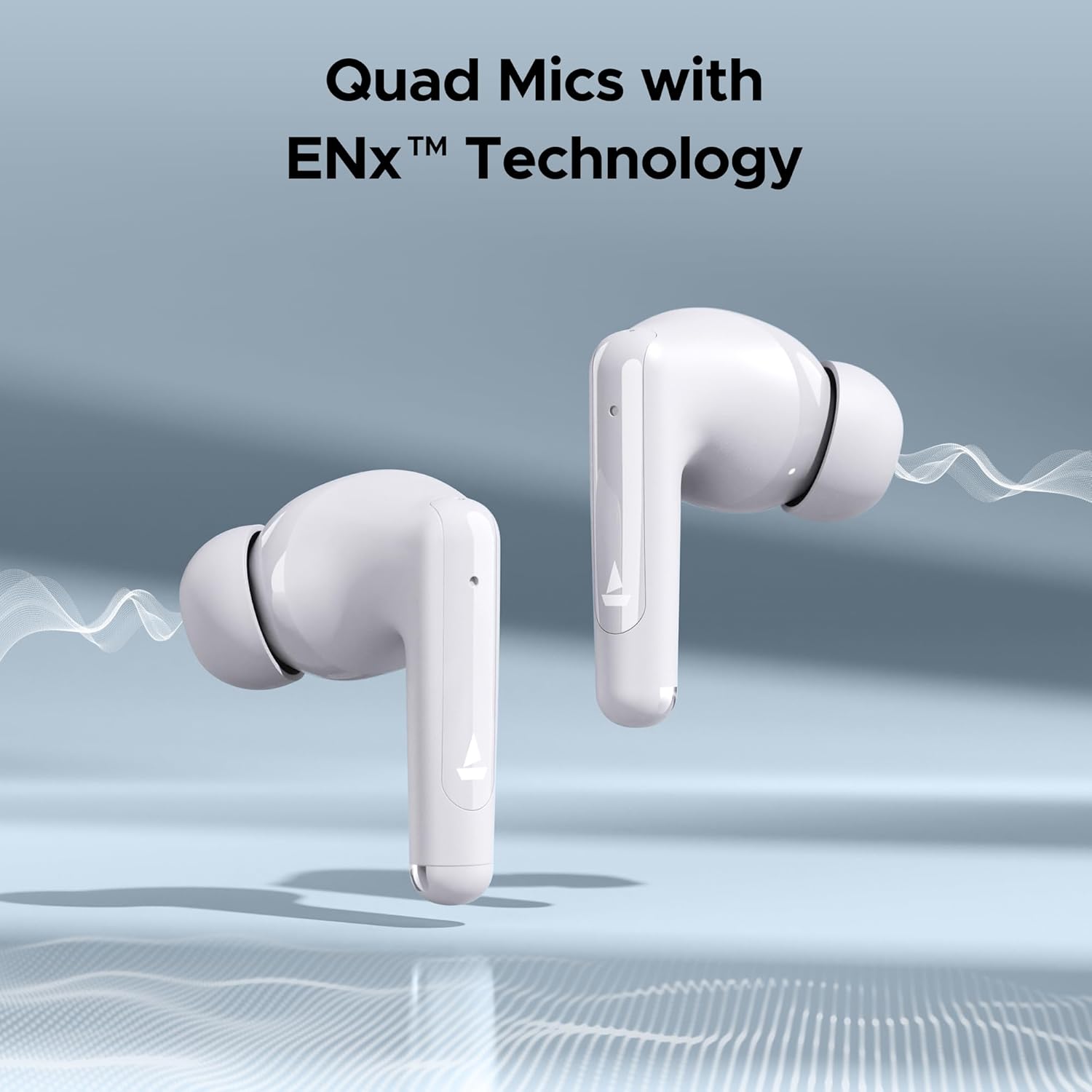
Image: Close-up of the boAt Airdopes Unity ANC earbuds with sound wave graphics, highlighting the "Quad Mics with ENx™ Technology" feature, which improves call quality by reducing background noise.
6. Maintenance
Proper maintenance ensures the longevity and optimal performance of your earbuds.
6.1 Cleaning
- Regularly clean the earbuds, especially the eartips and charging contacts, with a soft, dry, lint-free cloth.
- Do not use abrasive cleaners, alcohol, or chemical solvents.
- Clean the charging case with a soft, dry cloth.
6.2 Storage
- When not in use, always store the earbuds in their charging case to protect them and keep them charged.
- Store in a cool, dry place, away from extreme temperatures and direct sunlight.
6.3 Water Resistance (IPX5)
The Airdopes Unity ANC earbuds are IPX5 rated, meaning they are resistant to sweat and light splashes of water. They are not designed for submersion in water or exposure to heavy rain.
- Do not intentionally submerge the earbuds in water.
- Dry the earbuds thoroughly before placing them back in the charging case if they get wet.
7. Troubleshooting
If you encounter issues with your Airdopes Unity ANC, try the following solutions:
- Earbuds not pairing:
- Ensure both earbuds are charged.
- Place earbuds back in the case, close the lid, wait a few seconds, then open the lid to re-enter pairing mode.
- Turn off and on Bluetooth on your device.
- Forget "Airdopes Unity ANC" from your device's Bluetooth list and try pairing again.
- Only one earbud working:
- Ensure both earbuds are charged.
- Place both earbuds back in the case, close the lid, then open it again.
- Try resetting the earbuds (refer to manufacturer's website for specific reset instructions if needed).
- Low volume or poor sound quality:
- Adjust the volume on your connected device.
- Ensure eartips are properly sealed in your ear canal. Try different sized eartips.
- Clean any debris from the earbud nozzles.
- ANC not effective:
- Ensure ANC mode is activated (long press Left earbud).
- Ensure a proper seal with your ear canal.
8. Specifications
Key technical specifications for the boAt Airdopes Unity ANC:
| Feature | Detail |
|---|---|
| Model Name | Airdopes Unity ANC |
| Connectivity Technology | Bluetooth |
| Wireless Communication Technology | Bluetooth |
| Noise Control | Active Noise Cancellation (up to 32dB) |
| Total Playback Time | Up to 50 Hours (with charging case) |
| Microphones | Dual Mics with ENx™ Technology |
| Water Resistance Rating | IPX5 |
| Control Type | Wireless (Touch Controls) |
| Control Method | Voice (Built-In Voice Assistant) |
| Item Weight | 45 Grams |
| Material | Plastic |
| Product Dimensions | 5 x 3 x 5 cm |
| Batteries | 1 Lithium Polymer battery (included) |
9. Warranty and Support
boAt products come with a standard warranty. For detailed warranty information, terms, and conditions, please refer to the warranty card included in your package or visit the official boAt website.
For product-related queries, technical support, or service requests, please contact boAt customer support:
- Contact Number: +91 (022) 69181920
- Email: info@imaginemarketingindia.com
- Manufacturer: Imagine Marketing Limited
- Address: Unit no. 204 & 205, 2nd floor, D-wing & E-wing, Corporate Avenue, Andheri Ghatkopar Link Road, Mumbai, Maharashtra-400093, India
You can also visit the official boAt store on Amazon for more information: boAt Store
Related documentsAirdopes Unity ANC


Ask a question about this manual
Ask about setup, troubleshooting, compatibility, parts, safety, or missing instructions. Manuals+ will review the question and use this page’s manual context to help answer it.