1. Product Overview
The MINISO Winnie the Pooh Piglet Keychain is a decorative and functional accessory designed for attaching to keys, backpacks, handbags, or car keys. It features a detailed representation of the character Piglet from Winnie the Pooh, crafted from durable materials.

Image 1.1: Front view of the Piglet keychain, showing its character design and the attached wristlet loop.
Key Features:
- Durable Construction: Made from robust materials for daily use.
- Compact and Portable: Easy to carry and attach to various items.
- Detailed Design: Faithfully represents the Piglet character.
2. Setup and Attachment
This section provides instructions on how to attach your Piglet keychain to your desired item.
- Identify Attachment Point: Locate a suitable loop, ring, or zipper pull on your keys, backpack, handbag, or car keys.
- Open the Wristlet Loop: The keychain features an adjustable wristlet loop. Gently pull the orange tab to loosen the loop.
- Thread the Loop: Pass the loosened wristlet loop through the chosen attachment point on your item.
- Secure the Keychain: Once threaded, pull the orange tab to tighten the loop securely around the attachment point. Ensure it is snug to prevent accidental detachment.

Image 2.1: Detail of the adjustable orange wristlet loop, showing how it can be tightened or loosened.
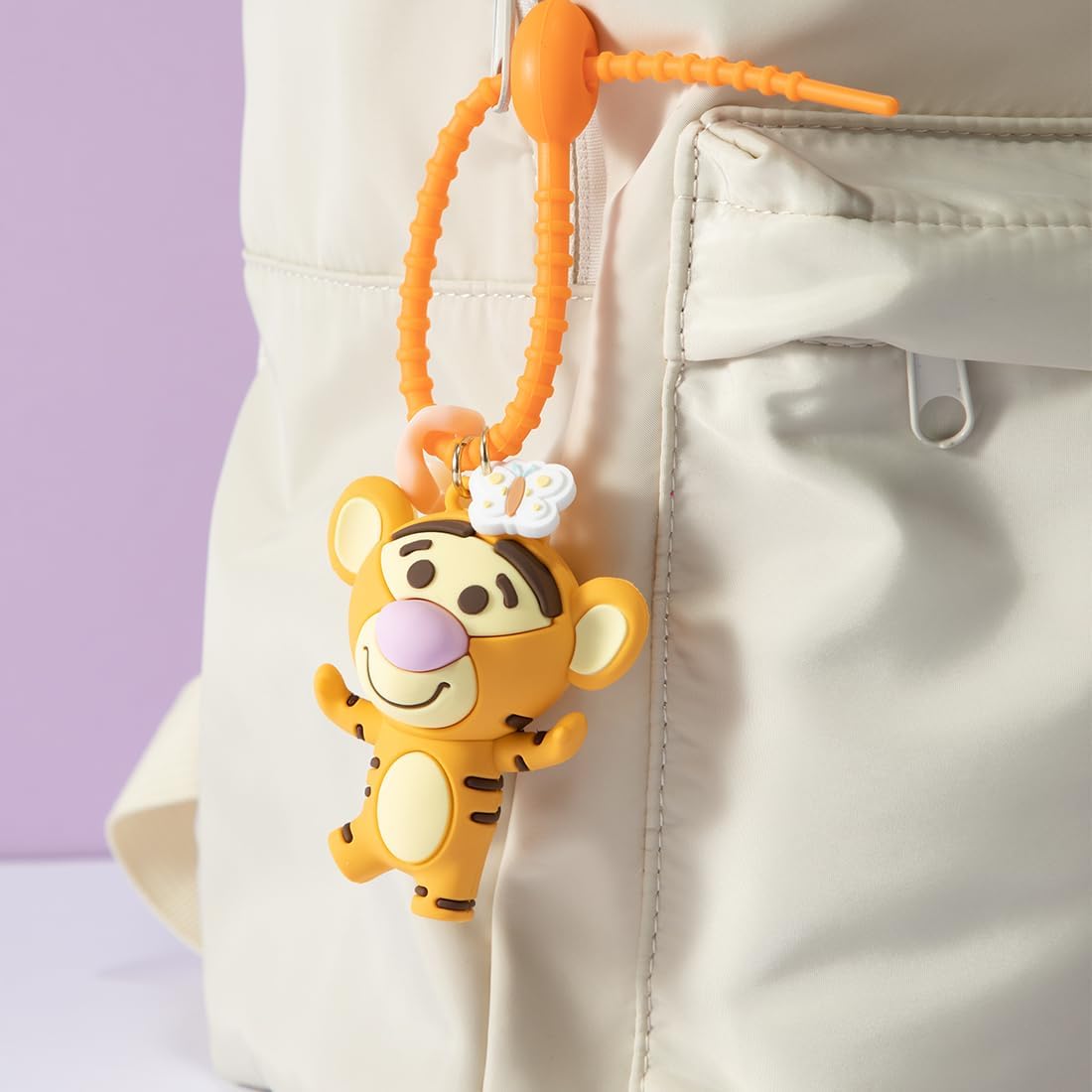
Image 2.2: The Piglet keychain securely attached to a backpack, demonstrating a typical use case.
3. Operating Instructions
The Piglet keychain is designed for straightforward use as a decorative and functional accessory.
- Attachment: As described in Section 2, attach the keychain to your desired item.
- Portability: Carry your item with the attached keychain. The durable design is intended for everyday portability.
- Identification: Use the keychain to easily identify your keys, bag, or other personal belongings.
4. Maintenance and Care
To ensure the longevity and appearance of your MINISO Winnie the Pooh Piglet Keychain, follow these care guidelines:
- Cleaning: Wipe the keychain with a soft, damp cloth to remove dust or dirt. Avoid using harsh chemicals or abrasive cleaners, as these may damage the material or paint.
- Storage: Store the keychain in a dry place when not in use.
- Avoid Excessive Force: While durable, avoid pulling or twisting the keychain with excessive force, especially the attachment loop, to prevent damage.
- Inspect Regularly: Periodically check the attachment loop and the keychain figure for any signs of wear or damage.
5. Troubleshooting
This section addresses common concerns you might encounter with your keychain.
| Problem | Possible Cause | Solution |
|---|---|---|
| Keychain detaches easily. | Attachment loop not securely tightened. | Ensure the orange tab is pulled firmly to tighten the wristlet loop around the attachment point. |
| Keychain appears dirty or dull. | Accumulation of dust or grime. | Clean with a soft, damp cloth as described in Section 4. |
| Damage to the Piglet figure or loop. | Excessive force or impact. | Discontinue use if significantly damaged. Contact MINISO customer support for further assistance if within warranty. |
6. Specifications
Detailed specifications for the MINISO Winnie the Pooh Piglet Keychain.
- Model Number: B0CMCZ8T9J
- Brand: MINISO
- Character: Piglet (Winnie the Pooh Collection)
- Material: Durable materials (as per product description)
- Package Dimensions: 6.61 x 3.46 x 1.77 inches
- Item Weight: 2.08 ounces
- Department: Womens
- Date First Available: September 6, 2023
- Origin: Imported
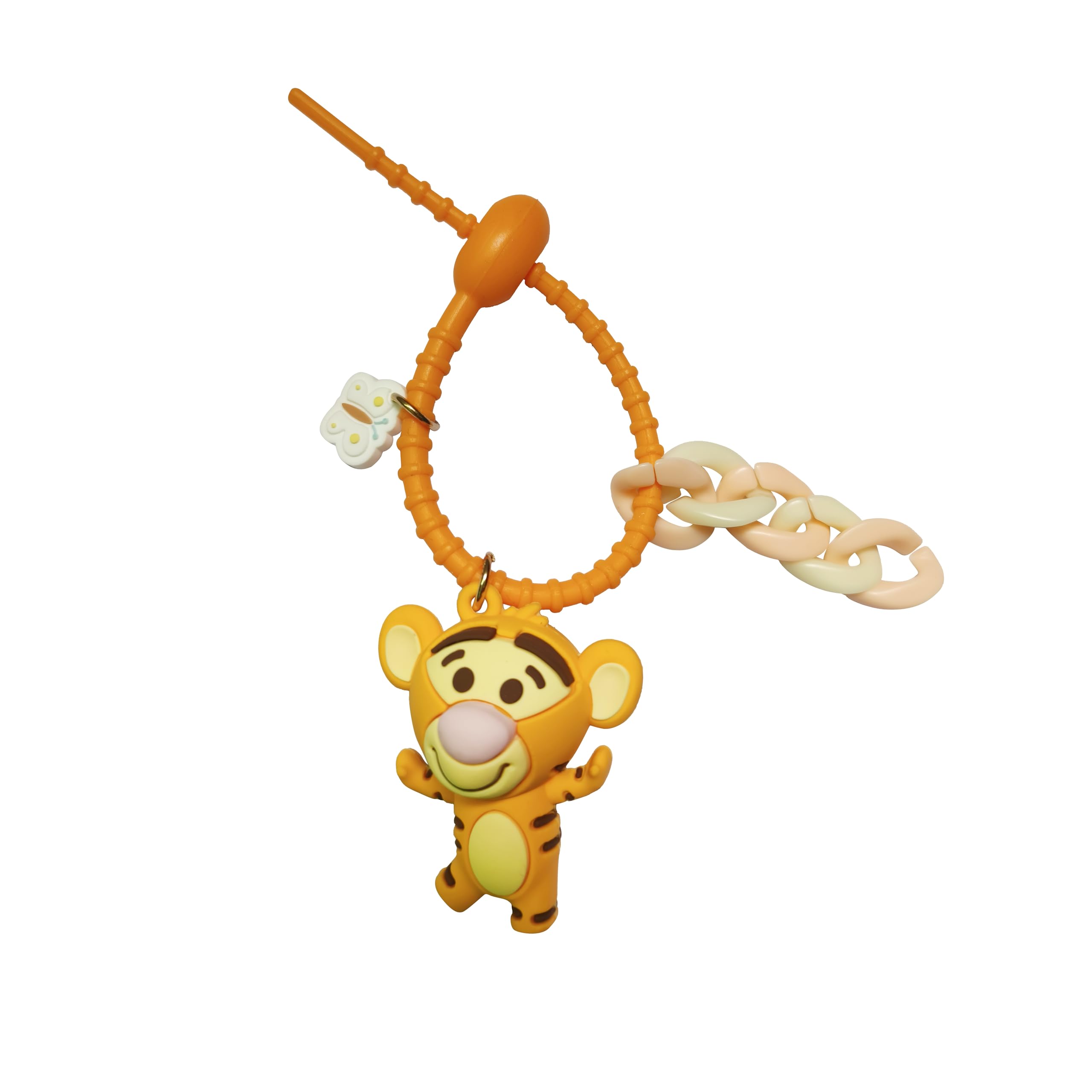
Image 6.1: Product dimensions for the Piglet keychain.
7. Warranty and Support
For warranty information or customer support regarding your MINISO Winnie the Pooh Piglet Keychain, please refer to the official MINISO website or contact their customer service directly. Keep your purchase receipt as proof of purchase.
MINISO Official Website: www.miniso.com


