
1. Introduction
Thank you for choosing the AWEI A710BL Wireless Noise-Cancelling Headphones. These headphones are engineered to provide a superior audio experience with advanced Active Noise Cancellation (ANC) technology, ensuring clear sound and minimal interference from your surroundings. Featuring the latest Bluetooth 5.0 chip, they offer stable and fast connectivity, along with a comfortable over-ear design for extended wear.
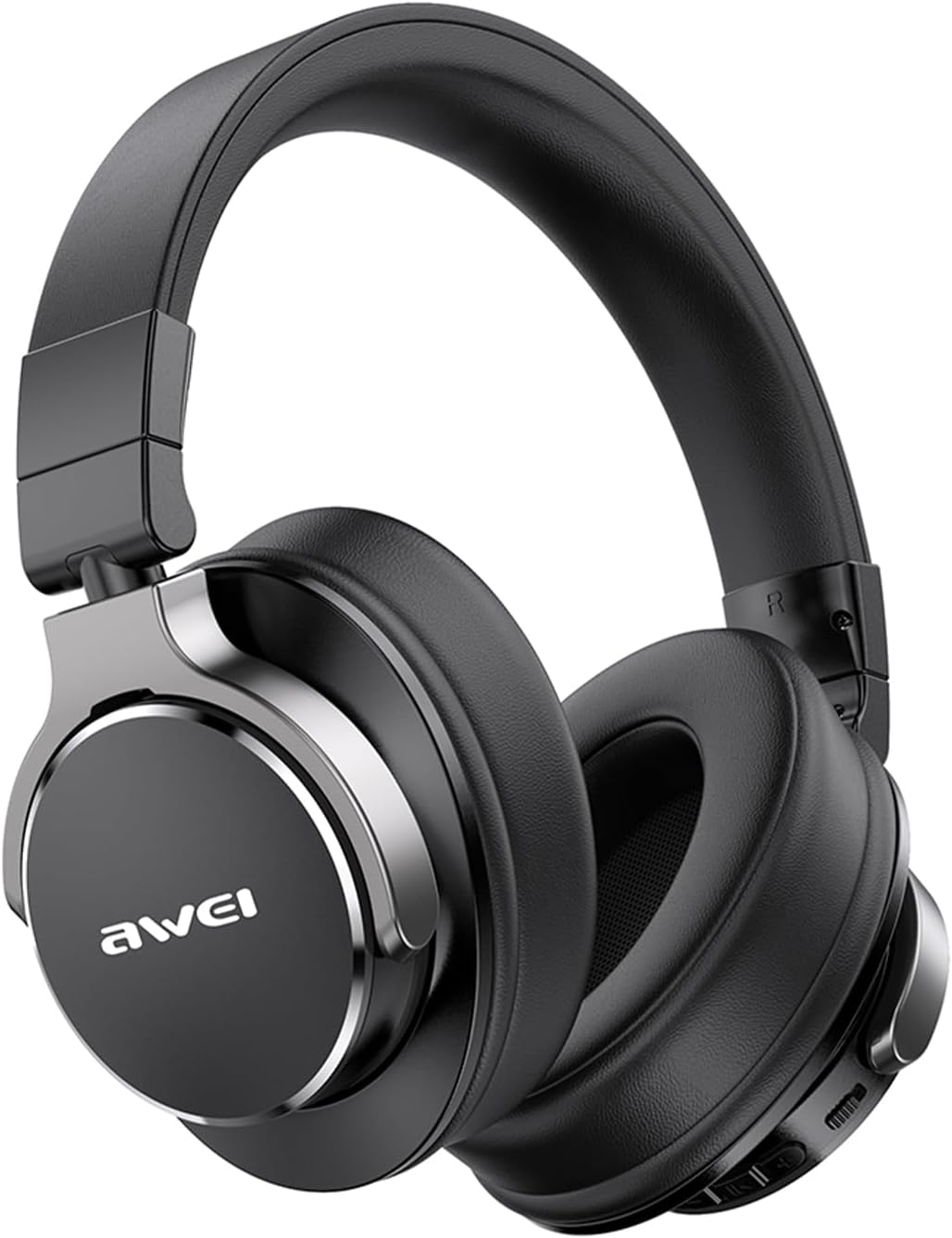
Image 1.1: The AWEI A710BL Wireless Noise-Cancelling Headphones in black, showcasing their sleek design and comfortable earcups.
2. Setup
2.1 Charging the Headphones
Before first use, fully charge your headphones. Connect the provided USB Type-C charging cable to the charging port on the headphones and the other end to a USB power source (e.g., computer, wall adapter). A full charge takes approximately 2 hours and provides up to 20 hours of playback time.
2.2 Bluetooth Pairing
- Ensure the headphones are powered off.
- Press and hold the Multi-Function Button (MFB) until the LED indicator flashes blue and red, indicating pairing mode.
- On your device (smartphone, tablet, computer), enable Bluetooth and search for available devices.
- Select "AWEI A710BL" from the list of devices.
- Once connected, the LED indicator will turn solid blue or flash blue slowly. The headphones are now ready for use.

Image 2.1: Overview of the headphone's charging port (Type-C) and control buttons, essential for setup and operation.
3. Operating Instructions
3.1 Basic Controls
- Power On/Off: Long press the MFB.
- Play/Pause: Short press the MFB.
- Volume Up: Short press VOL+.
- Volume Down: Short press VOL-.
- Next Track: Long press VOL+.
- Previous Track: Long press VOL-.
- Answer/End Call: Short press the MFB.
- Reject Call: Long press the MFB.
3.2 Active Noise Cancellation (ANC)
The A710BL headphones feature Active Noise Cancellation to minimize ambient noise. Locate the dedicated ANC ON-OFF button on the headphones. Press this button to toggle ANC on or off. When activated, the headphones will actively reduce external sounds like engine hum, office chatter, or subway noise, providing a more immersive listening experience.
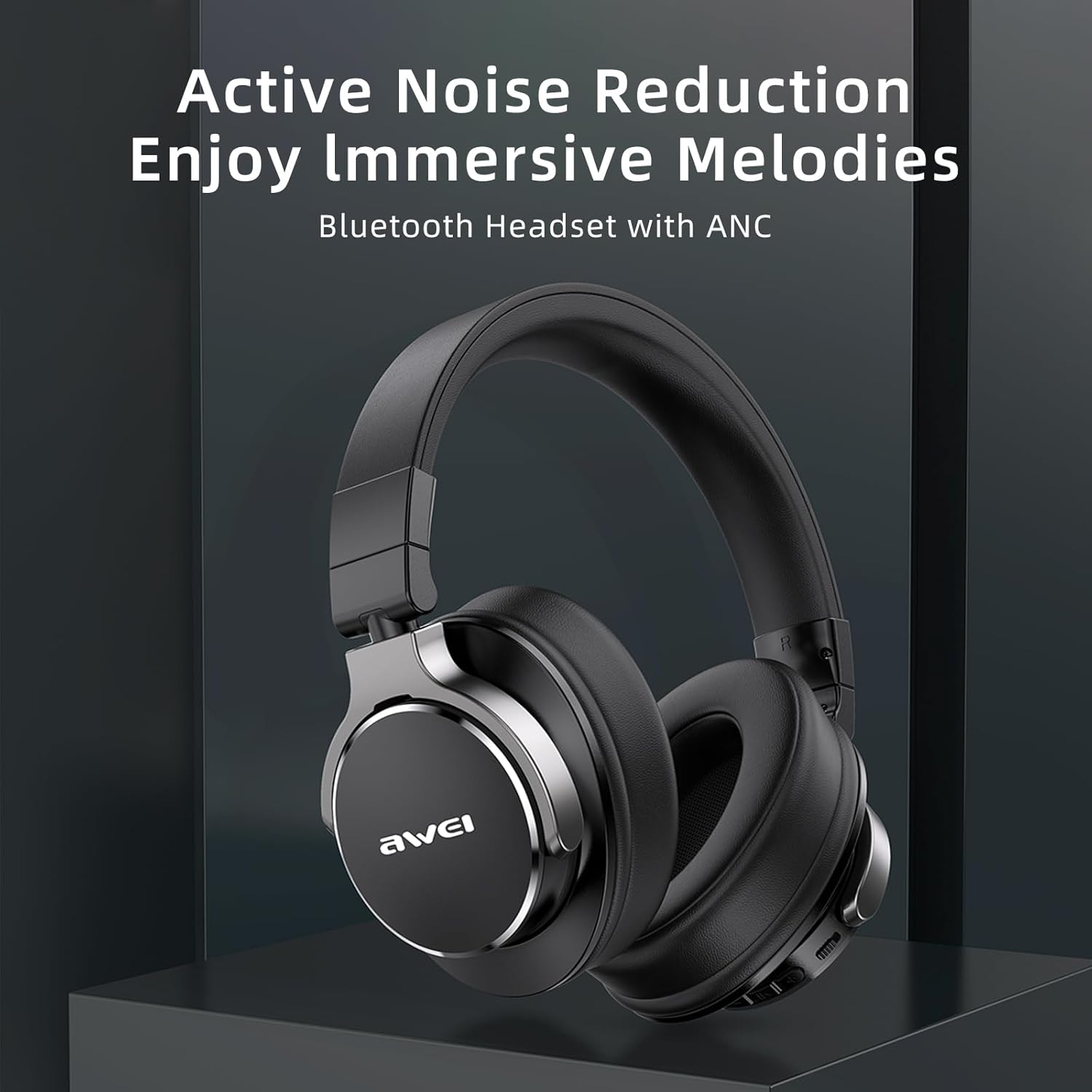
Image 3.1: The AWEI A710BL headphones highlighting their Active Noise Reduction capability for immersive audio.

Image 3.2: Visual representation of how the headphones provide an immersive experience by rejecting noise in various environments like a subway, busy street, shopping mall, and airplane cabin.
3.3 Audio Quality and Battery Life
Equipped with 40mm drivers, these headphones deliver deep, powerful, and immersive sound across a full range of frequencies. The 300mAh rechargeable battery supports up to 20 hours of continuous playback on a single charge, making them suitable for extended use during travel, work, or leisure.

Image 3.3: The AWEI A710BL headphones demonstrating high-capacity battery life suitable for games, voice calls, and music, with a smartphone interface in the background.
4. Maintenance
To ensure the longevity and optimal performance of your AWEI A710BL headphones, follow these maintenance guidelines:
- Cleaning: Gently wipe the earcups and headband with a soft, dry cloth. For stubborn dirt, a slightly damp cloth can be used, but ensure no moisture enters the speaker grilles or charging port.
- Storage: When not in use, store the headphones in a cool, dry place, away from direct sunlight and extreme temperatures. The headphones feature a stretchable and foldable beam design for compact storage and easy portability.
- Avoid Liquids: Do not expose the headphones to water or other liquids.
- Charging: Use only the provided charging cable or a certified Type-C cable. Avoid overcharging.

Image 4.1: Illustration of the AWEI A710BL headphones' stretchable and foldable design, making them compact and easy to store or transport.
5. Troubleshooting
If you encounter any issues with your AWEI A710BL headphones, please refer to the following common solutions:
| Problem | Possible Cause | Solution |
|---|---|---|
| Headphones won't power on | Low battery | Charge the headphones fully. |
| Cannot pair with device | Headphones not in pairing mode; Device Bluetooth off; Interference | Ensure headphones are in pairing mode (flashing red/blue). Turn device Bluetooth off and on. Move closer to the device. |
| No sound | Volume too low; Not connected; Incorrect audio output | Increase headphone and device volume. Re-pair the headphones. Check device audio output settings. |
| ANC not working effectively | ANC off; Type of noise | Ensure ANC is toggled ON. ANC is most effective against low-frequency, constant hums, not sudden or high-pitched noises. |
| Intermittent connection | Distance from device; Obstacles; Interference | Reduce distance to device (within 33 feet). Remove obstacles. Avoid areas with strong Wi-Fi or other Bluetooth signals. |
6. Specifications
| Feature | Detail |
|---|---|
| Model Name | A710BL |
| Connectivity Technology | Wireless (Bluetooth) |
| Wireless Communication Technology | Bluetooth 5.0 |
| Included Components | Over-ear Bluetooth Headphones, USB Charging Cable, User Manual |
| Material | Protein Leather (earcups) |
| Specific Product Uses | Travel, Gaming, Exercise, Cycling, Running, Calls |
| Compatible Devices | Mobile Phones, Tablets, Computers |
| Control Type | Button Control |
| Special Features | Adjustable Headband, Active Noise Cancellation (ANC) |
| Power Source Type | Battery Powered |
| Color | Black |
| Ear Placement | Over-Ear |
| Noise Control | Active Noise Cancellation |
| Battery Capacity | 300 mAh |
| Charging Time | Approx. 2 hours |
| Playback Time | Up to 20 hours |
7. Warranty and Support
Your AWEI A710BL headphones come with a 12-month warranty from the date of purchase, covering manufacturing defects. Additionally, we offer a 30-day return policy and lifetime user support.
If you have any questions or concerns regarding your product, please do not hesitate to contact our customer support team. We are committed to providing worry-free support and will respond to your inquiries within 12 hours.
Please retain your proof of purchase for warranty claims.


