
AWEI A300BL
AWEI A300BL Bluetooth Headphones
User Manual
Introduction
Thank you for choosing the AWEI A300BL Bluetooth Headphones. These over-ear headphones are designed to provide a high-quality audio experience with comfortable wear and convenient wireless connectivity. This manual will guide you through the setup, operation, and maintenance of your new headphones.
Key Features:
- Stereo Sound: Delivers immersive audio for various music genres.
- Bluetooth 5.3: Ensures fast, stable, and wide-range wireless connection up to 33ft.
- Long Playtime: Up to 12 hours of music playback on a single charge with a 400mAh battery.
- Comfortable Design: Features super-soft, pressure-relieving ear pads and a lightweight build for extended wear.
- 40mm Drivers: Reproduce a full range of frequencies for deep, powerful sound.
- Cool Ambient Lights: Changeable 7-color ambient lighting for an enhanced experience.
Package Contents
Please check the package carefully to ensure all items are present:
- 1 x AWEI A300BL Over-Ear Wireless Headphones
- 1 x Type-C Charging Cable
- 1 x User Manual (this document)
Product Overview
Familiarize yourself with the various parts and controls of your AWEI A300BL headphones.
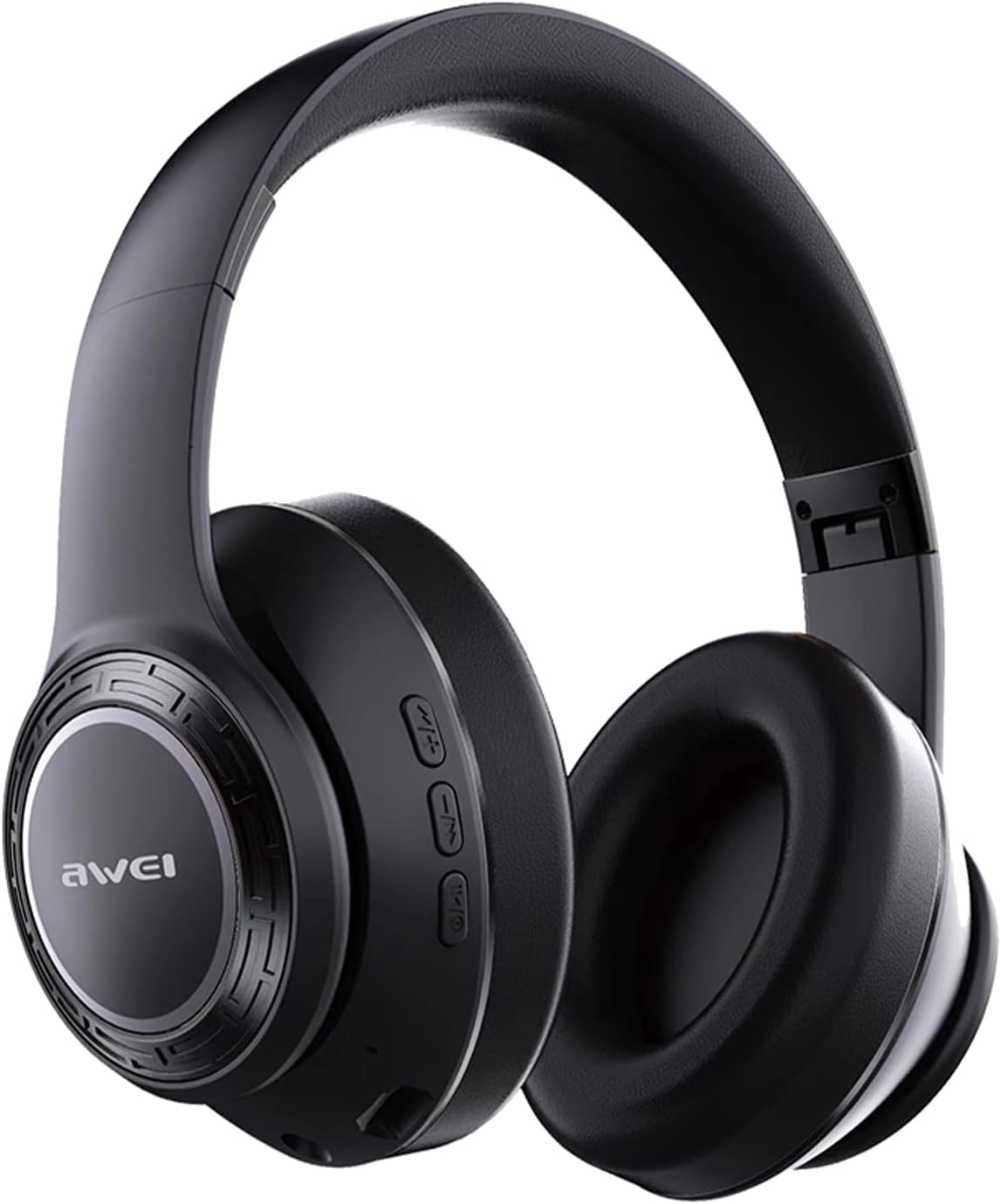
Image: Front view of the AWEI A300BL Bluetooth Headphones, showcasing the earcups and headband.

Image: Side view of the AWEI A300BL Bluetooth Headphones, highlighting the control buttons and the AWEI logo on the earcup, with text indicating Bluetooth 5.3 stable connection.
Controls and Ports:
- Power Button: Press and hold to power on/off.
- Volume Up/Next Track: Short press for volume up, long press for next track.
- Volume Down/Previous Track: Short press for volume down, long press for previous track.
- Multi-function Button (MFB): Play/pause, answer/end calls.
- Type-C Charging Port: For charging the headphones.
- LED Indicator: Shows power, pairing, and charging status.
Setup
Charging the Headphones:
- Connect the provided Type-C charging cable to the charging port on the headphones.
- Connect the other end of the cable to a USB power adapter (not included) or a computer's USB port.
- The LED indicator will show charging status (e.g., red while charging, off or blue when fully charged).
- A full charge takes approximately 2.5 hours.
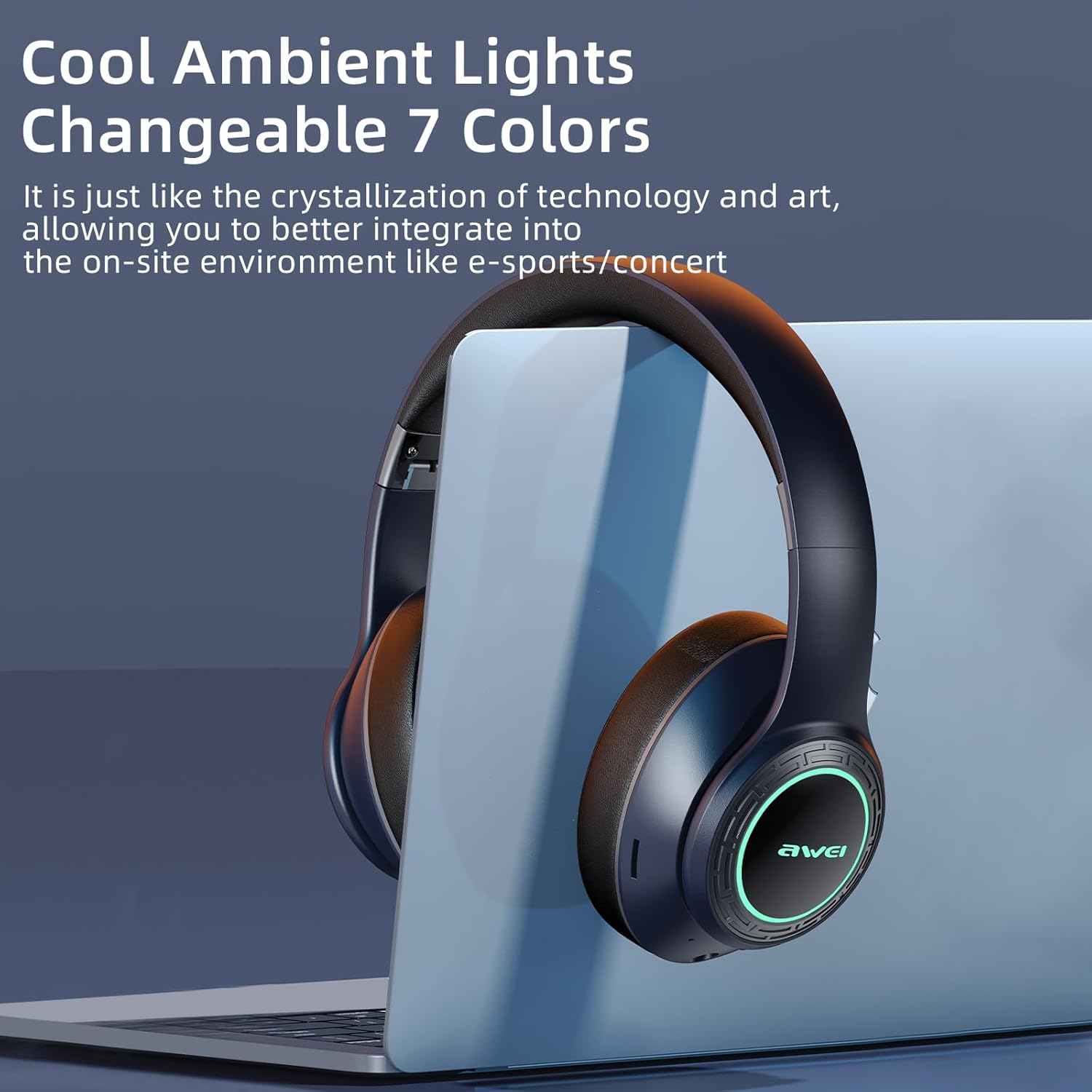
Image: AWEI A300BL headphones illustrating battery capacity (400mAh), standby time (300h), and play time (12h).
Pairing with a Bluetooth Device:
- Ensure the headphones are fully charged.
- With the headphones powered off, press and hold the Power button until the LED indicator flashes blue and red alternately, indicating pairing mode.
- On your device (smartphone, tablet, PC), enable Bluetooth and search for new devices.
- Select "AWEI A300BL" from the list of available devices.
- Once connected, the LED indicator will flash blue slowly or turn solid blue.
- The headphones will automatically reconnect to the last paired device when powered on, if the device's Bluetooth is enabled and within range.
Operating Instructions
Basic Functions:
| Action | Button/Control | Description |
|---|---|---|
| Power On/Off | Power Button | Press and hold for 3 seconds. |
| Play/Pause | MFB | Short press. |
| Volume Up | Volume Up (+) | Short press. |
| Volume Down | Volume Down (-) | Short press. |
| Next Track | Volume Up (+) | Long press. |
| Previous Track | Volume Down (-) | Long press. |
| Answer/End Call | MFB | Short press. |
| Reject Call | MFB | Long press. |
| Activate Voice Assistant | MFB | Double press (if supported by device). |
Ambient Lights:
The AWEI A300BL headphones feature changeable 7-color ambient lights on the earcups. These lights automatically cycle through colors when the headphones are powered on. There is no specific button to control the light mode; they are designed to enhance the listening experience.
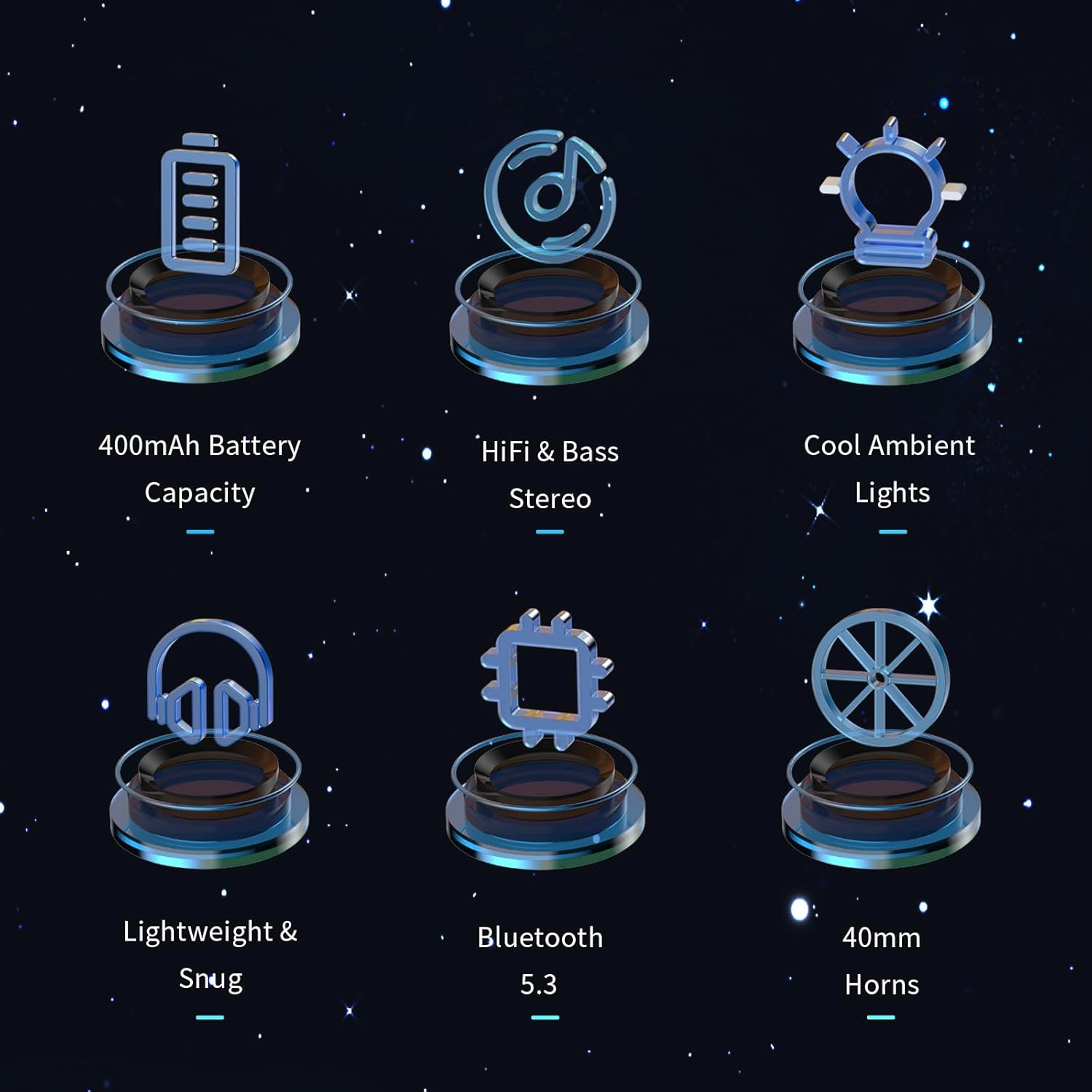
Image: AWEI A300BL headphones showcasing the cool ambient lights feature, with text indicating "Changeable 7 Colors".
Maintenance and Care
- Cleaning: Use a soft, dry cloth to wipe the headphones. Do not use abrasive cleaners or solvents.
- Storage: Store the headphones in a cool, dry place away from direct sunlight and extreme temperatures.
- Battery Care: To prolong battery life, charge the headphones regularly, even if not in frequent use. Avoid fully discharging the battery for extended periods.
- Water Resistance: These headphones are not waterproof. Avoid exposure to water or excessive moisture.
Troubleshooting
| Problem | Possible Solution |
|---|---|
| Headphones do not power on. | Ensure the headphones are fully charged. Connect to a power source and try again. |
| Cannot pair with device. | 1. Ensure headphones are in pairing mode (LED flashing blue/red). 2. Make sure Bluetooth is enabled on your device. 3. Move headphones closer to the device. 4. Forget "AWEI A300BL" from your device's Bluetooth list and try pairing again. |
| No sound or low volume. | 1. Check volume levels on both headphones and your connected device. 2. Ensure headphones are properly connected to the device. 3. Try playing different audio sources. |
| Sound cutting in/out. | 1. Move closer to your device to reduce interference. 2. Avoid obstacles between headphones and device. 3. Ensure no other strong wireless signals are interfering. |
Specifications
| Feature | Detail |
|---|---|
| Model | A300BL |
| Connectivity Technology | Bluetooth 5.3 |
| Wireless Range | Up to 33 feet (10 meters) |
| Battery Capacity | 400mAh |
| Play Time | 7-12 hours |
| Charging Time | Approx. 2.5 hours |
| Driver Size | 40mm |
| Ear Placement | Over Ear |
| Material | Plastic |
| Control Type | Button Control |
Warranty and Support
Your AWEI A300BL Bluetooth Headphones come with a 30-day return policy and a 12-month warranty from the date of purchase. This warranty covers manufacturing defects and workmanship.
For any questions, technical support, or warranty claims, please contact AWEI Direct customer service. We are committed to providing lifetime worry-free user support and will respond to your inquiries within 12 hours.
Please retain your proof of purchase for warranty purposes.
Ask a question about this manual
Ask about setup, troubleshooting, compatibility, parts, safety, or missing instructions. Manuals+ will review the question and use this page’s manual context to help answer it.