
1. Product Overview
This manual provides instructions for the Superer Charger Cord, designed to power and charge specific Hatteker beard trimmer and hair clipper models. Please read this manual thoroughly before use to ensure proper operation and safety.

Image 1.1: Superer Charger Cord. This image shows the charger cord, featuring a two-pin connector on one end and a USB-A plug on the other.
Package Contents:
- 1 x Power Adapter
- 1 x Power Cord
2. Safety Information
Your safety is paramount. Please observe the following precautions:
- UL Listed: This charger is UL listed, meeting nationally recognized standards for high-level electronic safety.
- Voltage Compatibility: Always verify that your device's power requirements (voltage and amperage) match the charger's output before connecting. This charger provides 5V 2A (10W) output. Do not use if your device requires more than 2A.
- Indoor Use Only: This charger is intended for indoor use in dry conditions. Avoid exposure to water or high humidity.
- Handle with Care: Do not drop, disassemble, or attempt to repair the charger.
- Children and Pets: Keep the charger and cord out of reach of children and pets.
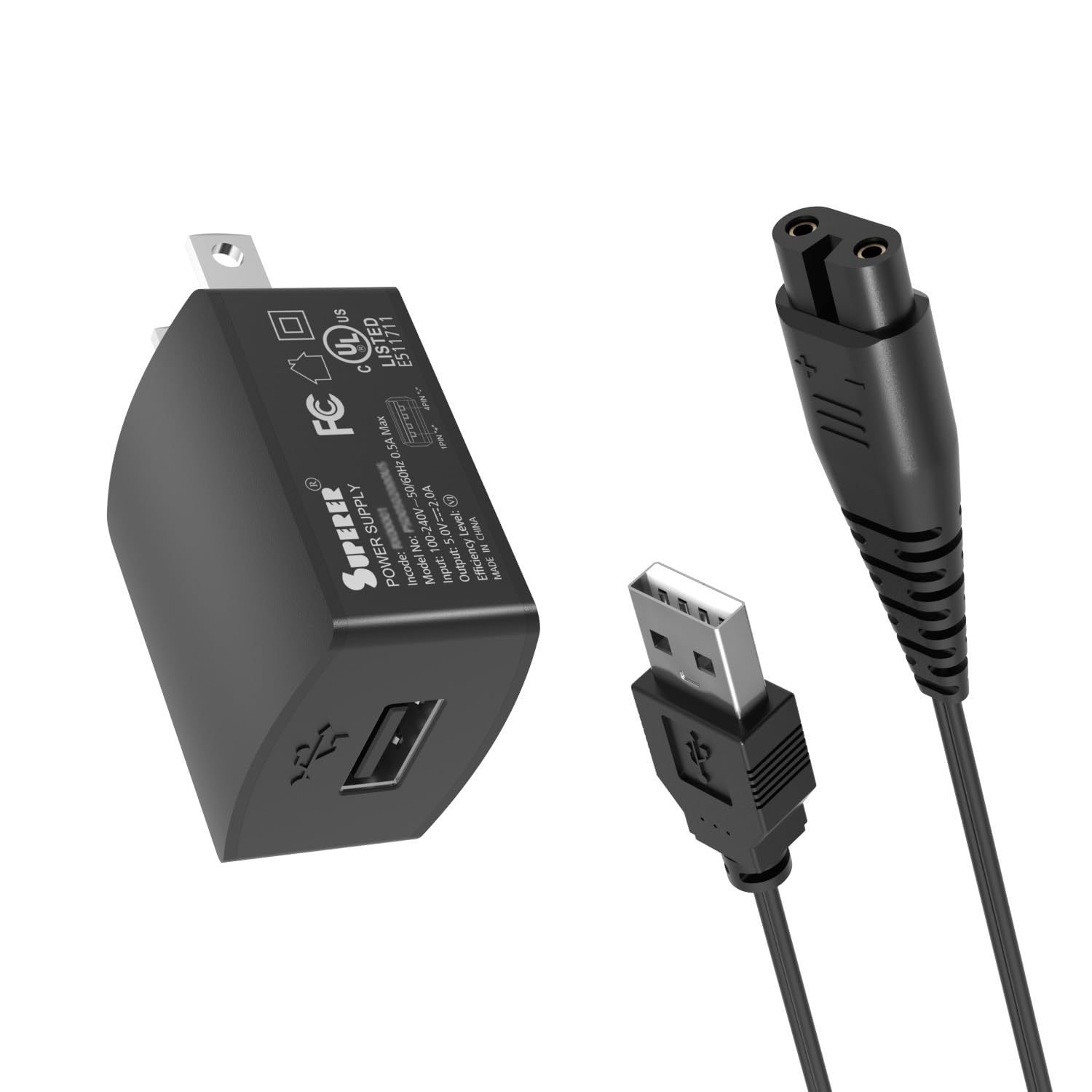
Image 2.1: Safety Certifications. This image displays the UL, FCC, and CE certification logos, indicating the product meets safety and regulatory standards.
3. Compatibility and Specifications
This charger cord is specifically designed for the following Hatteker Beard Trimmer and Hair Clipper models:
- Hatteker RFC-676
- Hatteker RFC-598
- Hatteker RFC-588
- Hatteker RFC-690
- Hatteker RFC-692
- Hatteker RSCX-7568
- Hatteker RSCX-9598
Important: Ensure your device's charging port matches the connector type of this cord. The charger's output is 5V 2A 10W. It is compatible with input voltages of 100-240V.

Image 3.1: Charging Port Connector. This image highlights the specific two-pin connector type of the charger cord. Please compare this to your device's charging port before use.

Image 3.2: Power Compatibility. This chart illustrates that the charger is compatible with devices requiring 5V 1A (5W) and 5V 2A (10W), but not 5V 3A (15W).
Technical Specifications:
| Feature | Specification |
|---|---|
| Brand | Superer |
| Model Number | SP-06374 |
| Input Voltage | 100-240V |
| Output | 5V 2A 10W |
| Connector Type | Proprietary 2-pin to USB Type A |
| Power Source | Corded Electric |
| Material | Plastic |
| Color | Black |
| Certification | UL Listed |
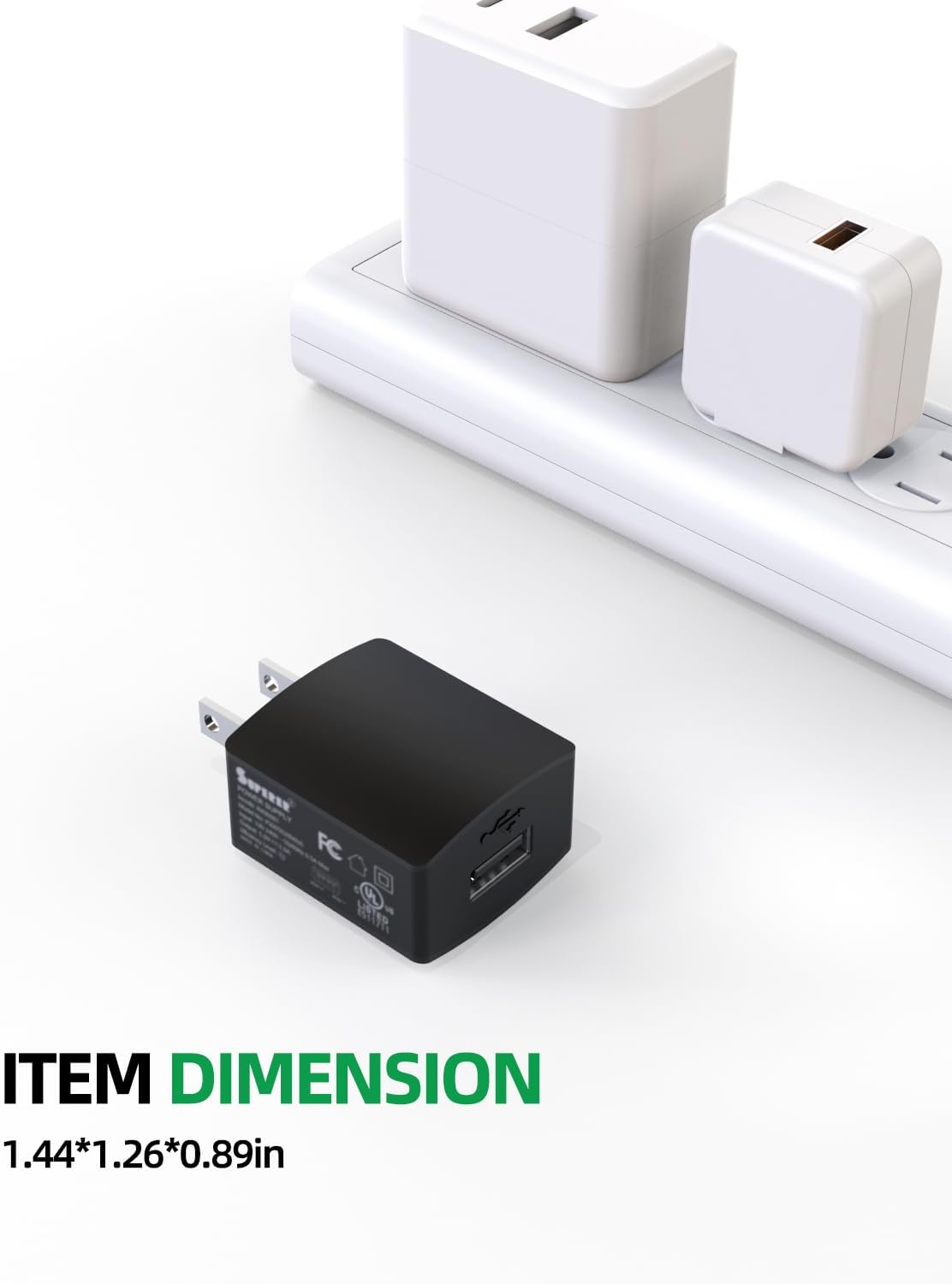
Image 3.3: Item Dimension. This image shows the compact size of the power adapter, measuring 1.44*1.26*0.89 inches.
4. Setup and Operation
Connecting the Charger:
- Verify Compatibility: Before connecting, ensure your Hatteker device model is listed in Section 3 and that its power requirements do not exceed 5V 2A.
- Inspect Ports: Check both the charger's 2-pin connector and your device's charging port for any dust or debris that might obstruct the connection.
- Connect to Device: Gently align the 2-pin connector of the charger cord with the charging port on your Hatteker trimmer. Insert the connector firmly. If it feels tight, gently twist and wiggle the plug while pushing it in to ensure full alignment. Do not force the connection.
- Connect to Power Source: Plug the USB-A end of the charger cord into a compatible USB power adapter (e.g., a wall adapter, computer USB port, or power bank). Ensure the power adapter is plugged into a standard 100-240V AC outlet.
- Charging Indication: Your device should indicate that it is charging (e.g., an LED indicator light).

Image 4.1: Consistent Power Supply. This image demonstrates the charger cord connected to a Hatteker trimmer and a power source, providing stable power.
Charging Time:
Refer to your Hatteker device's original manual for specific charging times. Typically, a full charge may take approximately 3 hours for models like RFC-696 (Input: 5V === 1000mA).
5. Maintenance
To ensure the longevity and optimal performance of your Superer Charger Cord:
- Cleaning: Disconnect the charger from the power source and your device before cleaning. Use a soft, dry cloth to wipe the charger and cord. Do not use liquid cleaners or solvents.
- Storage: Store the charger in a cool, dry place away from direct sunlight and extreme temperatures. Avoid tightly coiling the cable to prevent damage.
- Inspection: Periodically inspect the cord and connectors for any signs of wear, fraying, or damage. Discontinue use if any damage is observed.
6. Troubleshooting
Common Issues and Solutions:
- Charger not fitting into device port:
If the power cable cannot be inserted, it may be due to dust blockage or slight tolerance differences, which prevent the prongs from fully aligning with the holes. When inserting, please try gently twisting and wiggling the plug while pushing it in. Do not force the connection.
- Device not charging:
- Ensure the charger is fully plugged into both the device and the power outlet.
- Verify that the power outlet is functional by testing it with another device.
- Confirm that your device's power requirements do not exceed 5V 2A.
- Inspect the charger cord and device port for any visible damage.
- Slow charging:
Ensure you are using a functional USB power adapter that provides sufficient power. Some USB ports (e.g., on older computers) may provide lower amperage, resulting in slower charging.
7. Warranty and Support
Superer provides comprehensive support for its products:
- Manufacturer Warranty: This product comes with a 24-month manufacturer warranty.
- Return Policy: You are eligible for a refund within 30 days of purchase.
- Replacement Service: A replacement service is available within 24 months of purchase.
For any issues or inquiries, please contact Superer customer support. Provide your product model number (SP-06374) and purchase details for efficient assistance.

Image 7.1: Customer Support Information. This graphic outlines the 24-month replacement service and 30-day refund policy.