
1. Introduction
Thank you for purchasing the LogiLink SP0063 Bluetooth 5.1 TWS Speaker. This compact yet powerful speaker delivers clear and robust sound, offering stable and fast connectivity via Bluetooth 5.1. It supports True Wireless Stereo (TWS) for an enhanced audio experience with two speakers simultaneously. The integrated hands-free function allows you to answer calls without needing to pick up your smartphone. This manual provides essential information for setting up, operating, and maintaining your speaker.
2. Safety Instructions
- Do not expose the speaker to extreme temperatures, direct sunlight, or high humidity.
- Avoid dropping or subjecting the speaker to strong impacts.
- Do not disassemble, repair, or modify the device yourself. Contact qualified service personnel for any repairs.
- Keep the speaker away from water and other liquids. This product is not waterproof.
- Use only the provided charging cable or a certified equivalent.
- Keep out of reach of children.
3. Package Contents
Please check the package for the following items:
- 1 x LogiLink SP0063 Bluetooth Speaker
- 1 x Micro USB Charging Cable (30 cm)
- 1 x Wrist Strap
- 1 x User Manual

Image: Micro USB Charging Cable for charging the speaker.

Image: The included wrist strap for easy portability.
4. Product Overview
The LogiLink SP0063 is a compact and portable Bluetooth speaker designed for convenience and quality audio. It features intuitive controls and a durable design.
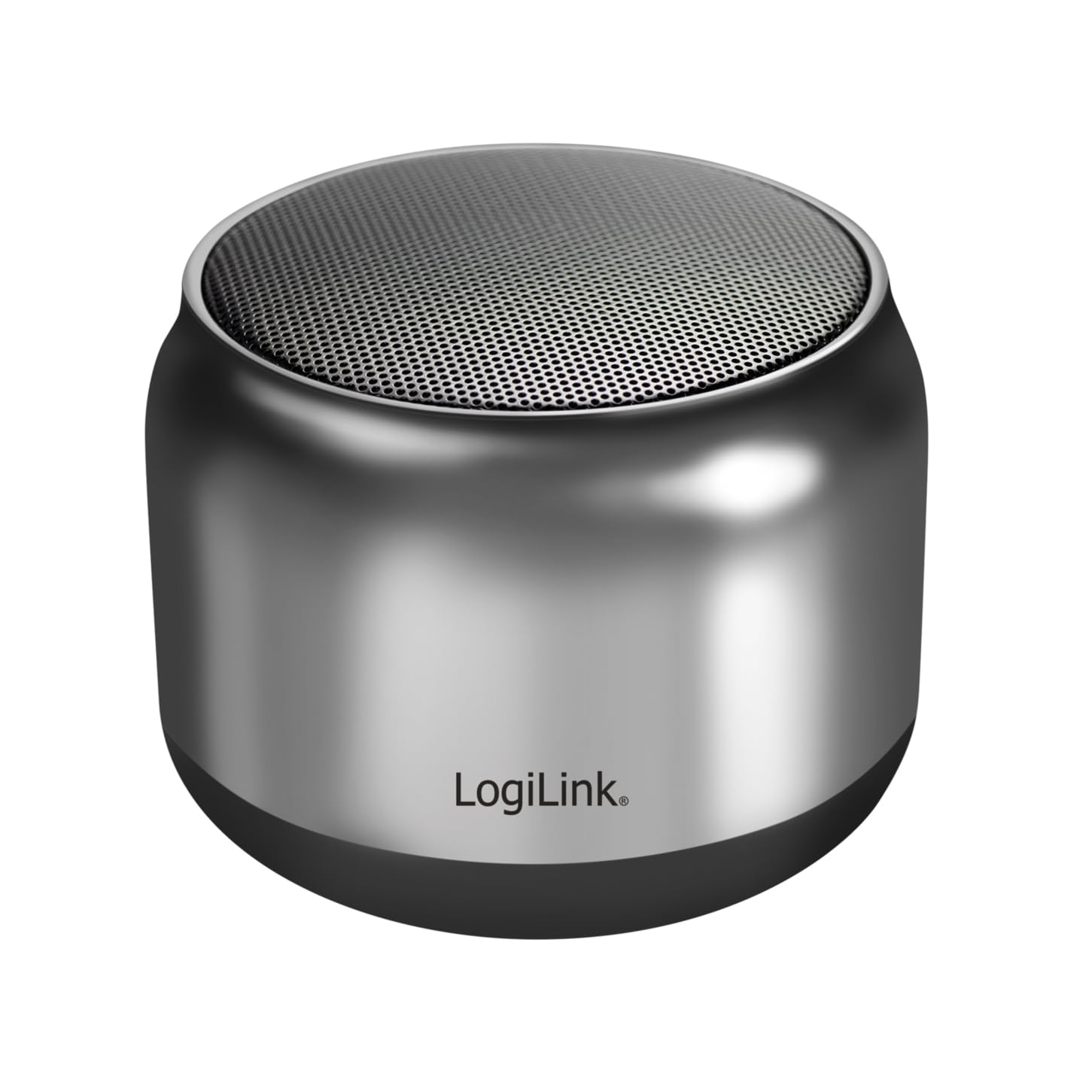
Image: The LogiLink SP0063 Bluetooth speaker on a table, emitting sound waves.
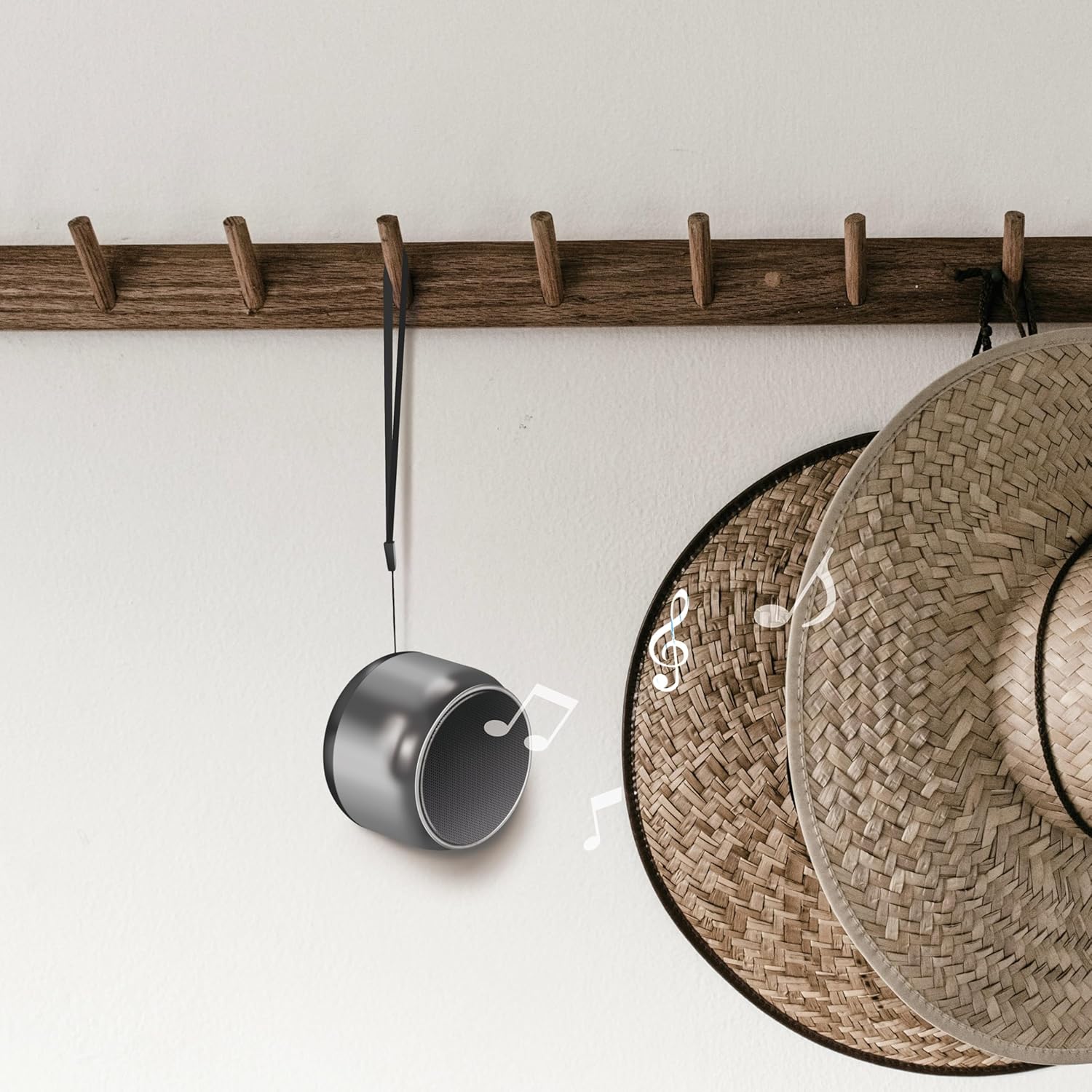
Image: The speaker hanging by its wrist strap, demonstrating its portability.
4.1. Controls and Ports

Image: Top view of the speaker showing the control buttons. These buttons allow you to manage power, playback, and calls.
- Power Button: Press and hold to turn the speaker on or off.
- Play/Pause Button: Press to play or pause music.
- Volume Up/Next Track: Short press for volume up, long press for next track.
- Volume Down/Previous Track: Short press for volume down, long press for previous track.
- Call Button: Press to answer/end calls.
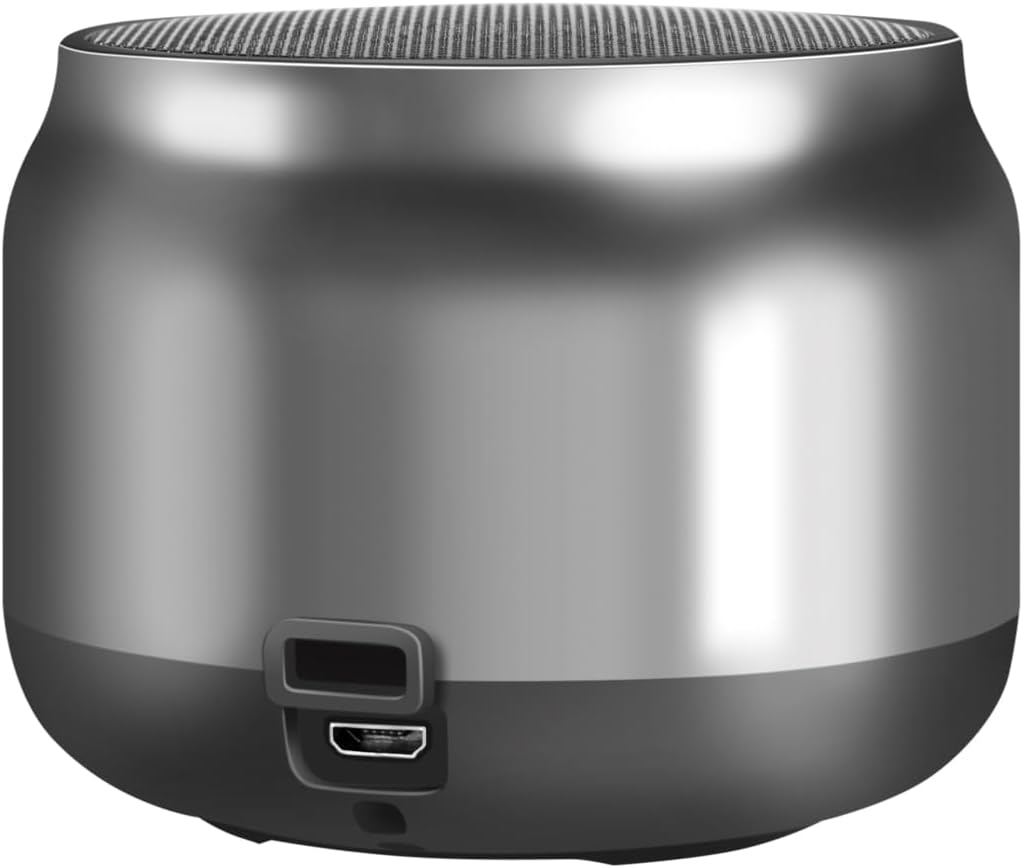
Image: Back view of the speaker, highlighting the Micro USB charging port.
- Micro USB Port: Used for charging the speaker.
- LED Indicator: Shows charging status and Bluetooth connection status.
5. Setup
5.1. Charging the Speaker
- Connect the Micro USB charging cable to the speaker's Micro USB port.
- Connect the other end of the USB cable to a 5V/0.5A (2.5W) USB power adapter or a computer's USB port.
- The LED indicator will illuminate during charging. Once fully charged, the LED indicator may change color or turn off (refer to specific LED behavior in your product's quick start guide if available).
- A full charge provides up to 10.5 hours of playback time.
5.2. Power On/Off
- To Power On: Press and hold the Power button for approximately 3 seconds until you hear an audible prompt or the LED indicator flashes.
- To Power Off: Press and hold the Power button for approximately 3 seconds until you hear an audible prompt or the LED indicator turns off.
5.3. Bluetooth Pairing
To connect your speaker to a Bluetooth-enabled device:
- Ensure the speaker is charged and powered on. The LED indicator will flash, indicating it's in pairing mode.
- On your device (smartphone, tablet, computer), enable Bluetooth and search for available devices.
- Select "SP0063" from the list of found devices.
- Once connected, the speaker will emit an audible confirmation, and the LED indicator will stop flashing and remain solid.
- The speaker has a wireless range of up to 10 meters in open air.
5.4. True Wireless Stereo (TWS) Pairing
To pair two LogiLink SP0063 speakers for a stereo sound experience:

Image: Two LogiLink SP0063 speakers connected via True Wireless Stereo (TWS) for a richer audio experience.
- Ensure both SP0063 speakers are powered off.
- Turn on both speakers simultaneously. They will automatically attempt to pair with each other.
- Once successfully paired, one speaker will act as the master (left channel) and the other as the slave (right channel). You will hear an audible confirmation.
- Now, connect your Bluetooth device to the master speaker (the one whose LED is flashing for pairing).
- Both speakers will now play audio in stereo.
6. Operating the Speaker
6.1. Music Playback
After successfully pairing with your device, you can control music playback using the speaker's buttons:
- Play/Pause: Press the Play/Pause button once to play or pause the current track.
- Next Track: Long press the Volume Up button to skip to the next track.
- Previous Track: Long press the Volume Down button to go to the previous track.
- Volume Adjustment: Short press the Volume Up or Volume Down buttons to adjust the volume.

Image: The LogiLink SP0063 speaker actively playing music, indicated by sound waves.
6.2. Hands-Free Calling
The built-in microphone allows you to make and receive calls directly through the speaker when connected to your smartphone.

Image: Illustration of the built-in microphone function, showing icons for answering and hanging up calls.
- Answer Call: When a call comes in, press the Call button once to answer.
- End Call: During a call, press the Call button once to end the conversation.
- Reject Call: During an incoming call, press and hold the Call button for 2 seconds to reject the call.
- Redial Last Number: Double-press the Call button to redial the last number.
7. Maintenance
- Cleaning: Use a soft, dry cloth to clean the speaker. Do not use abrasive cleaners or solvents.
- Storage: When not in use for extended periods, store the speaker in a cool, dry place.
- Battery Care: To prolong battery life, charge the speaker regularly, even if not in frequent use. Avoid fully discharging the battery for long periods.
8. Troubleshooting
If you encounter issues with your LogiLink SP0063 speaker, please refer to the following common solutions:
| Problem | Possible Cause | Solution |
|---|---|---|
| Speaker does not power on. | Low battery. | Charge the speaker fully using the provided USB cable. |
| Cannot pair with Bluetooth device. | Speaker not in pairing mode; Bluetooth disabled on device; device too far. | Ensure speaker is on and LED is flashing. Enable Bluetooth on your device. Move device closer to speaker (within 10m). Forget previous pairings on your device and try again. |
| No sound or low volume. | Volume too low on speaker or device; speaker not connected. | Increase volume on both the speaker and your connected device. Ensure the speaker is properly paired. |
| TWS pairing fails. | Speakers not reset; incorrect pairing sequence. | Ensure both speakers are powered off before attempting TWS pairing. Power them on simultaneously and allow them to connect to each other first, then connect your device to the master speaker. |
| Sound distortion. | Volume too high; device too far; interference. | Reduce volume. Move device closer to speaker. Avoid obstacles between speaker and device. |
9. Specifications
Here are the technical specifications for the LogiLink SP0063 Bluetooth Speaker:
- Model: SP0063
- Bluetooth Version: 5.1
- Wireless Range: Up to 10 meters (open air)
- Speaker Unit: 52 mm diameter, 5 W
- Speaker Sensitivity: 88 ± 3 dB
- Impedance: 4 Ohms
- Battery: Integrated 1200 mAh Lithium-ion battery
- Battery Life: Up to 10.5 hours
- Charging Port: Micro USB
- Charging Input: 5 V / 0.5 A (2.5 W)
- Supported Audio Formats: MP3, WAV
- Dimensions (D x W x H): 7.6 x 7.6 x 6 cm
- Item Weight: 212 Grams
- Color: Dark Grey
- Special Features: True Wireless Stereo (TWS) connection, Lightweight, Integrated Microphone, Portable
- Audio Output Mode: Stereo
- Power Source: Battery Powered
- Manufacturer: 2direct GmbH
- Country of Origin: China
10. Warranty and Support
LogiLink products are manufactured with quality and reliability in mind. For warranty information, technical support, or service inquiries, please refer to the warranty card included with your purchase or visit the official LogiLink website for contact details.


