
Introduction
This user manual provides comprehensive instructions for the Hisense 75Q6N Smart TV. It covers setup, operation, maintenance, and troubleshooting to ensure optimal performance and enjoyment of your television. Please read this manual thoroughly before using the product and retain it for future reference.
Safety Information
Always follow basic safety precautions when using this television to reduce the risk of fire, electric shock, and injury.
- Do not expose the TV to rain or moisture.
- Do not open the TV casing; refer all servicing to qualified personnel.
- Ensure proper ventilation and do not block ventilation openings.
- Place the TV on a stable, level surface to prevent it from falling.
- Keep the TV away from direct sunlight, heat sources, and extreme temperatures.
- Unplug the power cord during lightning storms or when unused for long periods.
Package Contents
Verify that all components are present in the package:
- Hisense 75Q6N Smart TV
- Power Cable
- Remote Control
- TV Base (Stand)
- Batteries for Remote Control
- User Manual and Warranty Card (this document)
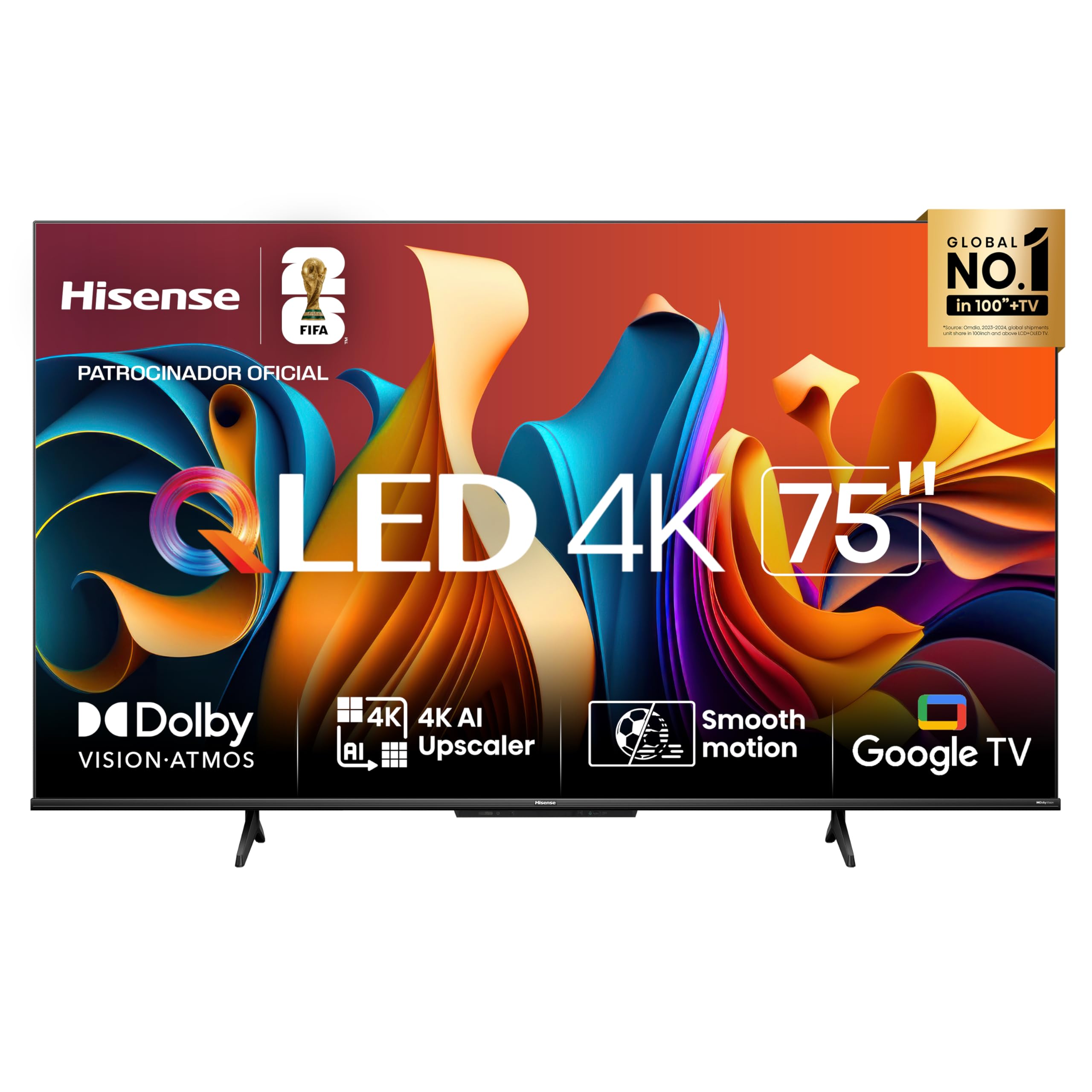
Image: Hisense 75Q6N Smart TV, showing the television unit, remote control, and stand components.
Setup
1. Assembling the TV Stand
- Carefully place the TV face-down on a soft, clean surface to prevent screen damage.
- Attach the stand bases to the bottom of the TV using the provided screws. Ensure they are securely fastened.
2. Connecting Power
- Connect the power cable to the TV's power input.
- Plug the other end of the power cable into a suitable electrical outlet (110V or 220V, as per your region).
3. Initial Setup
- Press the power button on the remote control or TV to turn it on.
- Follow the on-screen instructions to select your language, connect to Wi-Fi, and sign in to your Google account for Google TV features.
- Perform a channel scan if you are using an antenna or cable connection.
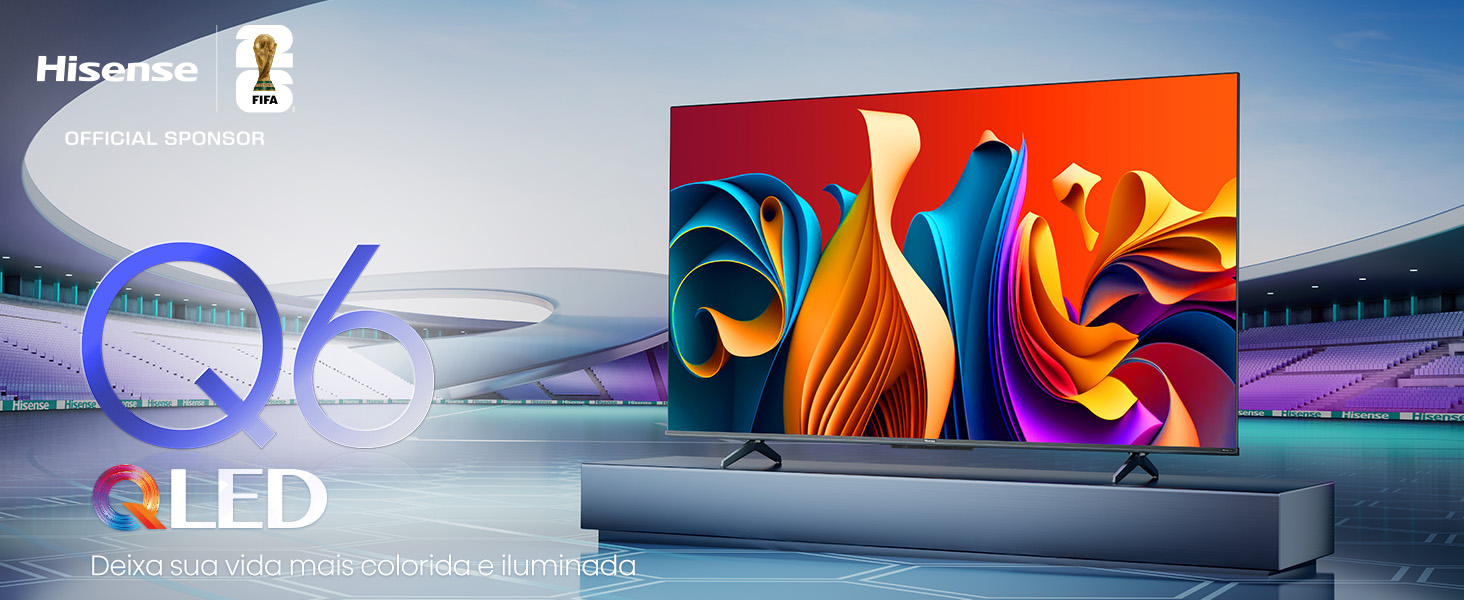
Image: Illustration showing the Hisense TV being set up in a living room environment, highlighting its sleek design.
Operating Instructions
Remote Control Functions
The remote control allows you to navigate the Google TV interface, adjust settings, and access various features.
- Power Button: Turns the TV on or off.
- Navigation Pad: Use arrow keys to move, and the OK button to select.
- Voice Control Button: Activates the voice assistant (Google Assistant/Alexa).
- Home Button: Returns to the Google TV home screen.
- Input Button: Selects input sources (HDMI, USB, etc.).
- Volume/Channel Buttons: Adjust volume and change channels.
Google TV Interface
Google TV organizes your favorite movies, shows, and live TV from across your apps and subscriptions.
- Access streaming services like Netflix, Prime Video, Disney Plus, and YouTube.
- Receive personalized recommendations based on your viewing habits.
- Use the Google search function to find content or browse apps.

Image: Screenshot of the Google TV home screen on a Hisense television, displaying various streaming content options.
Voice Control (Hands-Free)
The Hisense 75Q6N supports hands-free voice control. Simply speak commands to your TV to play content, adjust volume, or control smart home devices.
Image: A person speaking commands to a Hisense TV, demonstrating the hands-free voice control feature.
Game Mode PLUS
For an optimized gaming experience, activate Game Mode PLUS. This mode features a 60Hz panel, Variable Refresh Rate (VRR), and Auto Low Latency Mode (ALLM) to reduce input lag and ensure smooth gameplay.
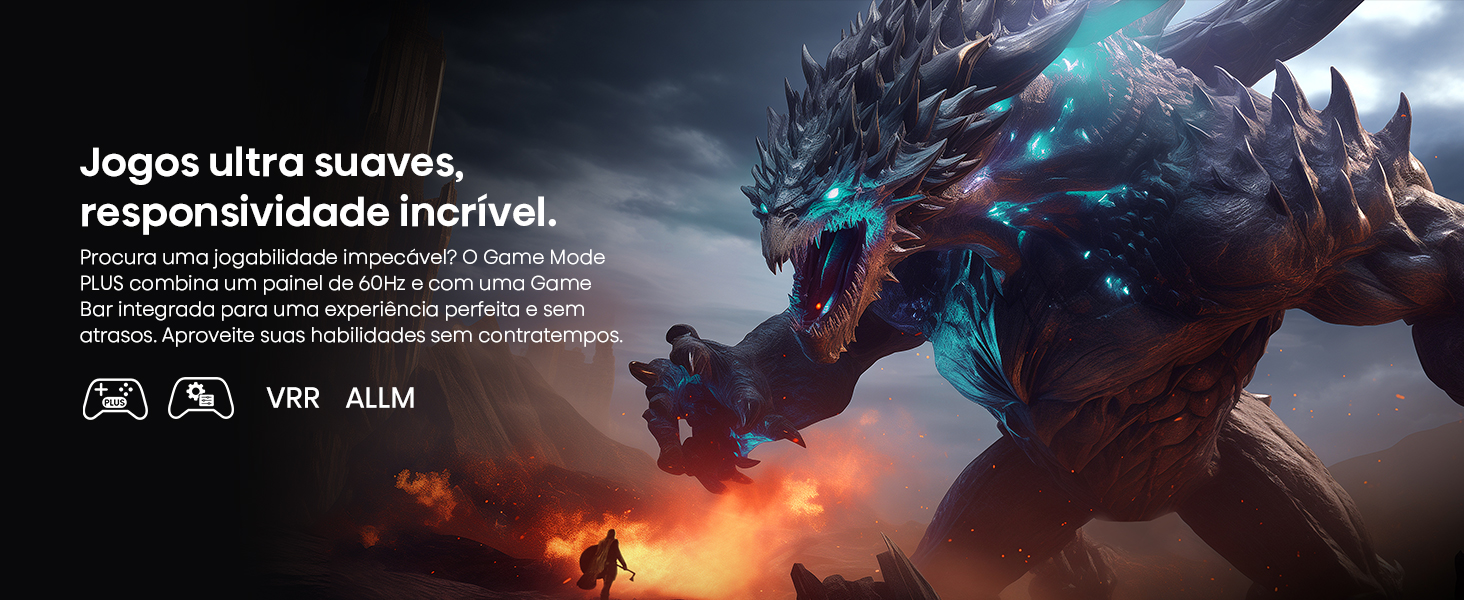
Image: A Hisense TV screen showing dynamic gaming visuals, illustrating the benefits of Game Mode PLUS with VRR and ALLM icons.
AI Sports Mode
The AI Sports Mode automatically detects sports content and optimizes picture and audio settings for a stadium-like experience, ensuring clear action and commentary.
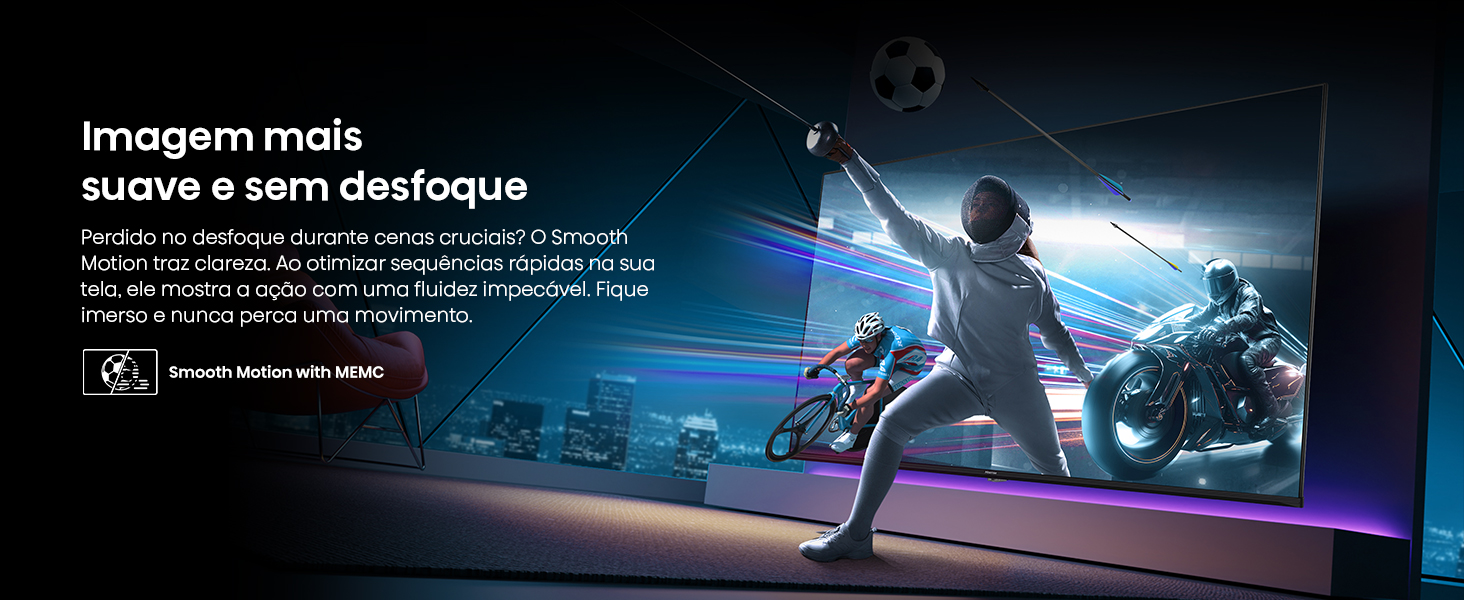
Image: A Hisense TV screen showing a football match, with "AI Sports Mode" text overlay, indicating optimized viewing for sports.
Bluetooth Audio
Connect your Bluetooth headphones or speakers to the TV for private listening or enhanced audio experience without disturbing others.
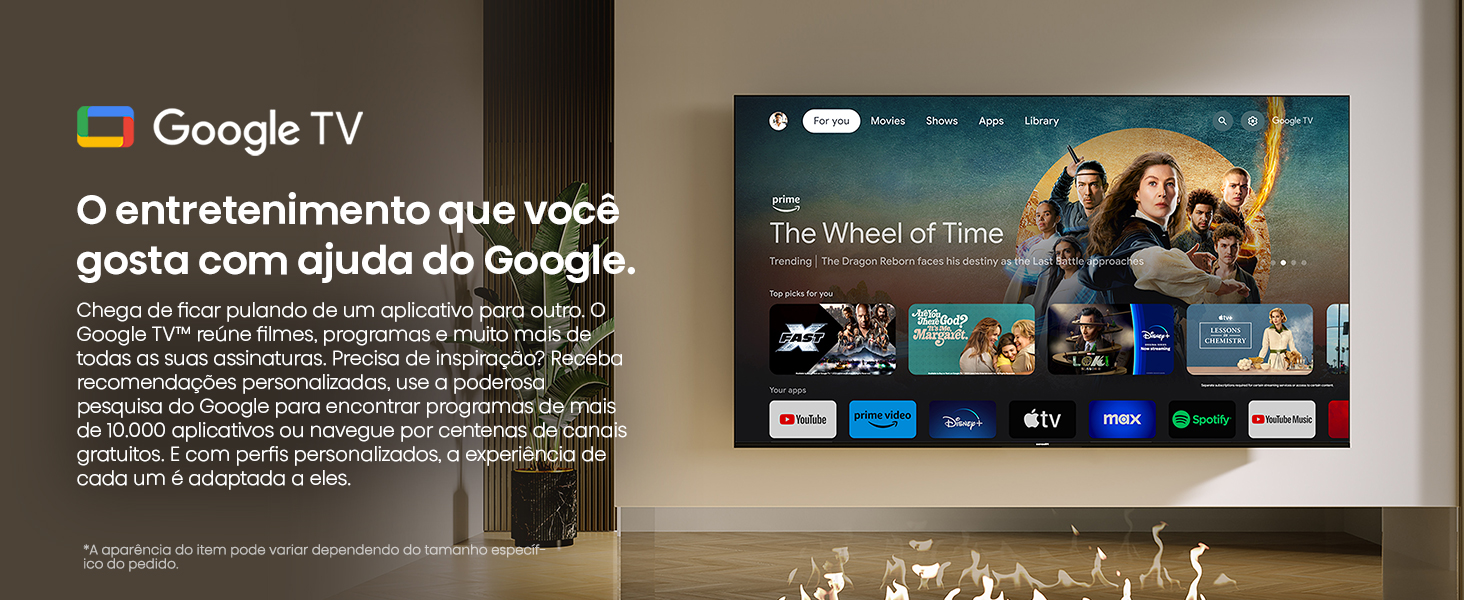
Image: A person wearing headphones while watching a Hisense TV, illustrating the Bluetooth audio connectivity feature.
Share to TV
Easily cast content from your mobile devices to the Hisense TV using the "Share to TV" feature. This allows for seamless sharing of photos, videos, and other media.
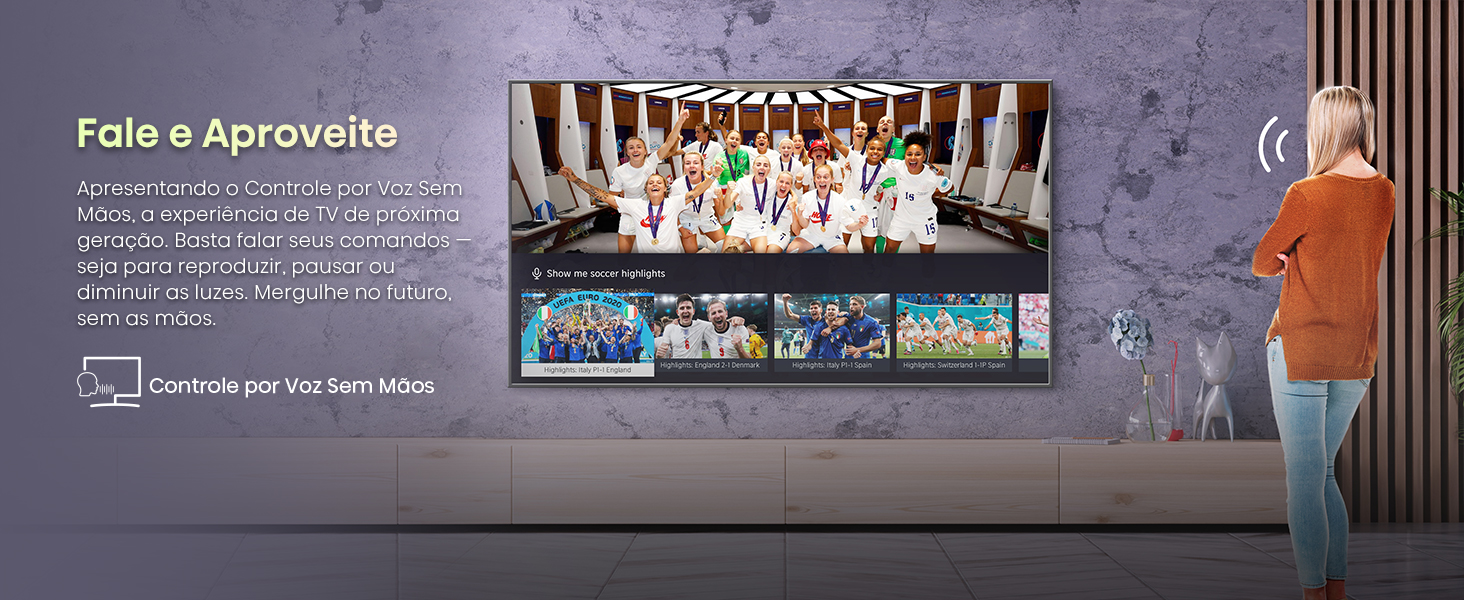
Image: A mobile phone screen being mirrored onto a Hisense TV, demonstrating the "Share to TV" functionality.
Maintenance
Cleaning the TV
- Always unplug the TV before cleaning.
- Use a soft, dry cloth to wipe the screen and cabinet.
- For stubborn marks, lightly dampen the cloth with water or a mild, non-abrasive screen cleaner. Do not spray cleaner directly onto the screen.
- Avoid using alcohol, benzene, thinners, or other volatile substances.
Software Updates
Periodically check for software updates to ensure your TV has the latest features and performance improvements. You can usually find this option in the TV's settings menu under "System" or "About".
Troubleshooting
Before contacting customer support, try the following solutions for common issues:
| Problem | Possible Solution |
|---|---|
| No Power | Ensure the power cable is securely plugged into both the TV and the wall outlet. Check if the outlet is working. |
| No Picture/Sound | Verify the correct input source is selected. Check all cable connections (HDMI, antenna). Restart the TV. |
| Remote Control Not Working | Replace the batteries. Ensure there are no obstructions between the remote and the TV's IR sensor. |
| Poor Picture Quality | Check antenna/cable connection. Adjust picture settings (brightness, contrast, sharpness). Ensure the source content is high quality. |
| Network Connection Issues | Restart your router and modem. Reconnect the TV to the Wi-Fi network in the settings. Ensure the Wi-Fi password is correct. |
Specifications
- Model Name: 75Q6N
- Display Technology: 4K UHD, QLED
- Screen Size: 75 Inches
- Resolution: 3840 x 2160 (4K)
- Refresh Rate: 60 Hz
- HDR Support: HDR10+, Dolby Vision
- Audio Technology: Dolby Atmos
- Operating System: Google TV
- Connectivity: Bluetooth, HDMI (4 ports), USB, Wi-Fi
- Special Features: Built-in Speaker, Miracast, Flat Panel, Wide Viewing Angle, AI Sports Mode, Game Mode PLUS, Hands-Free Voice Control
- Dimensions (Depth x Width x Height): 87P x 167.6L x 96.5A cm
- Power Consumption: 230 watts
- Voltage: 110 Volts, 220 Volts
- VESA Mounting Standard: 400 x 300 mm
- Included Components: Power Cable, Remote Control, Manual and Warranty, TV, Base, Batteries for remote control
Warranty Information
The Hisense 75Q6N Smart TV comes with a 1-year limited warranty from the manufacturer. Please refer to the included warranty card for detailed terms and conditions. Keep your proof of purchase for warranty claims.
Support
For technical assistance or further inquiries, please contact Hisense customer support:
- Phone: 0800 0001454
- WhatsApp: (11) 98990-8945
- Service Request (QR Code): Scan for Service Request
- WhatsApp (QR Code): Scan for WhatsApp
Service Hours: Monday-Friday: 8h-20h | Saturday: 8h-14h (Brazil time)
Image: Hisense customer support details, including phone numbers and QR codes for service requests and WhatsApp contact.


