
radtel RT 470X
Radtel RT-470X Multi-Bands Ham Radio Walkie Talkie User Manual
Model: RT 470X
Brand: radtel
1. Introduction
This manual provides comprehensive instructions for the operation and maintenance of your Radtel RT-470X Multi-Bands Ham Radio Walkie Talkie. Please read this manual thoroughly before using the device to ensure proper function and safety.
The Radtel RT-470X is a versatile multi-band ham radio walkie talkie designed for various communication needs, including amateur radio, air band reception, and FM radio. It features 256 storage channels, voice scrambler function, and VOX voice-transmission capabilities.

Figure 1.1: Radtel RT-470X Multi-Bands Ham Radio Walkie Talkie with included shoulder speaker microphone.
2. Key Features
- Multi-Band Reception/Transmission:
- 144-148MHz (RX/TX)
- 420-450MHz (RX/TX)
- 18-108MHz CB/SSB RX
- 108-136MHz AM RX (Air Band)
- 136-630MHz UHF/VHF RX
- 840-999MHz UHF RX
- 66-108MHz (FM RX) - FM Radio
- Dual PTT Support: Enables flexible Push-to-Talk operation.
- NOAA U.S. Weather Channel Receive: Stay informed with weather alerts.
- Type-C Charger: Convenient and modern charging interface.
- Adjustable Power Output: High/Middle/Low power settings for various communication ranges.
- One-Key Frequency Copy (Auto Frequency Capture): Quickly copy frequency and CTCSS/DCS tone from another radio for immediate communication (within 1 meter distance).
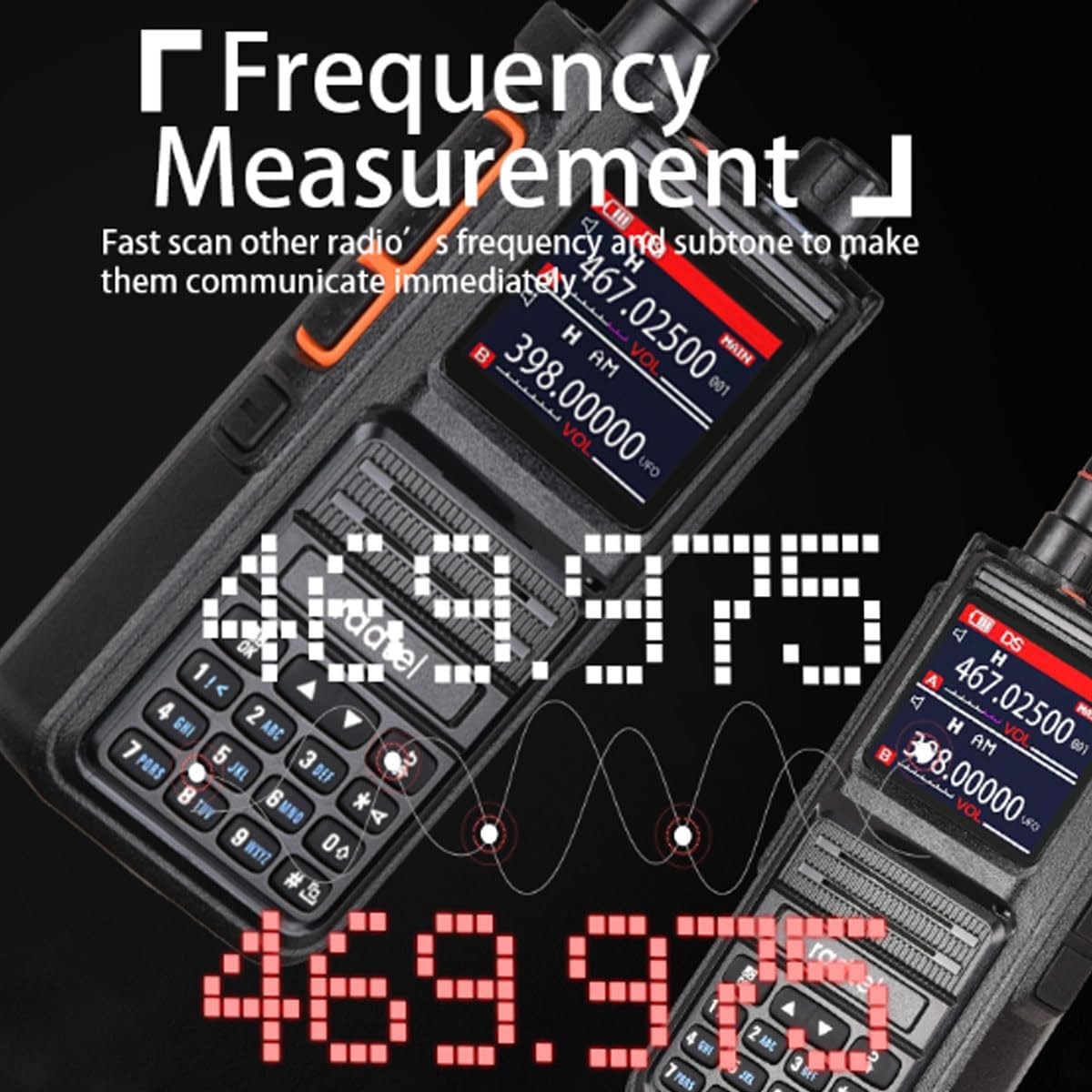
Figure 2.1: The one-key frequency copy feature allows for quick synchronization with other radios.
- 256 Storage Channels: Organized into 128x2 groups for extensive channel management.
- Voice Scrambler Function: Enhances communication privacy.

Figure 2.2: When activated, the voice scrambler function prevents unauthorized listening on the same frequency.
- VOX Voice-Transmission: Hands-free operation.
- Strong LED Flashlight: Provides illumination in low-light conditions.
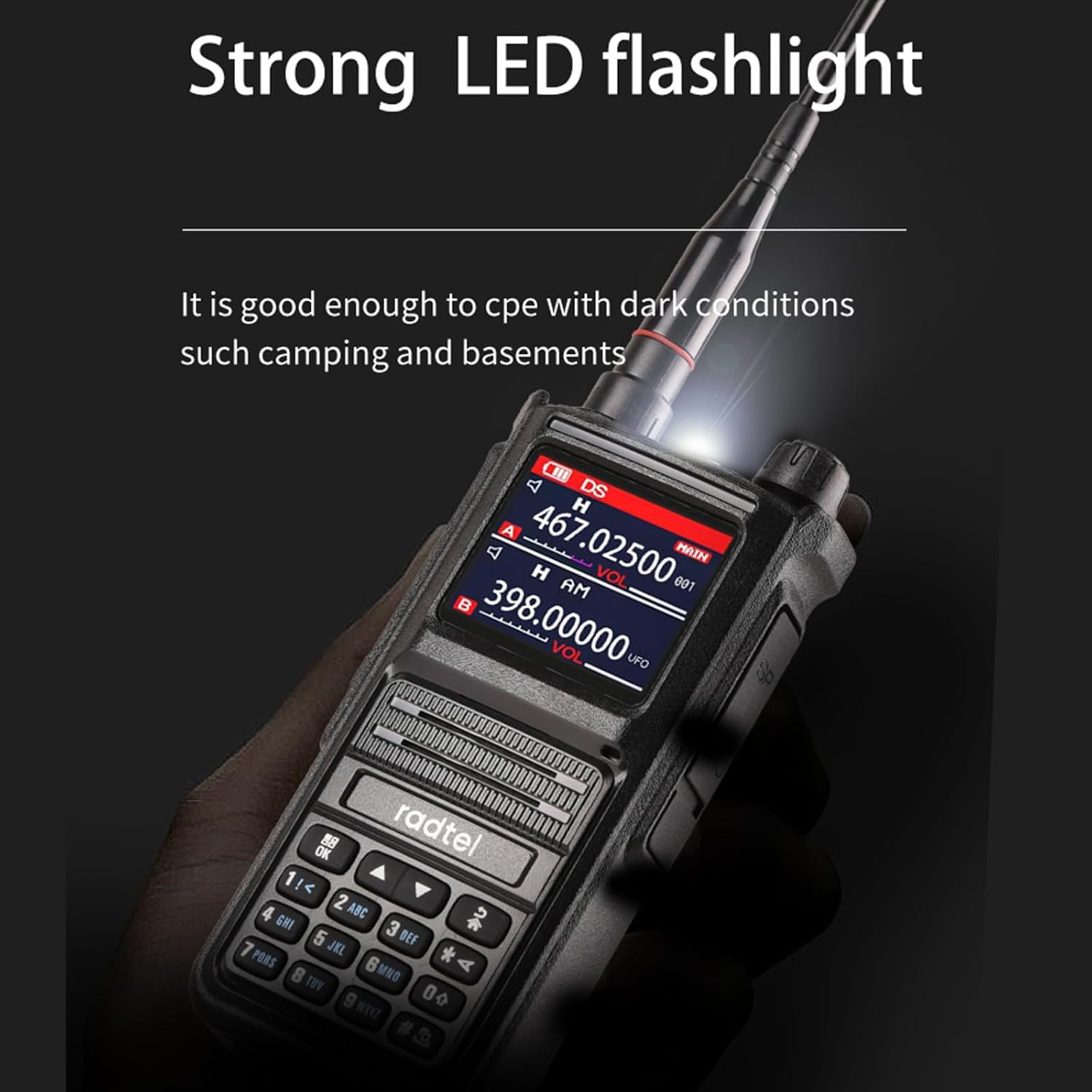
Figure 2.3: The integrated LED flashlight is useful for navigating in dark environments.
- Rainproof Heavy Duty Shoulder Speaker Mic: Included for enhanced usability in various conditions.
- Special design mic port for loud and clear voice.

Figure 2.4: The microphone port is designed for optimal voice clarity.
- Large PTT button with grain design for improved tactile feel.

Figure 2.5: The large PTT button offers comfortable and reliable operation.
- Special design mic port for loud and clear voice.
3. Package Contents
Upon opening the package, please verify that all items listed below are present and in good condition:
- 1 x Radtel RT-470X Handheld Radio
- 1 x Antenna
- 1 x Radtel Platinum Series Rainproof Heavy Duty Shoulder Speaker Mic
- 1 x Type-C Charging Cable (not explicitly listed in "whats_in_the_box" but implied by "Type C charger")
- 1 x User Manual (this document)
4. Product Diagram and Components
Familiarize yourself with the various parts and controls of your Radtel RT-470X radio:

Figure 4.1: Front view of the Radtel RT-470X with key components labeled.
| Component | Description |
|---|---|
| Antenna | For transmitting and receiving radio signals. |
| Strong LED flashlight | Provides illumination. |
| Alarm button | Activates emergency alarm function. |
| PTT launch key | Push-to-Talk button for transmitting. |
| Volume/Power knob | Turns the radio on/off and adjusts volume. |
| Headphone jack | For connecting external audio accessories. |
| Liquid crystal display screen | Displays frequency, channel, and other information. |
| Microphone | For voice input. |
| Speaker | For audio output. |
| Keypad | For entering frequencies, channels, and menu navigation. |
| Return/Exit key | Navigates back or exits menus. |
| Type-C port | For charging the device. |
| Turn up and down keys | For adjusting settings or navigating lists. |
| Current channel/keyboard lock | Displays current channel or locks/unlocks the keyboard. |
5. Setup
5.1. Battery Installation and Charging
- Ensure the radio is powered off.
- Align the battery pack with the battery compartment on the back of the radio.
- Slide the battery pack into place until it clicks securely.
- To charge, connect the Type-C charging cable to the Type-C port on the radio and the other end to a compatible USB power adapter.
- The charging indicator on the radio will show the charging status.
5.2. Antenna Attachment
- Screw the antenna clockwise into the antenna connector on the top of the radio until it is firmly seated. Do not overtighten.
5.3. Shoulder Speaker Mic Connection
- Insert the speaker microphone's plug into the dedicated audio jack on the side of the radio. Ensure a secure connection.
6. Operating Instructions
6.1. Power On/Off and Volume Adjustment
- To power on, rotate the Volume/Power knob clockwise until you hear a click.
- Continue rotating the knob to adjust the volume.
- To power off, rotate the Volume/Power knob counter-clockwise until you hear a click.
6.2. Channel and Frequency Selection
- Frequency Mode: Directly input desired frequencies using the keypad. Use the "Turn up and down keys" for fine-tuning.
- Channel Mode: Use the "Turn up and down keys" to cycle through pre-programmed channels.
- Refer to the display screen for current frequency or channel information.
6.3. Transmitting (PTT)
- Ensure you are on the desired frequency or channel.
- Press and hold the PTT launch key (or the PTT button on the shoulder mic) to transmit.
- Speak clearly into the microphone.
- Release the PTT button to stop transmitting and return to receive mode.
6.4. One-Key Frequency Copy
- Place the RT-470X within 1 meter of the radio you wish to copy the frequency from.
- Activate the one-key frequency copy function (refer to the radio's on-screen menu or a dedicated button if available).
- The radio will scan and automatically capture the frequency and CTCSS/DCS tone, allowing immediate communication.
6.5. Air Band Reception
The RT-470X supports AM reception for the 108-136MHz air band. Tune to the desired air traffic control or aircraft frequency to listen.

Figure 6.1: The RT-470X is capable of receiving air band frequencies.
6.6. Voice Scrambler Function
To activate or deactivate the voice scrambler function, navigate through the radio's menu settings. When activated, your transmissions will be scrambled, preventing unauthorized listeners from understanding your conversation, even if they are on the same frequency and sub-tone.
7. Maintenance
7.1. Cleaning
- Wipe the radio and accessories with a soft, damp cloth.
- Do not use harsh chemicals, solvents, or abrasive cleaners.
- Ensure the radio is dry before storing or operating.
7.2. Storage
- Store the radio in a cool, dry place away from direct sunlight and extreme temperatures.
- If storing for extended periods, remove the battery pack.
7.3. Battery Care
- Avoid fully discharging the battery frequently.
- Charge the battery regularly, even if not in use, to maintain its lifespan.
8. Troubleshooting
| Problem | Possible Cause | Solution |
|---|---|---|
| Radio does not power on. | Battery is low or not installed correctly. | Charge the battery or re-install it securely. |
| Cannot transmit or receive. | Incorrect frequency/channel, antenna not connected, or out of range. | Verify frequency/channel, ensure antenna is attached, move closer to other radios. |
| Audio is unclear or distorted. | Volume too low/high, poor signal, or speaker mic issue. | Adjust volume, check signal strength, ensure speaker mic is fully plugged in. |
| One-key copy not working. | Radios too far apart (must be within 1 meter). | Bring radios closer together. |
9. Specifications
| Feature | Detail |
|---|---|
| Model Number | RT 470X |
| Brand | radtel |
| Color | Black |
| Number of Channels | 256 |
| Frequency Range (TX/RX) | 144-148MHz, 420-450MHz |
| Frequency Range (RX Only) | 18-108MHz (CB/SSB), 108-136MHz (AM Air Band), 136-630MHz (UHF/VHF), 840-999MHz (UHF), 66-108MHz (FM Radio) |
| Special Features | Voice Operated Transmission (VOX), Waterproof, Weather Alert (NOAA), One-Key Frequency Copy, Voice Scrambler |
| Tuner Technology | UHF, VHF |
| Water Resistance Level | Water Resistant (IPX7) |
| Included Components | Handheld Radio, Antenna, Shoulder Speaker Mic |
| Compatible Devices | Radtel RT-470X, RT-470, RT-490, RT-890, RT-830, RT-495, TYT, Kenwood radios |
10. Warranty and Support
For warranty information and technical support, please refer to the official Radtel website or contact your authorized dealer. Keep your purchase receipt as proof of purchase for any warranty claims.
Manufacturer: radtel
Date First Available: March 31, 2024
Return Policy: 30-day refund/replacement policy (as per Amazon's buybox winner information).
For further assistance, you may visit the official Radtel Store: Radtel Store on Amazon
Related documentsRT 470X


Ask a question about this manual
Ask about setup, troubleshooting, compatibility, parts, safety, or missing instructions. Manuals+ will review the question and use this page’s manual context to help answer it.