
1. Important Safety Instructions
- Read all instructions before using the appliance.
- Do not operate the unit with a damaged cord or plug.
- Ensure the power supply matches the voltage specified on the rating label.
- Always unplug the unit before cleaning, servicing, or moving.
- Do not immerse the unit, plug, or cord in water or other liquids.
- Keep the unit out of reach of children and pets.
- Place the unit on a stable, level surface.
- Do not block air inlets or outlets.
- Use only clean water in the water tank.
- Do not use the cooling function without water in the tank.
2. Product Overview
The AKIRES Portable Evaporative Air Cooler is a versatile 3-in-1 device functioning as a fan, humidifier, and air cooler. It is designed for indoor use, providing efficient cooling and humidification for areas up to 600 square feet.
Key Features:
- 3-in-1 Functionality: Fan, Humidifier, and Air Cooler.
- Large Water Tank: 4.2-gallon capacity for extended operation.
- Ice Packs: Includes 4 ice packs for enhanced cooling.
- Oscillation: 100° automatic oscillation for wide air coverage.
- Timer: 1-12 hour timer for scheduled operation.
- Control: Remote control and touch panel for convenient operation.
- Portability: Equipped with 4 universal wheels for easy movement.
- Modes: Normal, Natural, and Sleep modes.
- Speeds: Low, Medium, High fan speeds.
Product Components:

Image: The AKIRES Portable Evaporative Air Cooler with a list of included items (remote control, user manual, 4x 360° wheels, 4x ice boxes) and a table of specifications.
- Main Unit (Evaporative Air Cooler)
- Remote Control
- User Manual
- 4 Universal Wheels
- 4 Ice Packs
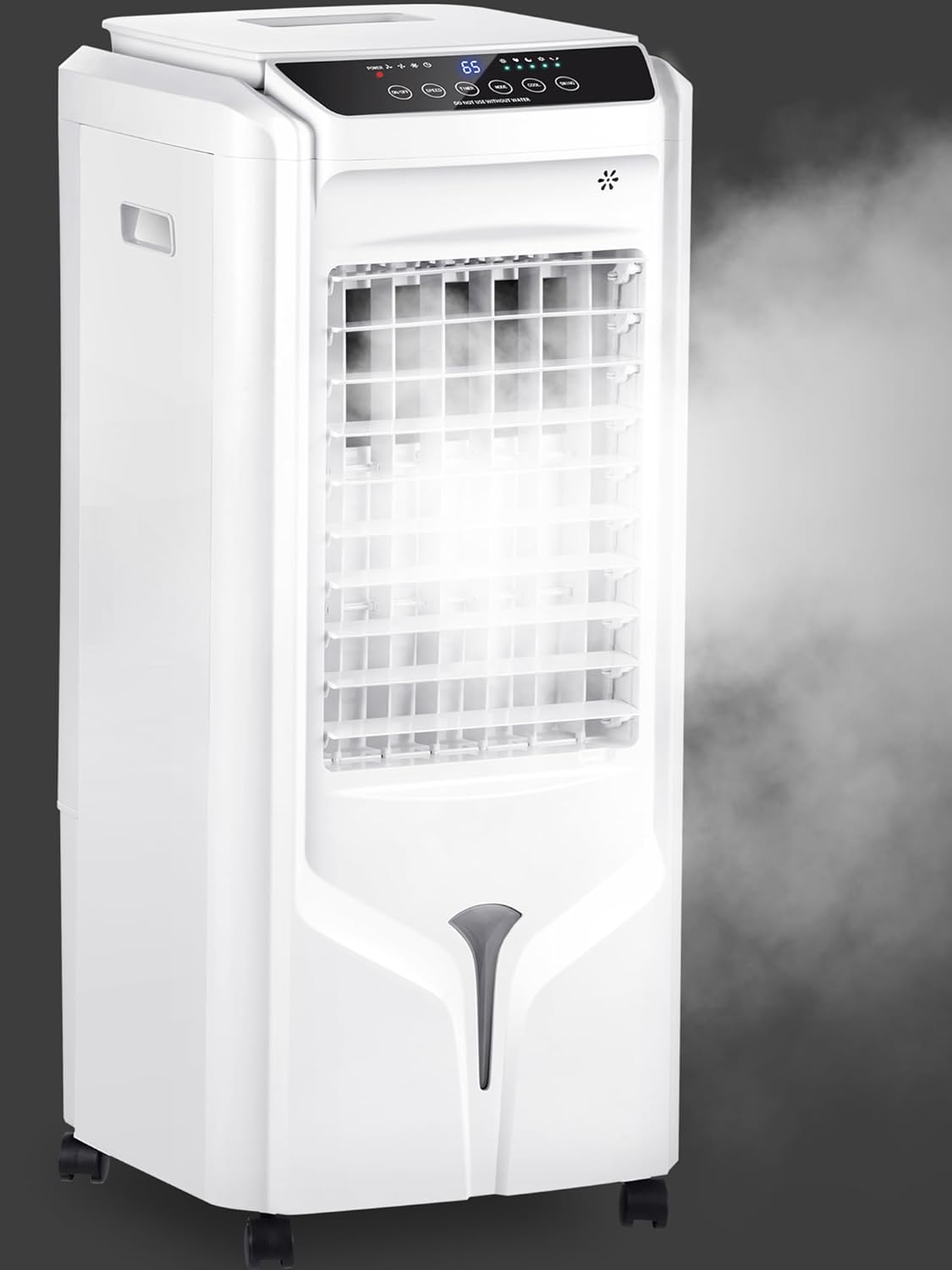
Image: A front view of the AKIRES Portable Evaporative Air Cooler, showing its sleek white design and the mist being emitted from the top.
3. Setup
3.1 Unpacking and Assembly
- Carefully remove the air cooler from its packaging.
- Attach the 4 universal wheels to the bottom of the unit for easy mobility.
- Ensure all packaging materials are removed before operation.

Image: The AKIRES Portable Evaporative Air Cooler on its wheels, being easily moved across a room, emphasizing that no complex installation is required.
3.2 Adding Water and Ice Packs
- Open the top cover of the water tank.
- Pour clean water into the tank. The unit has a 4.2-gallon capacity. Do not exceed the 'MAX' line and ensure the water level is above the 'MIN' line.
- For enhanced cooling, place the provided ice packs (pre-frozen) into the top water tank.
- Close the top cover securely.

Image: A hand pouring water into the top-fill opening of the AKIRES Portable Evaporative Air Cooler, demonstrating the convenient top-filling design.
3.3 Placement
Place the air cooler in a location where it can draw in fresh air and distribute cooled air effectively. For optimal evaporative cooling, it is recommended to place the unit in front of an open door or window to allow for proper ventilation.

Image: The AKIRES Portable Evaporative Air Cooler positioned in a living room, illustrating its ability to provide wide air coverage across the space.
4. Operating Instructions
The air cooler can be operated using the touch control panel on the top of the unit or the included remote control.
4.1 Control Panel and Remote Control

Image: The AKIRES Portable Evaporative Air Cooler in a living room setting, illustrating its powerful long-distance air supply and indicating the availability of 3 speeds and 3 modes.
The control panel features buttons for Power (ON/OFF), Speed, Timer, Mode, Cool, and Swing. The remote control duplicates these functions for convenience.
4.2 Power ON/OFF
- Press the ON/OFF button to turn the unit on or off.
4.3 Speed Settings
- Press the SPEED button repeatedly to cycle through Low, Medium, and High fan speeds.
4.4 Operating Modes
Press the MODE button to select from the following modes:
- Normal Mode: Provides a constant airflow at the selected speed.
- Natural Mode: Simulates natural breeze by varying fan speeds.
- Sleep Mode: Operates at a lower noise level and gradually reduces fan speed for comfortable sleep.

Image: The AKIRES Portable Evaporative Air Cooler showcasing its three primary functions: Fan (without water), Humidifier (add water), and Cooler (add water & ice).
4.5 Cooling Function (Humidifier/Air Cooler)
- Press the COOL button to activate the evaporative cooling/humidifying function. This circulates water from the tank over the cooling pad, releasing cooler, humidified air.
- Ensure the water tank is filled before activating the cooling function.
- For maximum cooling, use ice packs in the water tank.
4.6 Oscillation
- Press the SWING button to activate the 100° automatic oscillation, distributing air across a wider area.
- Press the button again to stop oscillation.
4.7 Timer
- Press the TIMER button repeatedly to set the desired operating time from 1 to 12 hours. The unit will automatically turn off after the set time.
4.8 Official Product Videos
AKIRES 2025 Upgraded Swamp Cooler Overview
Video: This video provides an overview of the AKIRES Portable Evaporative Air Cooler, demonstrating its features such as portability with wheels, the use of ice packs, water tank capacity, and various operating modes and speeds.
AKIRES 31-Inch Portable Evaporative Air Cooler Features
Video: This video showcases the key features of the AKIRES 31-inch Portable Evaporative Air Cooler, including its compact design, control panel, and air circulation capabilities.
5. Maintenance
5.1 Draining the Water Tank
- Regularly drain the water tank to prevent stagnant water and maintain hygiene.
- Locate the drain hole at the bottom rear of the unit.
- Unscrew the cap and allow the water to drain completely.
- Securely replace the cap after draining.
5.2 Cleaning the Cooling Pad/Filter
- The unit features a removable dust cover and cooling pad for easy cleaning.
- Periodically remove the dust cover and cooling pad from the back of the unit.
- Rinse the cooling pad with clean water to remove dust and mineral deposits.
- Allow the cooling pad to air dry completely before reinserting.
6. Troubleshooting
| Problem | Possible Cause | Solution |
|---|---|---|
| Unit does not turn on | No power supply; Power cord not plugged in; Power button not pressed. | Check power outlet; Plug in power cord; Press ON/OFF button. |
| No cool air | Water tank empty; Cooling function not activated; Ice packs not used. | Fill water tank; Press COOL button; Add frozen ice packs. |
| Weak airflow | Fan speed too low; Air inlets/outlets blocked. | Increase fan speed; Clear any obstructions. |
| Unusual noise | Unit not on a level surface; Foreign object inside; Water pump issue. | Place on level surface; Check for obstructions; Contact customer support. |
7. Specifications
- Model Name: 36f85b45-e7ce-47e7-8302-ff1f64996f56
- Brand: AKIRES
- Mounting Type: Freestanding
- Color: White
- Air Flow Capacity: 1800 Cubic Feet Per Minute
- Controls Type: Remote
- Reservoir Capacity: 4.2 Gallons
- Floor Area: 600 Square Feet
- Standby Power Consumption: 130 Watts
- Noise Level: 40 Decibels
- Voltage: 120 Volts (AC)
- Item Weight: 14.8 pounds
- Product Dimensions: 10 x 11 x 28 inches
- Special Features: Ultra Long Lasting, Portable
8. Warranty and Support
For warranty information, technical support, or any inquiries regarding your AKIRES Portable Evaporative Air Cooler, please refer to the contact details provided in the original product packaging or visit the official AKIRES website.
AKIRES Customer Service:
- Online Support: Visit the AKIRES Store on Amazon
- Please have your model number (36f85b45-e7ce-47e7-8302-ff1f64996f56) ready when contacting support.