
Introduction
Welcome to the user manual for your boAt Airdopes 311 Pro Truly Wireless Earbuds. This guide provides essential information on setting up, operating, maintaining, and troubleshooting your earbuds to ensure an optimal audio experience. Please read this manual thoroughly before using the product.
What's in the Box
The boAt Airdopes 311 Pro package includes the following components:
- boAt Airdopes 311 Pro Earbuds
- Charging Case
- Ear Cushions (various sizes)
- USB Type-C Charging Cable
- User Manual

Image: boAt Airdopes 311 Pro earbuds securely placed within their transparent charging case.
Product Overview
The boAt Airdopes 311 Pro earbuds are designed for wireless audio with several key features:
- Immersive Audio: Equipped with 10mm drivers for a clear sound experience.
- Extended Playtime: Up to 50 hours of total playback with the charging case.
- Low Latency Mode: Beast Mode provides 50ms low latency for gaming and video.
- Fast Charging: ASAP Charging offers quick power boosts.
- Water Resistance: IPX4 rating protects against splashes and sweat.
- Clear Calls: Dual microphones with ENx Technology for voice calls.
- Bluetooth v5.3: For stable and efficient wireless connectivity.
- Transparent Design: A minimalistic and modern aesthetic.

Image: A visual summary of the boAt Airdopes 311 Pro's main features, including its dual microphones, extended battery life, low-latency mode, and transparent design.
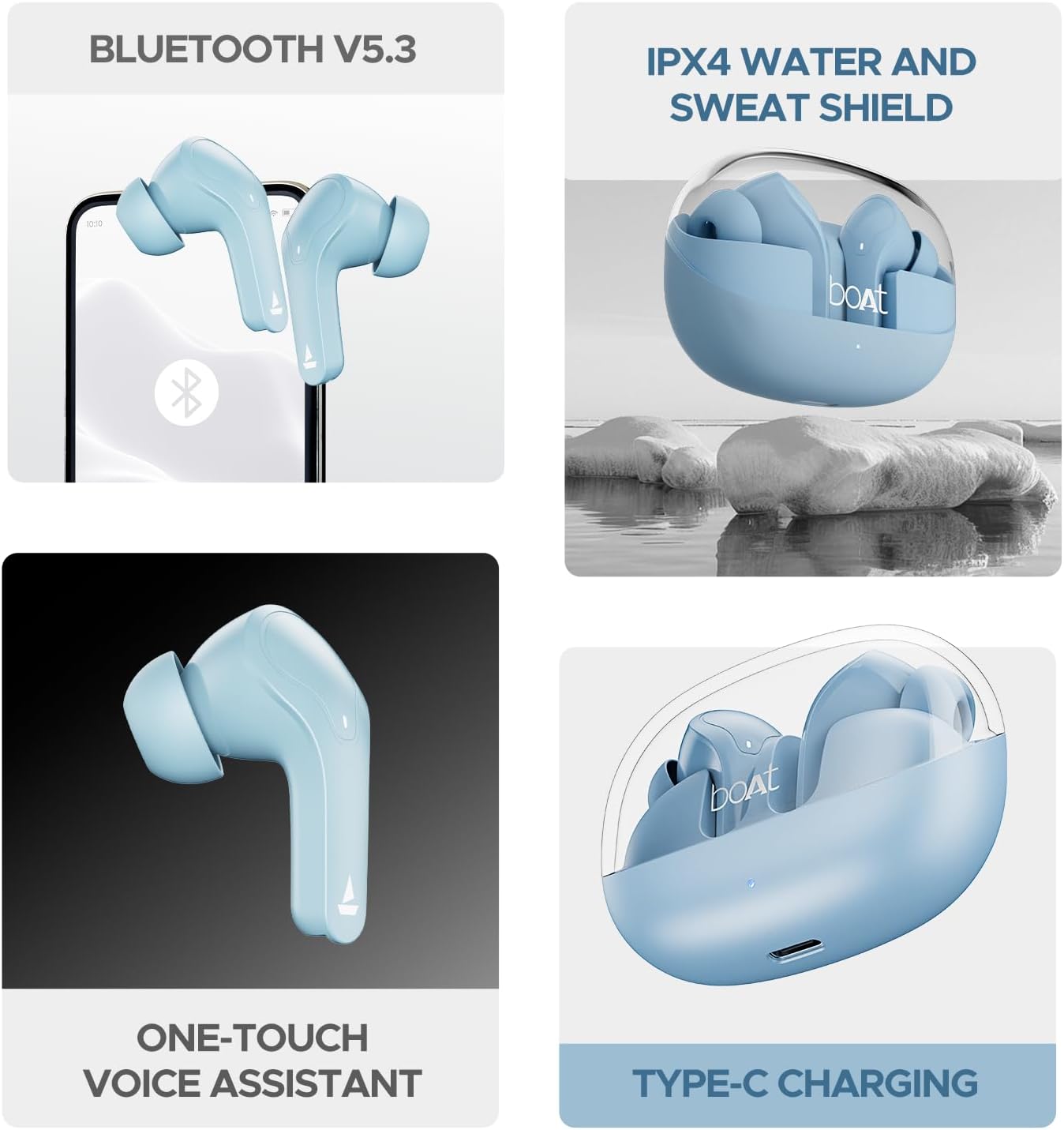
Image: The boAt Airdopes 311 Pro charging case with its transparent lid, showcasing the earbuds and their minimalist design.
Charging the Earbuds and Case
To ensure optimal performance, fully charge the earbuds and charging case before first use.
- Charging the Case: Connect the USB Type-C charging cable to the charging port on the case and to a power source. The LED indicator on the case will show charging status.
- Charging the Earbuds: Place the earbuds into their respective slots in the charging case. Ensure they are correctly seated. The earbuds will automatically begin charging.
The earbuds feature ASAP Charging technology, providing approximately 150 minutes of playtime with just 10 minutes of charging.

Image: Illustration highlighting the 50-hour total playback time and the rapid charging capability of the boAt Airdopes 311 Pro, where 10 minutes of charge provides 150 minutes of playtime.
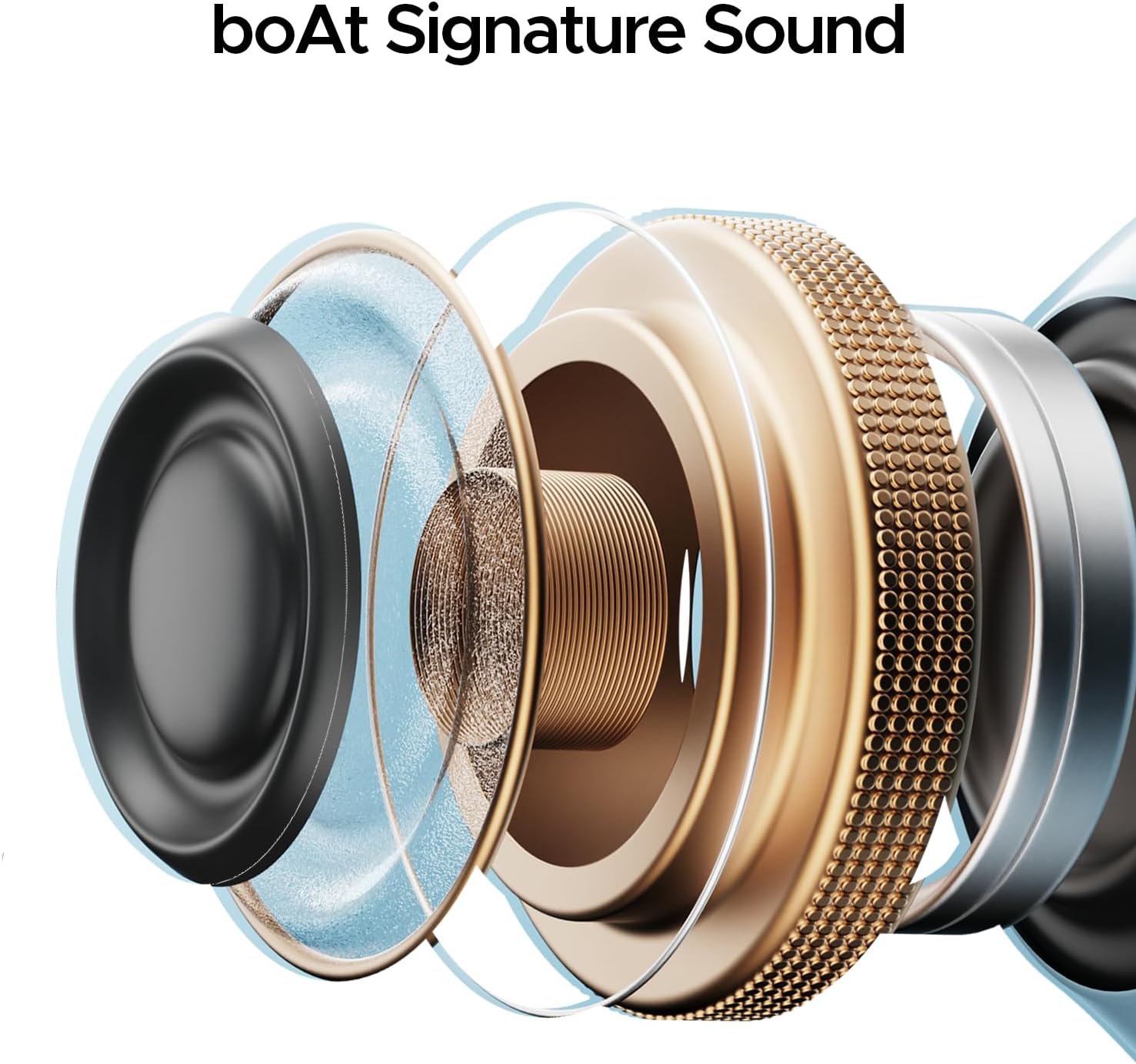
Image: A detailed view of the boAt Airdopes 311 Pro charging case, specifically showing the Type-C charging port located at the bottom.
Initial Setup and Pairing
Follow these steps to pair your boAt Airdopes 311 Pro with your device:
- Power On: Open the charging case lid. The earbuds will automatically power on and enter pairing mode.
- Activate Bluetooth: On your smartphone or other device, enable Bluetooth.
- Select Device: In the list of available Bluetooth devices, search for "Airdopes 311 Pro" and select it to connect.
- Confirmation: Once connected, you will hear an audio prompt, and the LED indicator on the earbuds will change, indicating successful pairing.
- Reconnection: The earbuds will automatically reconnect to the last paired device when taken out of the case, provided Bluetooth is enabled on the device.
The earbuds utilize Bluetooth v5.3 for a stable and efficient wireless connection.
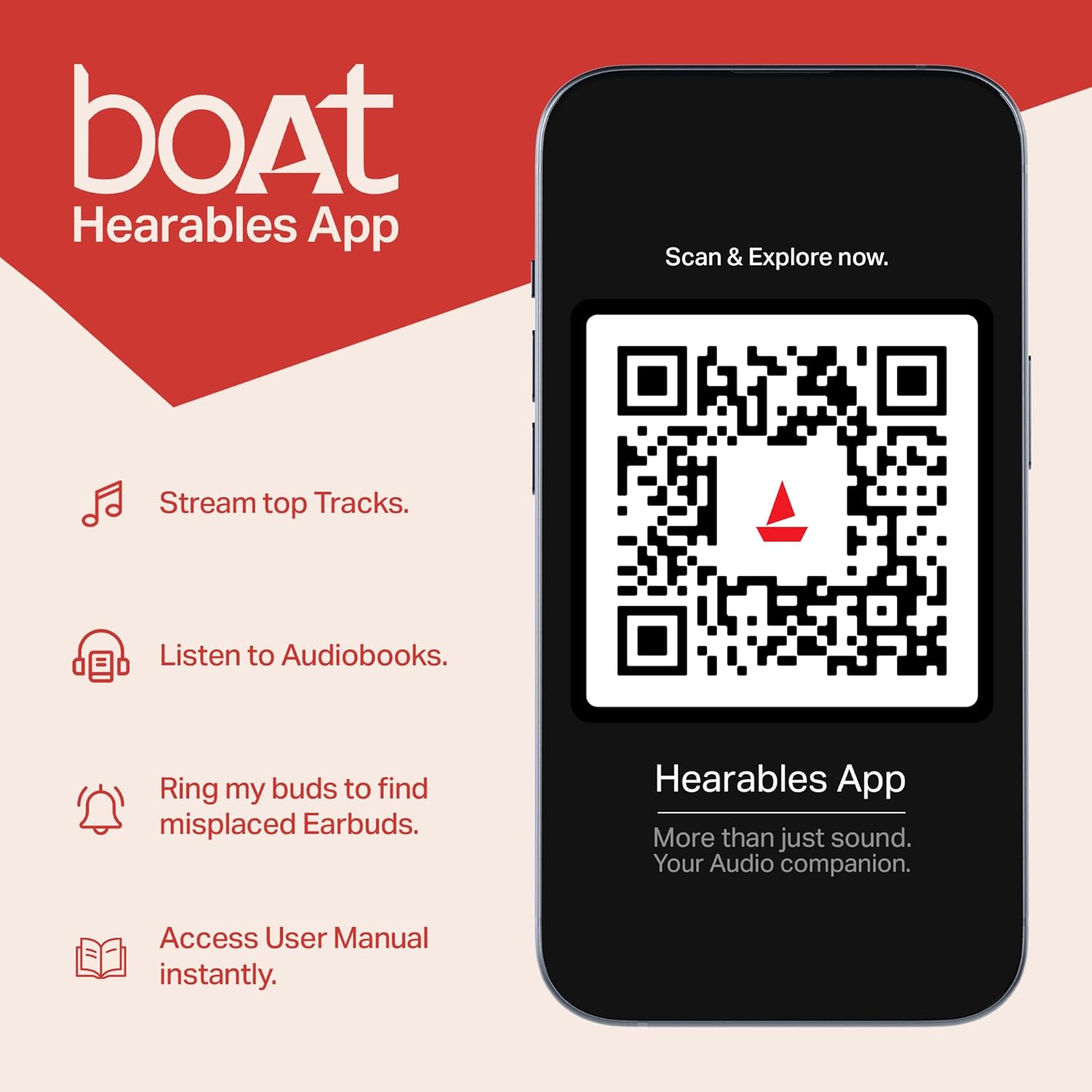
Image: A smartphone screen showing the Bluetooth connection symbol alongside the boAt Airdopes 311 Pro earbuds, illustrating the Bluetooth v5.3 pairing process.
Operating Your Earbuds: Touch Controls
The boAt Airdopes 311 Pro features intuitive touch controls on each earbud. The following table outlines the common functions:
| Function | Action |
|---|---|
| Play/Pause Music | Single tap on either earbud |
| Next Track | Double tap on the Right earbud |
| Previous Track | Double tap on the Left earbud |
| Answer/End Call | Single tap on either earbud |
| Reject Call | Long press on either earbud |
| Activate Voice Assistant | Triple tap on either earbud |
| Toggle Beast Mode | Long press on the Right earbud (specific gesture may vary, refer to product guide for exact details) |

Image: A single boAt Airdopes 311 Pro earbud illustrating its one-touch voice assistant activation capability through its integrated touch controls.
Beast Mode (Low Latency Gaming)
The Beast Mode is designed to provide a low-latency audio experience, reducing audio delay to approximately 50ms. This feature is particularly beneficial for gaming and video streaming, ensuring synchronized audio and visuals.
To activate or deactivate Beast Mode, perform the designated touch control action (e.g., a long press on the right earbud, as per specific product instructions).

Image: An illustration of the boAt Airdopes 311 Pro earbuds in use, emphasizing the 'BEAST Mode' for 50ms low-latency gaming, suitable for immersive gaming experiences.
Call Functionality
The Airdopes 311 Pro are equipped with dual microphones featuring ENx Technology. This technology enhances voice clarity during calls by filtering out environmental noise, ensuring your voice is heard clearly by the recipient.
Image: A detailed view of a boAt Airdopes 311 Pro earbud, highlighting its internal dual microphones and ENx Technology, designed for clear voice calls.
Water Resistance (IPX4)
The boAt Airdopes 311 Pro earbuds have an IPX4 water resistance rating. This means they are protected against splashing water from any direction. They are suitable for use during workouts or in light rain, but they are not designed for submersion in water.
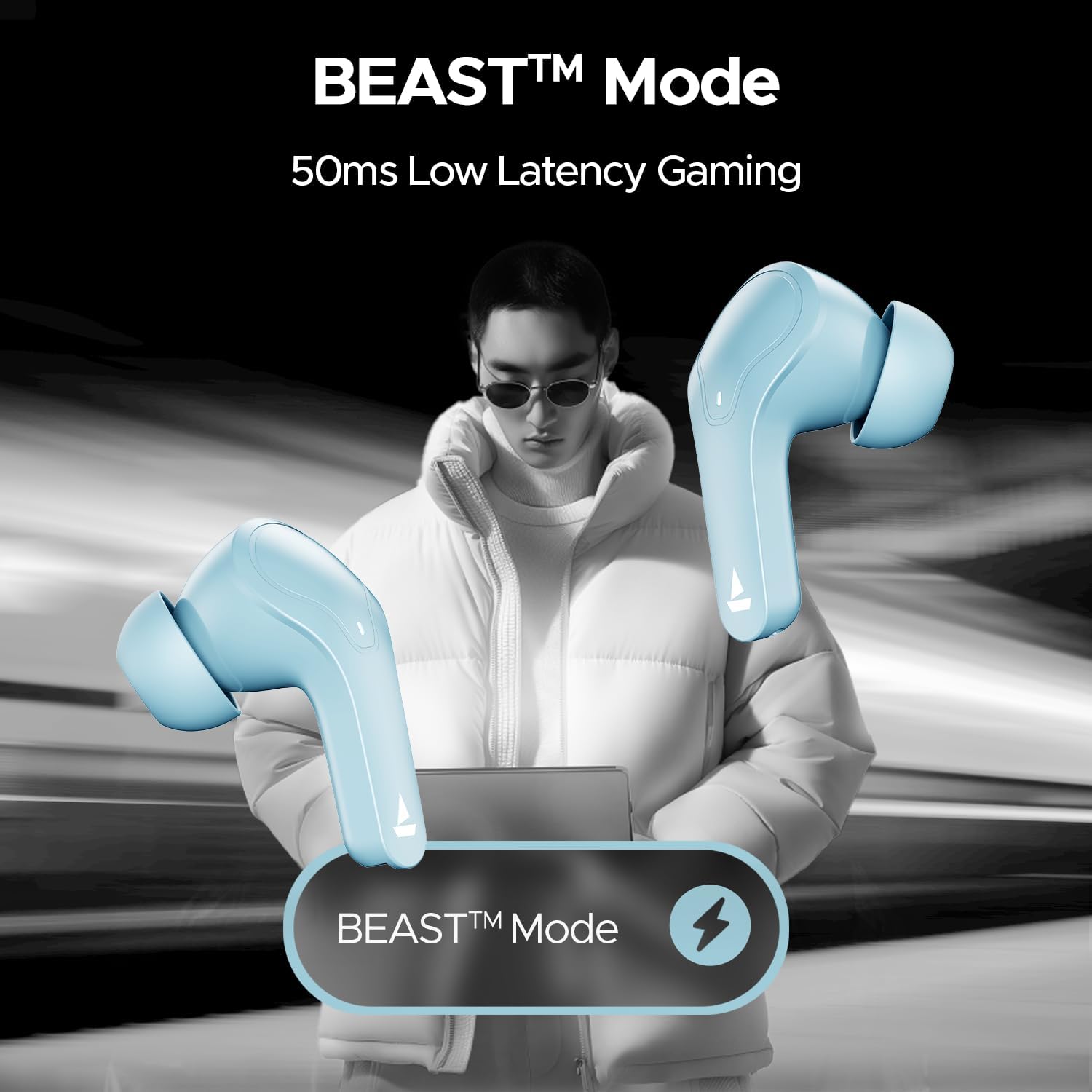
Image: The boAt Airdopes 311 Pro earbuds and their charging case, visually representing their IPX4 water and sweat resistance, suitable for active use.
Care and Maintenance
Proper care helps extend the lifespan of your earbuds:
- Cleaning: Regularly clean the earbuds and charging case with a soft, dry cloth. Avoid using abrasive materials or harsh chemicals.
- Ear Tips: Remove and clean the ear tips periodically to prevent wax buildup. Ensure they are completely dry before reattaching.
- Storage: Store the earbuds in their charging case when not in use to protect them from dust and damage.
- Battery Life: To preserve battery health, avoid fully discharging the earbuds or case frequently. Charge them regularly.
- Avoid Extreme Conditions: Do not expose the earbuds to extreme temperatures, humidity, or direct sunlight for prolonged periods.
Troubleshooting
If you encounter issues with your boAt Airdopes 311 Pro, refer to the following common solutions:
| Problem | Possible Solution |
|---|---|
| Earbuds not pairing | Ensure earbuds are charged. Turn off and on Bluetooth on your device. Forget the device in Bluetooth settings and re-pair. |
| Only one earbud working | Place both earbuds back in the case, close the lid, wait a few seconds, then open and try again. Ensure both earbuds are charged. |
| Low volume or poor sound quality | Adjust volume on your device. Clean ear tips and earbud grilles. Try different sized ear tips for a better seal. |
| Earbuds not charging | Ensure the charging cable is securely connected. Check the charging port for debris. Verify the charging case has power. |
| Touch controls unresponsive | Ensure earbuds are clean and dry. Restart the earbuds by placing them in the case and taking them out. |
Product Specifications
Below are the technical specifications for the boAt Airdopes 311 Pro:
| Feature | Detail |
|---|---|
| Model Name | Airdopes 311 Pro |
| Model Number | 1000003311 |
| Connectivity Technology | Bluetooth |
| Wireless Communication Technology | Bluetooth v5.3 |
| Audio Driver Type | Dynamic Driver (10mm) |
| Battery Life | Up to 50 Hours (with charging case) |
| Charging Time | 10 minutes for 150 minutes playtime (ASAP Charging) |
| Audio Latency | 50 Milliseconds (Beast Mode) |
| Water Resistance Level | IPX4 (Water Resistant) |
| Control Method | Touch |
| Noise Control Features | Basic noise control for voice calls (ENx Technology) |
| Material | Plastic |
| Item Weight | 110 Grams (approx. 3.88 ounces) |
| Product Dimensions | 1.54 x 3.58 x 5 inches |
| Compatible Devices | Smartphones, Laptops, Desktops, Tablets, Gaming Consoles, Smart Speakers, Televisions, Car Audio Systems, Cellphones |
boAt Hearables App
Enhance your experience with the boAt Hearables App. The app provides additional functionalities such as:
- Access to music and audiobooks.
- A feature to locate misplaced earbuds.
- Instant access to the user manual.
Scan the QR code below or visit the provided link to download the app:
Image: A smartphone screen displaying a QR code for the boAt Hearables App, inviting users to scan and explore its features.
Download the app: https://l.ead.me/bdAX6k
Warranty and Support Information
For warranty details, technical support, or further assistance, please refer to the official boAt website or contact their customer service. Keep your purchase receipt for warranty claims.


