
1. Product Overview
The Awei T25 Wireless Earphones are designed for an immersive audio experience, featuring Bluetooth 5.3 connectivity, touch controls, and a comfortable in-ear design. These earbuds are suitable for various activities, including sports, and offer noise reduction capabilities.

The Awei T25 wireless earbuds are shown in their translucent pink charging case. The earbuds are also pink with the 'awei' logo visible.
2. Package Contents
- Awei T25 Wireless Earphones (Left and Right)
- Charging Case
- USB Type-C Charging Cable
- Ear Tips (S/M/L sizes)
- User Manual
3. Setup and First Use
3.1 Charging the Earphones and Case
- Connect the provided USB Type-C cable to the charging port on the case.
- Connect the other end of the cable to a USB power source (e.g., wall adapter, computer USB port).
- The indicator lights on the charging case will show the charging status. Ensure the earphones are placed inside the case for them to charge.
A full charge provides approximately 4 hours of earbud usage, with the charging case extending total battery life up to 20 hours.
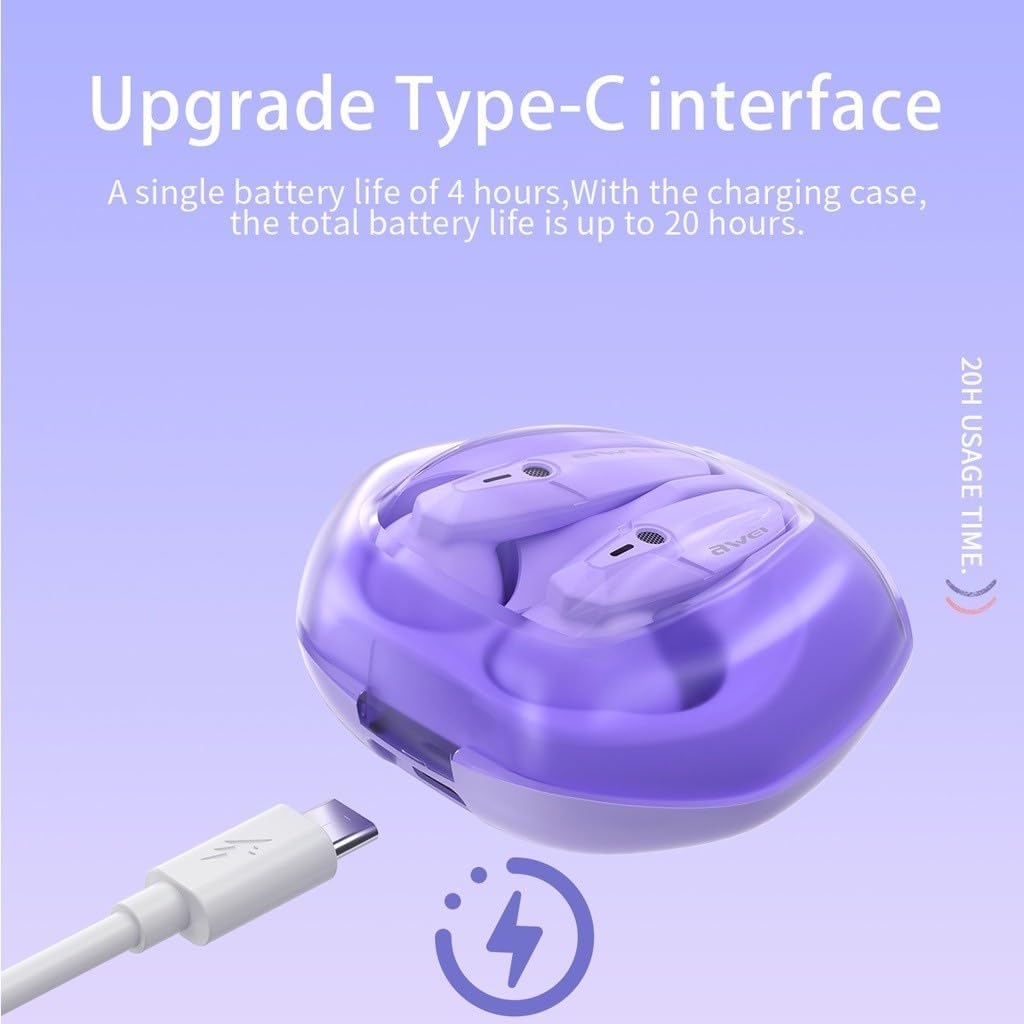
The Awei T25 charging case is shown with its Type-C charging port, indicating a single earbud battery life of 4 hours and a total battery life of up to 20 hours with the charging case.
3.2 Pairing with a Device
- Ensure the earphones are charged.
- Open the lid of the charging case. The earphones will automatically power on and enter pairing mode.
- On your device (smartphone, tablet, etc.), enable Bluetooth and search for available devices.
- Select "Awei T25" from the list of found devices to connect.
- Once successfully paired, the earphones will automatically connect to your device when the case lid is opened for subsequent uses.
3.3 Selecting Ear Tips
The Awei T25 earphones come with three sizes of ear tips (S/M/L). Choose the size that provides a secure and comfortable fit for optimal sound quality and noise isolation.
4. Operating the Earphones
4.1 Touch Controls
The Awei T25 earphones feature intuitive touch controls located on the side of each earbud. Specific functions may vary slightly depending on your device and application.
- Play/Pause: Single tap on either earbud.
- Next Track: Double tap on the right earbud.
- Previous Track: Double tap on the left earbud.
- Answer/End Call: Single tap on either earbud during an incoming call.
- Reject Call: Press and hold either earbud for 2 seconds during an incoming call.
- Activate Voice Assistant: Triple tap on either earbud.

The Awei T25 earbuds are presented within a frosted transparent charging case, illustrating features like stereo sound, auto-connect functionality, touch control, and Bluetooth 5.3.
4.2 Sound Experience and EQ Modes
The earphones are equipped with 13mm large moving coil drivers for a rich audio experience. They also feature an in-ear design with 3 EQ switch options:
- Default: Balanced sound profile.
- Bass: Enhanced low frequencies.
- Vocal: Optimized for clear vocals.
Refer to the detailed instructions for switching between EQ modes, typically involving a specific touch gesture.
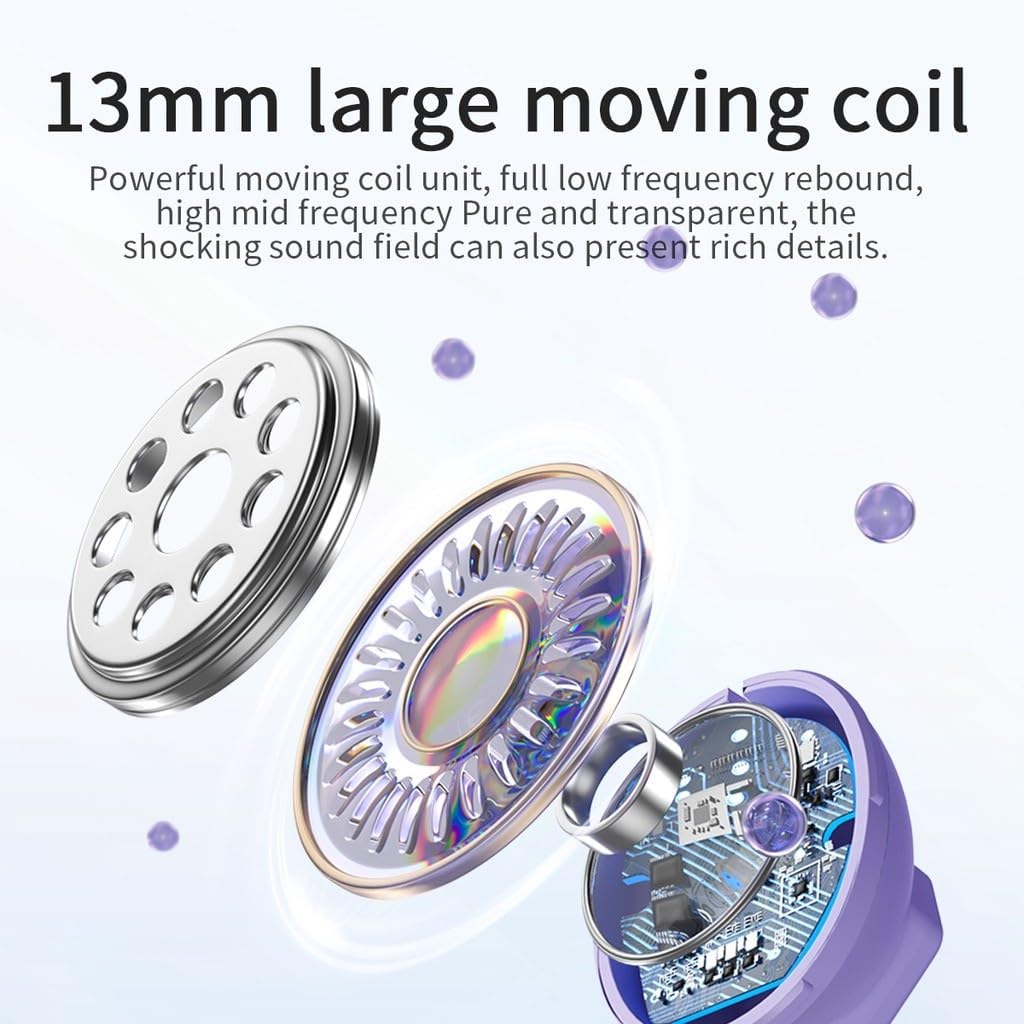
An exploded view diagram highlights the 13mm large moving coil unit, responsible for sound production, emphasizing its role in delivering powerful low frequencies and clear mid-high frequencies.
4.3 RGB Breathing Lights
The earphones feature colorful breathing lights that display the Awei logo, adding a visual element to your listening experience.

This image highlights additional features of the Awei T25 earbuds, including colorful breathing lights, an ergonomic in-ear design with 3 EQ switch options (default, bass, vocal), and the convenience of charging by simply placing them in the compartment.
5. Maintenance and Care
- Cleaning: Regularly clean the earbuds and charging case with a soft, dry cloth. Avoid using abrasive materials or harsh chemicals.
- Water Resistance: The earphones are IPX5 waterproof, meaning they are resistant to splashes and sweat. They are not designed for submersion in water. Dry them thoroughly if they get wet.
- Storage: When not in use, store the earphones in their charging case to protect them and keep them charged.
- Temperature: Avoid exposing the earphones to extreme temperatures (hot or cold) or direct sunlight for extended periods.
6. Troubleshooting
- Earbuds not pairing: Ensure both earbuds are charged and placed in the case. Open the case lid to initiate pairing mode. If issues persist, try forgetting the device from your phone's Bluetooth settings and re-pairing.
- No sound from one earbud: Check if both earbuds are charged. Try placing them back in the case, closing the lid, and then reopening it.
- Charging issues: Verify the charging cable and adapter are working correctly. Ensure the charging contacts on the earbuds and inside the case are clean and free of debris.
- Poor sound quality: Ensure the ear tips provide a good seal in your ear canal. Try different sized ear tips. Check your device's volume settings and the earbud's EQ mode.
- Touch controls unresponsive: Ensure your fingers are clean and dry. A single tap should be quick and precise.
7. Specifications
| Model | T25 |
| Brand | Awei |
| Connectivity | Bluetooth 5.3 |
| Water Resistance | IPX5 |
| Earbud Battery Life | Approx. 4 hours |
| Total Battery Life (with case) | Approx. 20 hours |
| Control Method | Touch |
| Ear Placement | In-Ear |
| Material | Plastic |
| Driver Size | 13mm |
| Included Components | User Manual, USB Type-C Cable, Ear Tips |
8. Warranty and Support
Specific warranty information for the Awei T25 Wireless Earphones is not provided in the available product data. Please refer to the warranty card included with your purchase or contact the retailer/manufacturer directly for details regarding warranty coverage and customer support.


