
Introduction
The JLab Go Air Pop+ True Wireless Earbuds are designed for convenience and high-quality audio on the go. Featuring automatic power-on and connection, these earbuds offer a hassle-free experience from the moment you take them out of their compact USB-C charging case. Enjoy personalized sound with the JLab App, stay aware of your surroundings with Be Aware Mode, and benefit from extended battery life for all-day listening.

Setup
Initial Charging
Before first use, fully charge your JLab Go Air Pop+ earbuds and charging case. The case features a convenient integrated USB-C charging cable. Simply plug the built-in USB-C cable into any compatible USB-C port (e.g., computer, wall adapter, car charger) to begin charging. The LED indicator on the case will show the charging status.

Pairing with Your Device
- Remove the earbuds from the charging case. They will automatically power on and connect to each other.
- On your device (smartphone, tablet, etc.), open the Bluetooth settings.
- Select "JLab Go Air Pop+" from the list of available devices to pair.
- For Android devices, utilize Google Fast Pair for a quick and effortless connection.
- Once paired, you will hear a voice prompt confirming the connection.
Operating Your Earbuds
Controls
The JLab Go Air Pop+ earbuds feature intuitive touch controls for managing your audio and calls. Refer to the quick start guide included in the packaging for a detailed breakdown of single tap, multiple tap, and long press functions for volume, track control, call management, and voice assistant activation.
Custom Sound with JLab App
Download the JLab App to personalize your listening experience. The app allows you to control touch functions, adjust Be Aware settings, and select from various EQ presets including JLab Signature, Balanced, or Bass Boost to match your audio preferences.

Be Aware Mode
Stay connected to your surroundings with Be Aware Mode. This feature allows ambient noise to filter through the earbuds, enabling safe listening while walking, running, or in environments where situational awareness is important.

Dual Connect
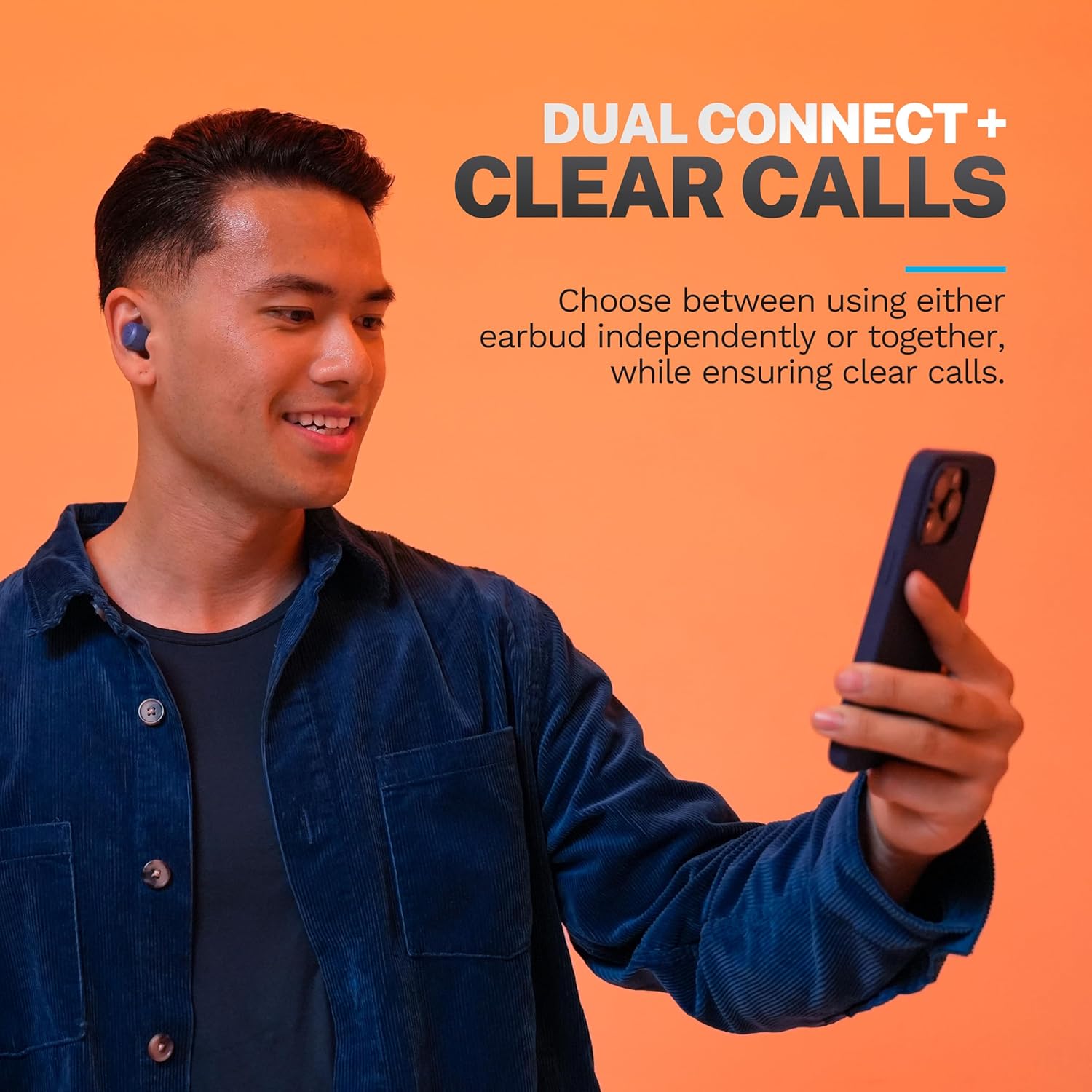
The Dual Connect feature allows you to use either earbud independently or both together. This provides flexibility for calls or listening, ensuring clear audio regardless of whether you use one or both earbuds.

Maintenance
Battery Life & Charging
The Go Air Pop+ earbuds offer 9+ hours of playtime per earbud, with an additional 26+ hours from the charging case, totaling over 35 hours of playtime. Always ensure your charging case is adequately charged to keep your earbuds ready for use.
Cleaning Your Earbuds
Regularly clean your earbuds to maintain optimal sound quality and hygiene. Use a soft, dry cloth to wipe down the earbuds and charging case. For ear tips, remove them and clean with a damp cloth, ensuring they are completely dry before reattaching.
Replacing Ear Tips
The JLab Go Air Pop+ comes with 3 sets of gel ear tips (small, medium, large) to ensure a snug and comfortable fit. Experiment with different sizes to find the best seal for your ears, which also helps optimize sound performance. To replace, gently pull off the existing tip and push on the new one until it's securely in place.

Troubleshooting
- No Sound/Connection Issues: Ensure earbuds are charged and within Bluetooth range. Try unpairing and re-pairing the earbuds with your device.
- Earbuds Not Charging: Check that the charging cable is securely connected to both the case and a power source. Ensure the earbuds are correctly seated in the charging case.
- Unbalanced Sound: Clean the earbud nozzles and ensure ear tips are properly attached and of the correct size for a good seal.
- Microphone Issues: Ensure the earbuds are properly connected and that no obstructions are covering the microphone. Test in a quieter environment.
Specifications
| Feature | Detail |
|---|---|
| Model Name | Go Pop+ |
| Connectivity Technology | Wireless (Bluetooth 5.3) |
| Included Components | Protective Case (with integrated USB-C cable) |
| Material | Plastic |
| Control Type | Touch (Volume Control) |
| Water Resistance Level | Water Resistant (IPX4) |
| Battery Life | 35 Hours (9+ hours in earbuds, 26+ hours from case) |
| Audio Driver Type | Dynamic Driver |
| Noise Control | Sound Isolation |
| Item Weight | 0.011 ounces |
| Color | Navy |
Warranty & Support
JLab products typically come with a limited warranty covering defects in materials and workmanship. For specific warranty details, product registration, and technical support, please visit the official JLab website or contact their customer service directly. Keep your proof of purchase for warranty claims.
For further assistance, you may also refer to the JLab Store on Amazon: JLab Store


