
1. Introduction
Thank you for purchasing the BTHFST LED Dresser. This manual provides essential information for the safe assembly, operation, and maintenance of your new dresser. Please read it thoroughly before use and retain it for future reference.

Image 1.1: The BTHFST LED Dresser featuring six drawers, two pull-out trays, and integrated LED lighting.
2. Setup and Assembly
The BTHFST LED Dresser requires assembly. Please follow the included instructions carefully. All necessary tools and clearly labeled parts are provided in the package.
2.1 Unpacking
- Carefully remove all components from the packaging.
- Verify that all parts listed in the instruction manual are present.
- Keep packaging materials until assembly is complete to avoid misplacing small parts.
2.2 Assembly Steps
Refer to the detailed assembly guide provided with your product for step-by-step instructions. Ensure all connections are secure before proceeding.
2.3 Anti-Tipping Device Installation
For safety, it is crucial to install the anti-tipping devices. These devices secure the dresser to the wall, preventing accidental tipping, especially in households with children or pets.

Image 2.1: Illustration of the anti-tipping device securing the dresser to a wall, demonstrating correct installation for enhanced stability.

Image 2.2: A close-up view of the anti-tipping strap, showing how it connects the dresser to the wall for safety.
3. Operating Instructions
3.1 LED Light Operation
The integrated RGB LED lights offer customizable ambiance. They can be controlled via a mobile application or a physical button.
- Mobile App Control: Download the designated app (refer to the assembly guide for app name/QR code). Through the app, you can select from over 60,000 colors, adjust brightness, choose dynamic modes, activate music sync, and set timing functions.
- Button Control: Use the inline button controller to cycle through preset colors and modes.
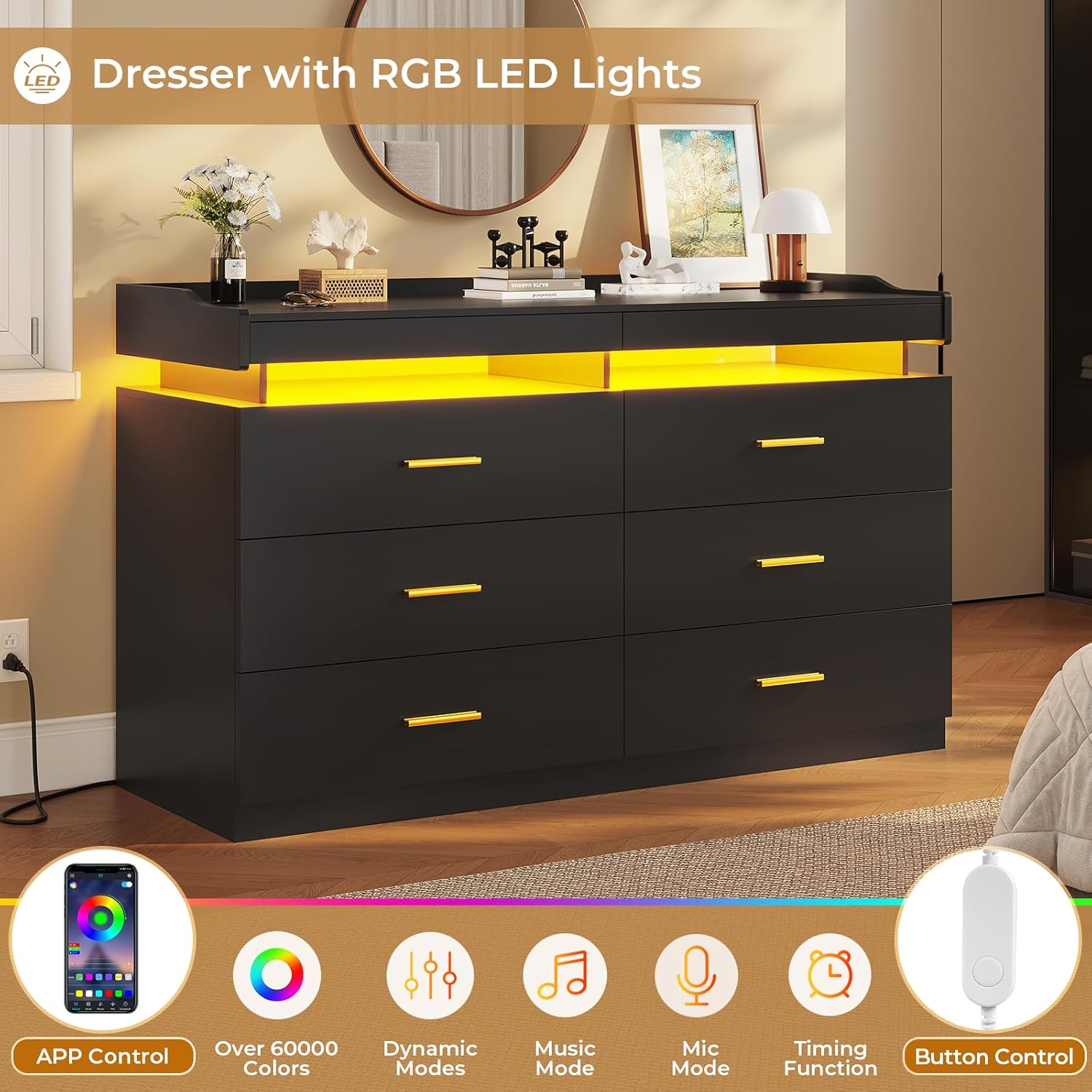
Image 3.1: The dresser illuminated with blue LED lights, illustrating the various control options including app and button control, color selection, dynamic modes, music mode, and timing functions.

Image 3.2: A visual representation of the mobile application interface, demonstrating options for customizing LED light settings such as color, dynamic effects, music synchronization, and scheduling.
3.2 Pull-Out Trays
The dresser features two pull-out trays designed to expand the usable desktop space. These trays are ideal for temporarily holding small items such as remote controls, glasses, watches, keys, or electronic devices.
- To use, gently pull the tray outwards from beneath the tabletop.
- To retract, push the tray back into its original position until it is flush with the dresser.
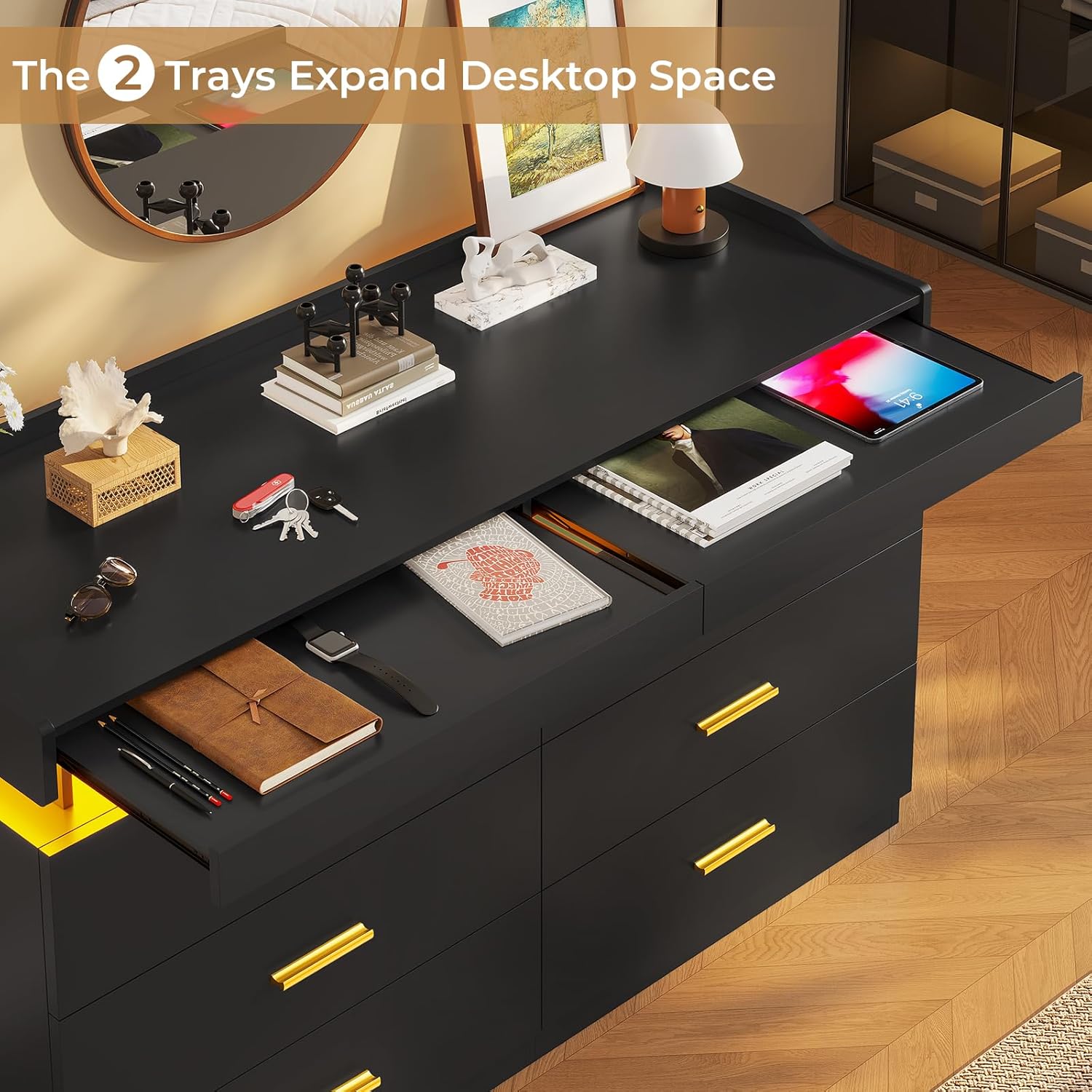
Image 3.3: The pull-out tray in an extended position, showcasing its utility for holding a tablet and other personal items, thereby expanding the available surface area.

Image 3.4: A detailed view of the pull-out tray, demonstrating its capacity to organize small daily essentials.
3.3 Drawer Usage
The six large drawers are equipped with metal slides for smooth operation. They provide ample storage for various items.
- Gently pull the handles to open the drawers.
- Push firmly to close them completely.
- Avoid overloading drawers to ensure smooth operation and prevent damage.

Image 3.5: The dresser with several drawers open, illustrating the generous storage capacity for clothing and other personal belongings.
4. Maintenance
4.1 Cleaning
- Wipe the dresser surfaces with a dry, soft cloth.
- Avoid using abrasive cleaners, harsh chemicals, or excessive moisture, as these can damage the finish.
- For stubborn marks, a slightly damp cloth followed by a dry cloth may be used.
4.2 General Care
- Periodically check all screws and fasteners to ensure they remain tight. Retighten as necessary.
- Keep the dresser away from direct sunlight and extreme temperature changes to prevent warping or fading.
- Avoid placing hot items directly on the surface; use coasters or protective pads.
5. Troubleshooting
| Problem | Possible Cause | Solution |
|---|---|---|
| LED lights not working |
|
|
| Drawers stick or do not close smoothly |
|
|
| Dresser feels unstable |
|
|
6. Specifications
| Feature | Detail |
|---|---|
| Brand | BTHFST |
| Model Name | 6 Drawer Dresser |
| Model Number | DJ503367_2 |
| Product Dimensions | 15.9"D x 47.3"W x 33.3"H |
| Color | Black |
| Material | Engineered Wood |
| Number of Drawers | 6 |
| Special Features | RGB LED Lights (App & Button Control), 2 Pull-Out Trays, Anti-Tipping Device |
| Assembly Required | Yes |
| Care Instructions | Wipe with Dry Cloth |

Image 6.1: Detailed dimensions of the dresser and a single drawer for reference.
7. Warranty and Support
7.1 Warranty Information
BTHFST products are manufactured with quality and durability in mind. For specific warranty details regarding your LED dresser, please refer to the warranty card included in your product packaging or contact BTHFST customer service directly. Keep your purchase receipt as proof of purchase for any warranty claims.
7.2 Customer Support
If you encounter any issues during assembly or operation, or if you have questions about your product, please do not hesitate to contact our customer support team. We are committed to providing satisfactory service.
- Contact Information: Refer to the contact details provided in your product packaging or visit the official BTHFST website.
- When contacting support, please have your model number (DJ503367_2) and purchase date ready.